
Note: Auto only supports 1K. 1:1 does not support 4K.
AI Background Changer
Upload your photo and let AI replace the background for product shots or social content.


How to Use AI Background Changer
Upload
Upload the photo you want to edit. We support standard formats like JPG, PNG, and WebP for optimal processing.
Generate
Choose a solid color, upload your own background image, or type a text prompt to generate a unique scene. Click Generate to apply.
Download
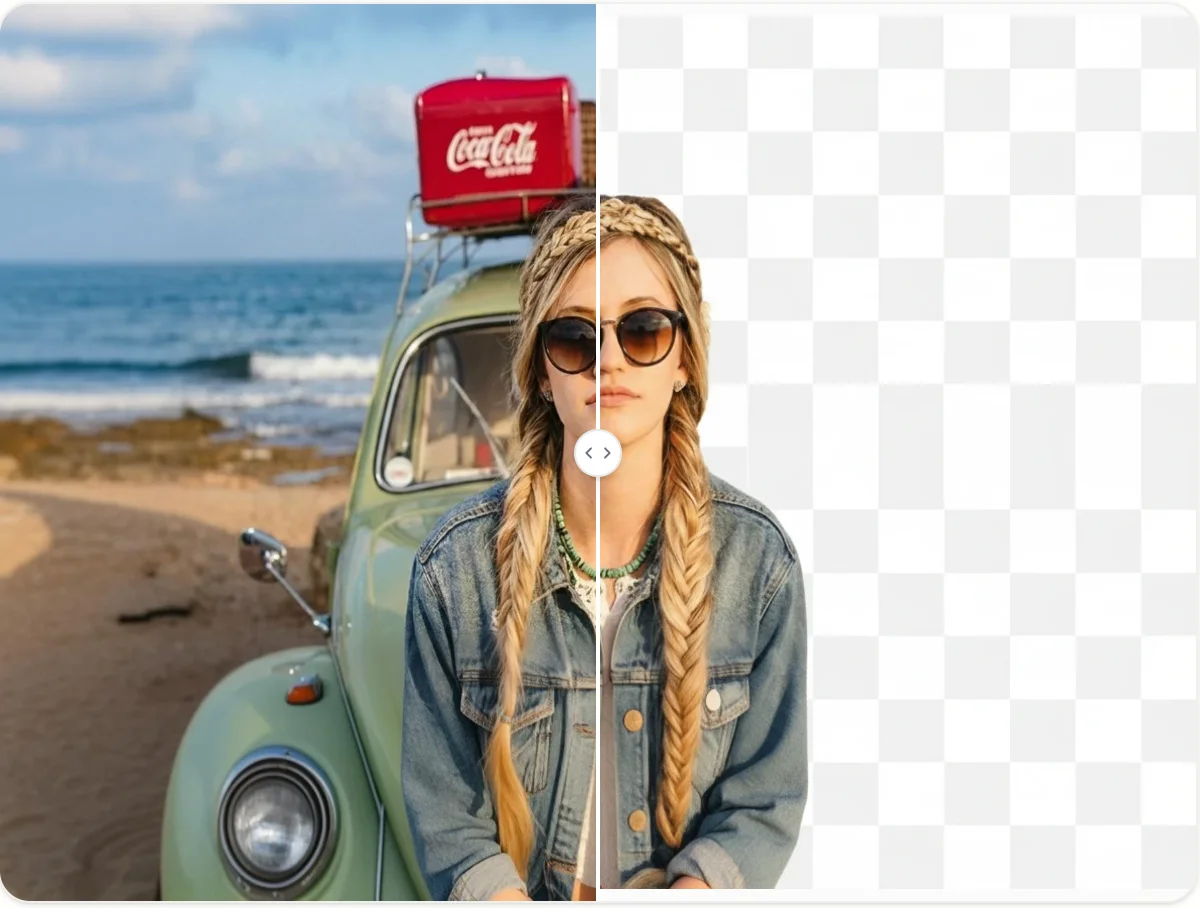
Preview the seamless integration of your subject with the new background. Download the high-resolution image instantly.
Why Choose AI Background Changer
Instant & Accurate Replacement
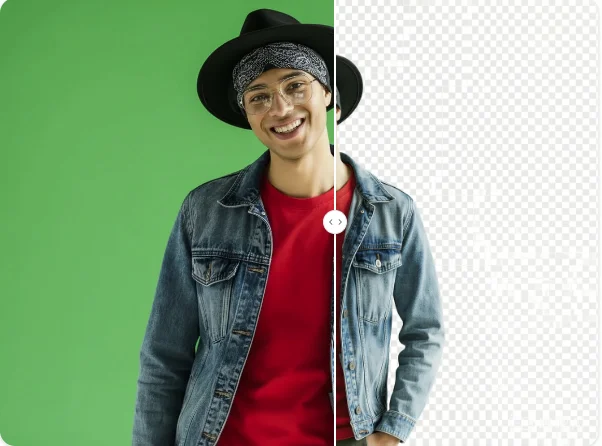
Qimg AI uses advanced subject detection to separate the foreground from the background precisely. It replaces the backdrop in seconds while maintaining clean edges and fine details like hair.
Infinite Creative Possibilities
Don't have the perfect background image? Simply describe it with a text prompt. Our AI generates realistic scenes—from beaches to studio settings—giving you limitless creative control without leaving your home.
Professional Quality for eCommerce
Create consistent, high-end product photos effortlessly. Replace cluttered backgrounds with clean white or branded environments to boost the professional look of your online store listings.
Who Use Qimg AI
Creators
Create visuals faster without design skills. Turn ideas into images, thumbnails, social posts, and creative assets in seconds.
Designers
Accelerate your creative workflow. Use Qimg AI to generate concepts, references, and visual directions, then refine them into production-ready designs.
Marketers
Produce high-converting visuals on demand. Create ads, campaign visuals, and branded images quickly.
FAQs about AI Background Changer
Qimg AI's Background Changer is an online tool that automatically identifies the main subject in your photo and replaces the background. It helps you create professional visuals for eCommerce, social media, or any creative project without design expertise.
Once you upload an image, the AI removes the original background and fills it with your chosen color, an uploaded file, or a scene generated from your text description. It uses smart blending to ensure the light and shadows look realistic.
Yes. Qimg AI allows you to upload your own background images to replace the original one. Whether you want a custom backdrop, a simple solid color, or a scene you've created, the tool gives you full flexibility to choose the background that fits your needs.
Absolutely. AI Background Changer is ideal for eCommerce. You can create consistent, clean backgrounds for all your product listings to boost sales and maintain a professional appearance across your store.
No. The process is fully automated. Simply upload your image, choose your background option, and the AI handles the rest. No manual tracing or complex brushes required.
Discover More on Qimg AI
Qimg AI is your go-to AI image toolkit for generating, editing, and enhancing photos and artwork.


AI Background Changer
Transform your photos with any background in seconds. Upload your image and start creating today.