
Note: Auto only supports 1K. 1:1 does not support 4K.
AI Fat Filter
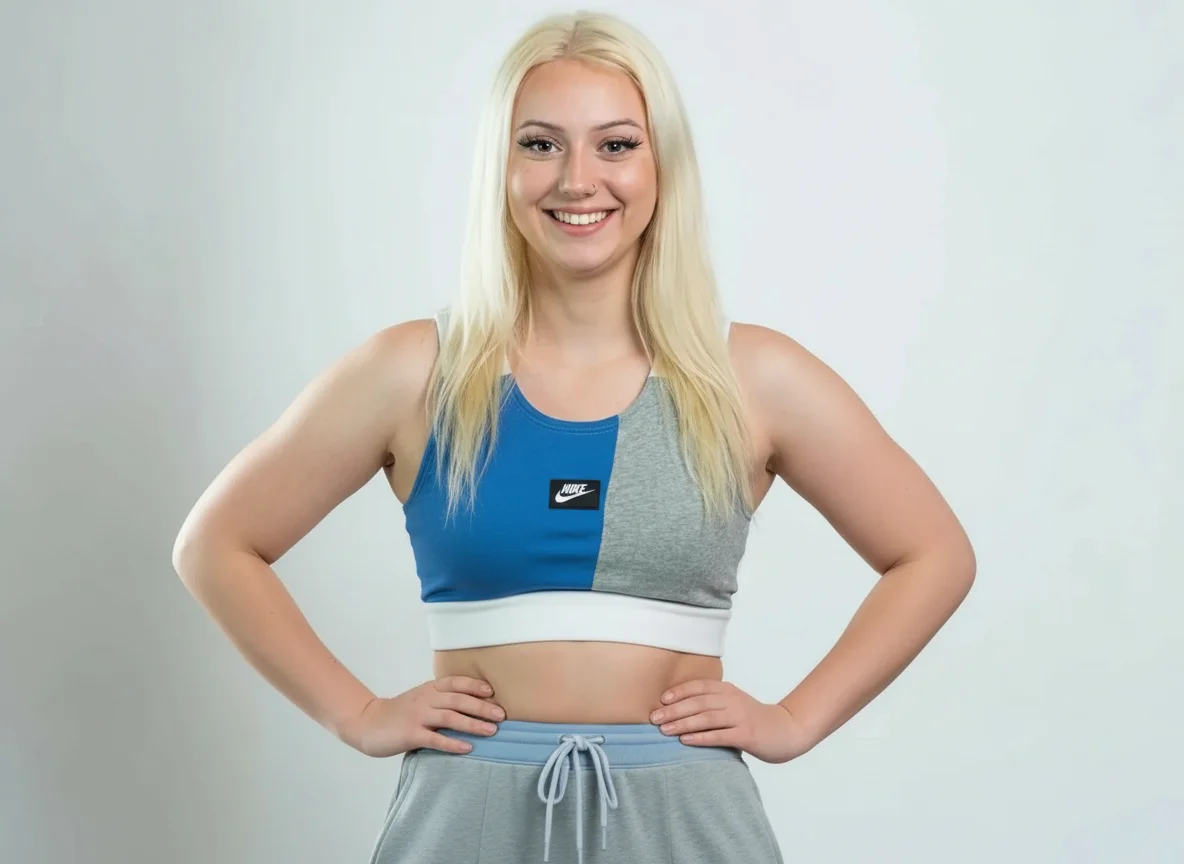
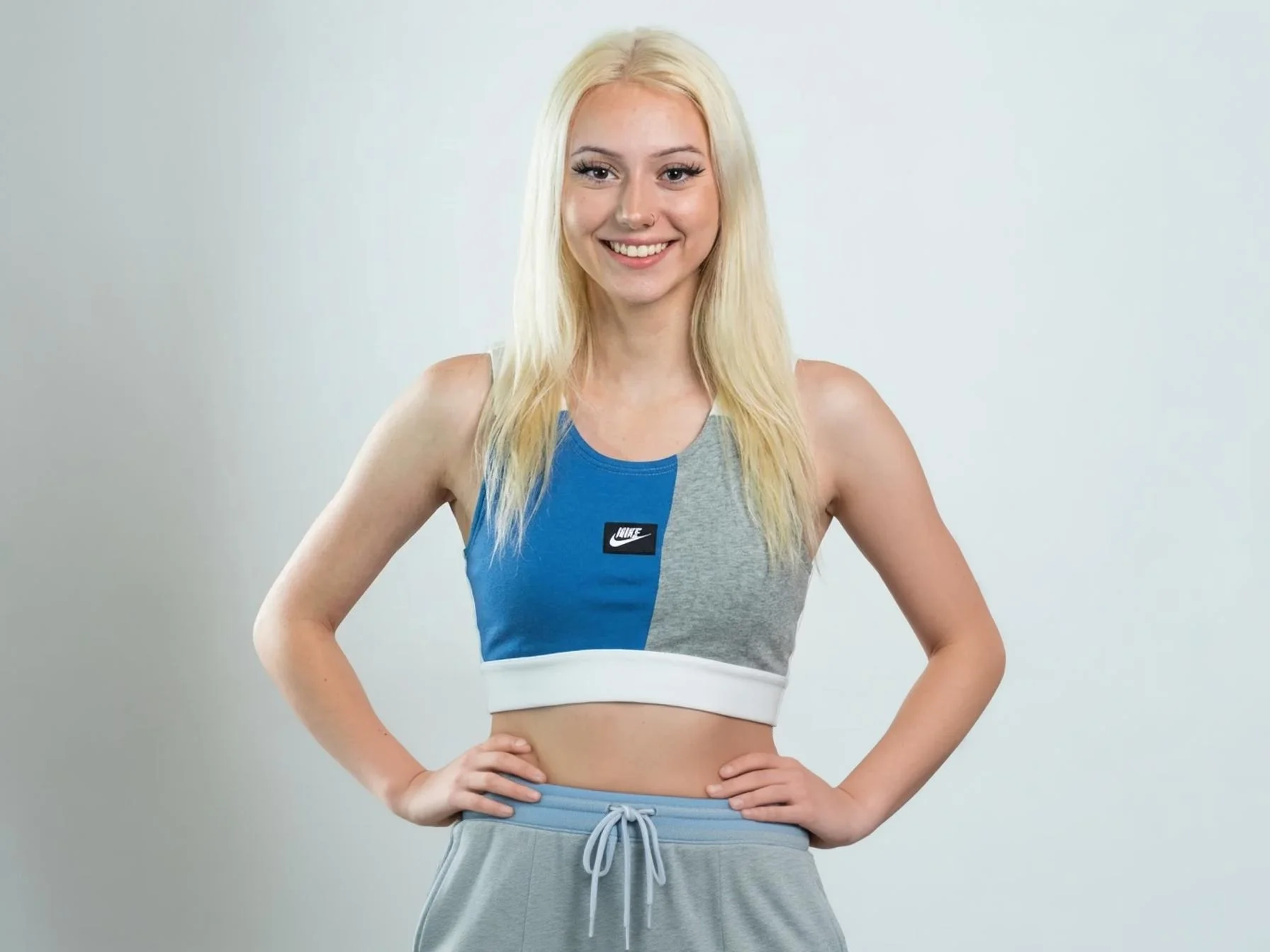
Curious how you'd look with a little extra weight? This fat filter lets you preview a heavier version of yourself from a single photo, fast and free.
How to Use AI Fat Filter
Upload Your Photo
Upload a clear photo, ideally a solo full body or upper body image, to get the most realistic result. This helps the AI fat filter accurately understand body shape and proportions.
Choose the Fat Filter Intensity
Select how much weight you want to add, from Mildly Chubby to Moderately Plump or Heavily Overweight. The fat filter AI applies the effect smoothly so the result looks natural and balanced.
Download or Try Again
Download your transformed image in seconds and share it if you like. You can also re upload the same photo and test different fat filter strengths to compare results.
Key Features of AI Fat Filter
Multiple Body Weight Styles to Explore
Qimg AI's fat filter lets you preview different body weight changes with clear visual distinction. You can choose from Mildly Chubby, Moderately Plump, or Heavily Overweight, depending on how dramatic you want the transformation to be. Unlike one-size-fits-all effects, this fat filter AI gives you control over the intensity. It helps you explore different looks naturally, whether out of curiosity, fun, or creative use.
High-Quality Results Powered by Advanced AI
This AI fat filter online free tool is powered by advanced image models, including nano banana–level AI technology. Instead of simply enlarging body areas, the system reshapes proportions while keeping facial details and lighting consistent. The result is a more realistic fat AI filter effect that blends naturally into your original photo. Skin texture, shadows, and overall body structure stay balanced for a believable outcome.
Safe, Private, and Fully Online
Your images are processed securely and are visible only to you. Qimg AI's fat filter AI does not store, reuse, or publicly display your uploaded photos. You can try the AI fat filter online for free directly in your browser, without downloads or apps. From upload to final image, your privacy stays protected at every step.
Who Use Qimg AI
Creators
Create visuals faster without design skills. Turn ideas into images, thumbnails, social posts, and creative assets in seconds.
Designers
Accelerate your creative workflow. Use Qimg AI to generate concepts, references, and visual directions, then refine them into production-ready designs.
Marketers
Produce high-converting visuals on demand. Create ads, campaign visuals, and branded images quickly.
FAQs About AI Fat Filter
An AI fat filter is a tool that shows how you might look with extra weight. It adjusts facial shape and body proportions in your photo to create a realistic heavier appearance.
The fat filter AI analyzes your face and body in the photo, then adds natural-looking weight using image editing technology. No manual editing is needed—just upload and preview.
Clear photos with good lighting work best. A front-facing photo where your face is visible helps the AI fat filter create a more accurate result.
Yes. The fat AI filter works on both face photos and full-body images, adjusting proportions to keep the result looking natural.
No downloads needed. The AI fat filter online free works directly in your browser on desktop or mobile.
Discover More on Qimg AI
Qimg AI is your go-to AI image toolkit for generating, editing, and enhancing photos and artwork.
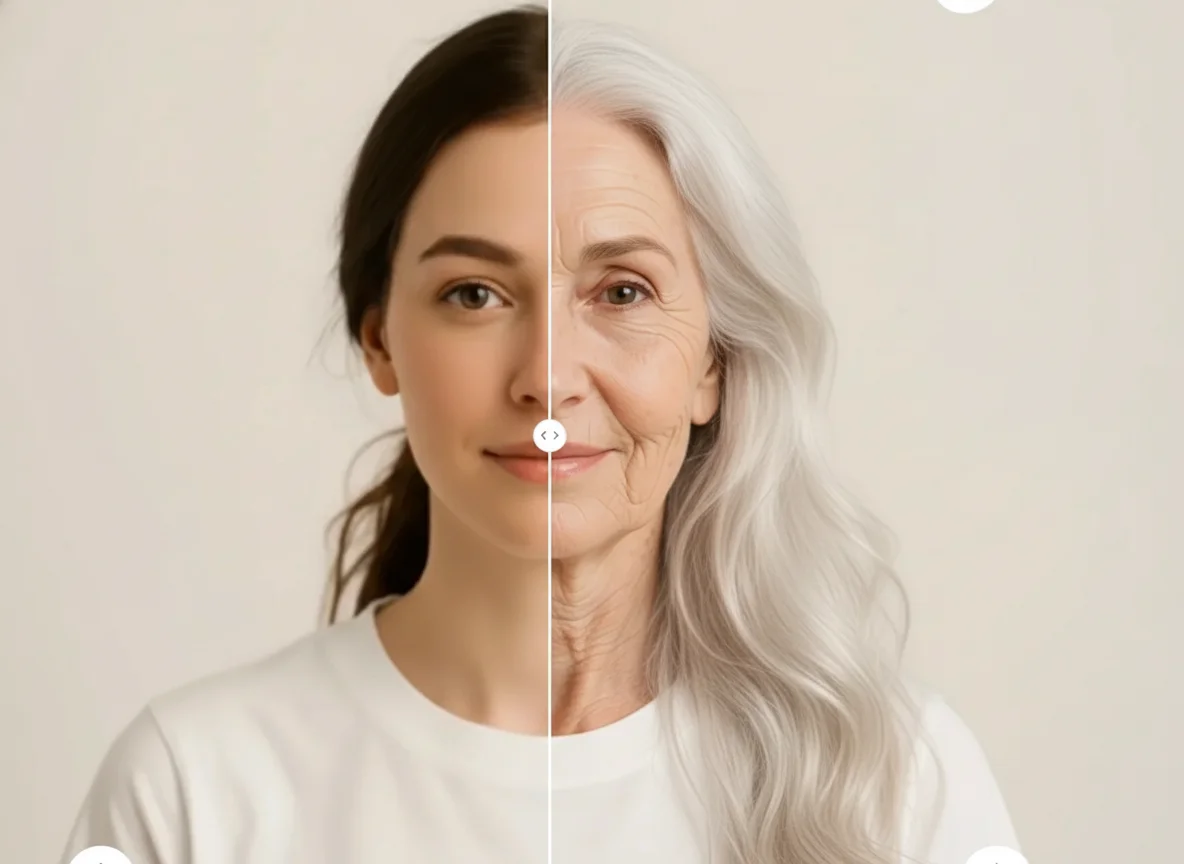
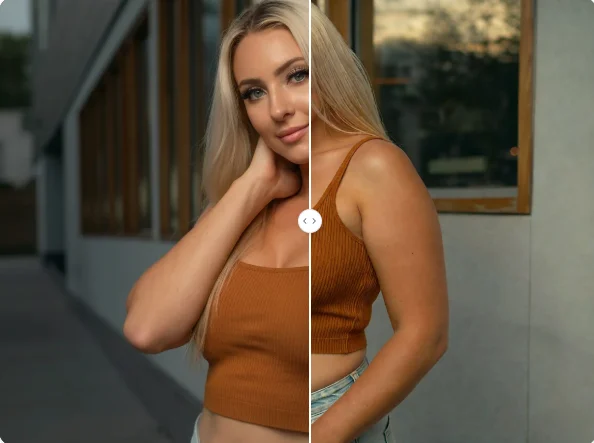
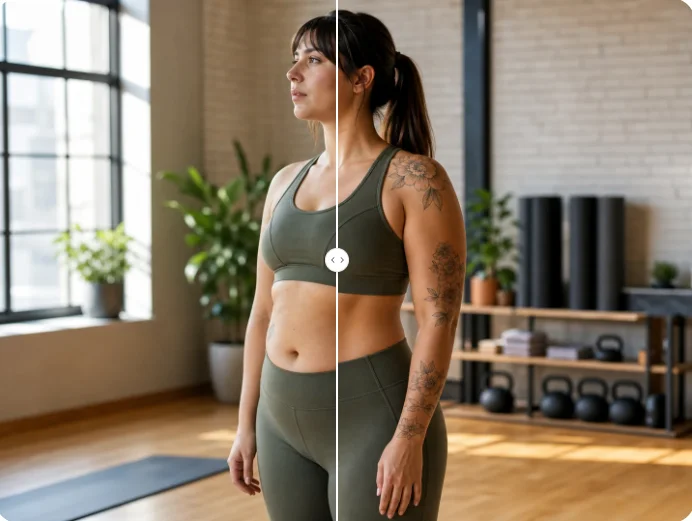
Fat Filter: See a Heavier Version of Yourself
Use Qimg AI's fat filter to see how you might look with extra weight. Upload a photo and try the AI fat filter online for free with a natural-looking result.