
Note: Auto only supports 1K. 1:1 does not support 4K.
AI Skinny Filter
Want to refine your photos? Use Qimg AI's skinny filter ai to subtly adjust body lines in seconds.
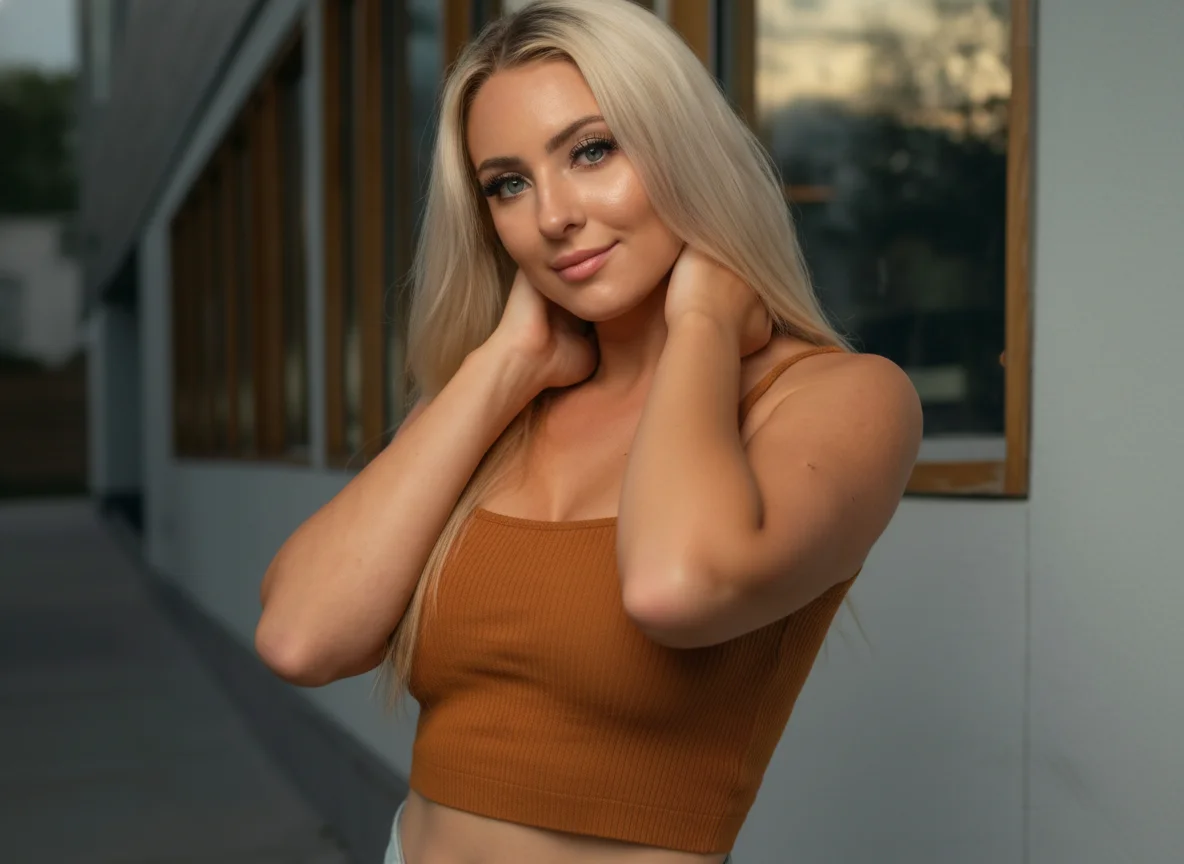
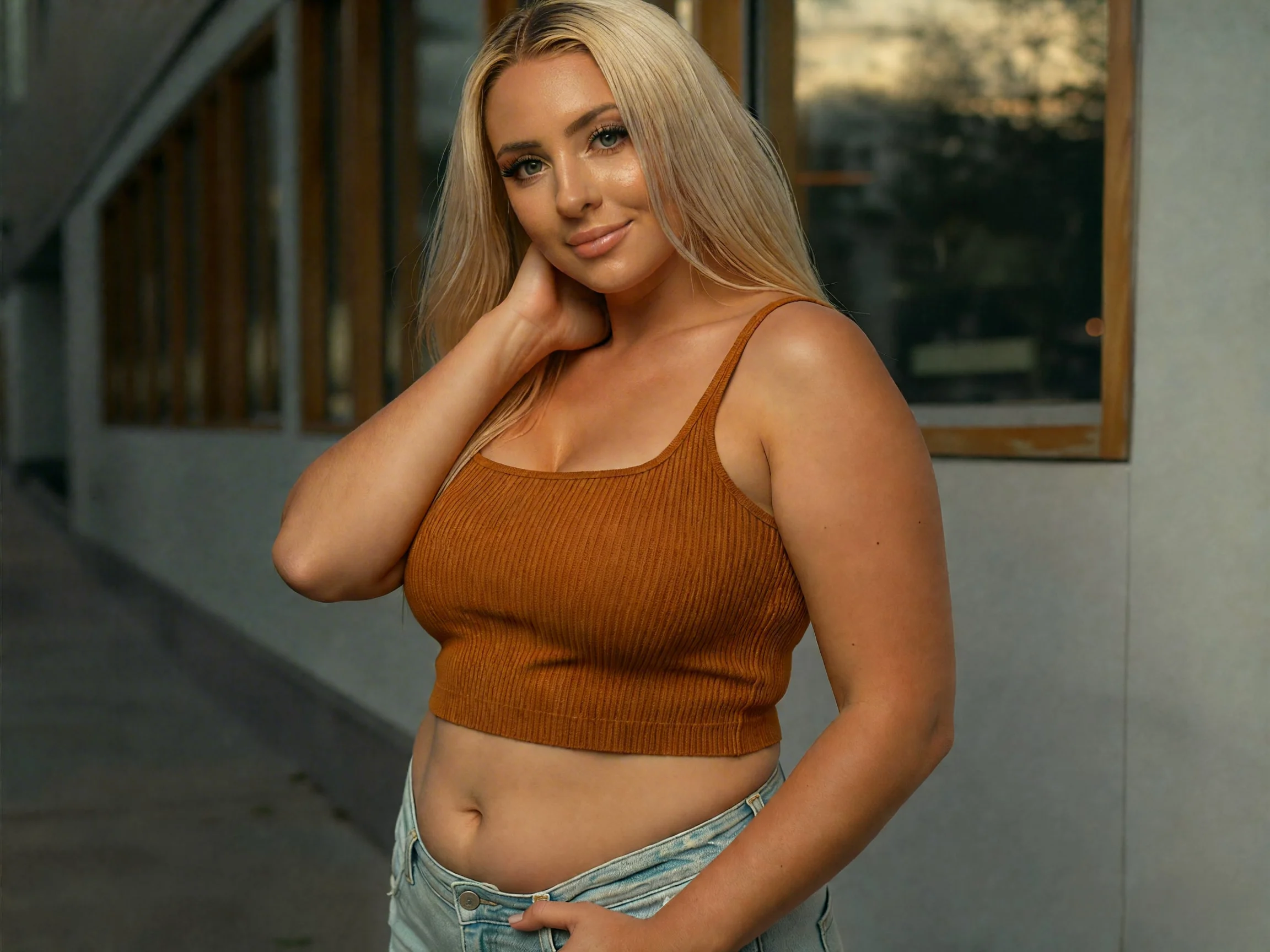
How to Use the AI Skinny Filter Online
Upload Your Photo
Start by choosing a clear image to edit. For the best results with the skinny AI filter, we recommend using a full-body or half-body shot. This allows the tool to accurately identify your body contours and provide the most realistic proportions.
Click Generate and Wait
Once your photo is uploaded, simply click the Generate button. Our skinny filter AI will analyze the image, subtly refining your silhouette while ensuring the background remains perfectly intact.
Review and Download
Take a look at your transformed photo. If you love the result, go ahead and download the high-resolution file. If you want to try a different look or use a different pose, you can upload a new photo and Try Skinny Filter-quality portraits again instantly.
Why Choose AI Wallpaper Generator
Achieve a realistic look with advanced AI skinny filter
Most editing tools look fake because they warp the entire image, but our ai skinny filter is different. It uses smart mapping to recognize your body's unique proportions, allowing you to refine your silhouette while keeping your natural features recognizable.
Keep your background perfect with the best skinny filter ai
A common problem with body editing is the wavy background effect that gives the secret away. Our skinny filter ai solves this by using intelligent inpainting to lock the background in place. This means you can use the skinny ai filter to adjust your appearance while the trees, walls, or furniture behind you stay perfectly straight and untouched.
Try our ai filter skinny for free and get instant results
You don't need to spend hours in complex editing software to get the perfect shot for social media. Our ai filter skinny is designed to be fast, free, and completely online—no downloads required. Just upload your favorite photo, apply the filter, and see a more confident version of yourself in seconds.
Who Use Qimg AI
Creators
Create visuals faster without design skills. Turn ideas into images, thumbnails, social posts, and creative assets in seconds.
Designers
Accelerate your creative workflow. Use Qimg AI to generate concepts, references, and visual directions, then refine them into production-ready designs.
Marketers
Produce high-converting visuals on demand. Create ads, campaign visuals, and branded images quickly.
FAQs About AI Skinny Filter
The AI skinny filter is an advanced image enhancement tool designed to subtly refine your photo's silhouette. Unlike traditional warping tools, our skinny ai filter uses deep learning to identify body contours and apply natural adjustments.
Yes! One of the standout features of our ai filter skinny technology is its "Background Preservation" capability. Traditional editors often leave wavy lines in the background (like bent walls or floors). Qimg AI's smart segmentation technology separates the subject from the environment, ensuring that the background remains perfectly intact and realistic.
Absolutely. Many professionals use the AI skinny filter to fix minor wardrobe bunches or unflattering angles captured during a shoot. By maintaining your original facial features and skin textures, the tool ensures the result looks like a professional retoucher's work rather than a digital filter, preserving your authentic self while enhancing the overall composition.
At Qimg AI, we advocate for body positivity and ethical AI use. Your photos are processed using secure encryption and are not stored or shared with third parties. We designed this skinny filter ai as a creative tool for self-confidence and artistic expression, helping users feel their best in every digital memory.
Discover More on Qimg AI
Qimg AI is your go-to AI image toolkit for generating, editing, and enhancing photos and artwork.
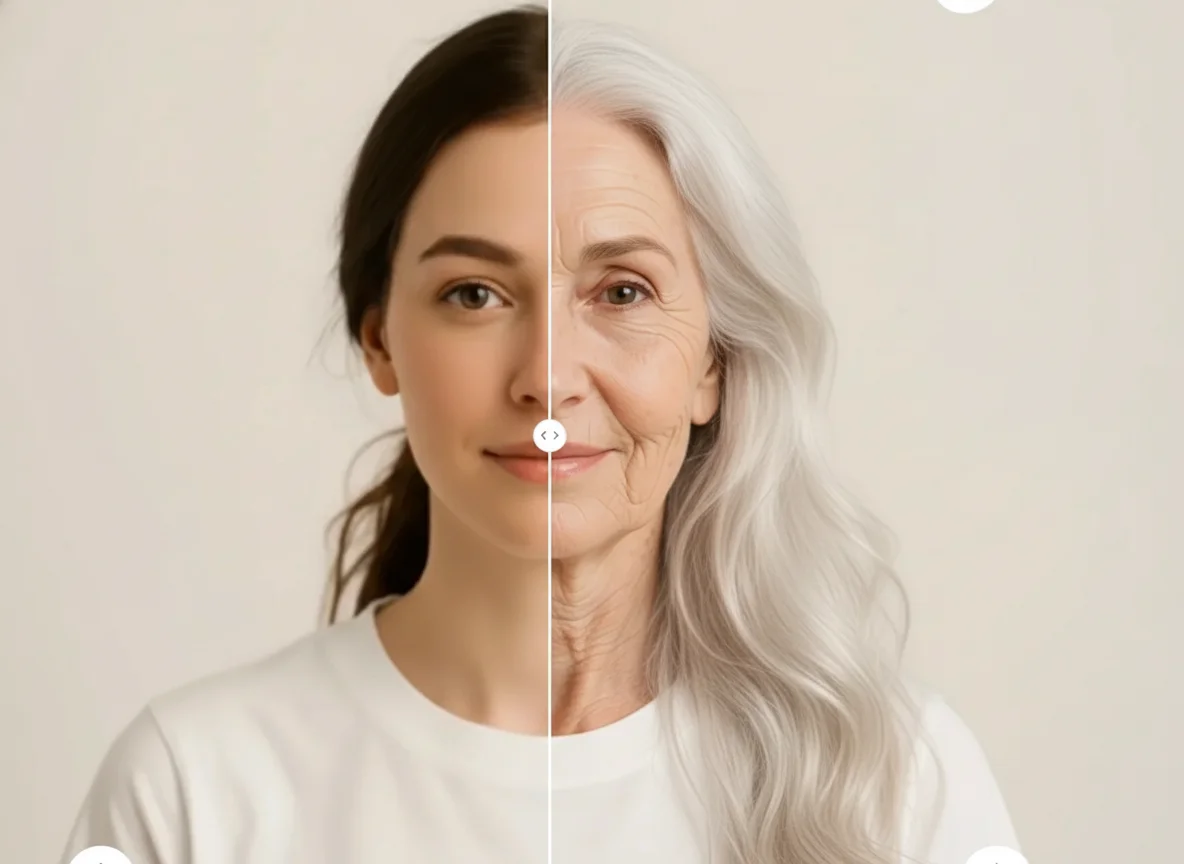
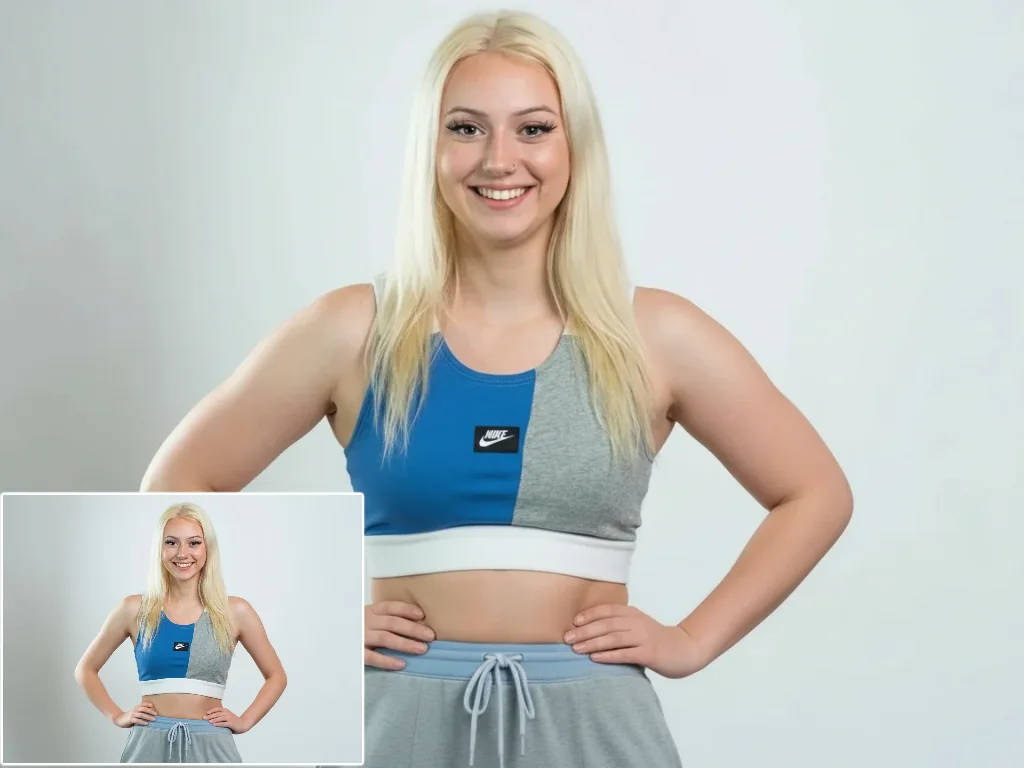
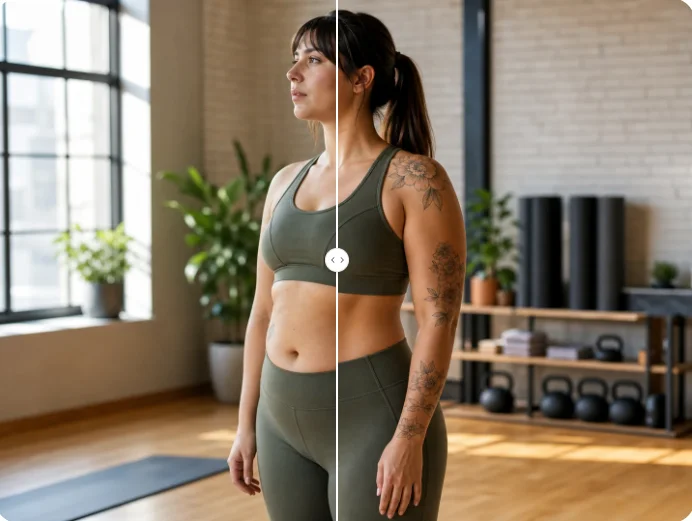
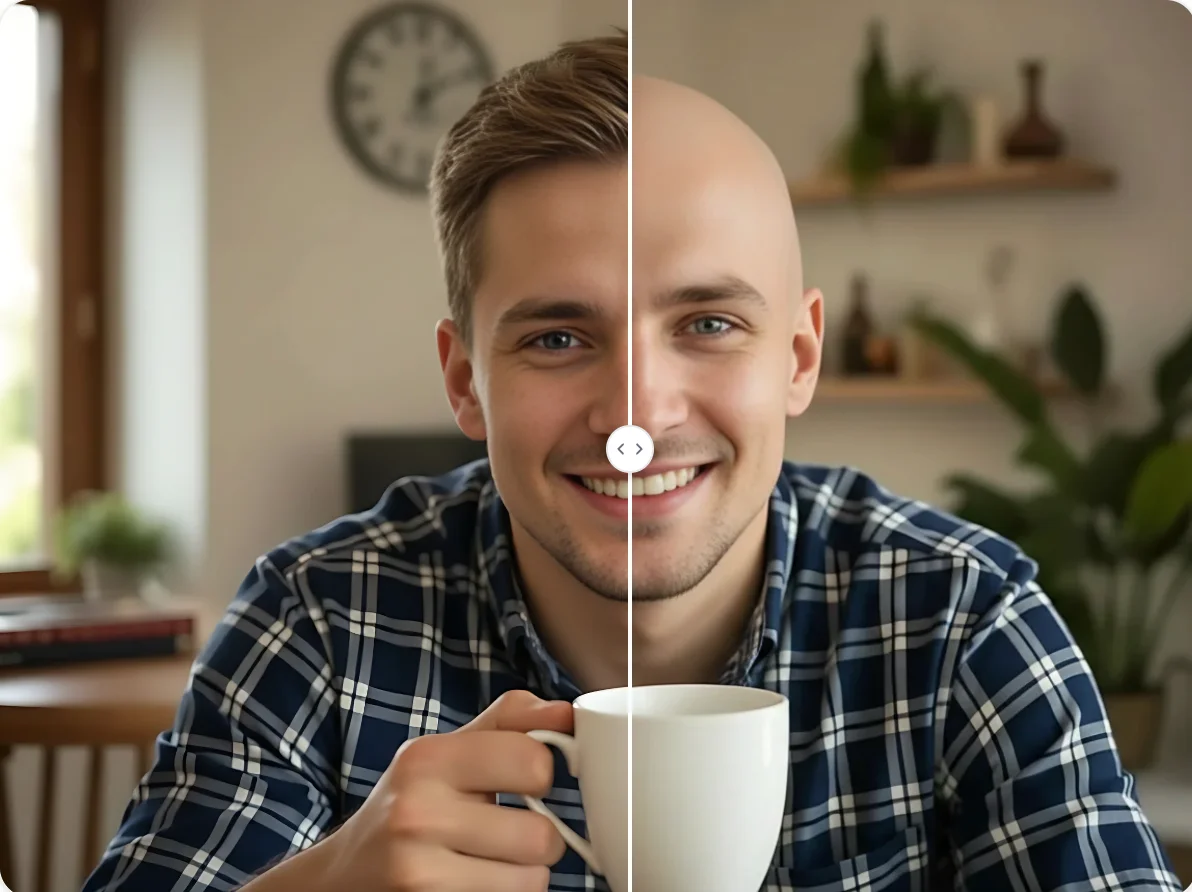
Add a Skinny Filter to Your Photos For Free Online
AI skinny filter maintains your original features while keeping the background perfectly intact.