
Note: Auto only supports 1K. 1:1 does not support 4K.
AI Skin Color Changer
Change skin tone with AI while preserving realistic texture and lighting.


How to Change Skin Color Online
Upload
Upload a clear portrait or full-body photo. High-resolution images ensure the most accurate skin detection.
Generate
Select a preset tone (e.g., Tan, Porcelain, Bronze) or describe your desired skin color prompt. Click "Generate" to apply the change.
Download
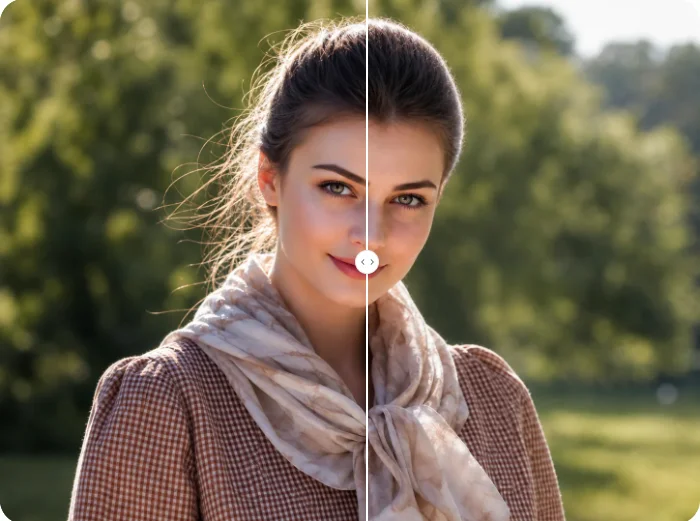
Preview the new skin tone and compare it with the original. Download your high-quality, enhanced photo instantly.
Why Choose AI Skin Tone Changer
Natural & Realistic Tone Transitions
Qimg AI analyzes skin texture, lighting conditions, and color gradients to apply skin tone changes that look completely natural. No harsh edges or uneven patches—just smooth, believable results.
Precise Skin Detection & Preservation
Our AI accurately identifies skin areas while preserving facial features, hair, clothing, and background. Only the skin tone changes—everything else stays exactly as it was.
Wide Range of Natural Skin Tones
Choose from fair to deep skin tones with warm or cool undertones. Whether you want a subtle adjustment or a dramatic change, Qimg AI delivers professional-quality results instantly.
Who Use Qimg AI
Creators
Create visuals faster without design skills. Turn ideas into images, thumbnails, social posts, and creative assets in seconds.
Designers
Accelerate your creative workflow. Use Qimg AI to generate concepts, references, and visual directions, then refine them into production-ready designs.
Marketers
Produce high-converting visuals on demand. Create ads, campaign visuals, and branded images quickly.
FAQs about AI Skin Color Changer
Qimg AI's Skin Color Changer is an online tool that adjusts skin tones in photos naturally. It helps you explore different looks, create diverse representations, or adjust lighting effects on skin for any creative project.
The AI detects skin areas in your photo, analyzes the original tone and lighting, then applies the new skin color while preserving natural texture, shadows, and highlights for realistic results.
No. Qimg AI precisely targets only skin areas. Hair color, eye color, clothing, accessories, and background remain completely unchanged.
Yes. Qimg AI can detect and adjust skin tones for multiple people in a single image, applying consistent changes across all detected skin areas.
Absolutely. Our AI preserves skin texture, natural color variations, and lighting conditions to ensure the adjusted skin tone blends seamlessly and looks completely realistic.
Discover More on Qimg AI
Qimg AI is your go-to AI image toolkit for generating, editing, and enhancing photos and artwork.
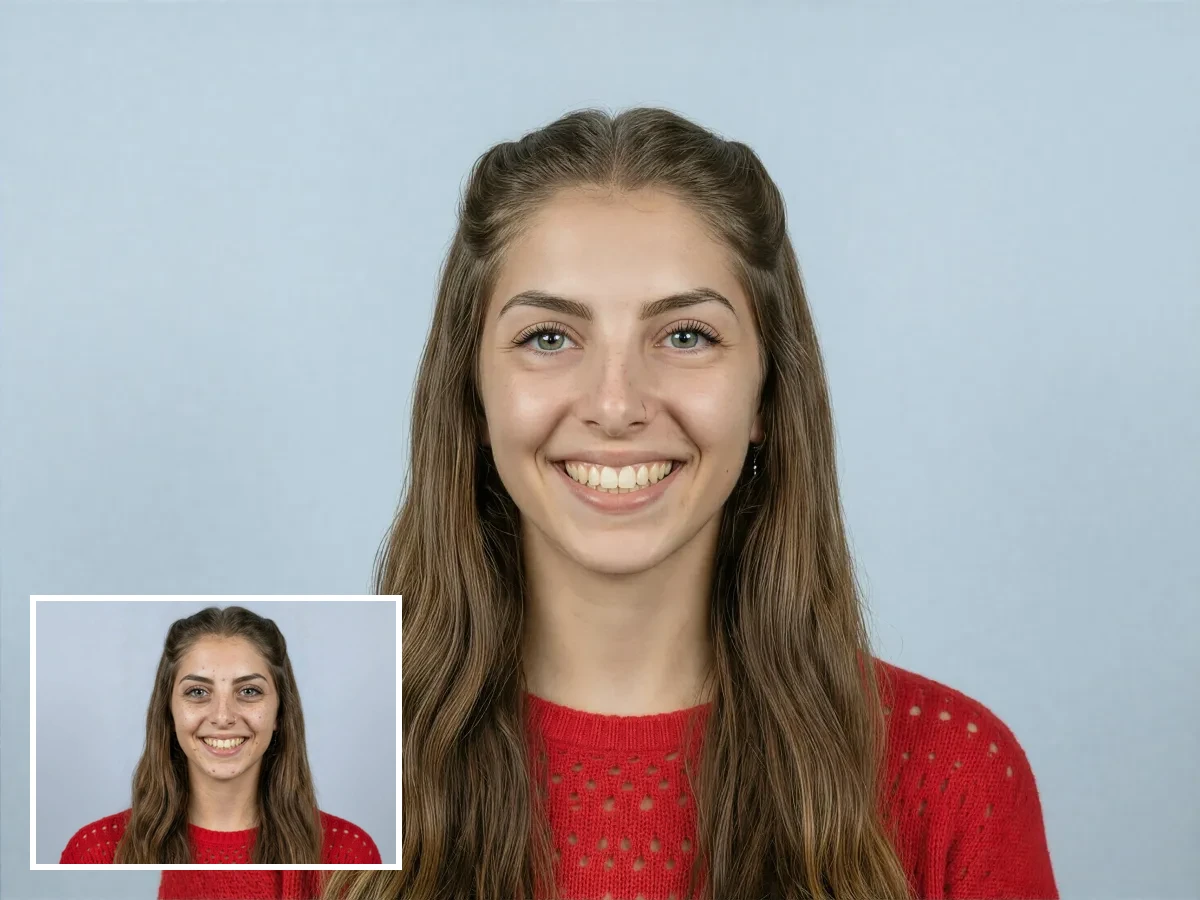
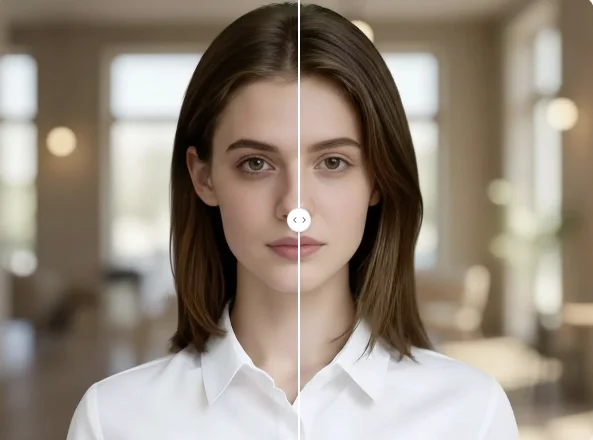
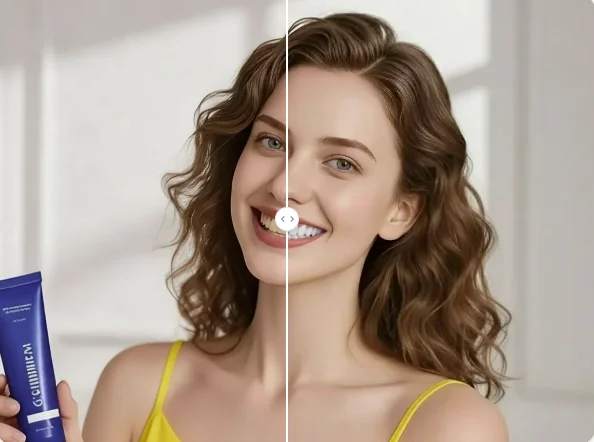
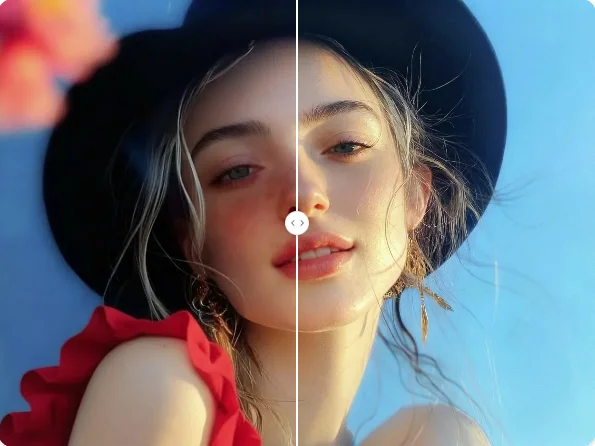
Skin Color Changer
Adjust skin tone naturally in seconds. Upload your photo and find your perfect shade today.