
Note: Auto only supports 1K. 1:1 does not support 4K.
Eye Bag Remover
Upload a portrait and let AI reduce eye bags, soften dark circles, and refresh the under-eye area while keeping your face natural.
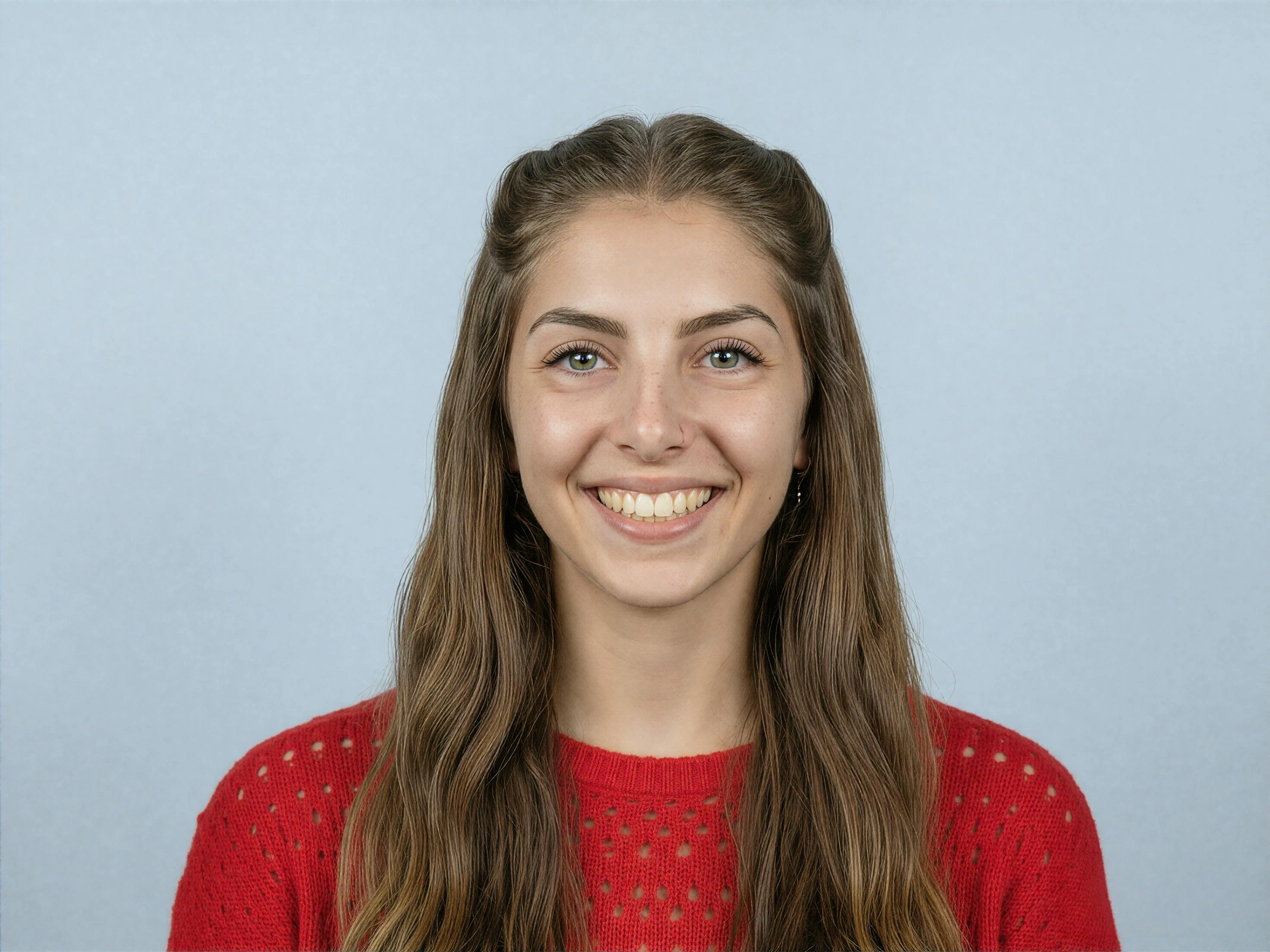
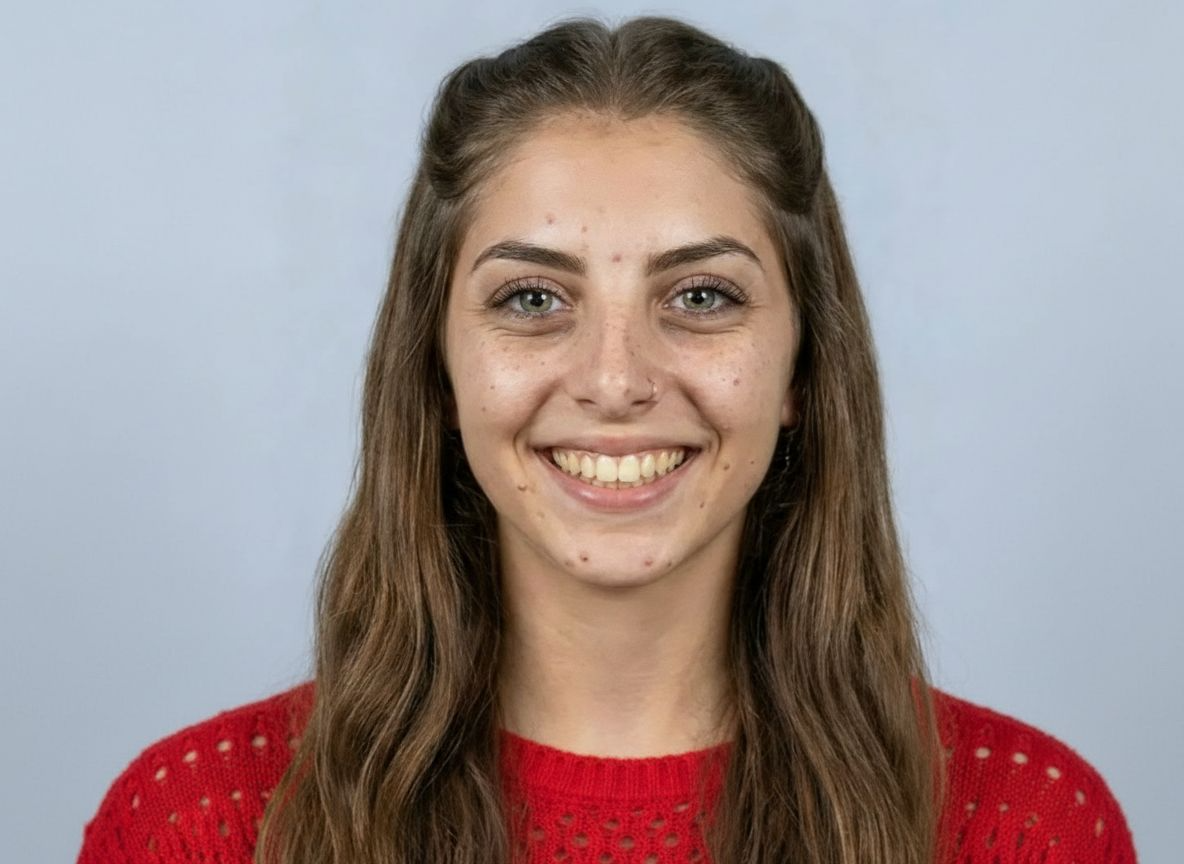
How to Use Eye Bag Remover
Upload
Upload a clear portrait photo where the face and under-eye area are visible. For best results, use a well-lit image without heavy shadows or extreme angles.
Generate
Click Generate. Qimg AI detects the under-eye area, reduces puffiness and dark shadows, and smooths the result while preserving natural facial texture.
Download
Preview the refreshed portrait, regenerate if needed, and download your high-resolution image for social media, profile photos, work portraits, or personal use.
Why Choose Eye Bag Remover
Natural Under-Eye Retouching
Qimg AI targets eye bags, dark circles, and tired-looking shadows without flattening the entire face. It helps refresh the portrait while keeping skin texture, eye shape, and facial features natural.
AI-Powered Detection for Faster Edits
Instead of manually painting under-eye areas, Qimg AI analyzes facial structure and lighting to find the right areas to correct. This makes portrait retouching faster and easier for everyday photos.
Refresh Portraits Without Over-Processing
Basic smoothing tools can make skin look plastic or unnatural. Qimg AI focuses on balanced correction, reducing visible fatigue while keeping the portrait clear, realistic, and suitable for sharing.
Who Use Qimg AI
Creators
Create visuals faster without design skills. Turn ideas into images, thumbnails, social posts, and creative assets in seconds.
Designers
Accelerate your creative workflow. Use Qimg AI to generate concepts, references, and visual directions, then refine them into production-ready designs.
Marketers
Produce high-converting visuals on demand. Create ads, campaign visuals, and branded images quickly.
FAQs about Eye Bag Remover
An eye bag remover is a portrait retouching tool that reduces under-eye puffiness, dark circles, and tired-looking shadows. Qimg AI uses AI to refresh the eye area while keeping the result natural.
Yes. Qimg AI can help soften dark circles and under-eye shadows along with eye bags, creating a brighter and more rested-looking portrait.
Qimg AI is designed to avoid heavy over-smoothing. It reduces visible puffiness and shadows while preserving pores, skin texture, eye contours, and facial details as much as possible.
Clear portrait photos with visible eyes and good lighting work best. Qimg AI can handle common selfie and portrait images, but heavy shadows, blur, or covered eyes may reduce accuracy.
No. Upload your portrait, generate the enhancement, preview the result, and download the finished image. Qimg AI handles the under-eye retouching process for you.
Discover More on Qimg AI
Qimg AI is your go-to AI image toolkit for generating, editing, and enhancing photos and artwork.
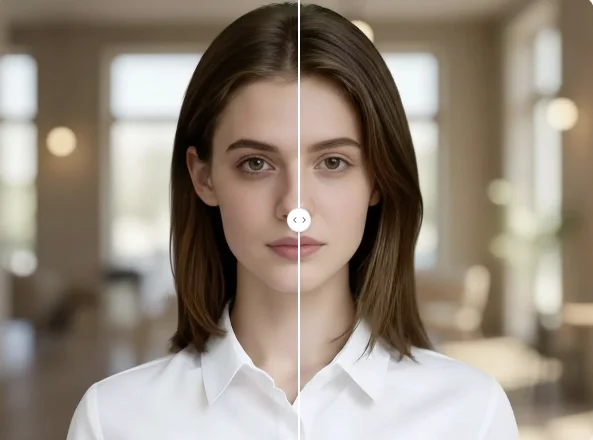
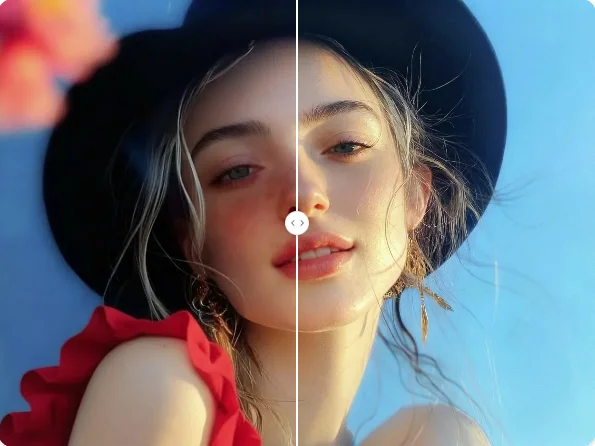
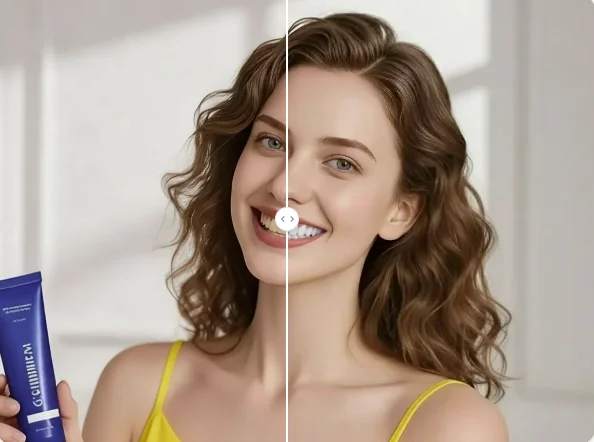
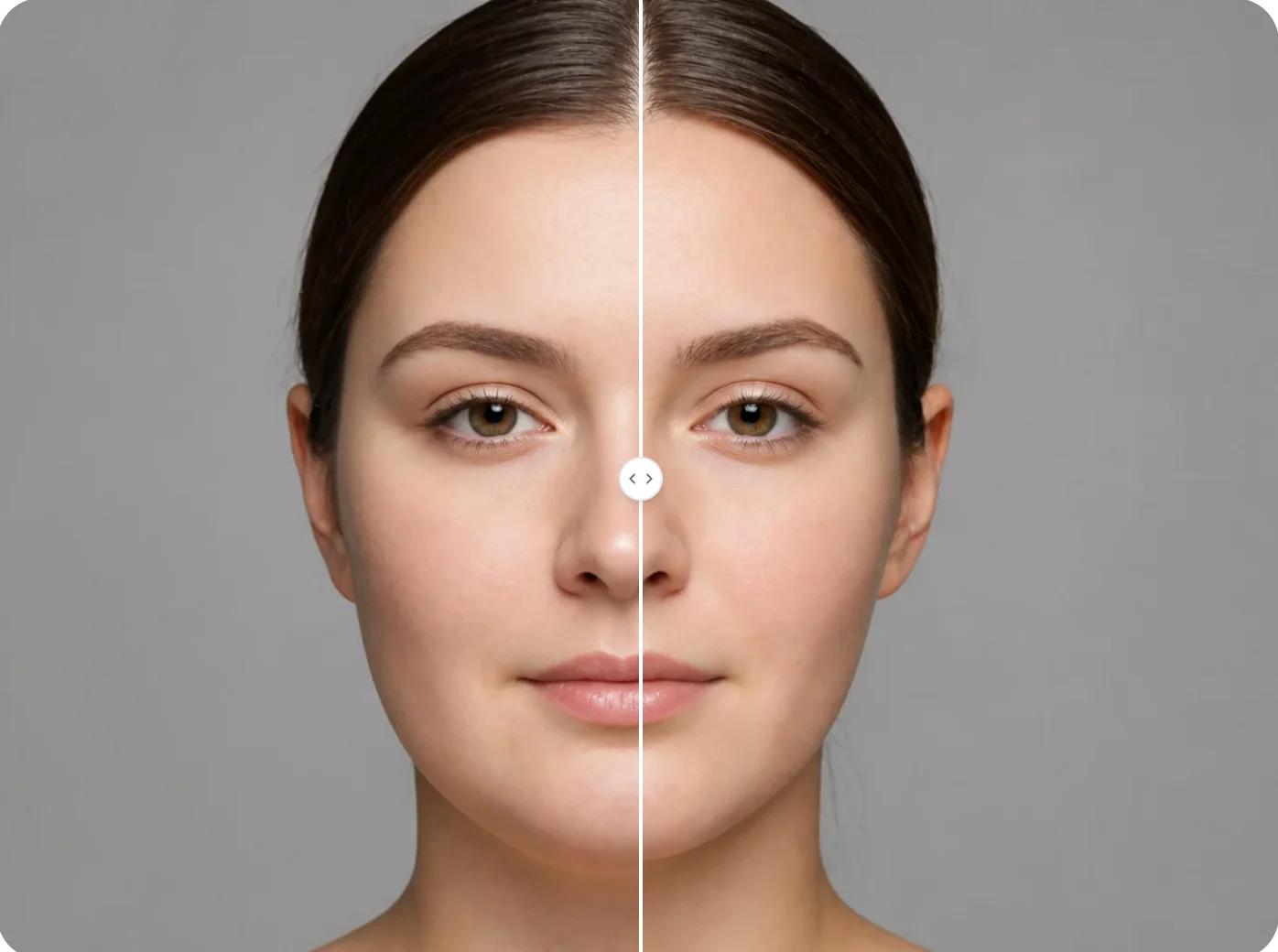
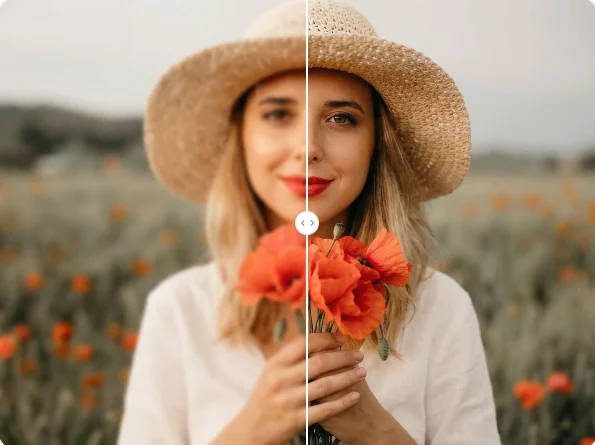
Eye Bag Remover
Upload your portrait and let Qimg AI reduce eye bags, soften dark circles, and refresh your look with natural under-eye retouching.