
Note: Auto only supports 1K. 1:1 does not support 4K.
Face Slimming Filter
Curious how you'd look with a slimmer face? Upload your photo and Qimg AI's face slimming filter shows the result in seconds — natural, realistic, and easy to compare.
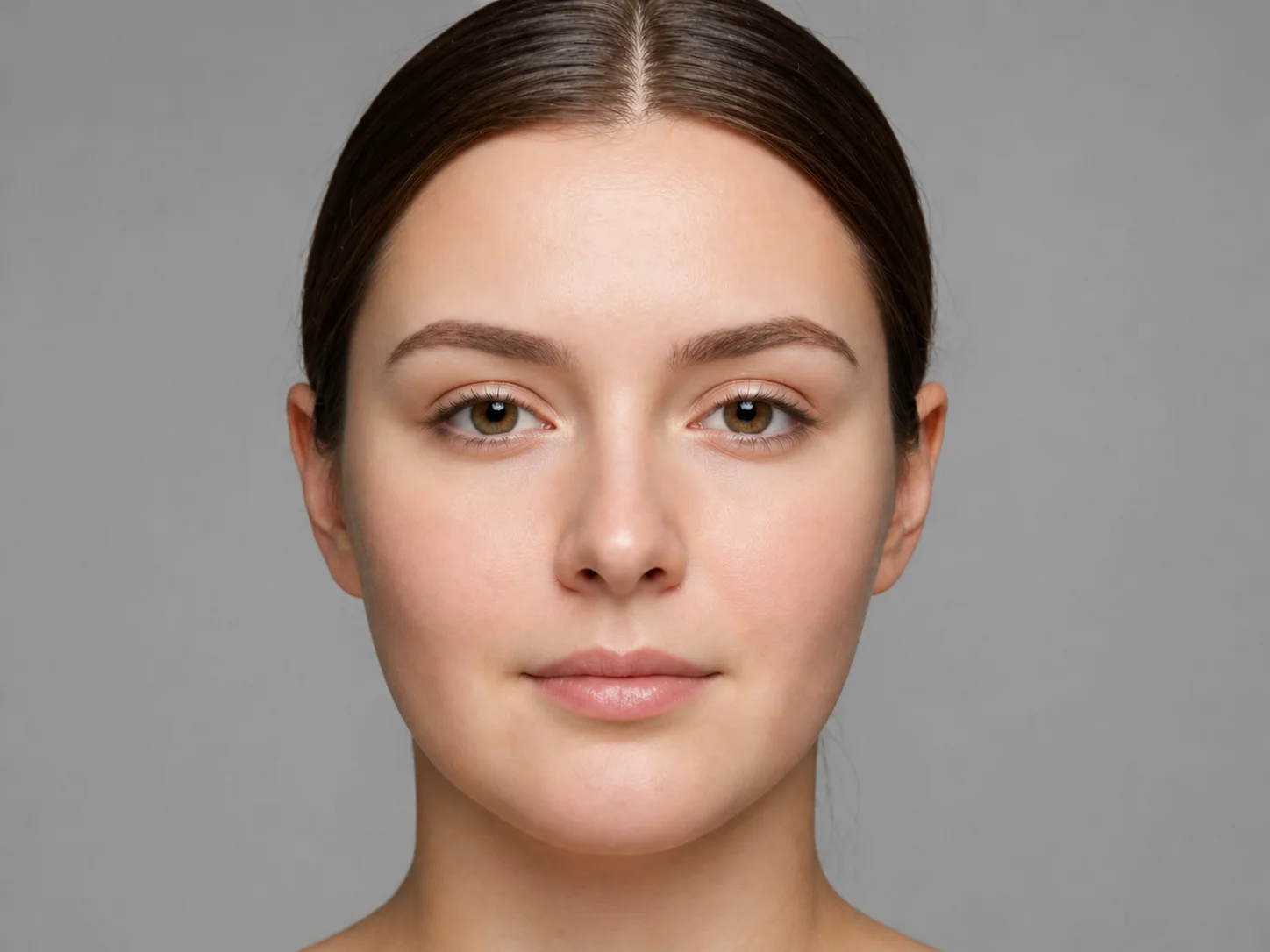
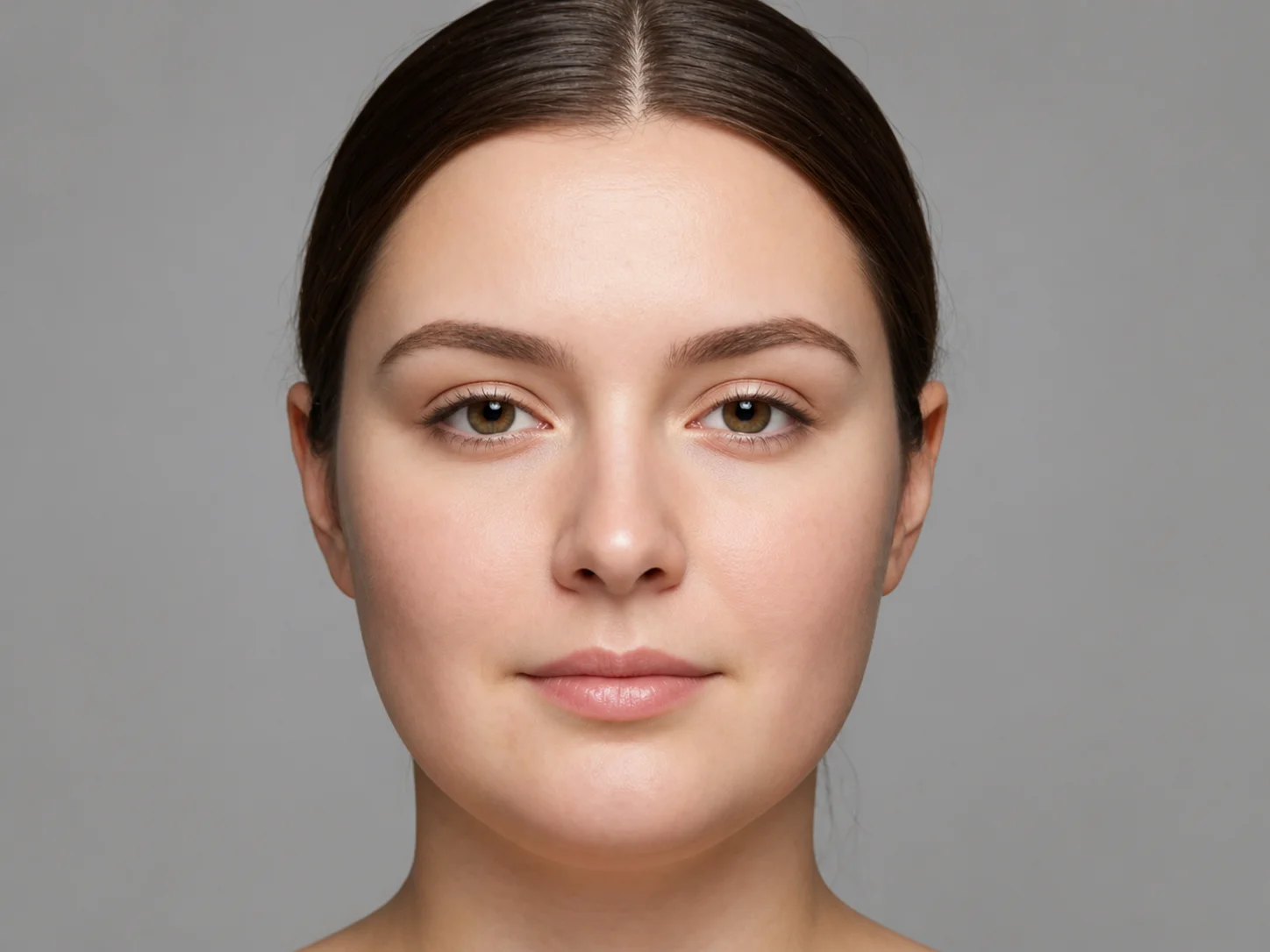
How to reduce & remove face fat in photo
Upload Your Photo
A clear front-facing photo with good lighting works best for an accurate face slimming filter result.
Apply the Face Slimming Filter
Qimg AI analyzes your facial proportions and applies a natural slimming effect, keeping your features and identity intact.
Compare and Download
Toggle between original and slimmed result to compare. Download the high-resolution image to share or save.
Why Choose Qimg AI's Face Fat Detector & Remover
Natural-Looking Slim Face Effect
The face slimming filter preserves your bone structure and key features, so the slimmer face still looks like you — never plastic, never overdone.
Compare Before and After Instantly
See the original and the slimmed result side by side. Qimg AI's face slimming filter makes it easy to judge how much change feels right.
Try Before Real-Life Decisions
Thinking about cosmetic procedures, weight loss goals, or a new haircut? Use the face slimming filter as a low-cost preview first — no commitment required.
Who Use Qimg AI
Creators
Create visuals faster without design skills. Turn ideas into images, thumbnails, social posts, and creative assets in seconds.
Designers
Accelerate your creative workflow. Use Qimg AI to generate concepts, references, and visual directions, then refine them into production-ready designs.
Marketers
Produce high-converting visuals on demand. Create ads, campaign visuals, and branded images quickly.
FAQs about face fat checker
A face slimming filter uses AI to subtly reshape your face in a photo so you can preview a slimmer version of yourself. Qimg AI's filter keeps your features natural while showing how a slimmer face would look.
Qimg AI identifies your facial contours, jawline, and cheek areas, then applies a balanced slimming effect that fits your face shape. You can compare the original and slimmed result instantly.
No. The face slimming filter is calibrated to feel natural — your bone structure and signature features are preserved, so the slimmer face still clearly looks like you.
Use a clear, well-lit front-facing photo with no heavy shadows. Avoid extreme angles or photos where hair, hands, or accessories cover your face.
Yes. Files are encrypted in transit, processed on secure servers, and auto-deleted after rendering. Qimg AI never trains models on user photos or stores personal data.
Discover More on Qimg AI
Qimg AI is your go-to AI image toolkit for generating, editing, and enhancing photos and artwork.
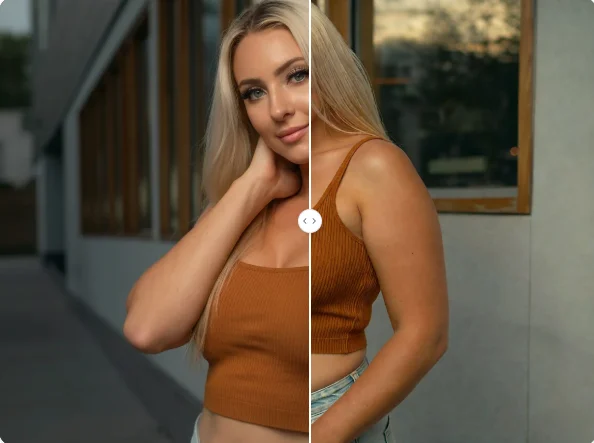
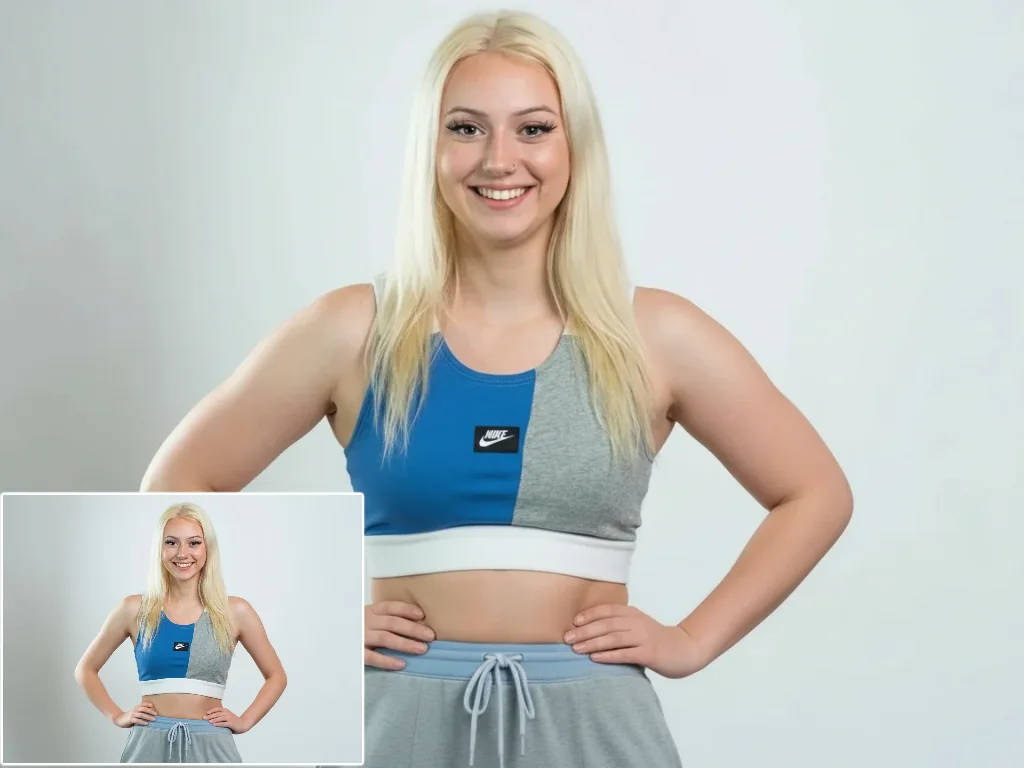
Face Slimming Filter
Curious how you'd look with a slimmer face? Use Qimg AI's face slimming filter to preview the result on your own photo — natural, fast, and right in your browser.