
Note: Auto only supports 1K. 1:1 does not support 4K.
Dark Circles Remove
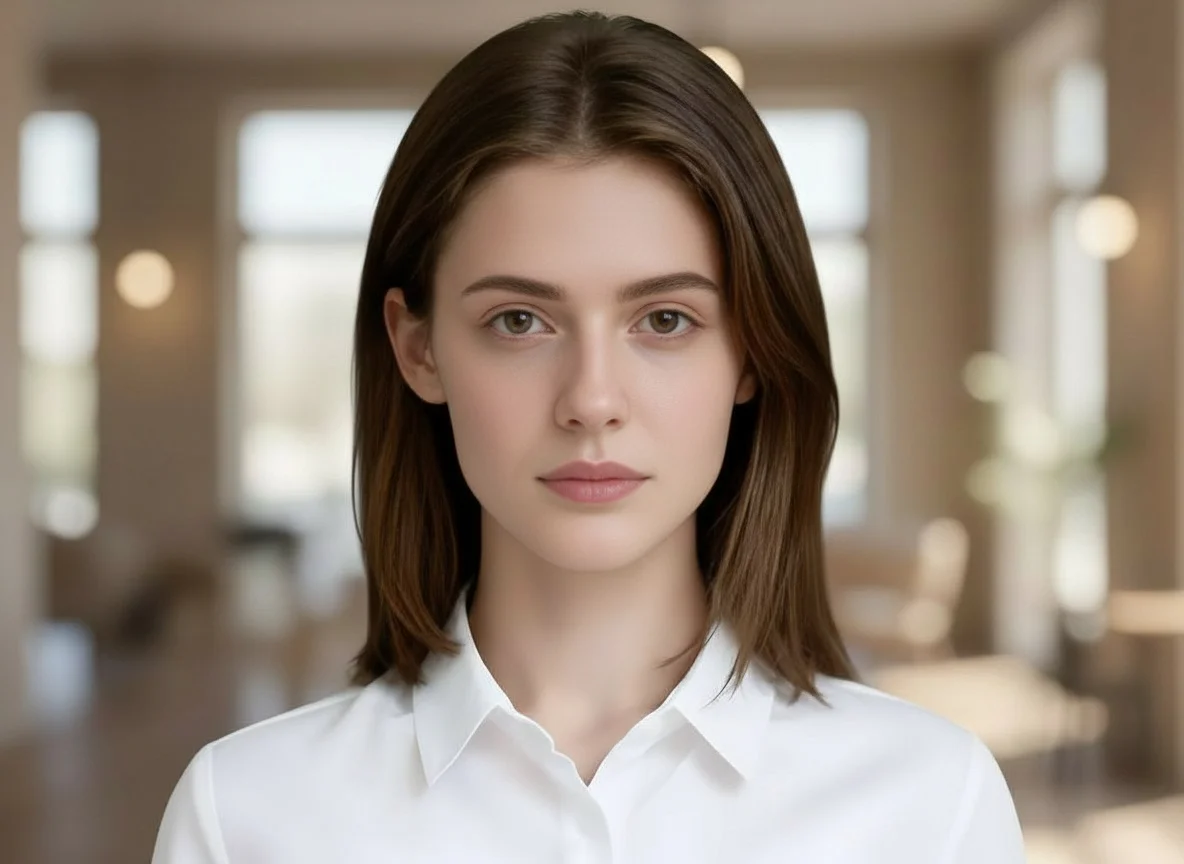
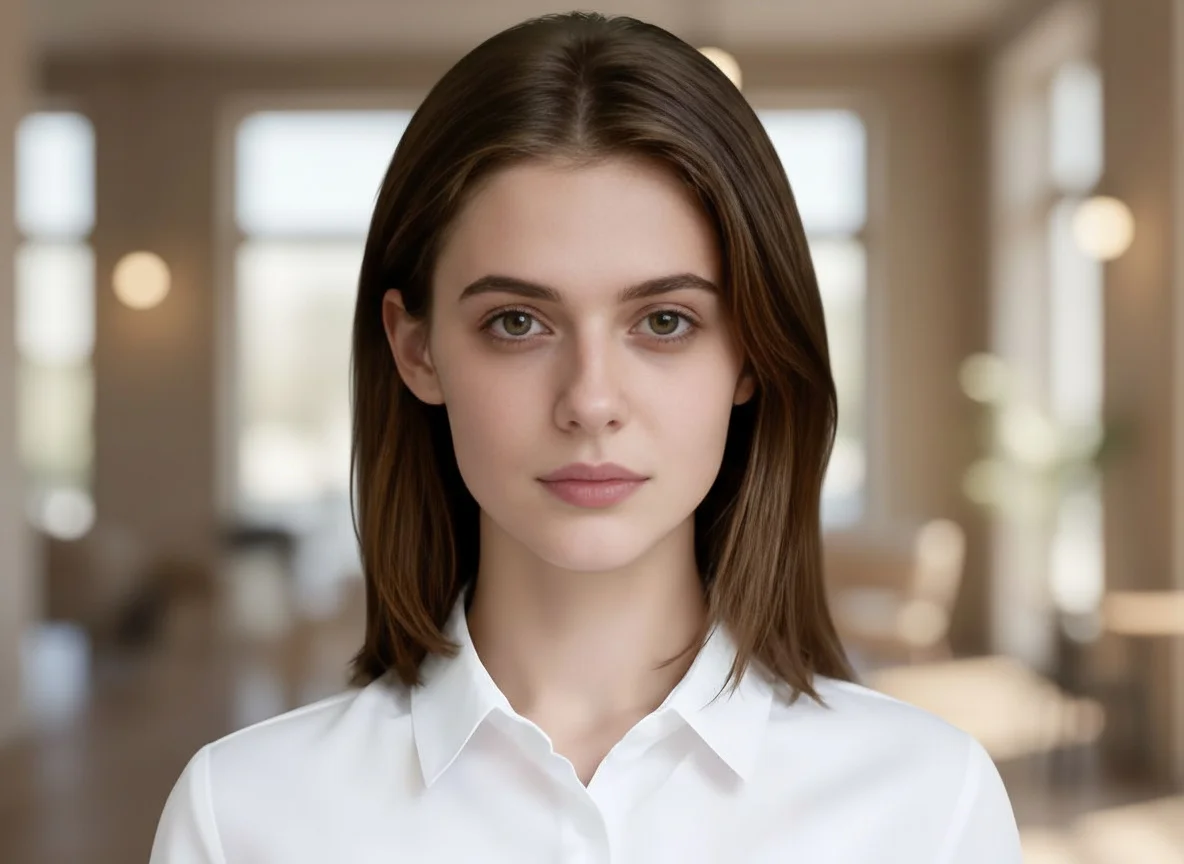
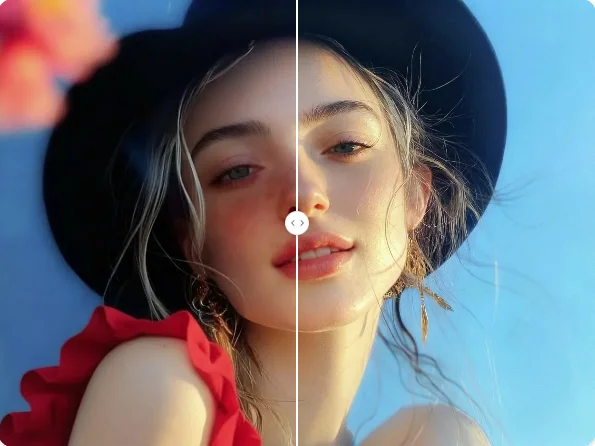
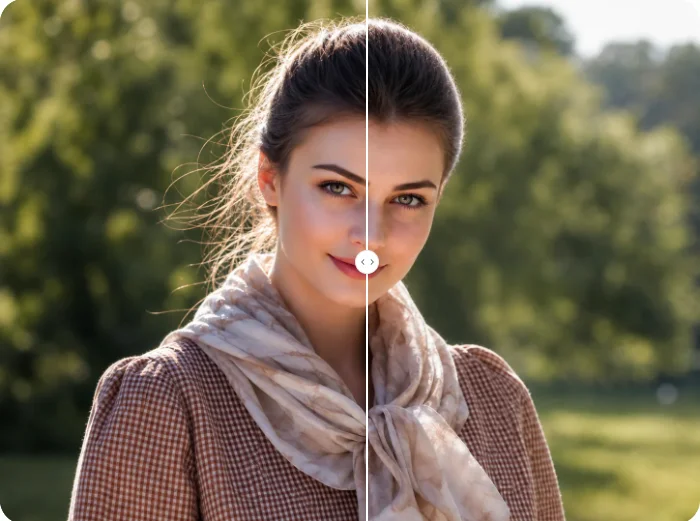
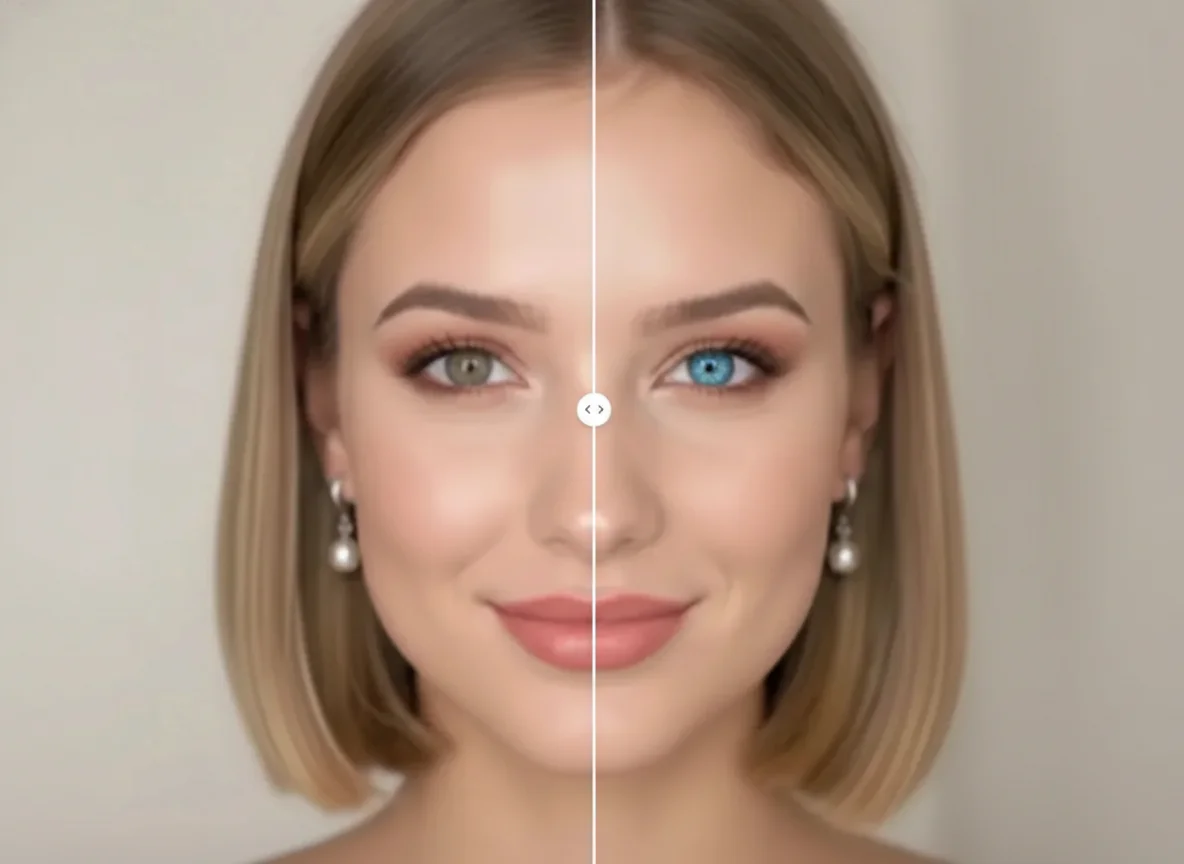
Upload your portrait and let AI brighten your under-eye area instantly. Remove dark circles and eye bags for a refreshed, natural look in seconds.
How to Use Dark Circles Remove
Upload
Upload a clear portrait or selfie. For the best results, use a well-lit image where your face and eyes are clearly visible.
Generate
Click the Generate button. Qimg AI's AI will automatically detect the eye area and apply precise corrections to dark circles and eye bags in seconds.
Download
Preview your refreshed look and download the high-resolution, professionally retouched photo ready for any use.
Why Choose Dark Circles Remove
Natural Skin Texture Preservation
Dark Circles Remove uses advanced AI to brighten under-eye areas while preserving your natural skin texture. Unlike traditional blur filters, Qimg AI avoids over-smoothing and delivers realistic, balanced results that look authentically refreshed.
Precise AI Detection for Every Skin Tone
Qimg AI uses AI models trained on diverse global skin tones to accurately detect under-eye shadows and discoloration. Whether your skin is fair or deep, the tool delivers precise, natural-looking corrections without harsh lines or artificial whitening.
Remove Dark Circles Online Anytime, Anywhere
With Qimg AI, you can remove dark circles directly from your browser on any device. No professional editing software needed — just upload, generate, and download your retouched photo whenever you want.
Who Use Qimg AI
Creators
Create visuals faster without design skills. Turn ideas into images, thumbnails, social posts, and creative assets in seconds.
Designers
Accelerate your creative workflow. Use Qimg AI to generate concepts, references, and visual directions, then refine them into production-ready designs.
Marketers
Produce high-converting visuals on demand. Create ads, campaign visuals, and branded images quickly.
FAQs about Dark Circles Remove
Dark Circles Remove is a specialized AI beauty tool designed to identify and eliminate dark pigmentation, shadows, and swelling under the eyes in photos. It brightens the eye area and smooths skin for a refreshed, natural look.
The AI analyzes the skin tone and structure around the eyes, then intelligently fills in shadows and balances color to remove the appearance of fatigue. Qimg AI keeps your facial features fully intact while delivering a natural, refreshed result.
No. Simply upload your portrait to Qimg AI, and the AI handles all the complex retouching tasks automatically. No manual editing or professional skills required — just one click.
No. The algorithm is tuned to provide a subtle, natural enhancement. It removes the tired look without making the skin appear unnaturally smooth or plastic-like, preserving your authentic appearance.
No. Dark circles are discoloration under the eyes caused by pigmentation or blood vessels showing through thin skin. Eye bags refer to puffiness or swelling beneath the eyes. Qimg AI's tool can address both issues effectively.
You Might Also Like
Dark Circles Remove
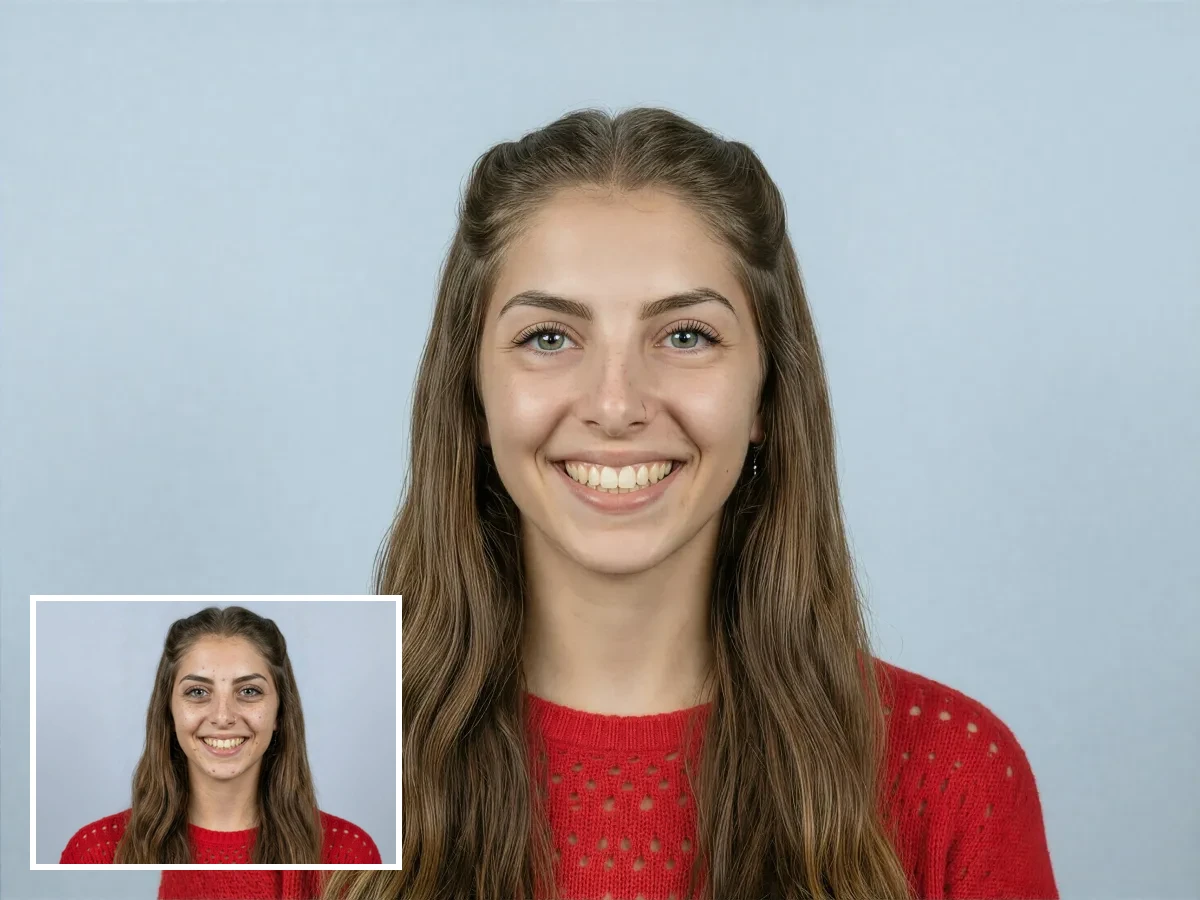
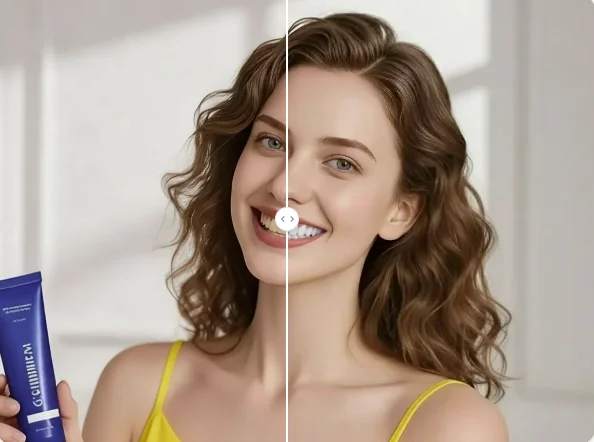
Tired of looking exhausted in photos? Upload your portrait to Qimg AI and remove dark circles and eye bags instantly — look refreshed and natural in seconds!