
Note: Auto only supports 1K. 1:1 does not support 4K.
AI Blemish Remover
Upload your portrait and let AI erase skin imperfections instantly. Get a natural, flawless look in seconds.
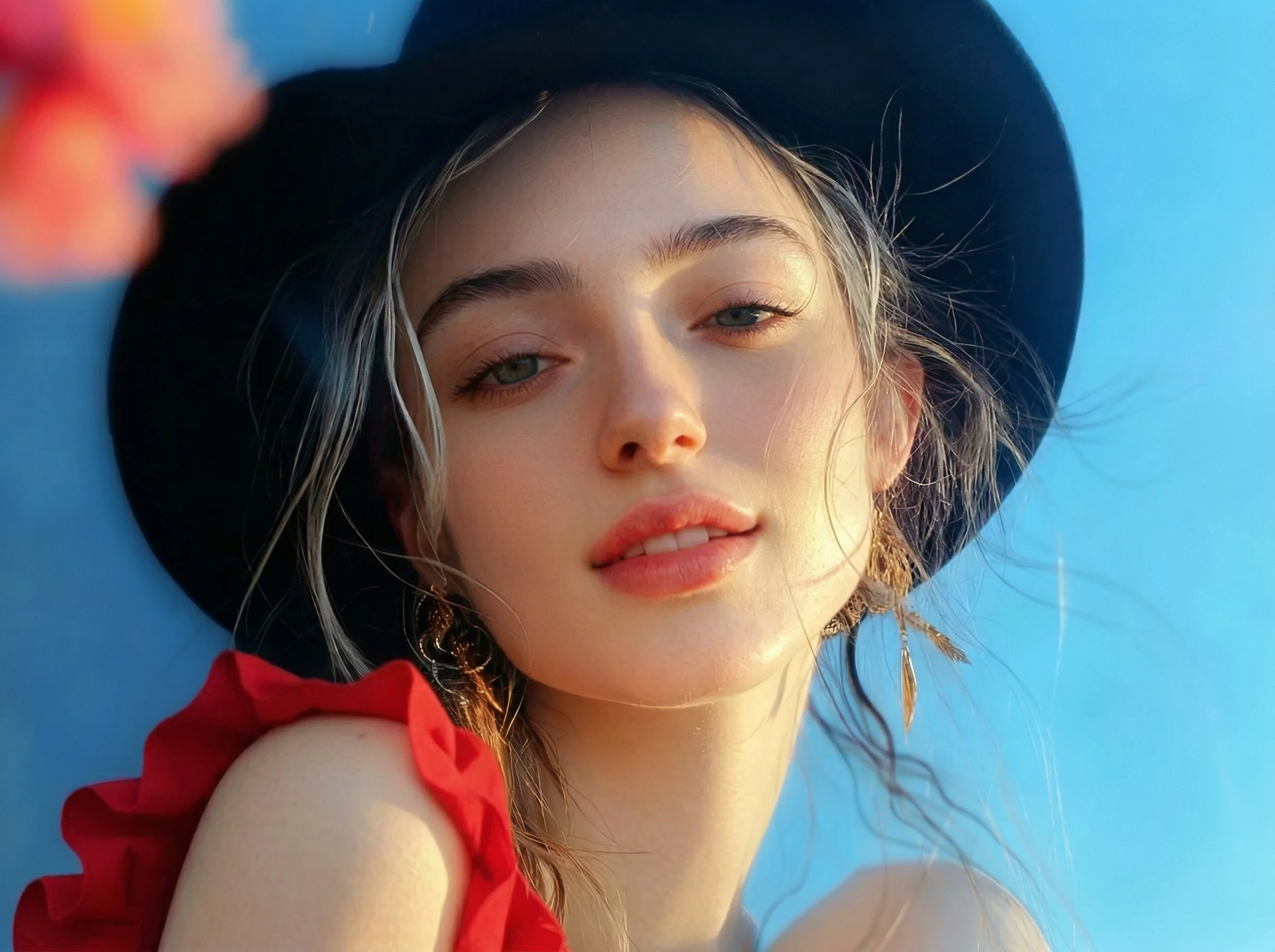
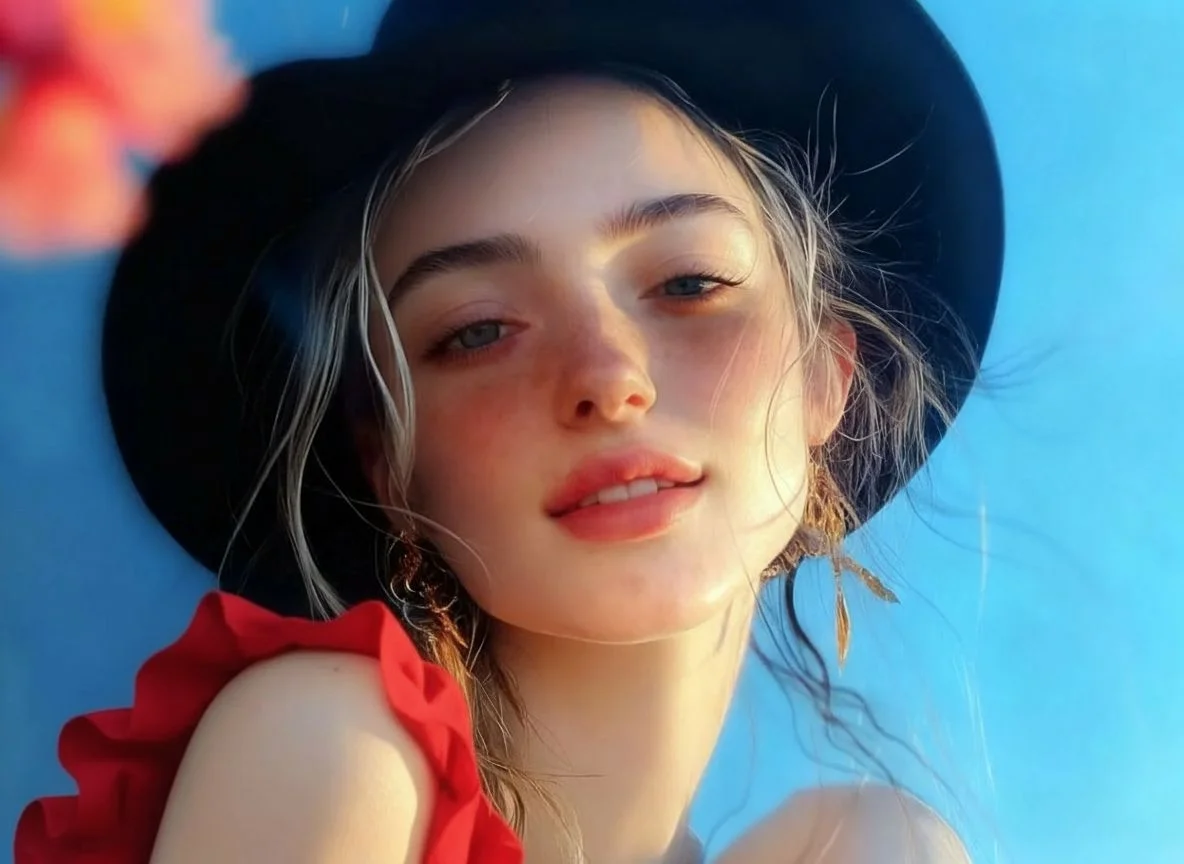
How to Use AI Blemish Remover
Upload
Log in and upload a clear portrait or selfie. For the best AI Blemish Remover results, ensure the blemishes are clearly visible in the original photo.
Generate
Click the Generate button. Qimg AI's advanced AI will intelligently identify and remove acne, spots, or scars in just a few seconds.
Download
Preview your flawless skin and download the high-resolution, retouched image, ready to share on social media or professional platforms.
Why Choose Qimg AI AI Blemish Remover
Preserve Realistic Skin Texture
Unlike heavy filters that blur everything, Qimg AI uses sophisticated neural networks to target specific flaws. It preserves pores and natural contours for a realistic, non-edited appearance.
Professional Retouching Without Complexity
Skip the steep learning curve of advanced editing software. Our tool automates the skin-clearing process, providing studio-grade results to every user with just one click.
Fast and Secure Online Processing
Retouch your photos anytime from any device. Qimg AI ensures high-speed processing and maintains your privacy by securely handling your images directly in your browser.
Who Use Qimg AI
Creators
Create visuals faster without design skills. Turn ideas into images, thumbnails, social posts, and creative assets in seconds.
Designers
Accelerate your creative workflow. Use Qimg AI to generate concepts, references, and visual directions, then refine them into production-ready designs.
Marketers
Produce high-converting visuals on demand. Create ads, campaign visuals, and branded images quickly.
FAQs about AI Blemish Remover
It is an AI-powered online tool by Qimg AI designed to automatically detect and erase skin imperfections such as acne, pimples, scars, and dark spots from portraits.
The AI analyzes skin pixels around each blemish and intelligently fills the area with matching skin tones and textures. Qimg AI creates a seamless repair while preserving the natural look of your skin.
No. The tool is fully automatic. Simply upload your portrait to Qimg AI, and the AI handles the entire retouching process with one click.
No. It only targets minor skin flaws and does not adjust shape, expressions, or key details. Your portrait still looks like you, just with clearer skin.
While optimized for temporary blemishes like acne and spots, the AI also helps smooth fine lines and can reduce the visibility of small moles naturally.
You Might Also Like
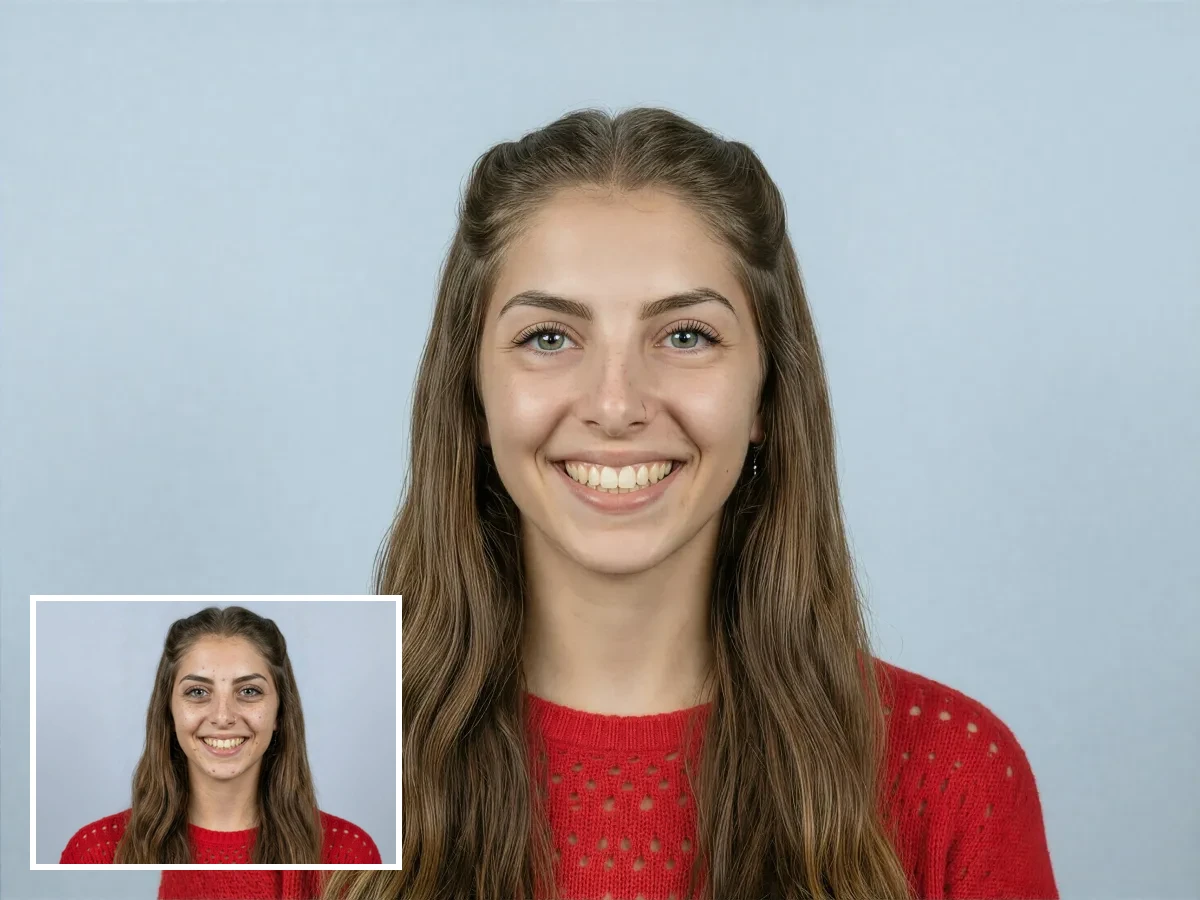
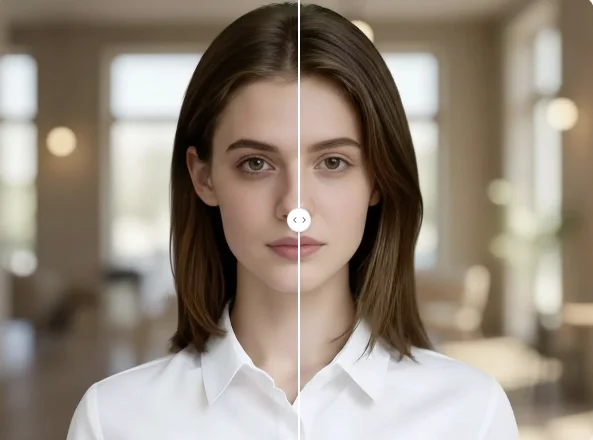
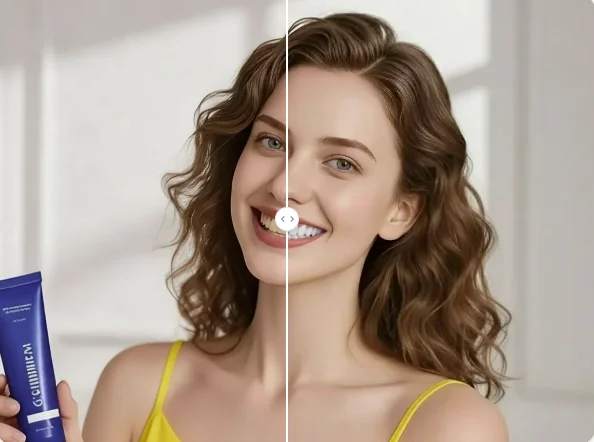
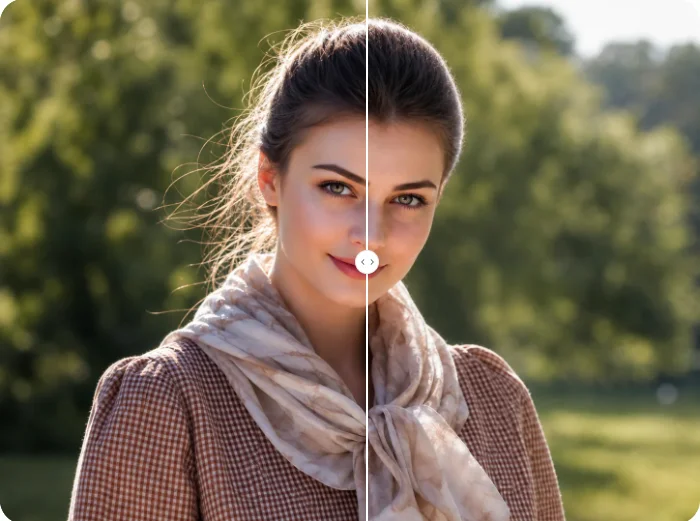
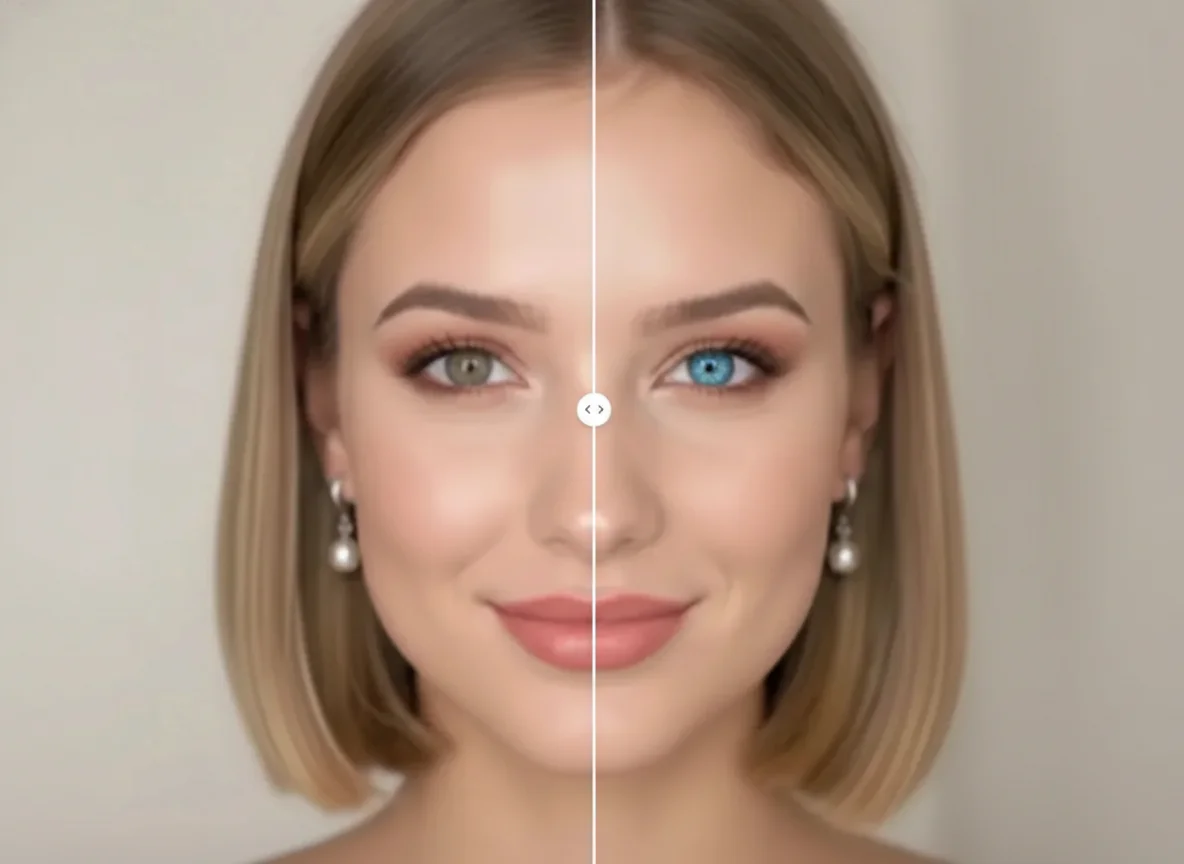
AI Blemish Remover
Get a cleaner, more polished look in seconds. Let Qimg AI fix skin imperfections while keeping your natural beauty. Try it now!