
Note: Auto only supports 1K. 1:1 does not support 4K.
AI Body Editor
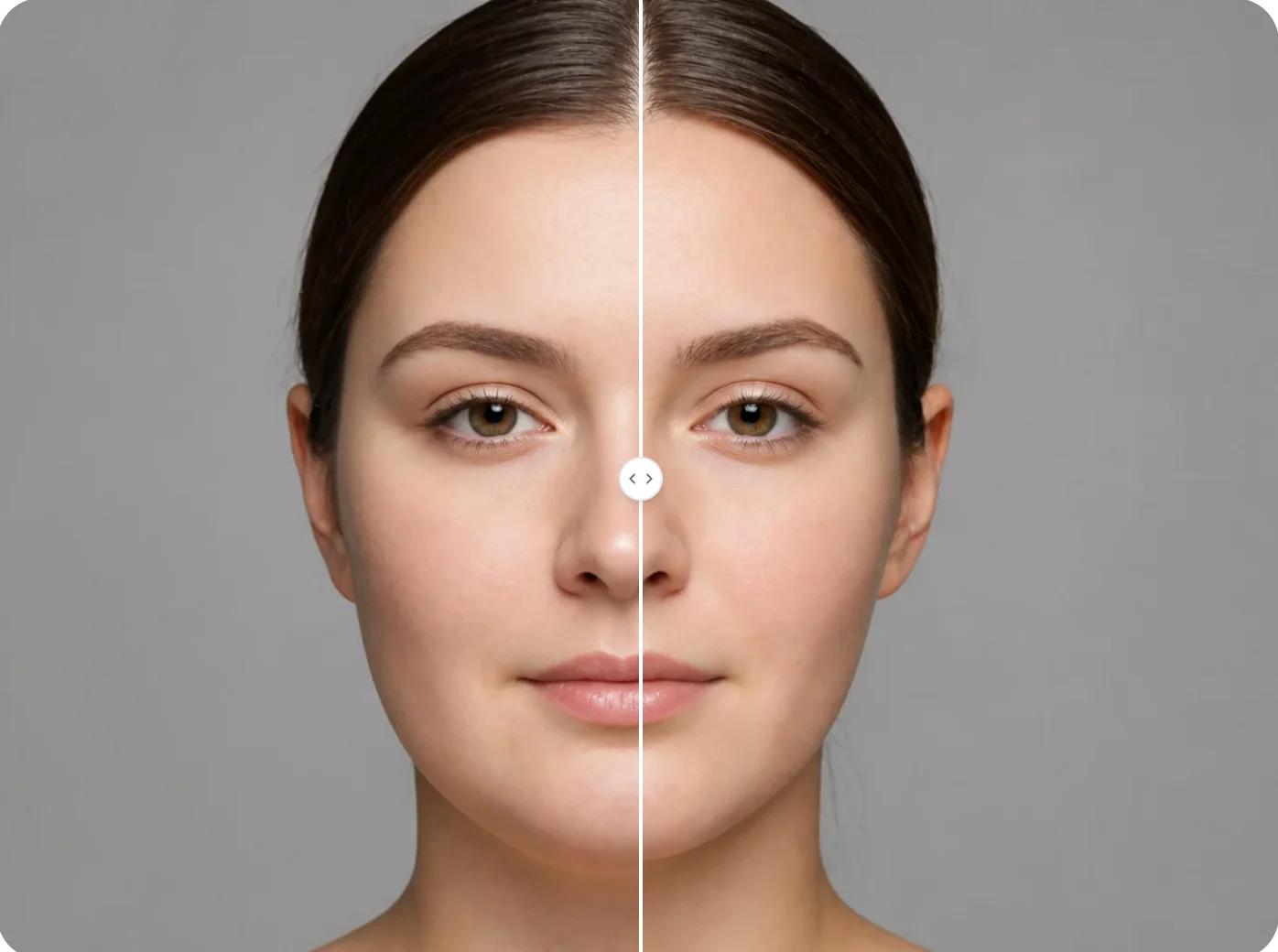
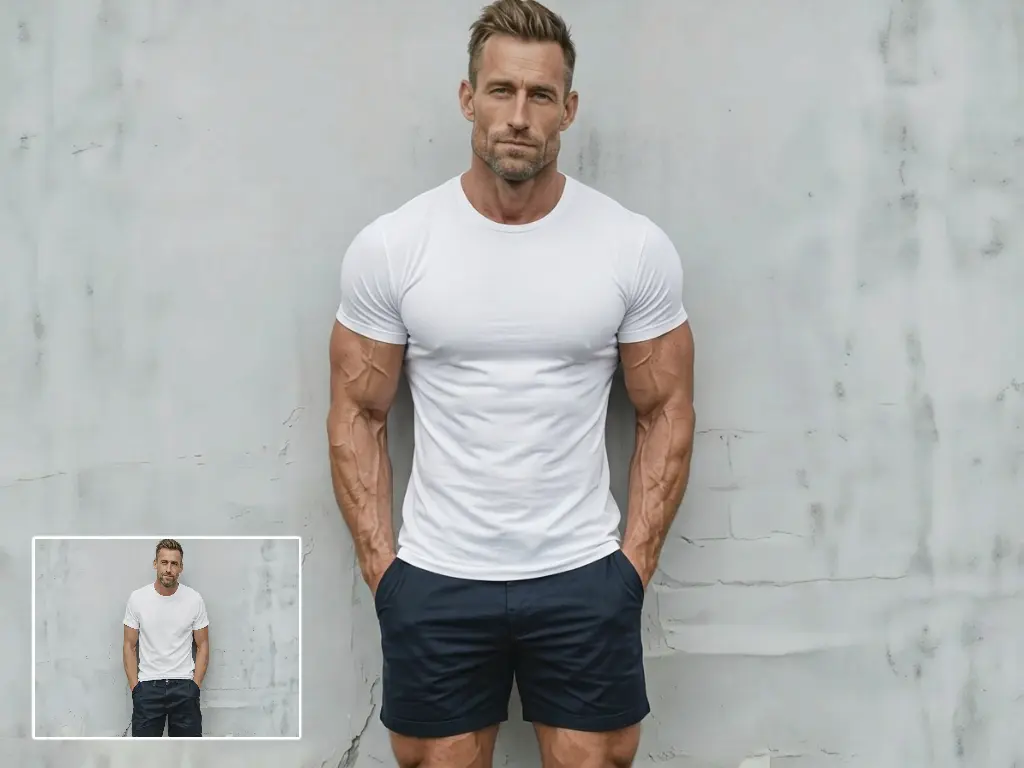
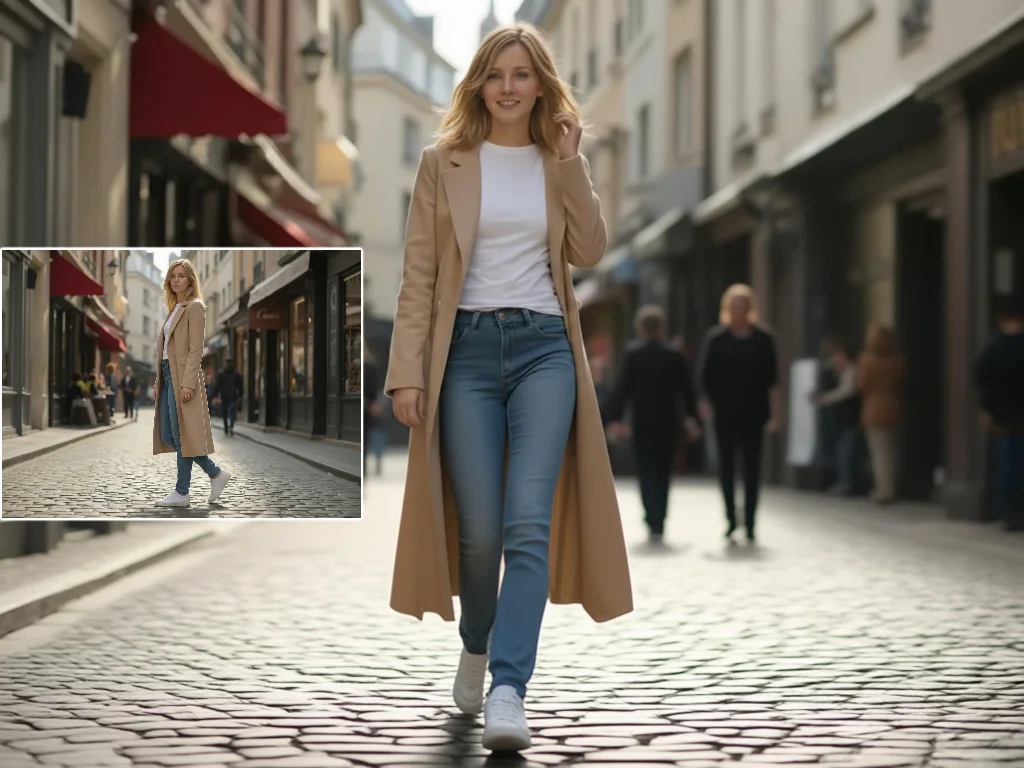
Upload a body photo and adjust shape, proportions, curves, or muscle definition with AI while keeping the background and pose natural.
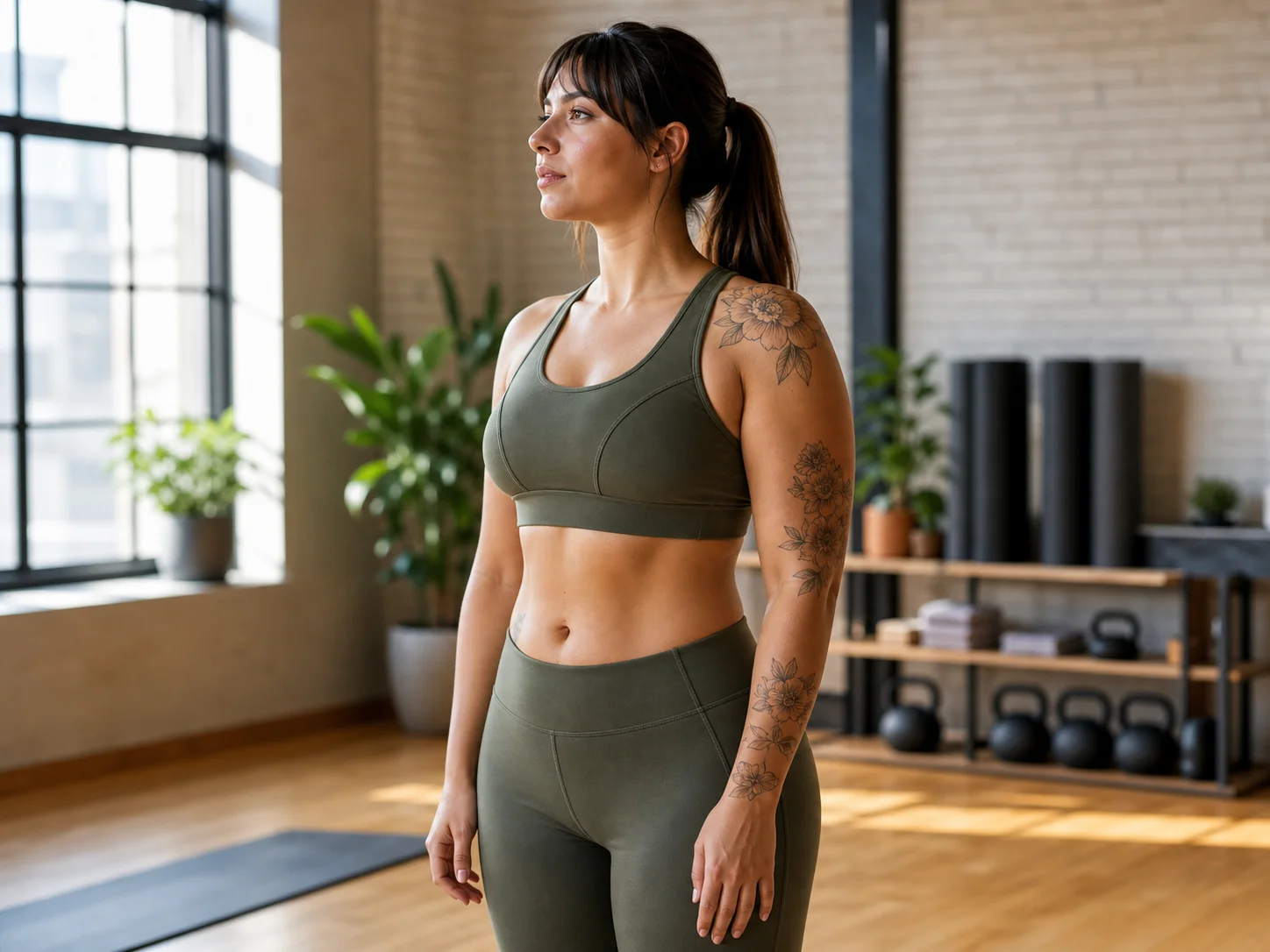
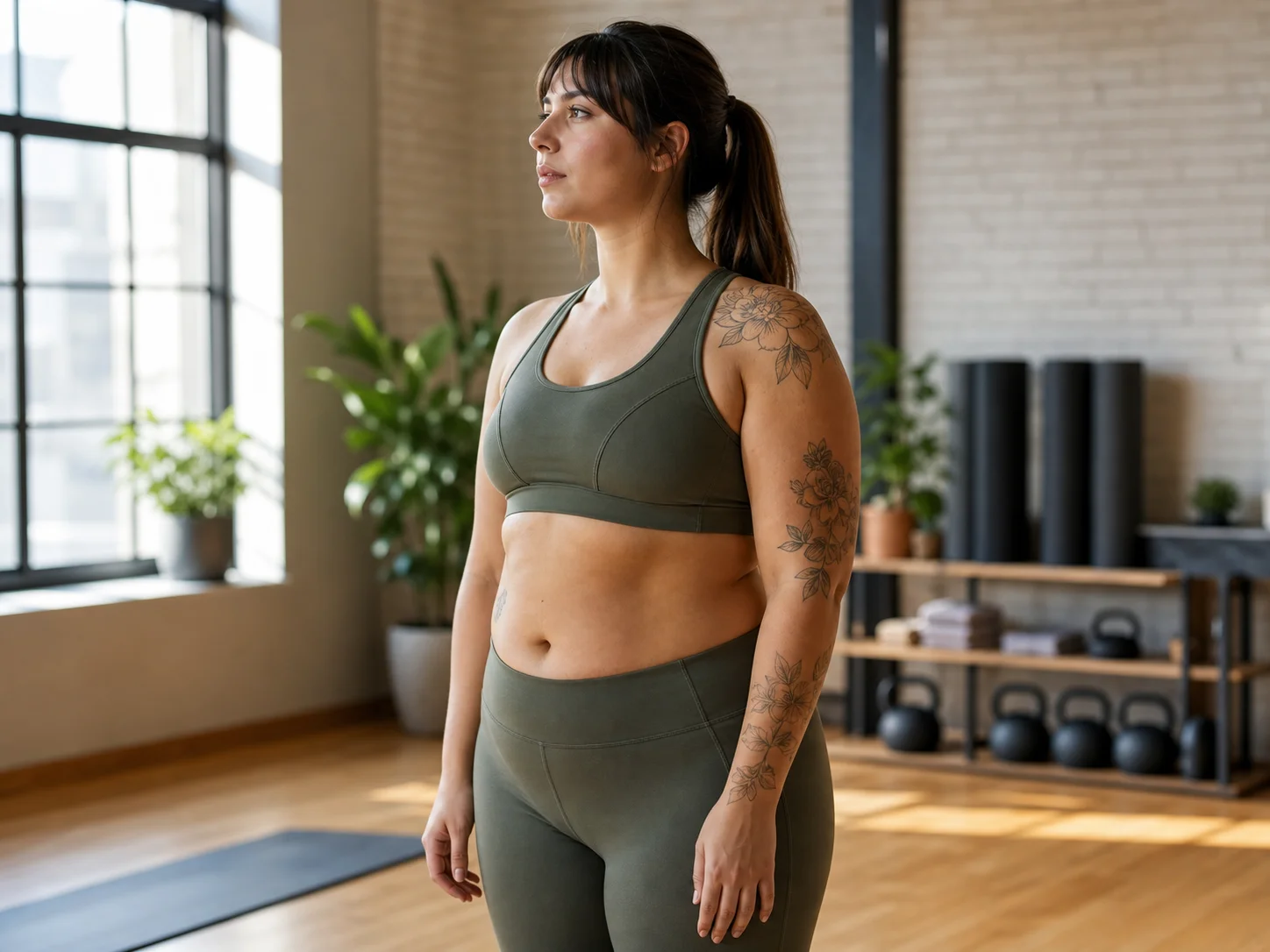
How to Use AI Body Editor
Upload
Upload a clear single-person full-body or half-body photo. For best results, use an image where the body outline is visible and the background is not too cluttered.
Generate
Select the body area you want to adjust or describe the desired change, such as slimmer waist, longer legs, refined arms, natural curves, or clearer muscle definition. Qimg AI will process the edit.
Download
Preview the before-and-after result, regenerate or refine if needed, and download your high-resolution edited photo for social media, personal use, or creative projects.
Why Choose AI Body Editor
Natural Body Reshaping Without Overediting
Qimg AI helps adjust waist, arms, legs, shoulders, curves, and muscle definition while keeping body proportions realistic. The goal is to enhance the photo naturally instead of creating an exaggerated or distorted look.
Background-Aware AI Editing
Traditional body reshaping can bend walls, floors, and objects around the subject. Qimg AI focuses on the selected body area and helps protect the surrounding background, making the final image cleaner and more believable.
Simple Online Workflow for Body Photo Editing
With Qimg AI, you can edit body photos directly in your browser without complex liquify tools or professional retouching skills. Upload your image, guide the adjustment, preview the result, and download the finished photo.
Who Use Qimg AI
Creators
Create visuals faster without design skills. Turn ideas into images, thumbnails, social posts, and creative assets in seconds.
Designers
Accelerate your creative workflow. Use Qimg AI to generate concepts, references, and visual directions, then refine them into production-ready designs.
Marketers
Produce high-converting visuals on demand. Create ads, campaign visuals, and branded images quickly.
FAQs about AI Body Editor
An AI body editor is a tool that uses artificial intelligence to adjust body shape, proportions, curves, and muscle definition in photos. Qimg AI helps make these changes with a simple online workflow.
Yes. You can guide edits for areas such as waist, legs, arms, shoulders, hips, or muscles. Clear prompts and visible body outlines help Qimg AI create more accurate results.
Qimg AI is designed to keep the surrounding background as natural as possible while editing the subject. Results depend on the photo quality, background complexity, and adjustment strength.
Yes. You do not need Photoshop or retouching experience. Upload a photo, describe the body adjustment you want, and Qimg AI handles the main editing process.
Single-person photos with clear body outlines usually work best. Full-body or half-body images with good lighting, visible pose, and minimal background clutter help Qimg AI produce more natural edits.
Discover More on Qimg AI
Qimg AI is your go-to AI image toolkit for generating, editing, and enhancing photos and artwork.
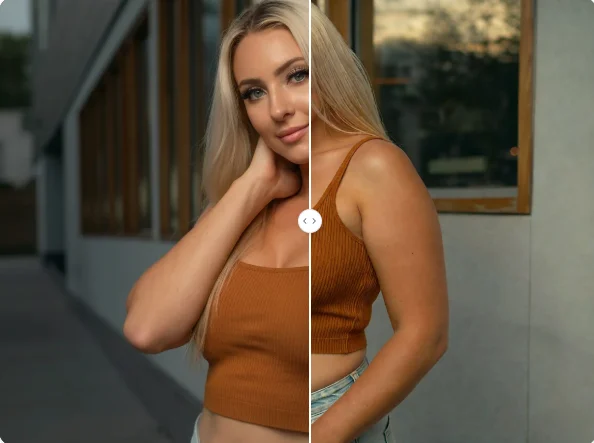
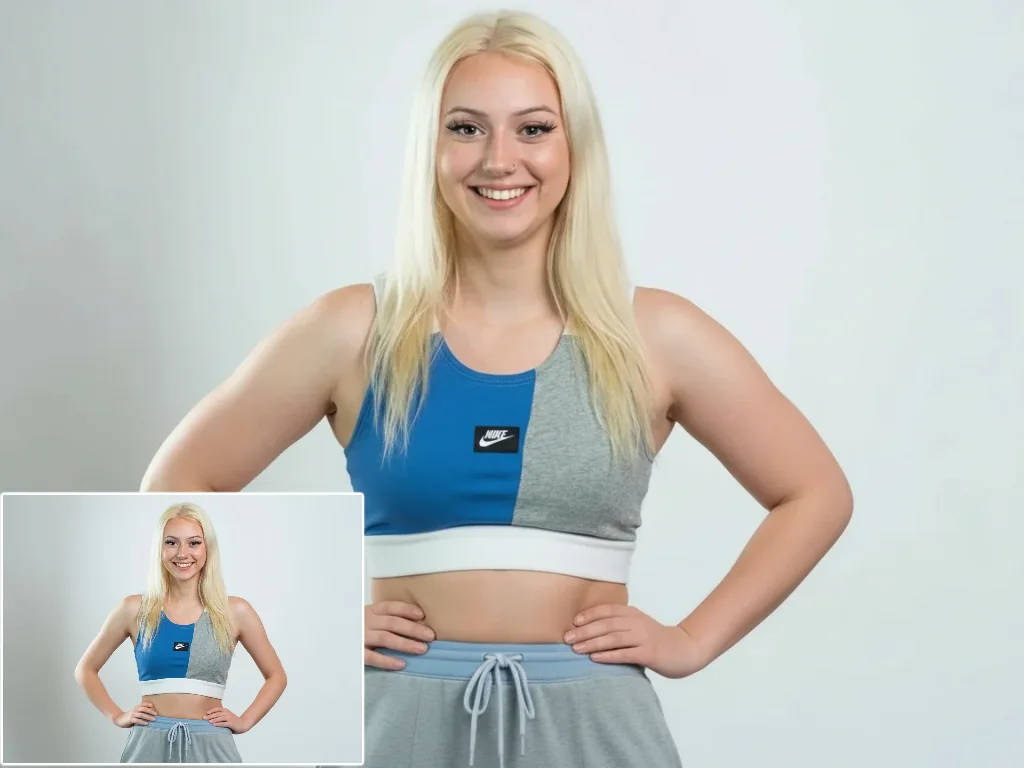
AI Body Editor
Upload your photo and reshape body proportions with Qimg AI. Refine curves, adjust selected areas, and create natural-looking body edits online.