
Note: Auto only supports 1K. 1:1 does not support 4K.
AI Face Generator
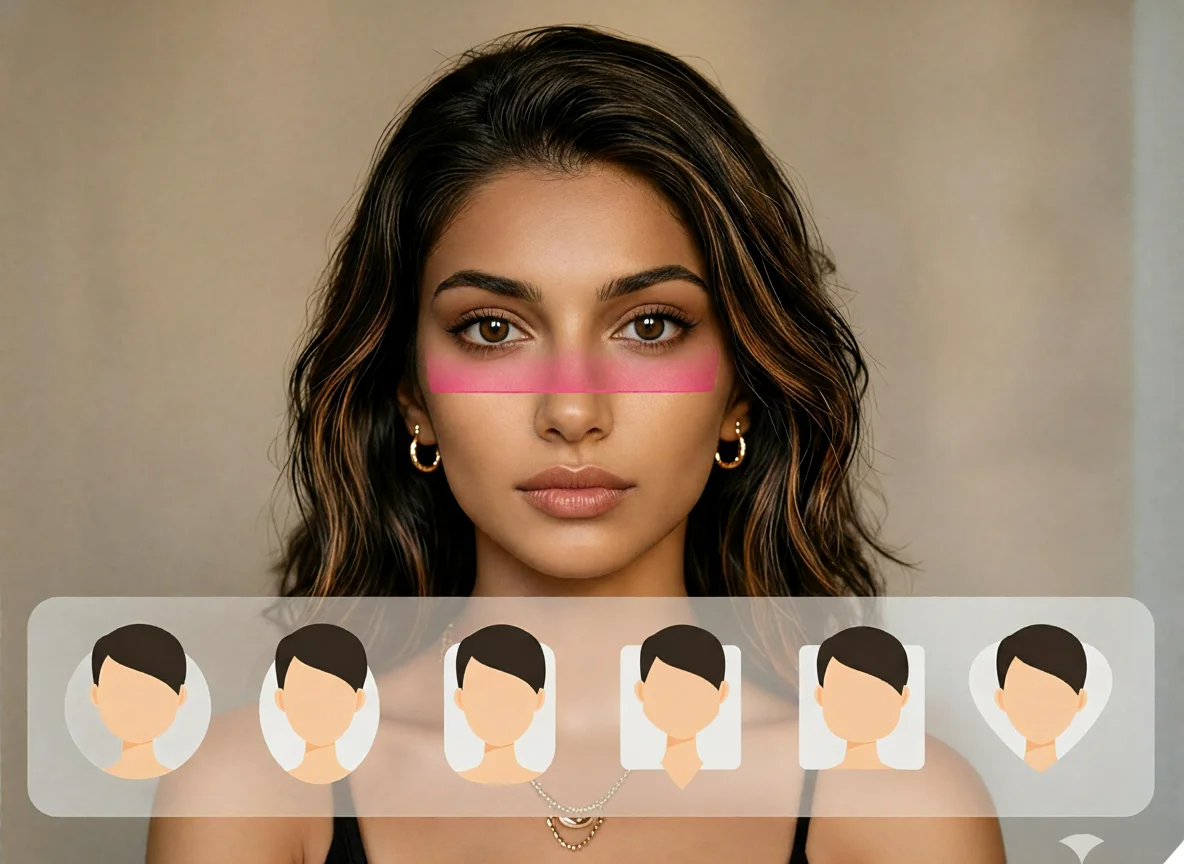
Enter a face description or upload a reference photo, then generate realistic human faces for avatars, characters, social profiles, and creative projects.
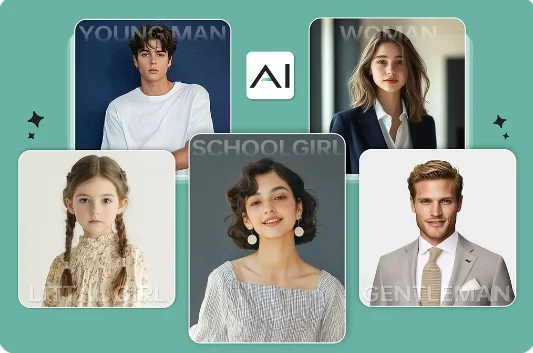
How to Use AI Face Generator
Upload
Enter a text prompt or upload a reference image. Describe details such as age, gender, face shape, skin tone, hairstyle, expression, lighting, and style.
Generate
Click Generate. Qimg AI will create a unique AI-generated face based on your prompt, style choice, and image settings.
Download
Preview the result, regenerate if needed, and download your high-resolution AI face for design, avatars, character concepts, or visual projects.
Why Choose AI Face Generator
Realistic AI Faces with Detailed Control
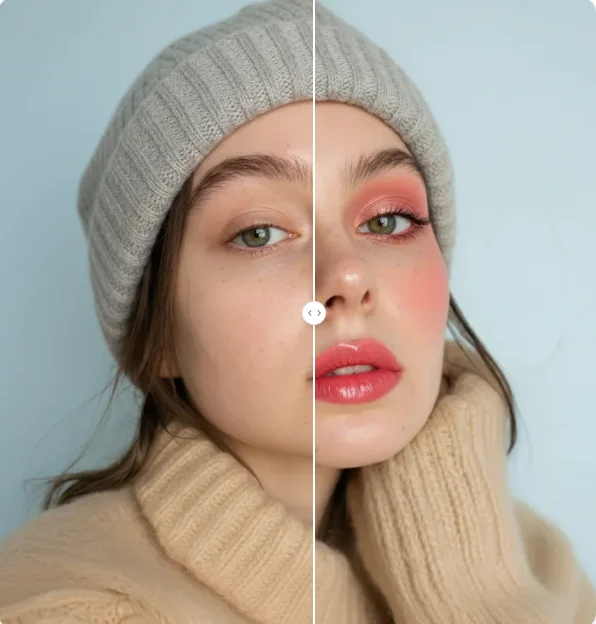
Qimg AI helps generate lifelike human faces with detailed prompt control. You can describe facial features, age, skin tone, hairstyle, emotion, lighting, and style to create portraits that match your creative direction.
Flexible Styles for Characters and Avatars
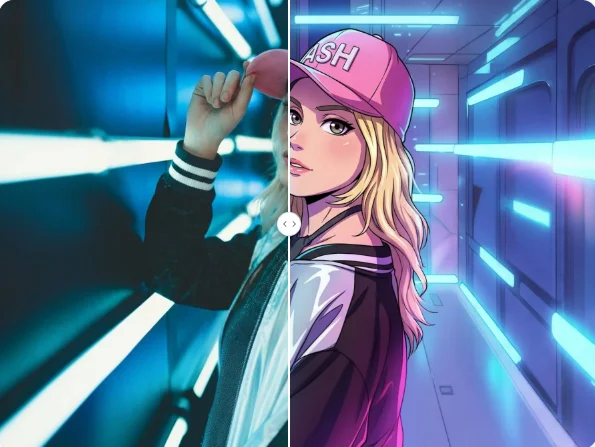
Create realistic portraits, stylized faces, character concepts, profile images, or 3D-inspired looks. Qimg AI makes it easy to explore different face styles without traditional illustration or photo production.
Unique Synthetic Faces for Creative Projects
AI-generated faces are created from prompts instead of copied from real individuals. With Qimg AI, you can produce unique face concepts for mockups, storytelling, branding drafts, game characters, or design exploration.
Who Use Qimg AI
Creators
Create visuals faster without design skills. Turn ideas into images, thumbnails, social posts, and creative assets in seconds.
Designers
Accelerate your creative workflow. Use Qimg AI to generate concepts, references, and visual directions, then refine them into production-ready designs.
Marketers
Produce high-converting visuals on demand. Create ads, campaign visuals, and branded images quickly.
FAQs about AI Face Generator
Qimg AI's AI Face Generator is a tool that creates realistic human faces from a text description or a reference photo. You specify features like age, gender, ethnicity, hairstyle, and expression, and the AI synthesizes a brand-new face that doesn't exist in the real world.
Qimg AI's models are trained on large datasets of human features. When you provide a prompt, the model assembles those learned patterns into a unique face — controlling skin texture, lighting, and facial structure to match what you describe.
Yes. Every result from Qimg AI is generated from scratch — even the same prompt produces different faces on each run. You can keep regenerating or refine the prompt until you get the look you want.
Photorealistic portraits, anime, 3D, illustration, oil painting, and more. Switch the style without rewriting the prompt to take the same description in a very different visual direction.
No. Qimg AI keeps the process simple. Enter a prompt or upload a reference image, generate the face, preview the result, and download the image when it fits your project.
Discover More on Qimg AI
Qimg AI is your go-to AI image toolkit for generating, editing, and enhancing photos and artwork.
AI Face Generator
Create realistic AI faces with Qimg AI. Describe the look you want, generate unique portraits, and download high-quality results for your creative projects.