
Note: Auto only supports 1K. 1:1 does not support 4K.
Blythe Doll Maker for Personalized Doll Art
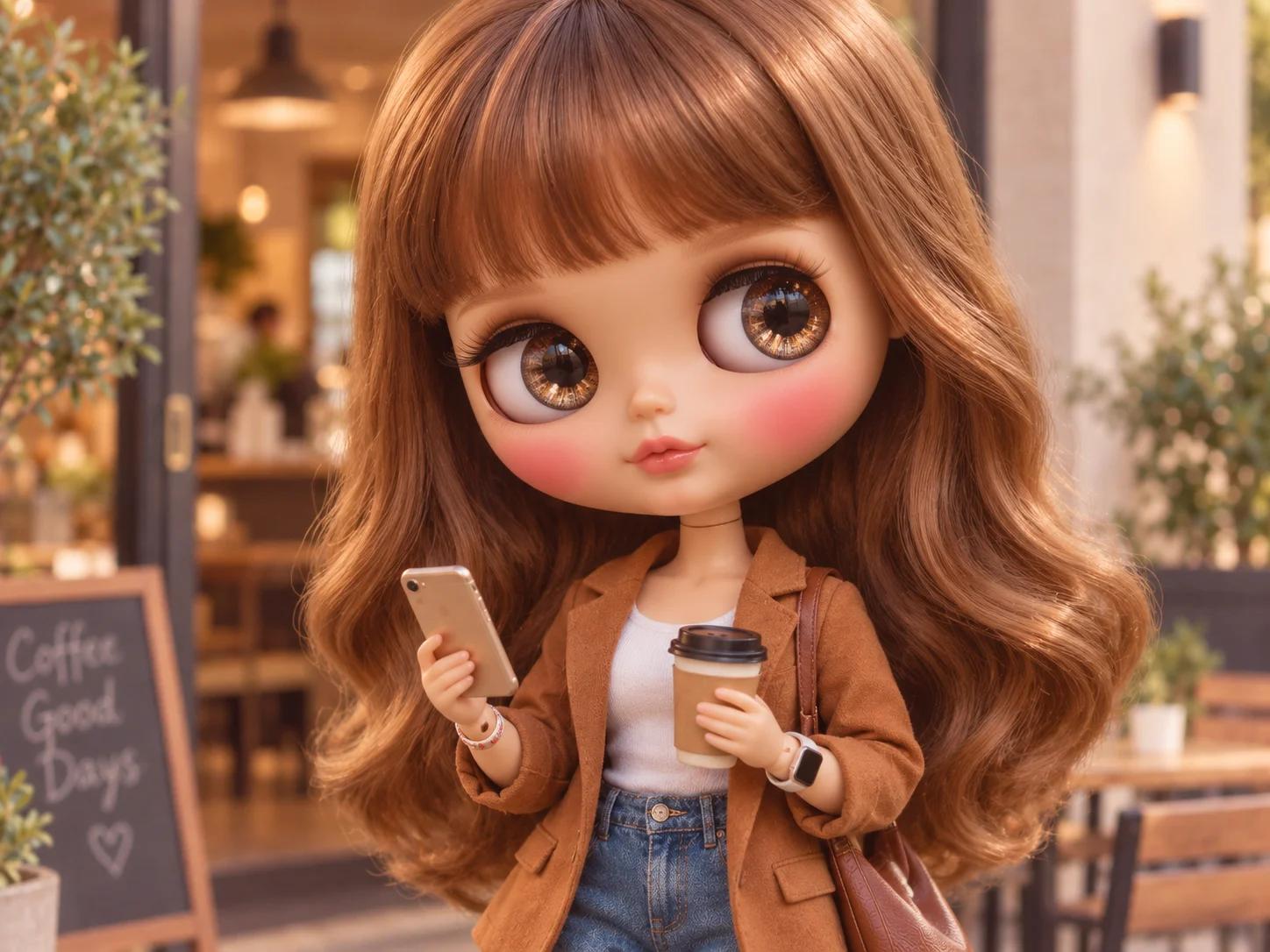
Transform the subject into a polished Blythe-inspired character with recognizable details, doll-like proportions, and a collectible portrait finish.

How to Use the Blythe Doll Maker
Upload a Portrait
Choose a clear photo where the face, hairstyle, clothing, and pose are easy to see. The uploaded portrait guides the personalized doll transformation.
Describe Your Doll Design
Edit the prompt with details such as eye color, hair texture, clothing, accessories, mood, background, and whether you prefer a vintage, dreamy, gothic, or contemporary look.
Generate and Download
Generate the portrait, review the face, eyes, hair, outfit, and doll materials, then download the version that best matches your character idea.
Why Choose This Blythe Doll Maker
Signature Doll-Like Features
Reinterpret the portrait with oversized glossy eyes, a small rosebud mouth, smooth matte skin, rosy cheeks, and delicate proportions that create a recognizable doll aesthetic.
Personalized Hair, Fashion, and Accessories
Guide the result with specific hair colors, textures, outfits, jewelry, poses, and decorative details so the doll reflects your reference and creative direction.
Collectible Portrait Finish
Combine polished doll materials, soft lighting, gentle shadows, dreamy backgrounds, and coordinated colors for an image suited to avatars, gifts, concept art, or custom-doll references.
Who Use Qimg AI
Creators
Turn portraits into distinctive doll avatars, character posts, and collectible-style artwork with customizable fashion and visual moods.
Designers
Explore character silhouettes, hair, wardrobe, accessories, color palettes, and presentation ideas before refining a complete doll concept.
Marketers
Build charming doll-inspired visuals for seasonal campaigns, social content, gifts, and playful product concepts with a consistent art direction.
FAQs About the Blythe Doll Maker
A Blythe doll maker is an AI image tool that transforms an uploaded portrait into doll-inspired artwork with oversized glossy eyes, delicate facial proportions, styled hair, detailed clothing, accessories, and polished collectible materials.
Yes. Upload a clear portrait and use the prompt to describe the Blythe-inspired details you want. The image-to-image workflow uses the photo as a reference for facial features, hair, clothing, pose, and overall character direction.
You can describe eye color and reflections, hairstyle, hair color, skin finish, facial expression, outfit, jewelry, accessories, pose, background, lighting, and visual mood in the prompt.
Try vintage, faded pastel, dreamy, gothic, fairy-tale, streetwear, editorial, or contemporary fashion directions. Keep the prompt specific about colors, clothing, materials, and setting so the style remains coherent.
Use the image as a profile picture, character concept, social post, mood-board element, personalized gift, print idea, or visual reference for a custom doll project. Review the result before publishing or printing it.
Discover More on Qimg AI
Qimg AI is your go-to AI image toolkit for generating, editing, and enhancing photos and artwork.
Create a Personalized Doll With the Blythe Doll Maker
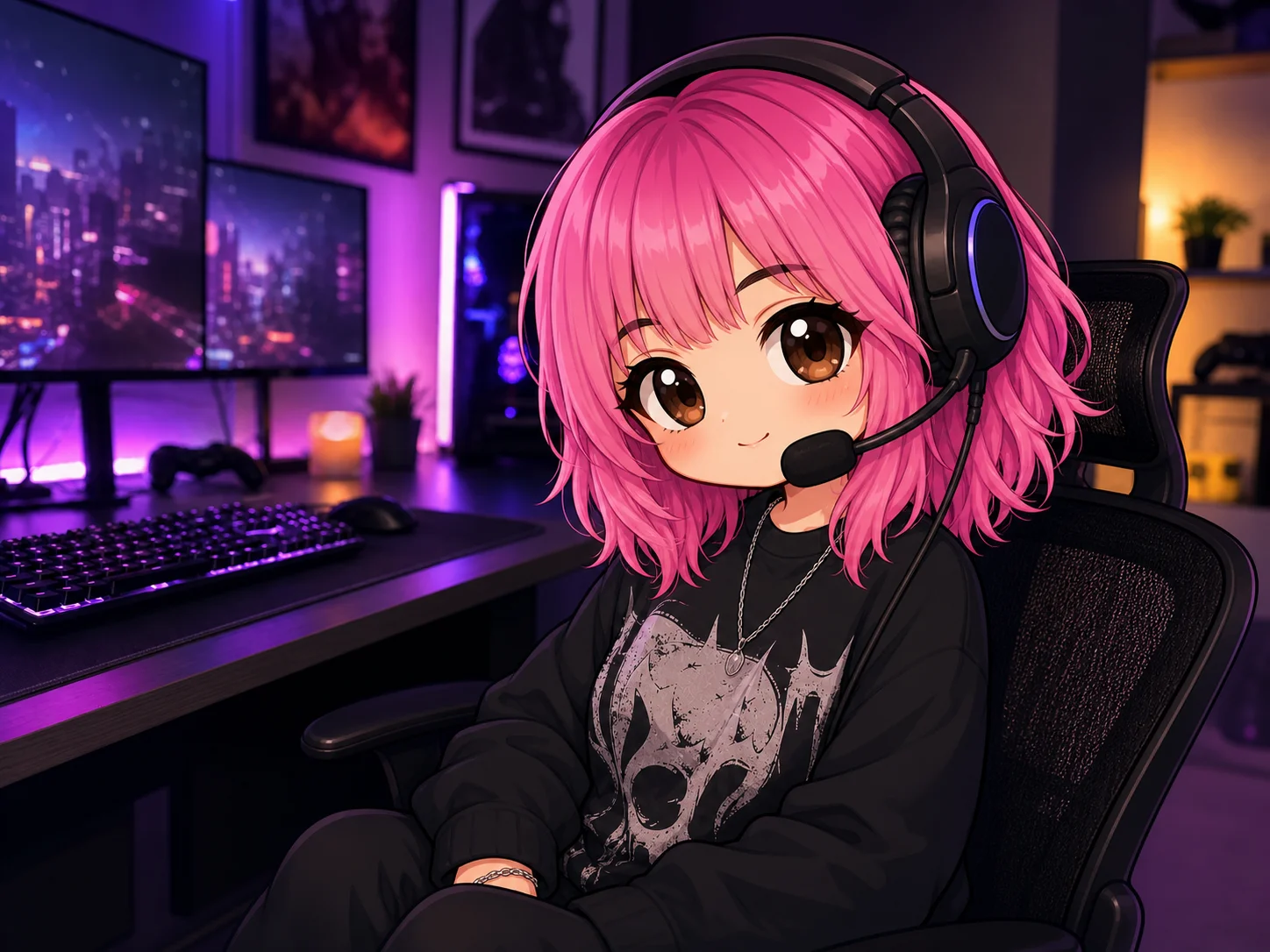
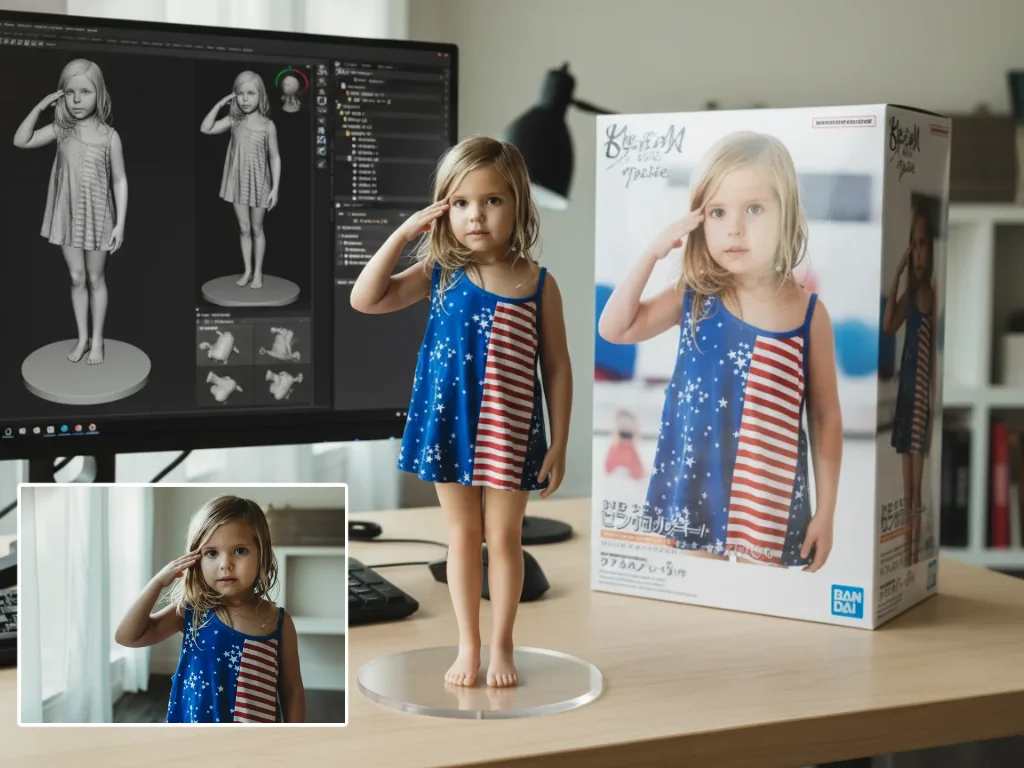
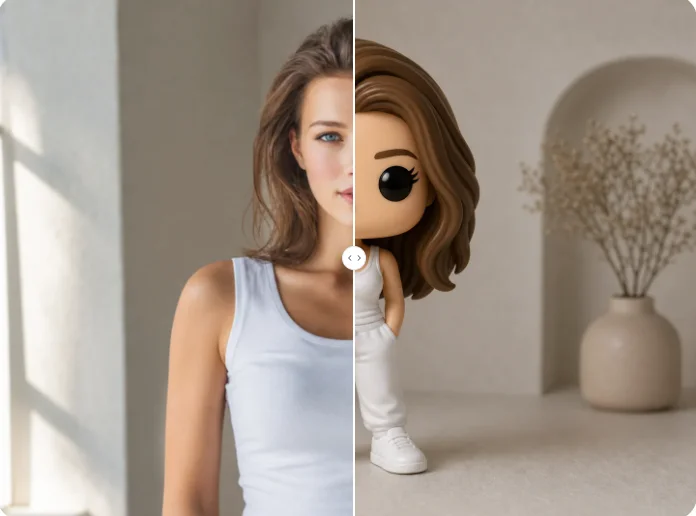
Transform your portrait into a collectible doll image with sparkling eyes, styled hair, custom fashion, dreamy colors, and polished materials.