
Note: Auto only supports 1K. 1:1 does not support 4K.
Buzz Cut Filter
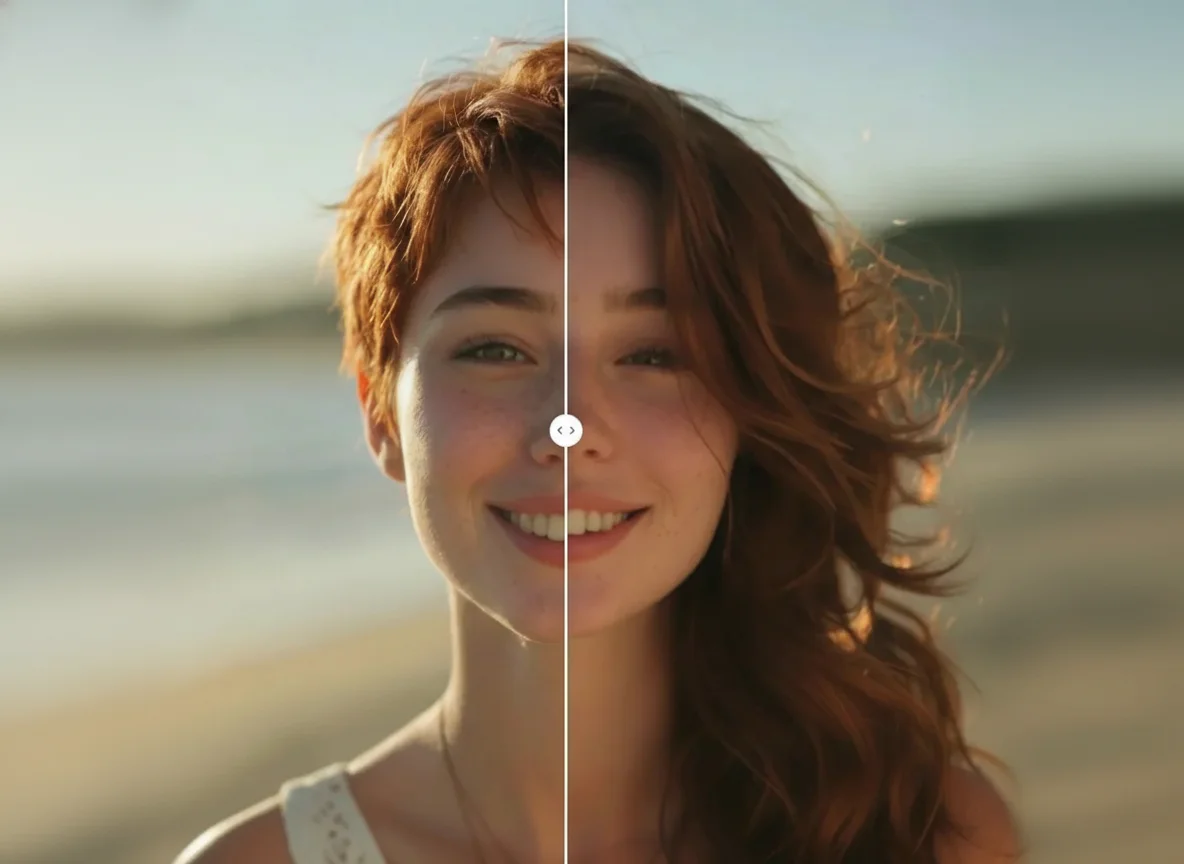
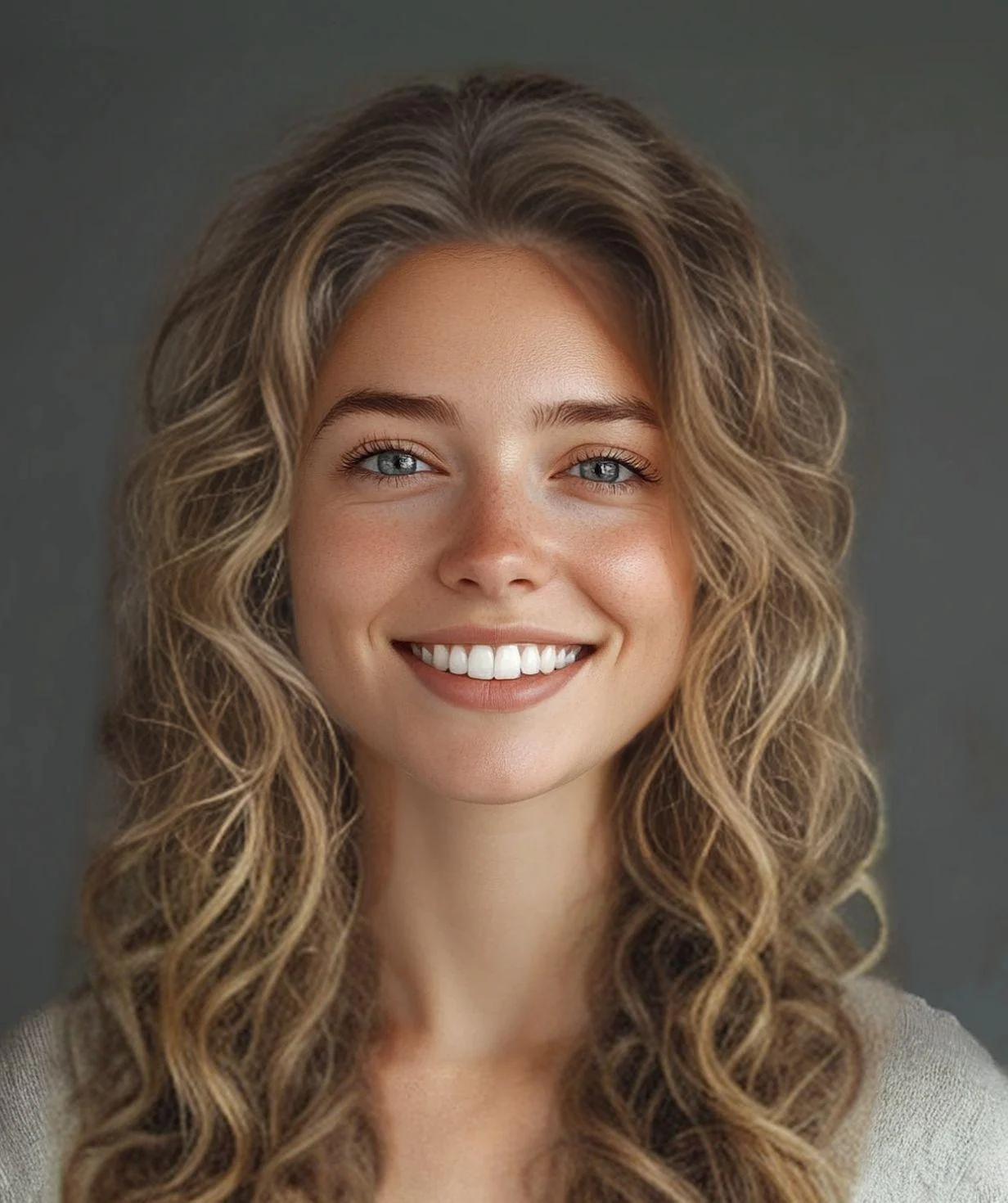
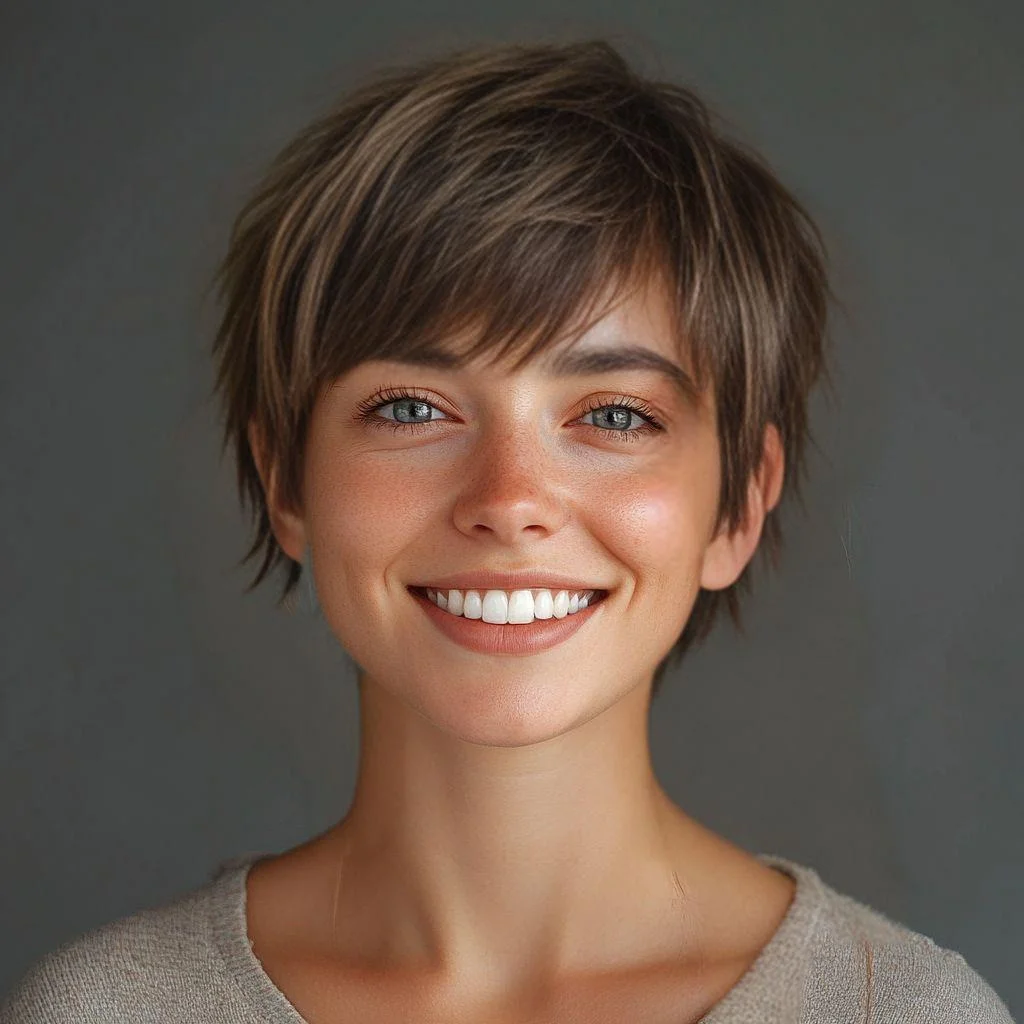
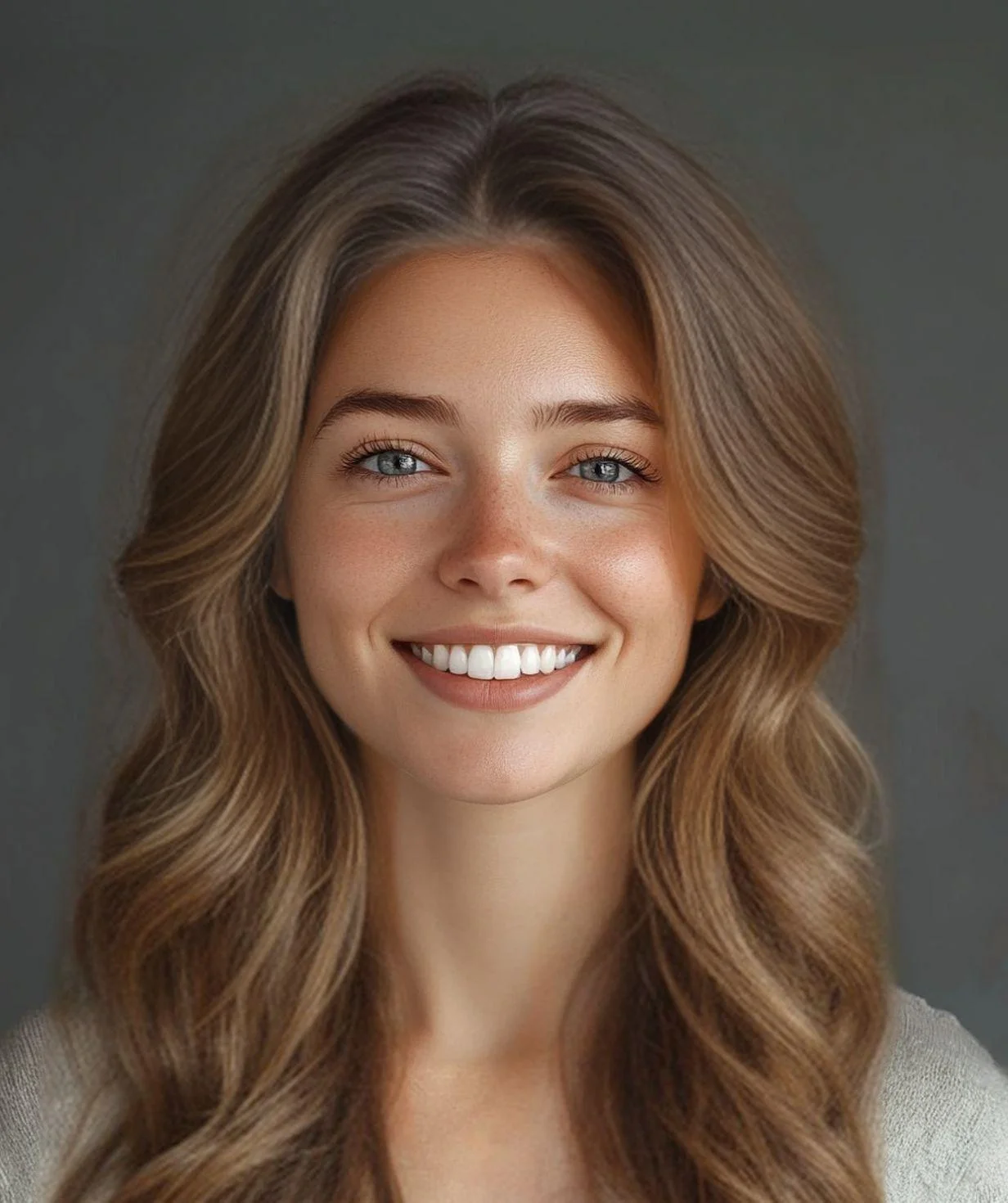
Upload your photo and see how you'd look with a buzz cut. Preview different short hairstyles before committing to the real thing.


How to Use Buzz Cut Filter
Upload
Upload a clear, front-facing photo. For the best AI results, ensure your face and forehead are not covered by hair.
Generate
Click the Generate button. The AI will analyze your facial features and head shape to apply a buzz cut in seconds.
Download
Preview your fresh look and download the high-resolution image to share with friends or take to your barber.
Why Choose Buzz Cut Filter Instagram Photo Effect
Risk-Free Haircut Preview
See exactly how a buzz cut will look on you before making the commitment. No more haircut regrets—preview your new style first and decide with confidence.
Realistic AI-Generated Results
Qimg AI creates natural-looking buzz cut transformations that blend seamlessly with your face shape, skin tone, and features. Get a true preview, not a cartoon filter.
Instant Results, Zero Effort
Simply upload your photo and see your buzz cut look in seconds—perfect for quick decisions or fun experiments.
Who Use Qimg AI to Use Buzz Cut Generator
Creators
Create visuals faster without design skills. Turn ideas into images, thumbnails, social posts, and creative assets in seconds.
Designers
Accelerate your creative workflow. Use Qimg AI to generate concepts, references, and visual directions, then refine them into production-ready designs.
Marketers
Produce high-converting visuals on demand. Create ads, campaign visuals, and branded images quickly.
FAQs about AI Buzz Cut Filter
The Buzz Cut Filter by Qimg AI is an AI-powered tool that simulates a buzz cut hairstyle on your uploaded photo, allowing you to preview the look digitally.
It is highly realistic. The AI analyzes your facial structure to adjust the buzz cut's perspective and shading, ensuring it blends naturally with your photo.
A high-quality, front-facing selfie with even lighting works best. Avoid photos with hats or heavy shadows on the forehead for the most accurate simulation.
Yes. We prioritize your privacy. Photos uploaded for the Buzz Cut Filter are processed securely and are not stored permanently on our servers.
Yes. Qimg AI offers free credits for users to try the Buzz Cut Filter and preview their transformation online without upfront costs.
Discover More on Qimg AI
Qimg AI is your go-to AI image toolkit for generating, editing, and enhancing photos and artwork.
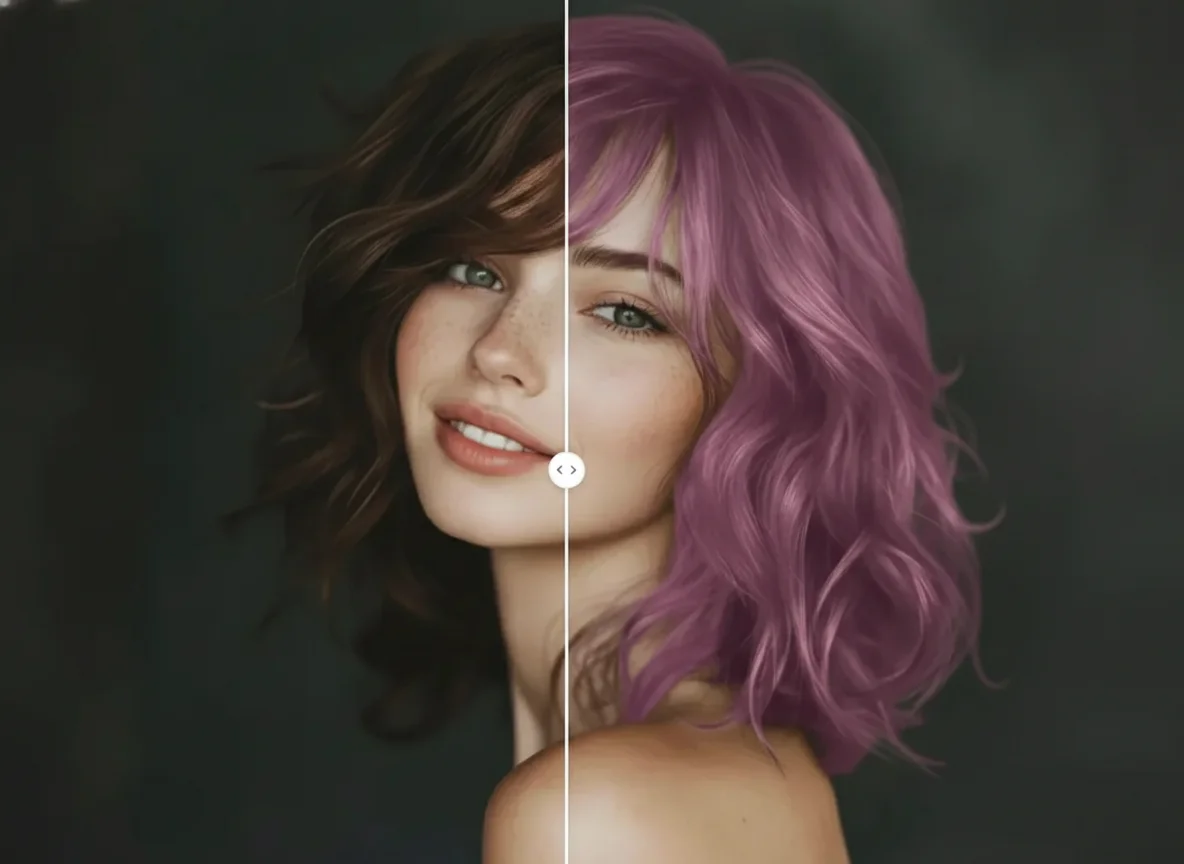
Buzz Cut Filter
Curious about the buzz cut look? Upload your photo now and see yourself with a fresh, bold style in seconds.