
Note: Auto only supports 1K. 1:1 does not support 4K.
Filter Remover
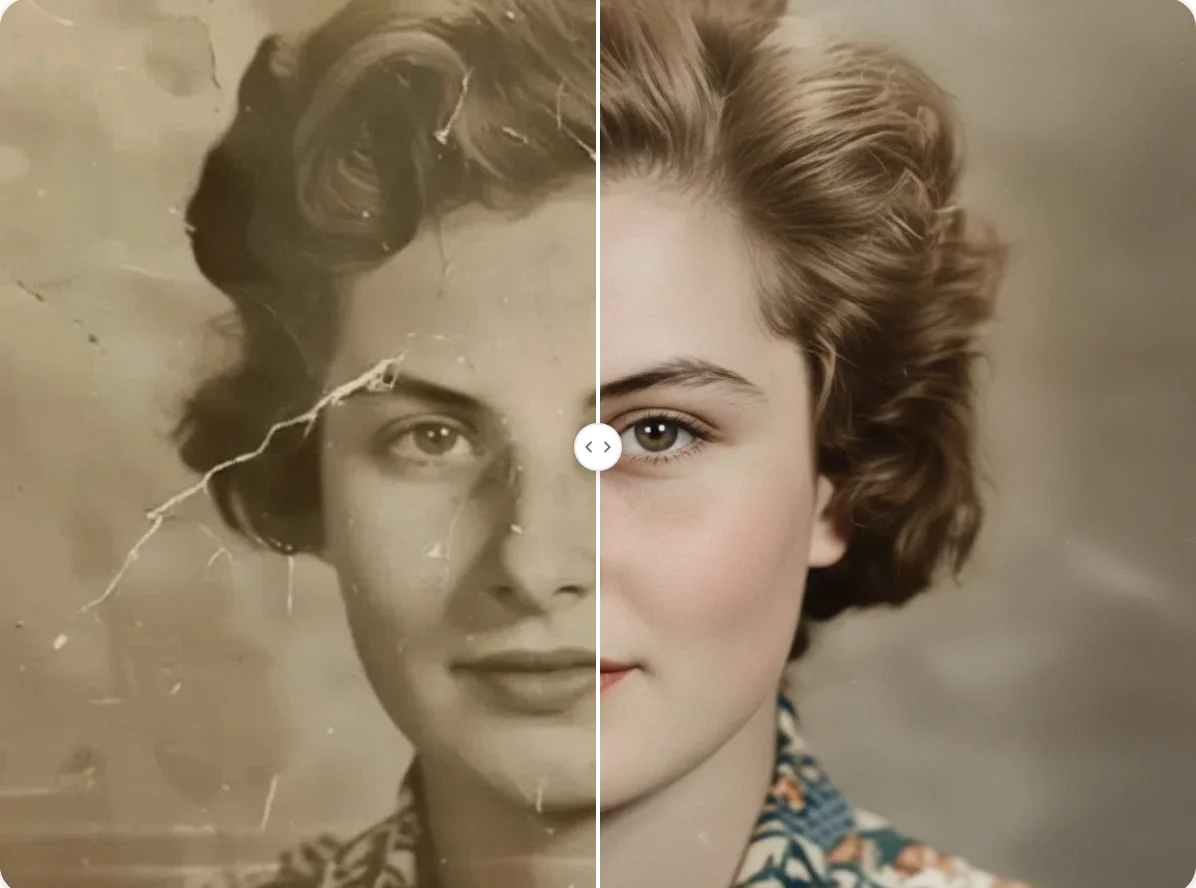
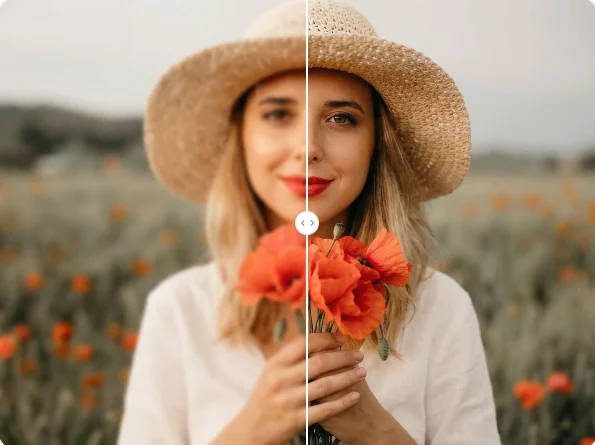
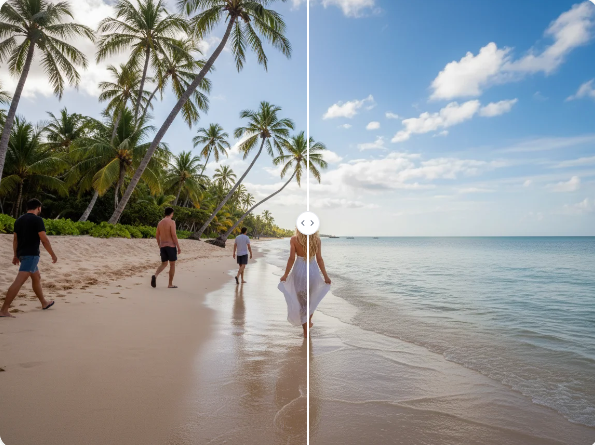
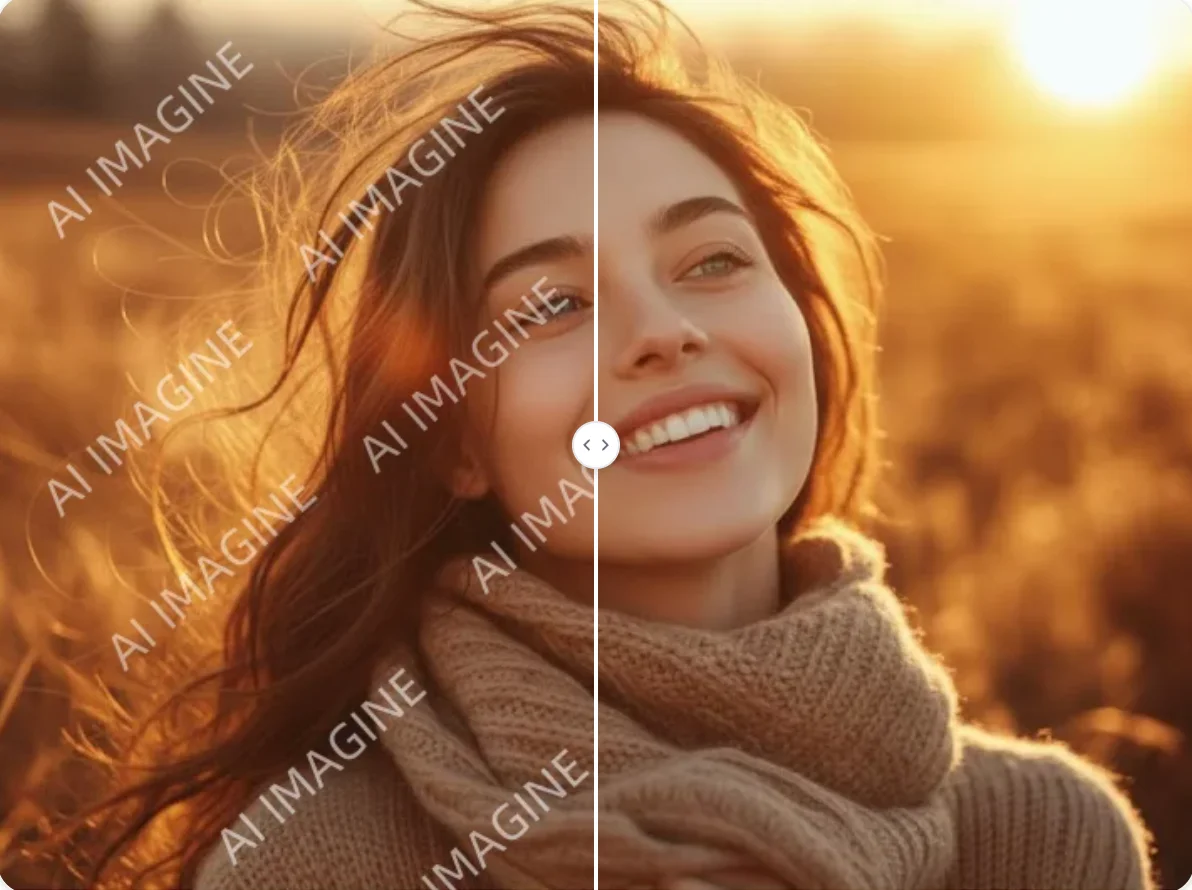
Upload a filtered photo and tell Qimg AI what you want to restore, such as natural skin tones, original colors, cleaner lighting, or fewer beauty effects. The tool generates a revised image that reduces visible filter styling while keeping the subject, texture, and photo composition recognizable.


How to Use Filter Remover
Upload a Filtered Photo
Choose a portrait, selfie, product image, social media photo, or edited picture with visible filters, color overlays, beauty effects, or heavy stylized tones.
Generate a Cleaner Version
Describe what should be reduced or restored, such as removing warm color cast, softening beauty filters, recovering natural texture, or making the photo look closer to the original.
Download the Restored Image
Preview the result, check whether the photo still looks natural, then download the edited image for profiles, posts, product visuals, or further creative work.
Why Choose Filter Remover
Reduce Heavy Filters Without Manual Color Work
Qimg AI Filter Remover helps analyze the edited look and generate a cleaner version without requiring manual exposure, color temperature, or saturation adjustments. It is useful when a filter makes a photo look too warm, too cool, overly soft, or visually unnatural.
Recover More Natural Detail and Texture
Instead of only lowering saturation, Qimg AI can guide the image toward clearer skin texture, more balanced lighting, and more realistic color. This helps portraits, product shots, and social media images look less processed.
Handle Common Social and Beauty Filter Effects
Use Filter Remover for photos affected by beauty filters, color overlays, vintage tones, AR-style effects, or strong app presets. You can describe the specific effect you want reduced so the output matches your editing goal.
Who Use Qimg AI
Creators
Clean up filtered selfies, thumbnails, profile visuals, and social posts before publishing. Restore a more natural look while keeping the image ready for creative use.
Designers
Use Qimg AI to reduce unwanted color styling, recover cleaner source visuals, and prepare images for retouching, layout work, or brand-consistent visual systems.
Marketers
Improve campaign images, product visuals, creator content, and ad assets that look over-filtered. Keep photos clearer, more authentic, and easier to align with brand guidelines.
FAQs about Filter Remover
A filter remover helps reduce visible photo filter effects such as color overlays, beauty smoothing, vintage tones, or strong app presets. With Qimg AI, you can upload a filtered image and generate a cleaner, more natural-looking version.
It can help with many common filter effects, but results depend on the original image, filter strength, and how much detail remains in the photo. A clear image with visible subject detail usually gives better results.
No. If the original unfiltered photo is not available, AI cannot guarantee an exact reconstruction. It can generate a more natural version by reducing visible filter effects and rebuilding likely color, lighting, and texture.
You can try to reduce beauty filters, strong color casts, vintage effects, soft blur styling, heavy contrast presets, social media filters, and other edited looks that make the image feel less natural.
Be specific about what you want restored. For example, ask Qimg AI to reduce the warm filter, recover natural skin texture, remove color overlay, keep the same face and pose, and make the image look closer to an original photo.
Discover More on Qimg AI
Qimg AI is your go-to AI image toolkit for generating, editing, and enhancing photos and artwork.

Filter Remover
Upload a filtered image and use Qimg AI to create a cleaner, more natural-looking version. Reduce color overlays, beauty effects, and heavy edits while keeping the photo recognizable.