
Note: Auto only supports 1K. 1:1 does not support 4K.
Magazine Cover Maker
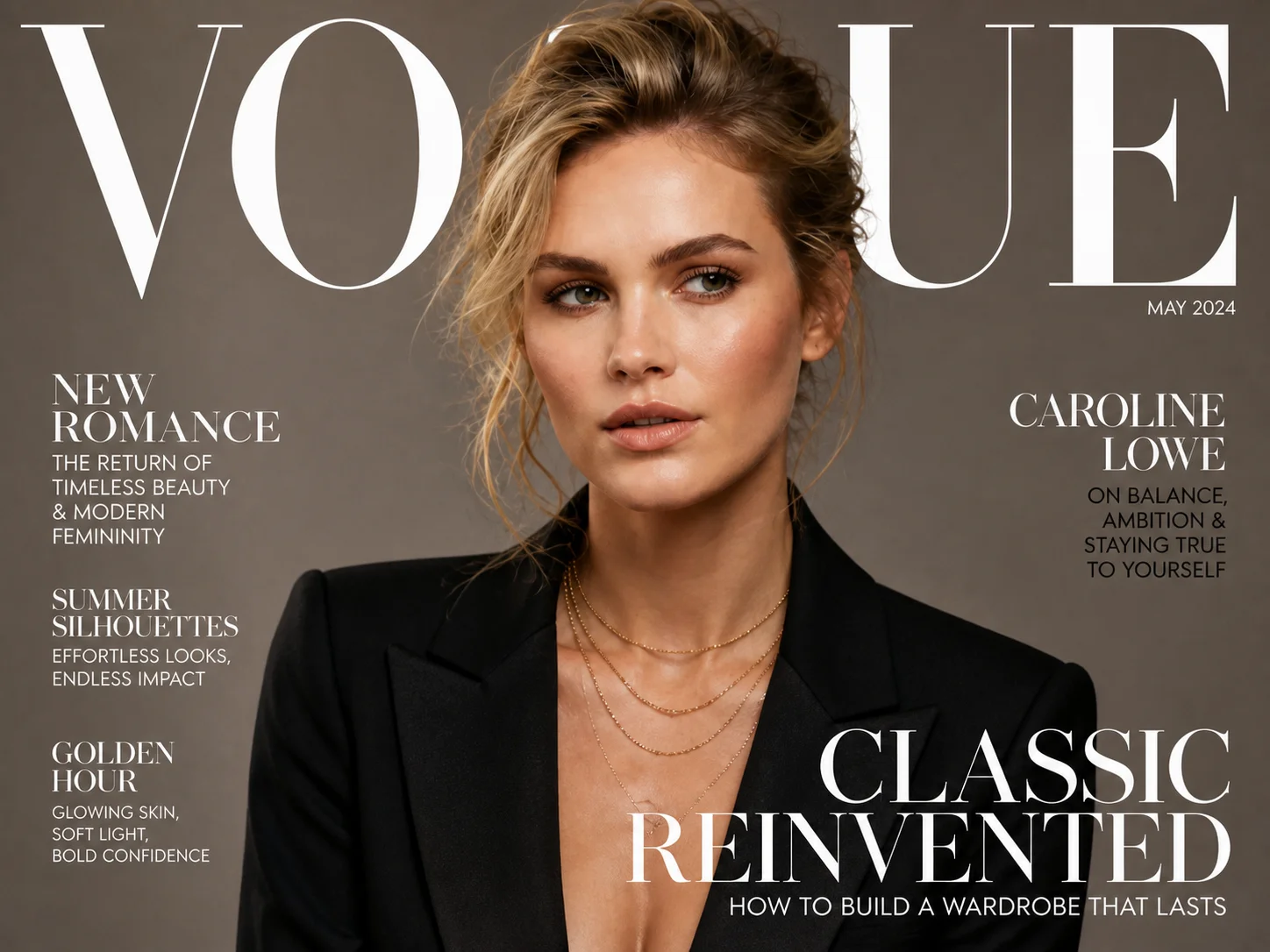
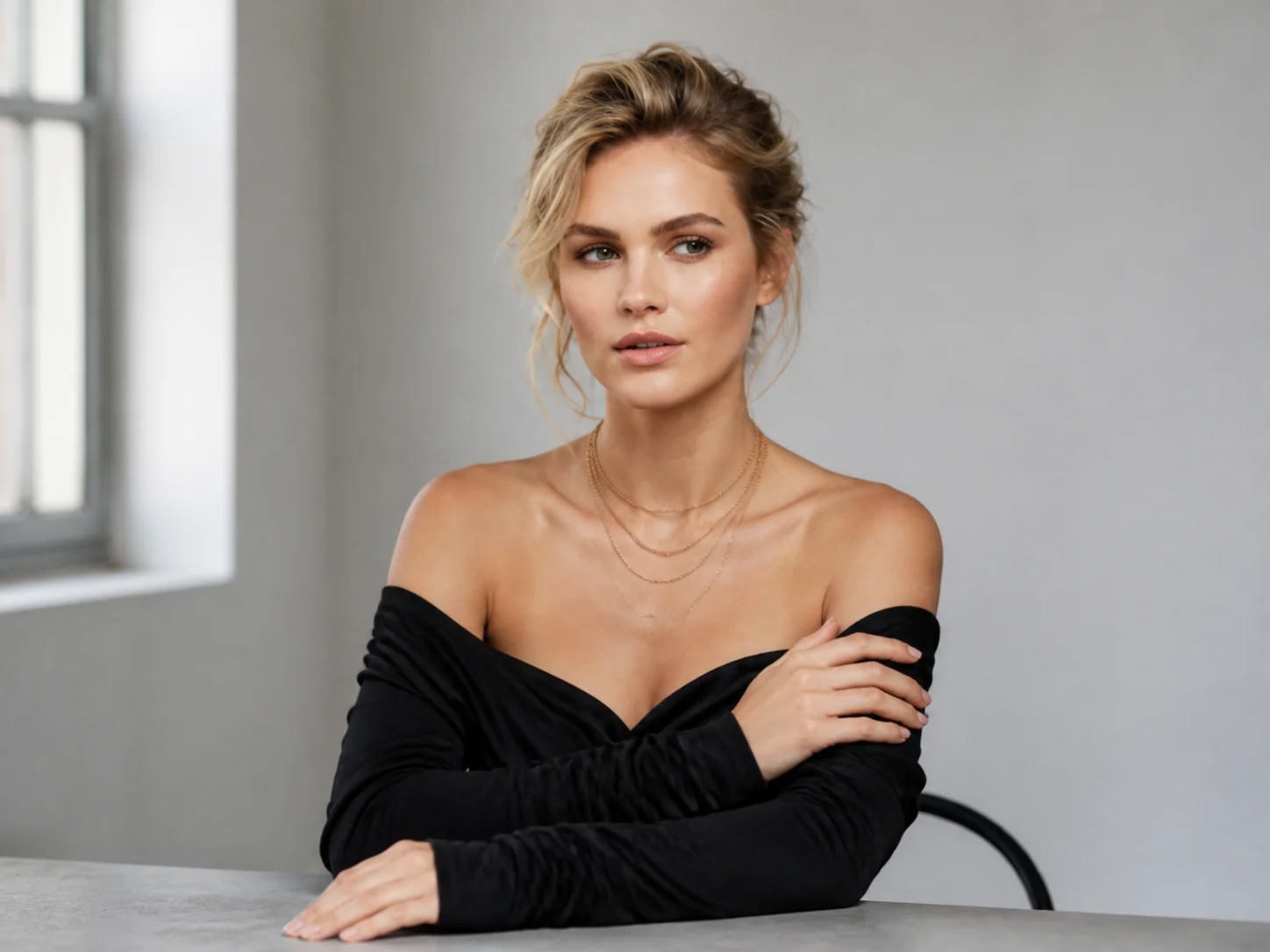
Turn your photo into editorial cover art. Shape the portrait style, lighting, and cover text with an editable prompt.
How to Use the Magazine Cover Maker
Upload
Start with a clear photo where the subject is easy to recognize. A well-lit portrait with visible facial details gives the model a useful reference for your cover.
Generate
Edit the prompt to describe your cover theme, clothing, lighting, and background. Include any short headlines you want, choose an aspect ratio, and generate your design.
Download
Review the portrait and check any generated lettering before downloading. Refine the prompt and generate another version if you want to change the styling or composition.
Why Choose the Magazine Cover Maker
Give Your Portrait an Editorial Presence
Transform an everyday portrait with studio-inspired lighting, considered styling, and a background that supports the subject. The Magazine Cover Generator uses your photo as a visual reference, helping keep the face recognizable as you explore a different mood. From understated elegance to bold fashion imagery, direct the transformation through a prompt instead of arranging a new photo shoot.
Build a Cover Around Your Own Story
Describe a magazine title, a main headline, or a few short cover lines that fit your theme. Guide their placement alongside the portrait and suggest a coordinated palette for a more cohesive composition. Create a personal celebration, a fictional editorial concept, or a portfolio image without relying on a fixed template. Check the generated wording before using the finished design.
Explore Different Visual Directions from One Photo
Try cinematic shadows, softer light, refined makeup, or a different fashion mood while working from the same reference. This Magazine Cover Generator lets you revise the prompt to explore new treatments rather than start each concept from scratch. Compare the results for a social post, presentation, or creative project, then choose the version that best supports your message.
Who Use Qimg AI
Creators
Turn portraits into personal cover images for social stories, milestones, and creative self-expression with a look that fits your content.
Designers
Use Qimg AI to explore portrait treatments, color palettes, and editorial concepts before refining a selected direction in your design workflow.
Marketers
Develop magazine-inspired concepts for campaign presentations, brand stories, and promotional visuals using your existing photo references.
FAQs About the Magazine Cover Maker
It transforms an uploaded photo into an editorial-style cover image guided by your prompt. Describe the portrait styling, lighting, background, and any cover text you want. The result is a single image rather than a complete magazine or a layered page-layout document.
Yes. Include the exact wording in the prompt and describe where it should appear. Short titles and a few concise cover lines are easier to review. Check spelling and placement in the result; precise typography may need further editing in a separate design tool.
The uploaded portrait guides the subject's appearance, and the default prompt asks to preserve facial identity while changing the editorial styling. Use a clear reference and review the likeness after generation. Results can vary with the requested pose, lighting, and retouching.
Choose a ratio that fits where the image will appear. A portrait option such as 3:4 works for many cover-style compositions, while square or landscape formats suit other digital layouts. For printed work, check the final pixel dimensions and your printer's requirements separately.
No. Upload your photo and describe the look you want in everyday language. The default prompt provides a fashion-editorial starting point that you can edit. This page uses prompt-based generation, not a template library or a drag-and-drop text editor.
Discover More on Qimg AI
Qimg AI is your go-to AI image toolkit for generating, editing, and enhancing photos and artwork.
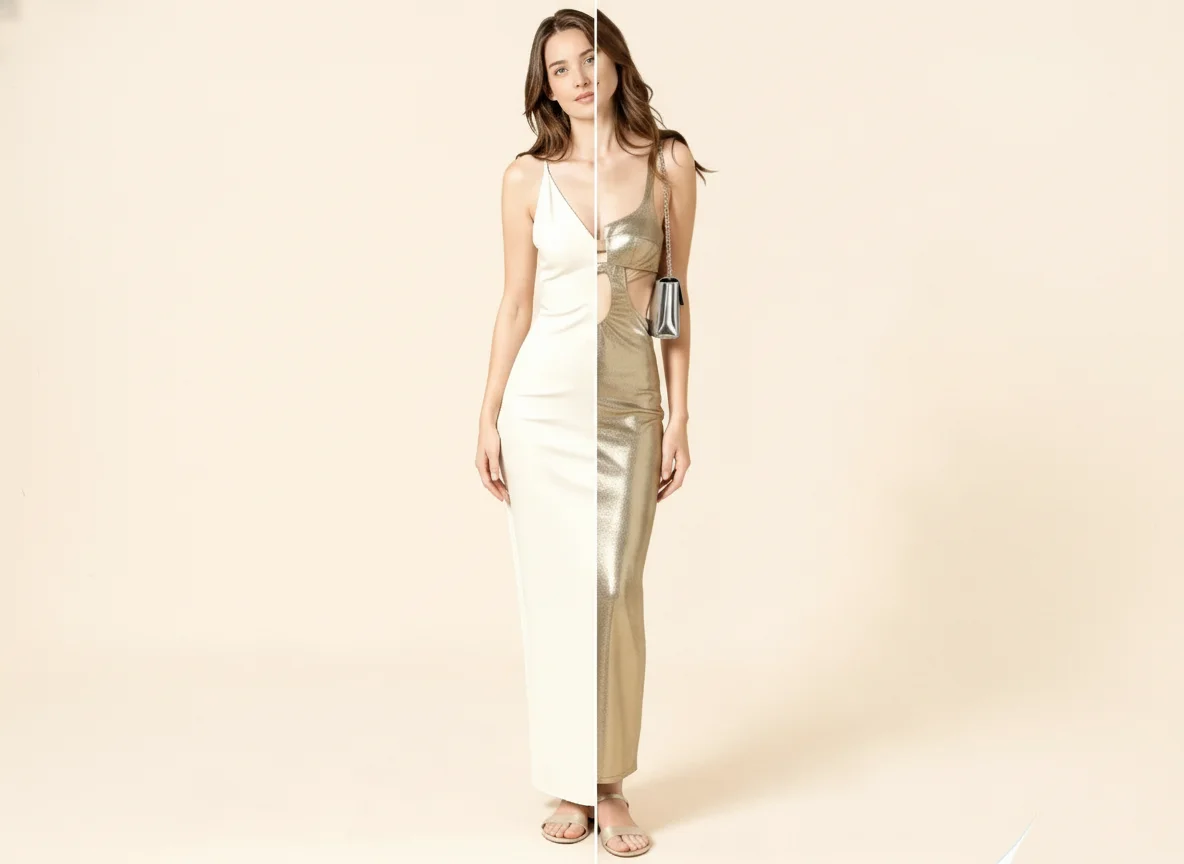
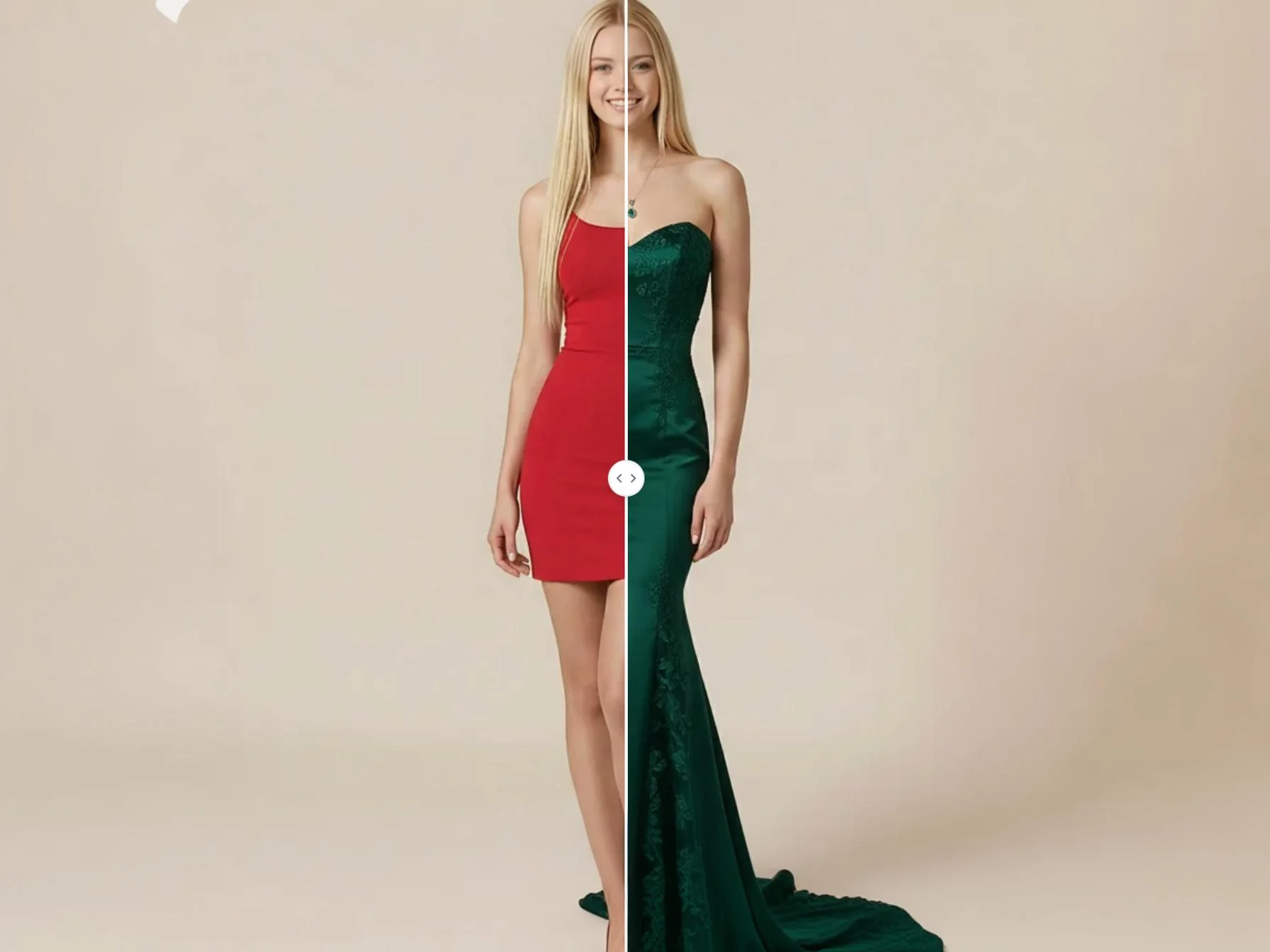
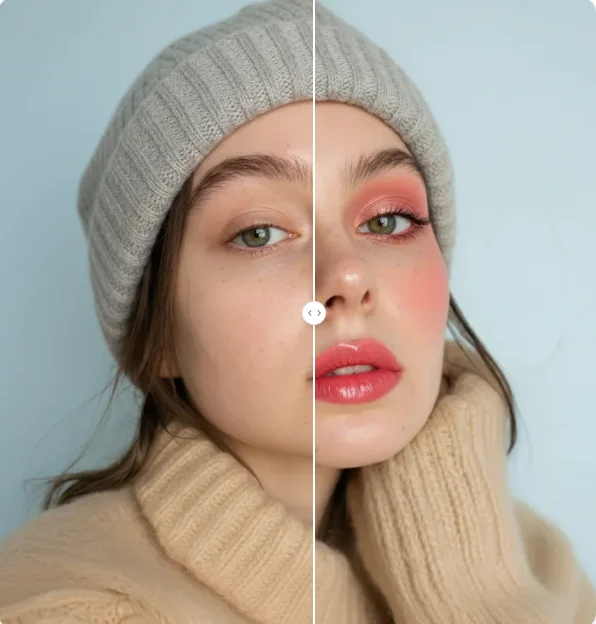
Create Your Own Look with the Magazine Cover Maker
Upload a portrait and describe the cover you have in mind. Explore lighting, styling, and headlines to create a design that tells your story.