
Note: Auto only supports 1K. 1:1 does not support 4K.
2016 Filter for Nostalgic Photo Edits
Upload a selfie, group shot, outfit photo, or party picture, then generate a 2016-inspired edit with rosy tones, softened phone-camera detail, direct-flash contrast, and visible fine grain.
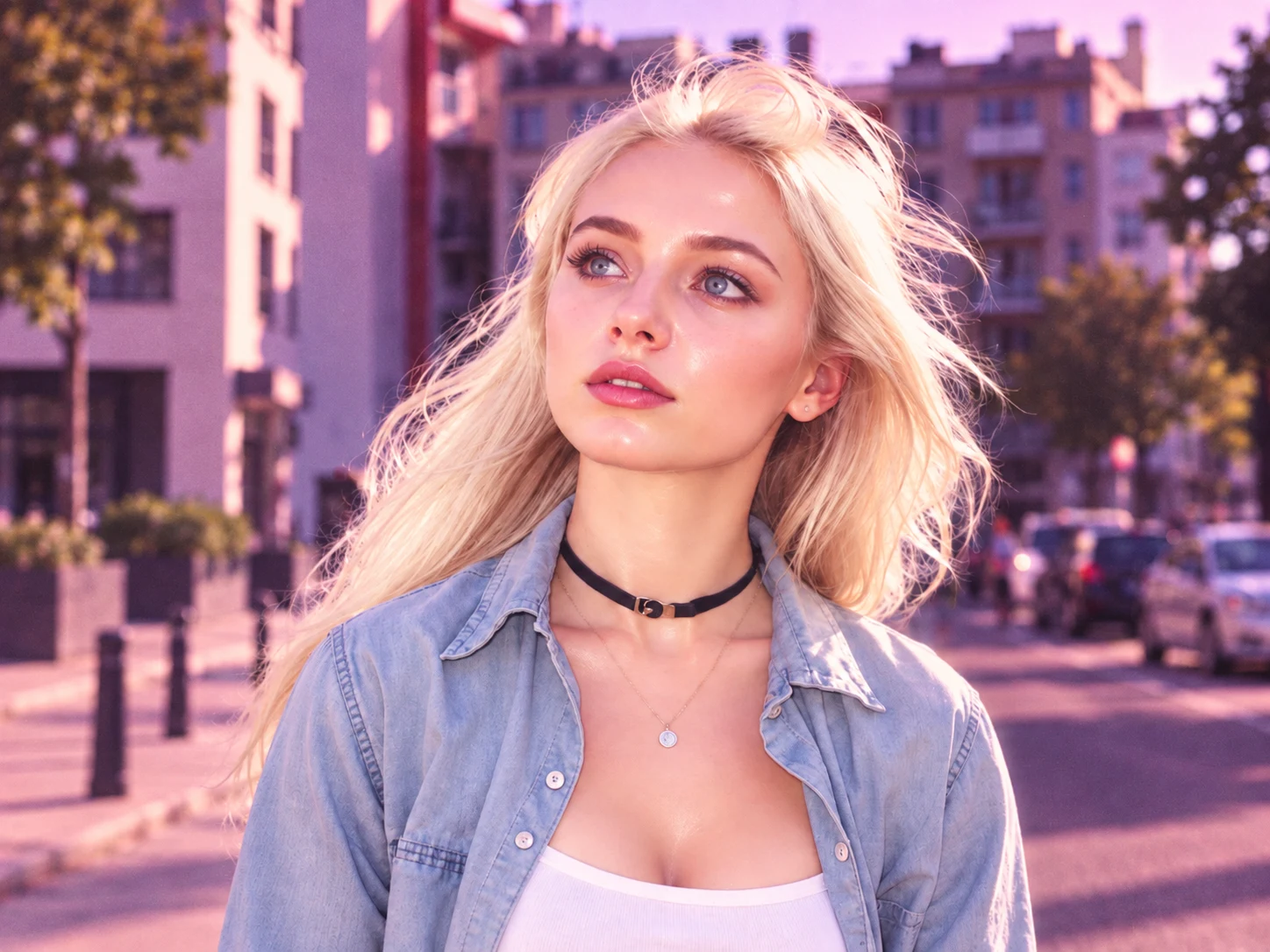
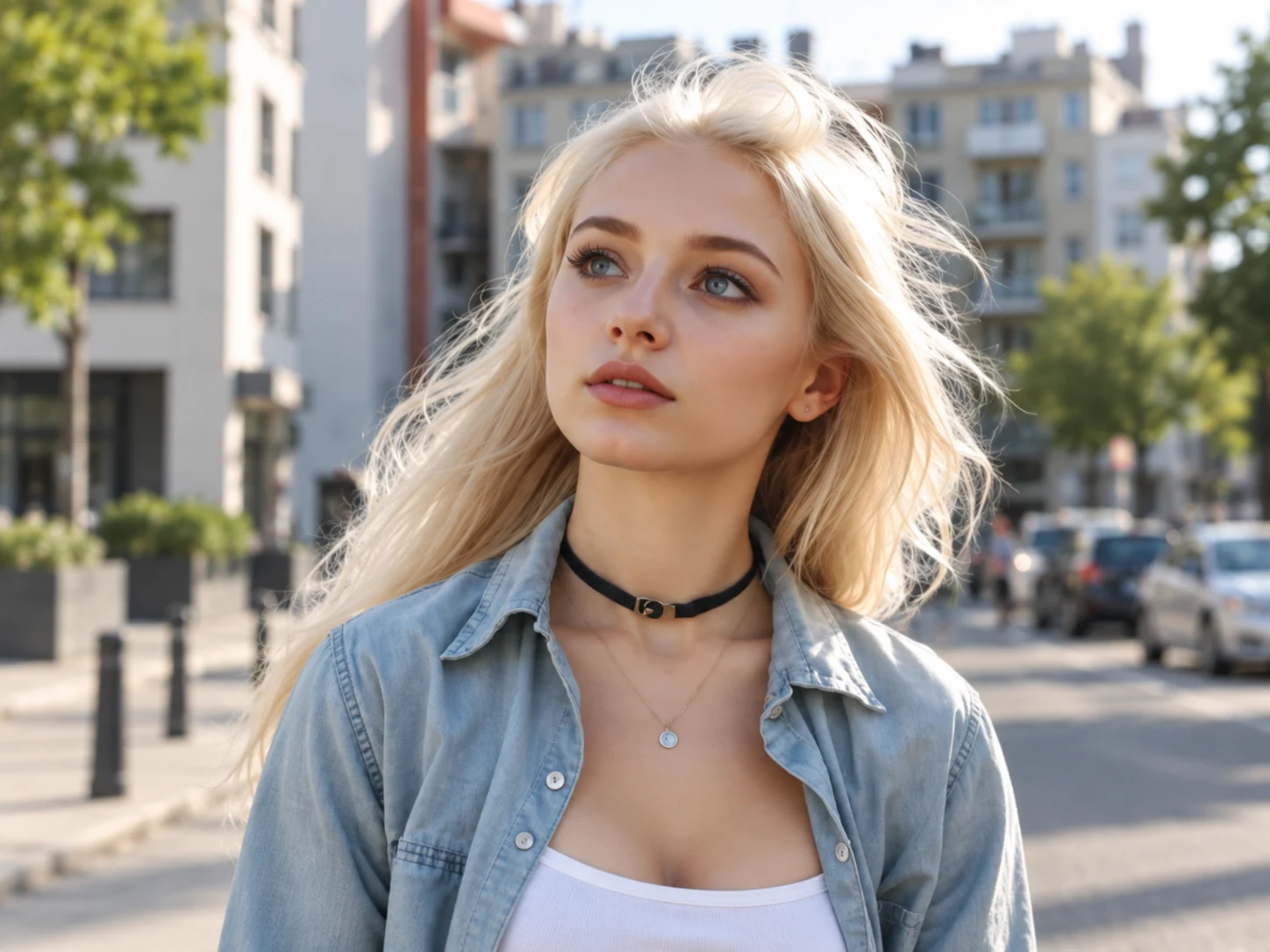
How to Apply a 2016 Filter to Your Photo
Upload Your Photo
Choose a clear selfie, group photo, outfit shot, travel image, or direct-flash party picture. A visible subject and intact image detail make the finished style easier to review.
Generate the Look
Start the transformation to blend warm pink color, violet-toned shadows, soft phone-camera detail, flash contrast, and fine digital grain across the photo.
Review and Download
Check that the subject remains recognizable and the nostalgic effect is clear, then download the finished image for a throwback post, photo dump, or mood board.
Why Choose This 2016 Filter
A Complete Mid-2010s Color Treatment
Combine rosy midtones, violet-plum shadows, bright flash highlights, and rich color in one coordinated grade instead of adding a flat warm overlay.
Softer Phone-Camera Texture
Reduce the overly crisp HDR feel of newer phone photos with gentler detail, delicate highlight bloom, and visible fine grain inspired by mid-2010s snapshots.
A Cohesive Look That Preserves the Photo
Restyle color, contrast, apparent lighting, sharpness, and texture while keeping faces, poses, clothing, backgrounds, and the original crop recognizable.
Who Use Qimg AI
Creators
Create cohesive throwback selfies, photo dumps, mood boards, and social posts without manually rebuilding a multi-layer color treatment.
Designers
Build nostalgic visual references and campaign concepts with a recognizable mid-2010s palette, softened texture, and direct-flash character.
Marketers
Give social visuals and seasonal campaigns a consistent throwback identity while keeping products, people, and settings easy to recognize.
FAQs About the 2016 Filter
A 2016 filter recreates the photo style associated with mid-2010s social media, including warm rosy color, violet or faded shadows, softer contrast, direct-flash highlights, and subtle digital grain. It changes the photographic treatment while keeping the original subject and scene recognizable.
Clear selfies, group shots, outfit photos, travel images, and party pictures work especially well. Images with a visible subject and enough original detail make it easier to see both the nostalgic color treatment and preserved features.
The transformation is designed to preserve identity, facial proportions, expression, pose, clothing, background structure, viewpoint, and crop while changing color, tonal response, apparent lighting, sharpness, and texture. Always review the generated result before using it.
No. The look combines pink-lilac color, deeper violet shadows, flash-bright highlights, softened phone detail, gentle bloom, and fine grain. Treating these elements together creates a more convincing result than a single color overlay.
Use it for throwback selfies, party photos, outfit posts, travel memories, photo dumps, mood boards, and nostalgic campaign visuals. Applying the same direction to related images can also help a set feel visually connected.
Discover More on Qimg AI
Qimg AI is your go-to AI image toolkit for generating, editing, and enhancing photos and artwork.
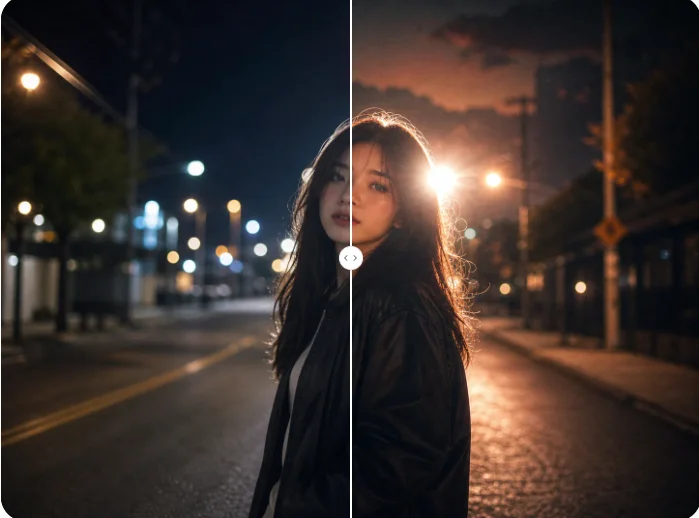
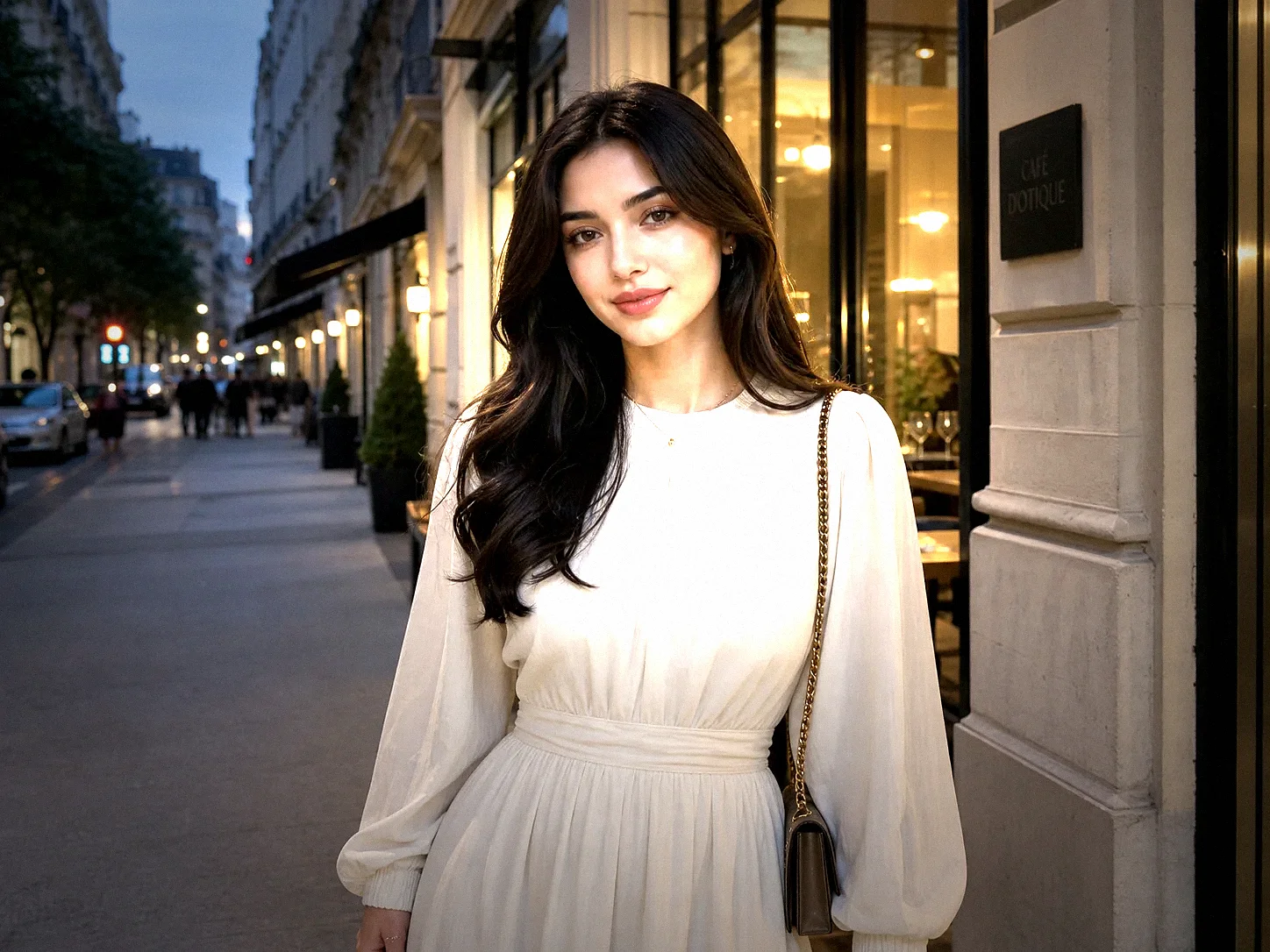
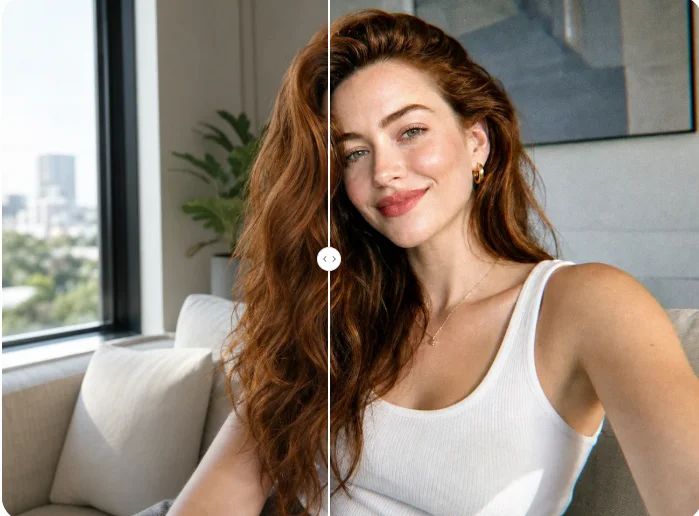
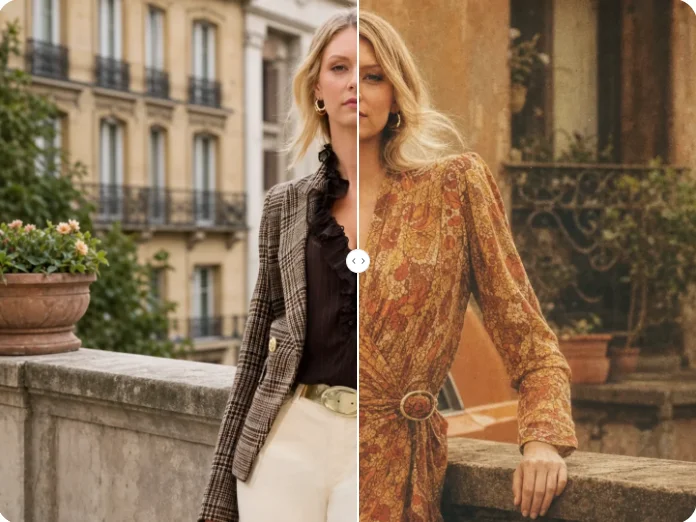
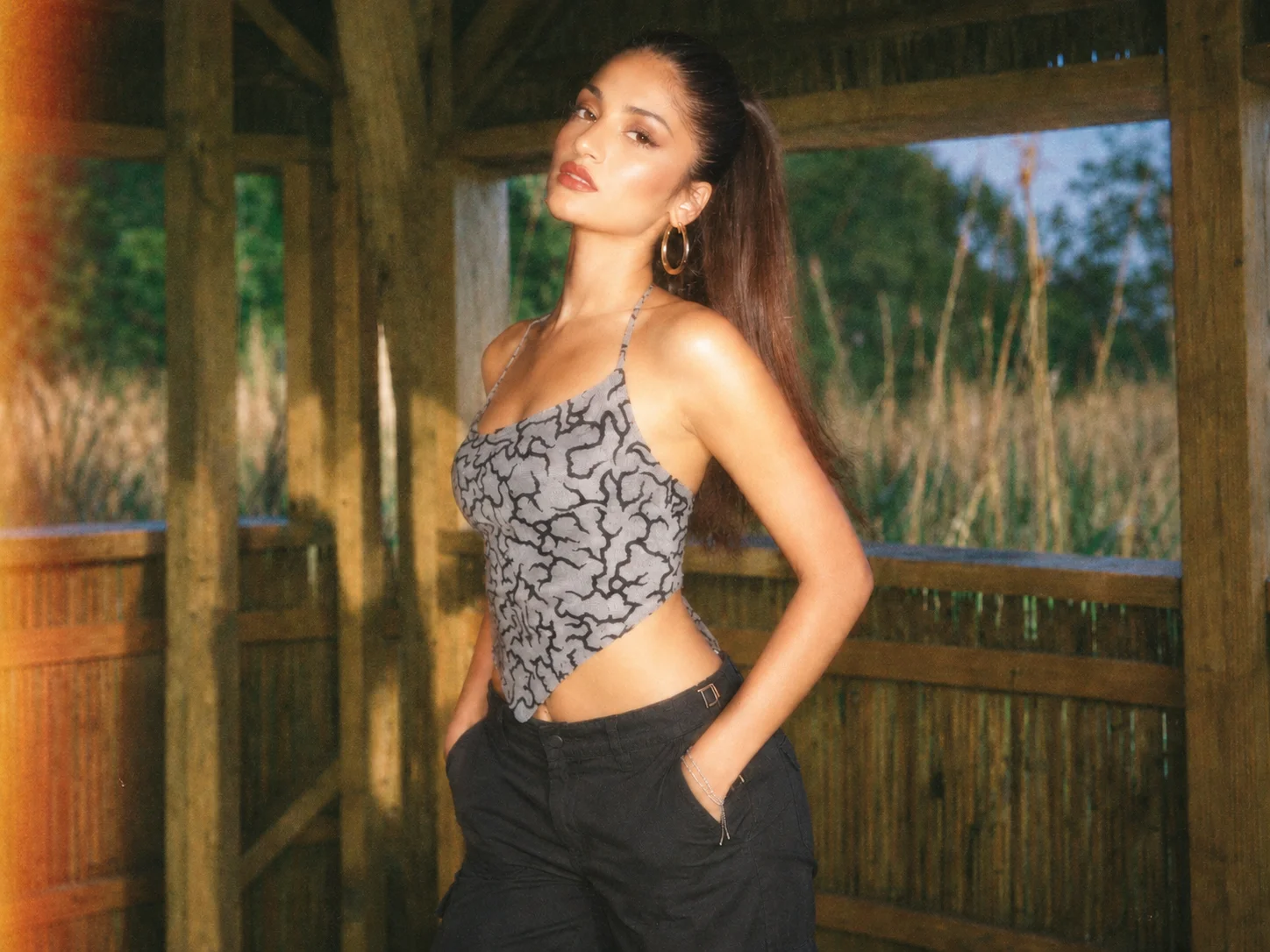
Bring the 2016 Filter Look to Your Photo
Transform a modern photo with rosy color, direct-flash contrast, softened detail, and fine grain while keeping the original people and composition recognizable.