
Note: Auto only supports 1K. 1:1 does not support 4K.
Instagram Flash Filter
Upload a selfie or portrait and apply a Y2K direct-flash look — retro CCD texture, paparazzi lighting, glossy highlights, and high-contrast social media energy.
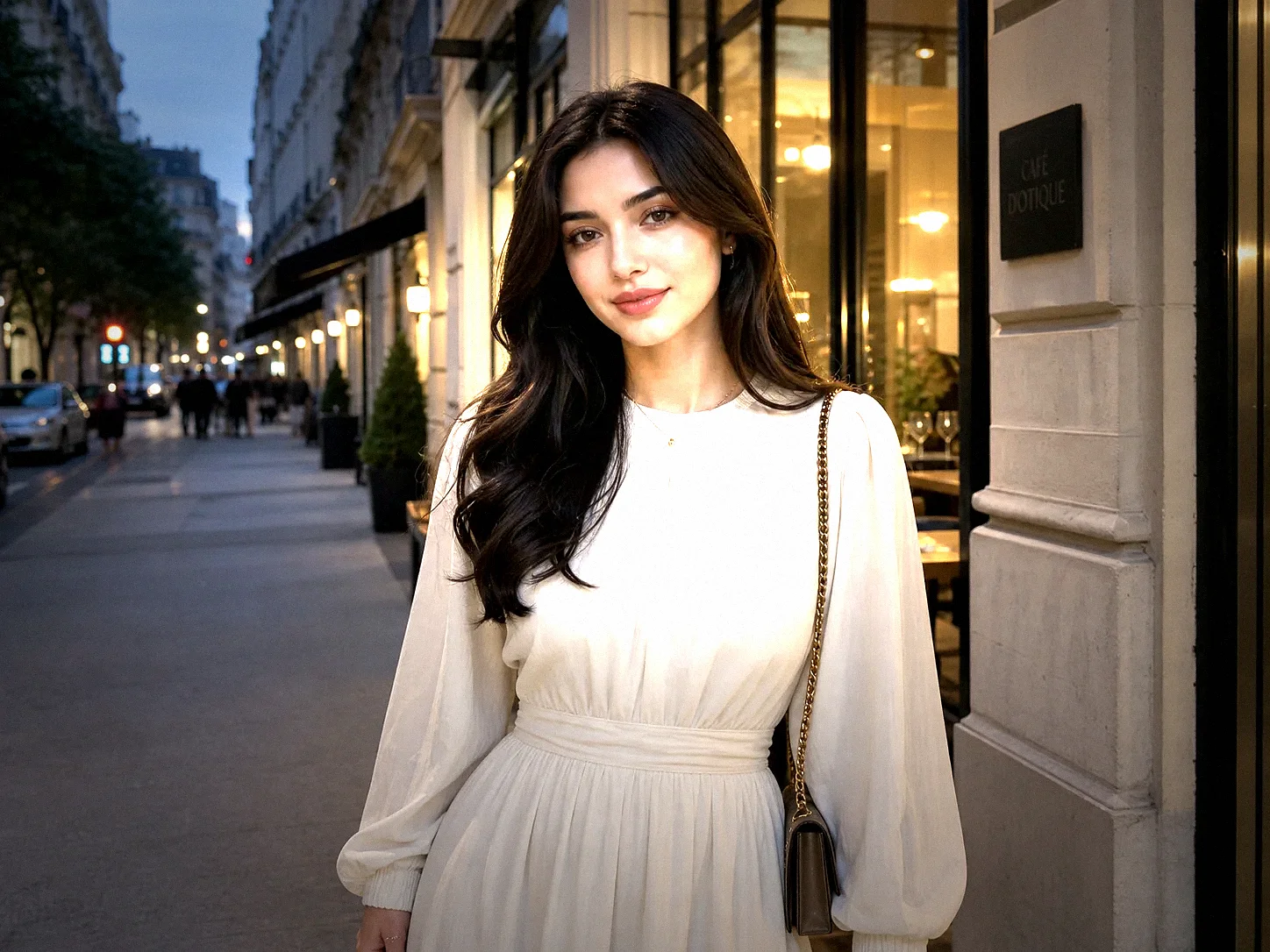
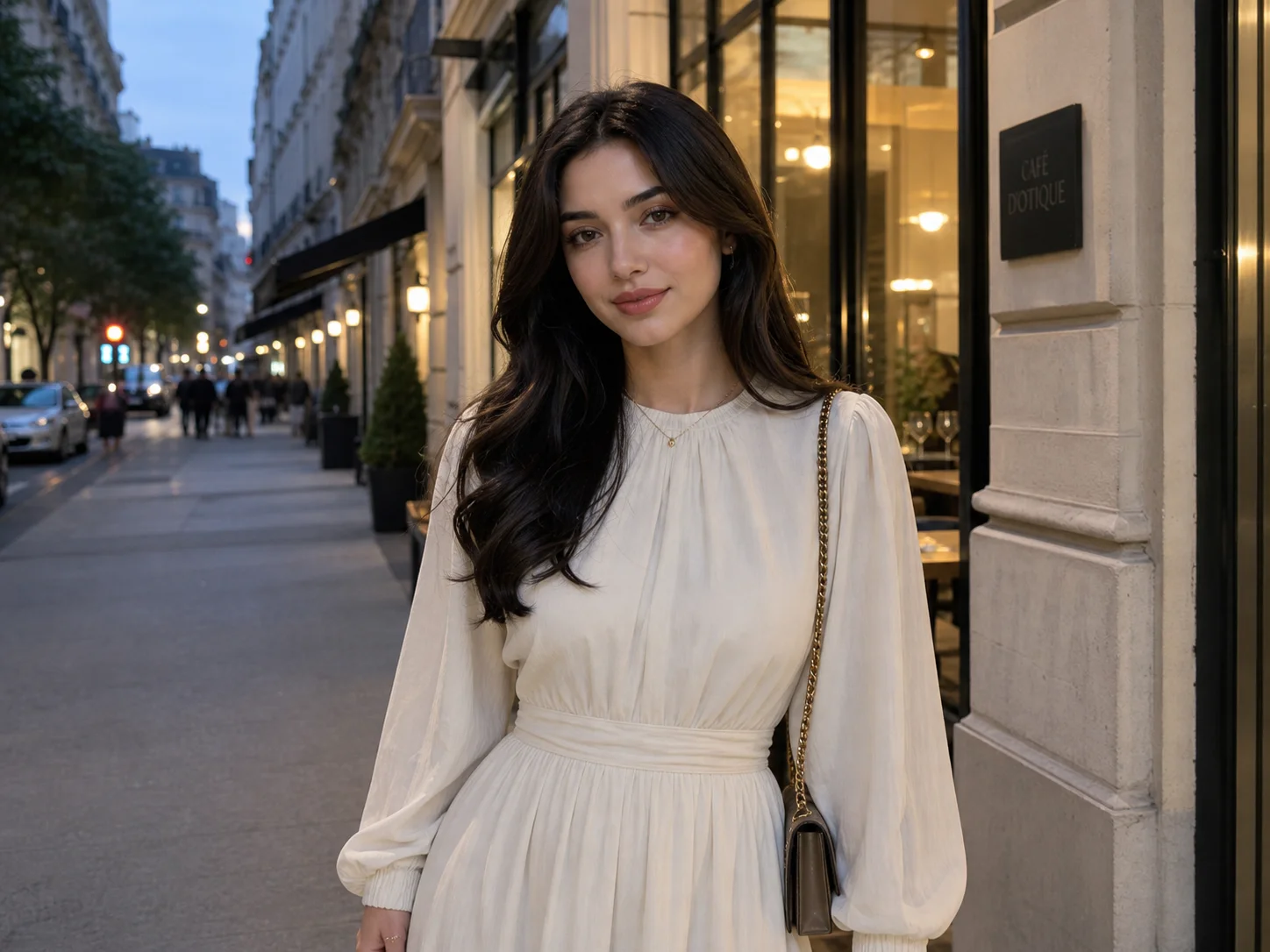
How to Use Instagram Flash Filter
Upload Your Photo
Start with a clear selfie, portrait, mirror photo, night shot, party image, or lifestyle picture. Images with visible faces, outfits, and background details usually give the AI more room to create a realistic flash effect.
Generate the Flash Look
Describe the effect you want, such as Y2K direct flash, retro CCD flash, paparazzi lighting, dirty flash aesthetic, neon club mood, or glossy Instagram flash filter style.
Download the Result
Preview the generated flash photo, check the lighting and subject consistency, then download the image for Instagram posts, Reels covers, TikTok content, profile pictures, or creative edits.
Why Choose Instagram Flash Filter
Realistic Direct Flash Aesthetic
Qimg AI helps recreate the look of real camera flash, not just a simple brightness overlay. Generate frontal light, glossy highlights, stronger contrast, darker shadows, slight overexposure, and visible camera texture for a more authentic flash-photo result.
Preserve the Original Subject
A strong flash effect should make the photo more stylish without turning the person into someone else. You can ask Qimg AI to preserve facial features, pose, outfit, hairstyle, and background while only changing lighting, contrast, grain, and mood.
Prompt-Controlled Flash Styles
Instead of using one fixed preset, describe the exact flash mood you want. Guide the image toward Y2K flash, retro CCD camera texture, paparazzi flash, club lighting, soft vintage flash, or high-contrast Instagram flash filter visuals.
Who Use Qimg AI
Creators
Turn selfies, portraits, party photos, and lifestyle shots into bold flash visuals for posts, thumbnails, profile pictures, and short-form content.
Designers
Explore direct-flash lighting, CCD textures, social photo moods, and high-contrast visual directions before refining campaign assets or creative references.
Marketers
Create attention-grabbing visuals for social campaigns, creator collaborations, product moments, event recaps, and trend-driven posts.
FAQs about Instagram Flash Filter
An Instagram flash filter is a photo effect that recreates the look of direct camera flash, often with brighter foreground lighting, glossy highlights, harder shadows, stronger contrast, and a social-media-ready camera texture.
Yes. You can describe popular flash-photo styles such as Y2K direct flash, dirty flash aesthetic, paparazzi lighting, retro CCD texture, or neon club flash, then generate a custom result from your uploaded image.
No, not if you prompt it carefully. Ask Qimg AI to preserve the same face, expression, pose, hairstyle, outfit, and background while only changing the lighting, contrast, shadows, grain, and camera mood.
Clear selfies, portraits, mirror photos, party shots, night images, and lifestyle photos usually work well. Images with visible faces, outfits, and background context give the AI more detail to preserve.
Mention the flash style, lighting, texture, and what to preserve. For example, ask for Y2K direct flash, retro CCD grain, glossy highlights, darker shadows, and preserved face, pose, outfit, hairstyle, and background.
Discover More on Qimg AI
Qimg AI is your go-to AI image toolkit for generating, editing, and enhancing photos and artwork.
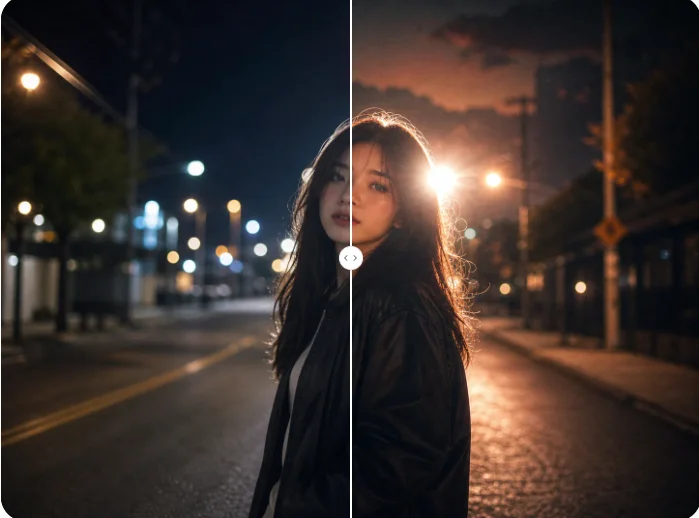
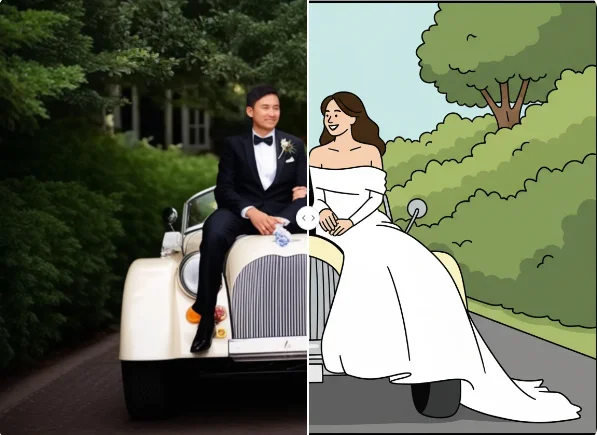
Instagram Flash Filter
Upload a photo and create a bold AI flash effect with Qimg AI. Add direct flash lighting, CCD texture, glossy highlights, and high-contrast social energy while keeping your subject recognizable.