
Note: Auto only supports 1K. 1:1 does not support 4K.
Photo to Sketch
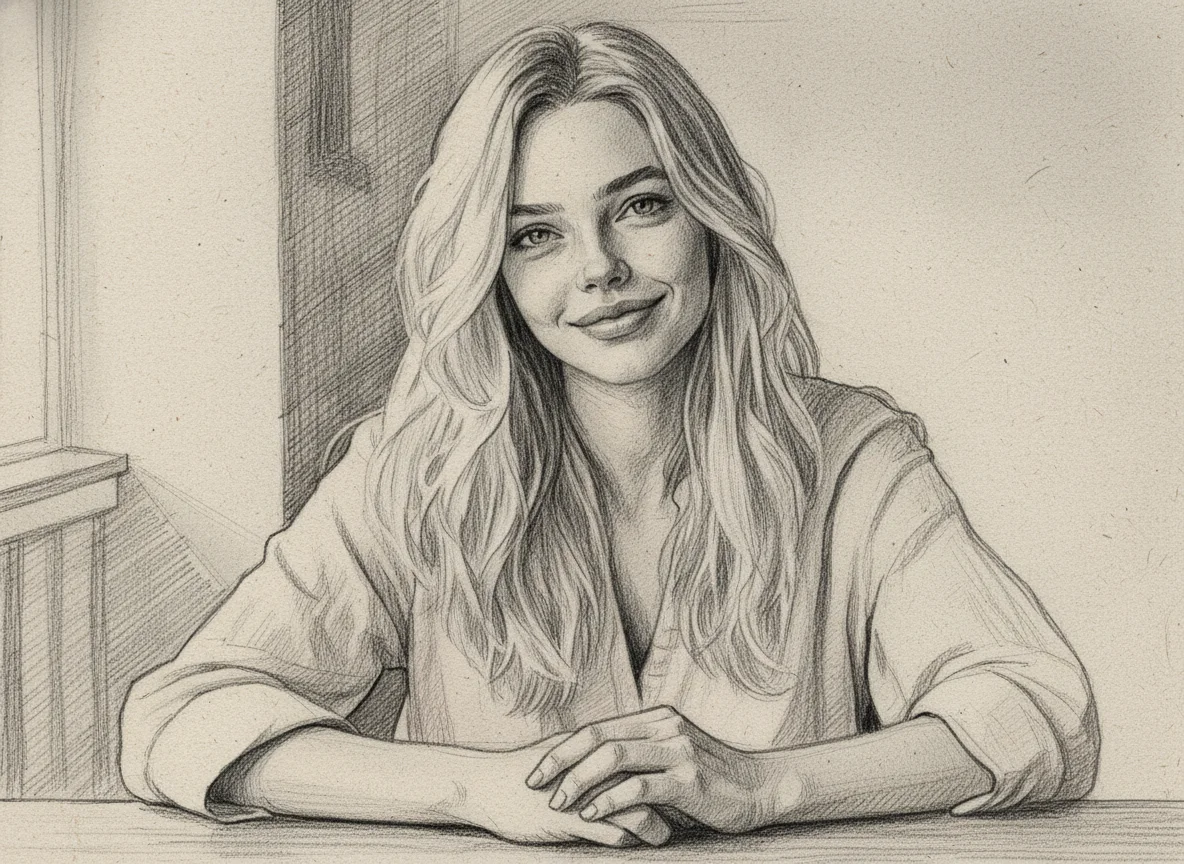
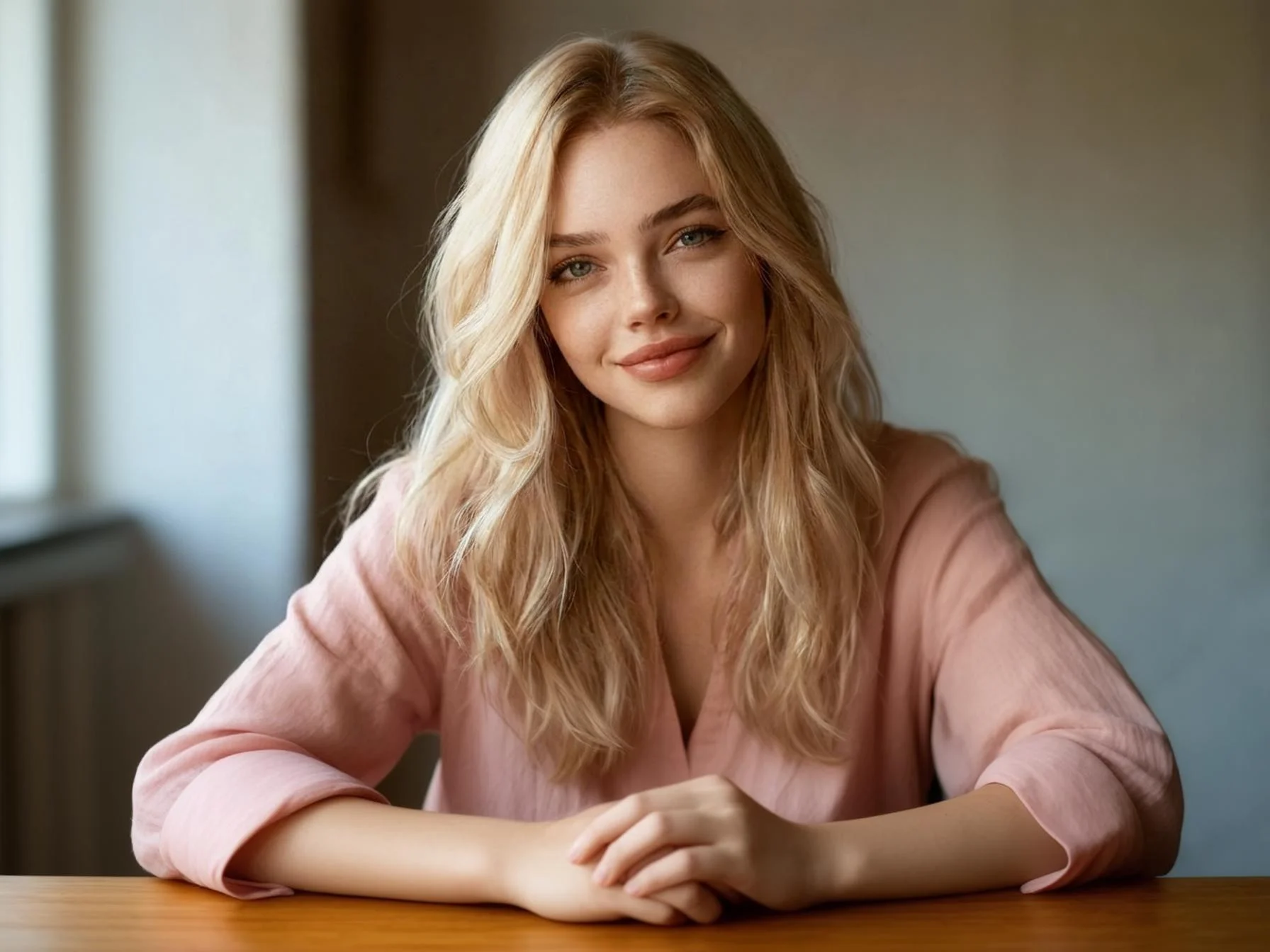
Upload your photo and let Qimg AI transform it into a beautiful pencil sketch or line drawing in seconds.
How to Use Photo to Sketch
Upload
Log in and upload a clear photo. We support portraits, landscapes, and various image formats.
Generate
Click "Generate" to see the magic. Our AI analyzes lines and shading to create a detailed sketch.
Download
Preview and download your high-resolution sketch artwork to your device.
Why Choose Qimg AI for Photo to Sketch?
Professional Artistic Styles
Qimg AI delivers realistic pencil textures and shading, ensuring your sketches look like hand-drawn masterpieces rather than simple filters. It captures the essence of traditional art.
Preserve Intricate Details
Our advanced AI preserves facial features, complex patterns, and lighting effects, creating clean and recognizable sketches from any photo.
No Drawing Skills Required
With Qimg AI, anyone can turn photos into professional-looking sketches instantly. The tool handles all the artistic work automatically—just upload, generate, and download your sketch in a few clicks.
Who Use Qimg AI
Creators
Create visuals faster without design skills. Turn ideas into images, thumbnails, social posts, and creative assets in seconds.
Designers
Accelerate your creative workflow. Use Qimg AI to generate concepts, references, and visual directions, then refine them into production-ready designs.
Marketers
Produce high-converting visuals on demand. Create ads, campaign visuals, and branded images quickly.
FAQs about Photo to Sketch
Photo to Sketch is an AI-powered tool by Qimg AI that transforms your photos into stunning pencil sketches and line drawings. It produces high-quality, artistic results suitable for portraits, creative projects, and social media content.
The AI analyzes your photo's lines, textures, and key features, then redraws them with realistic pencil strokes and shading. It preserves important details while creating an authentic hand-drawn sketch effect.
Clear, well-lit photos with visible details produce the best sketch results. Portraits, landscapes, architecture, and pet photos all work great. Avoid blurry or heavily shadowed images for optimal results.
Yes. You can use your sketch images for social media, blogs, marketing materials, and other projects. Just ensure you own the rights to the original photo you upload.
No. Qimg AI's Photo to Sketch tool is fully automatic. Simply upload your image, click generate, and download your sketch—no artistic skills required.
Discover More on Qimg AI
Qimg AI is your go-to AI image toolkit for generating, editing, and enhancing photos and artwork.
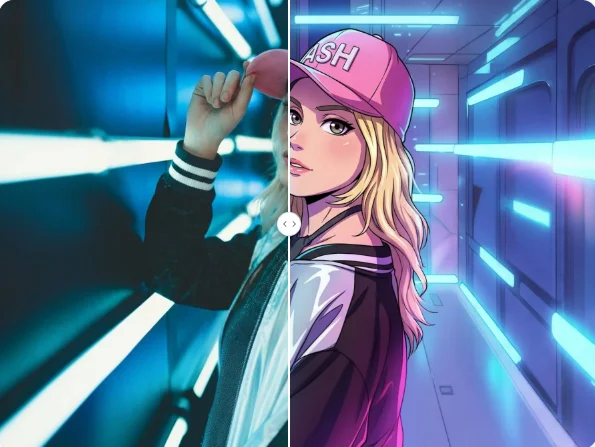
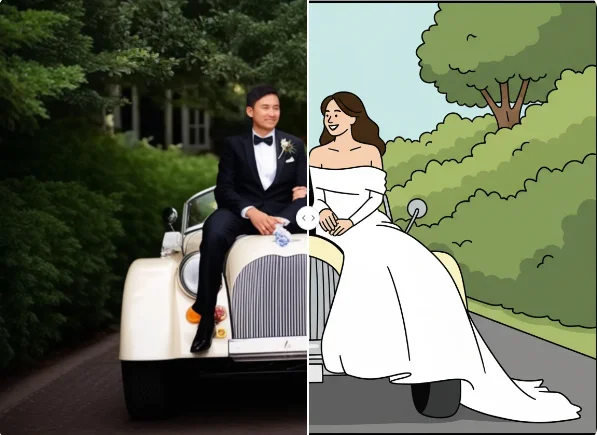
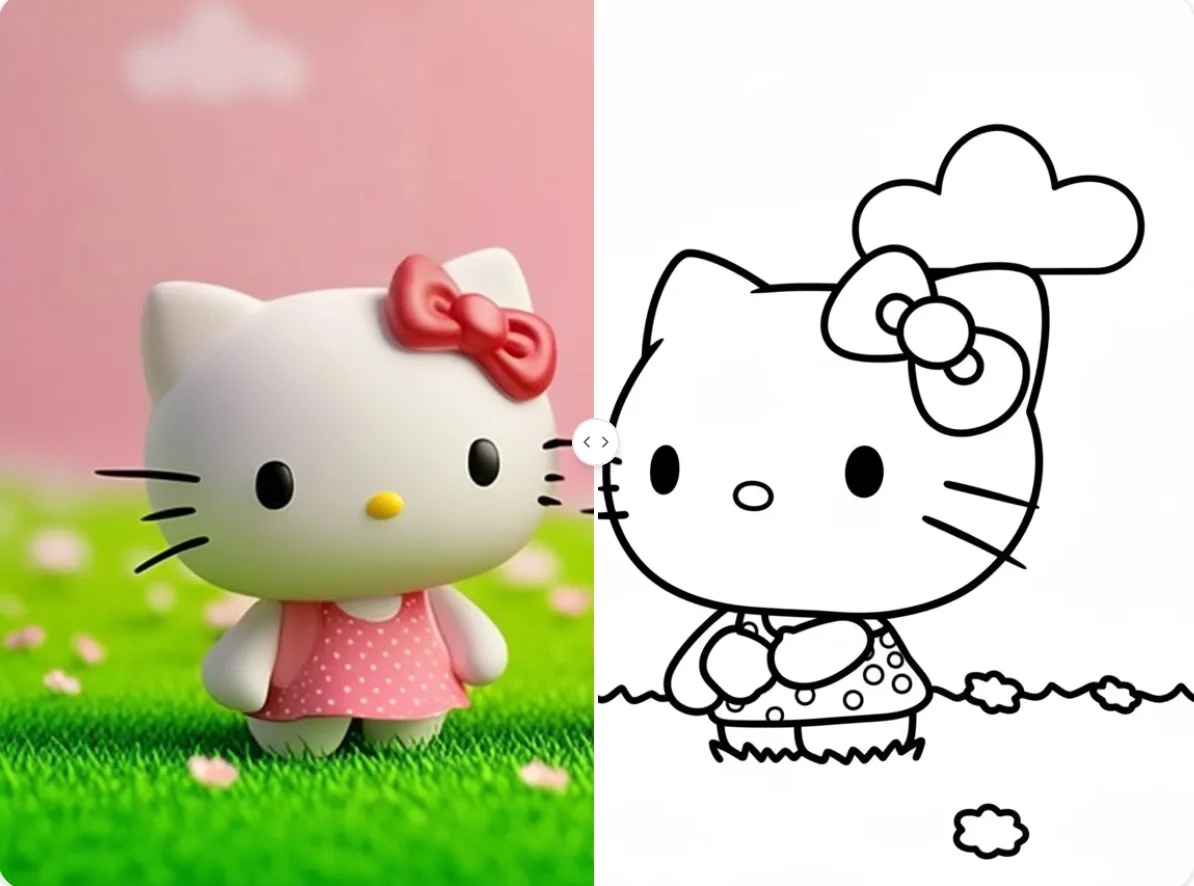
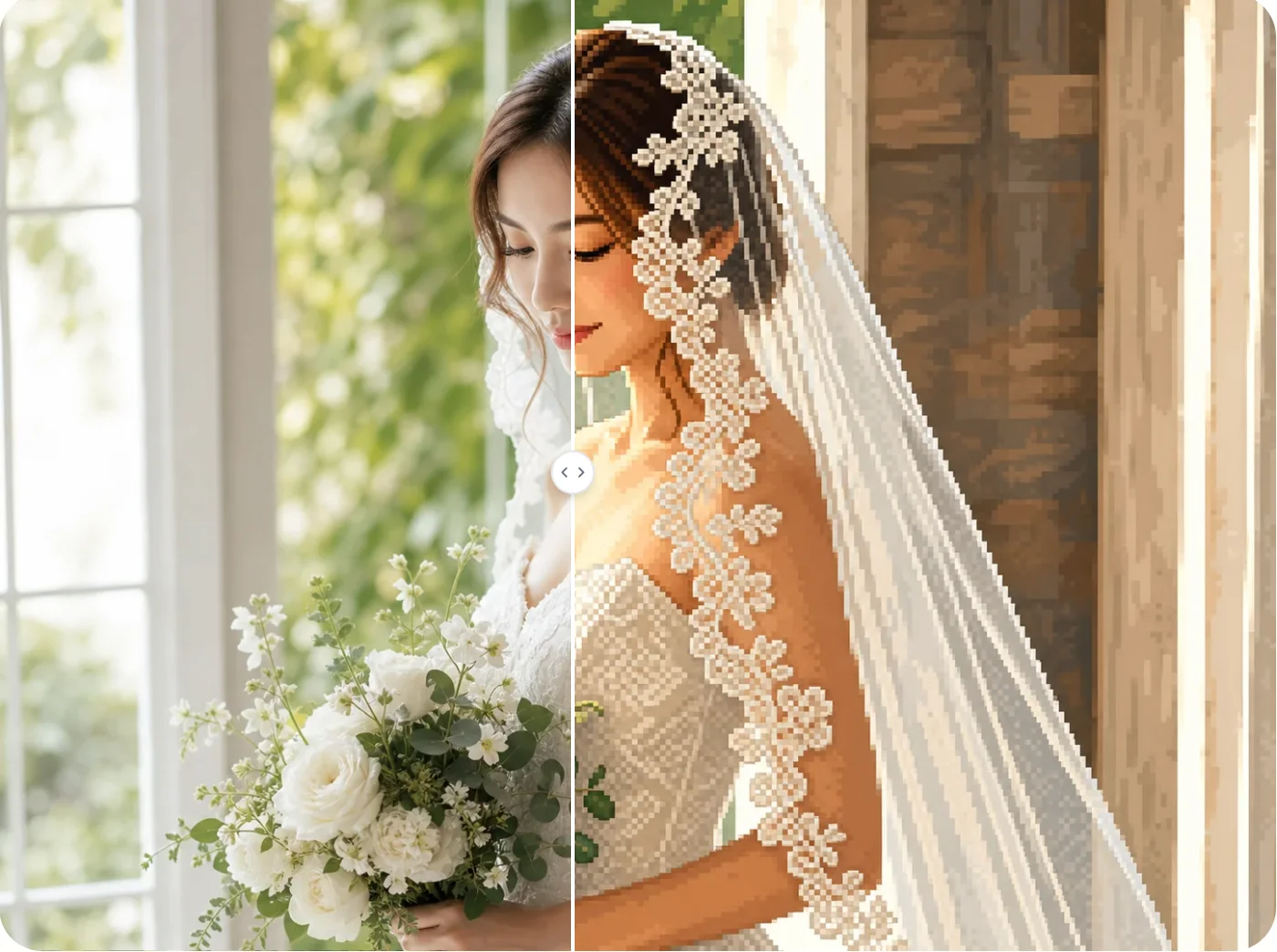
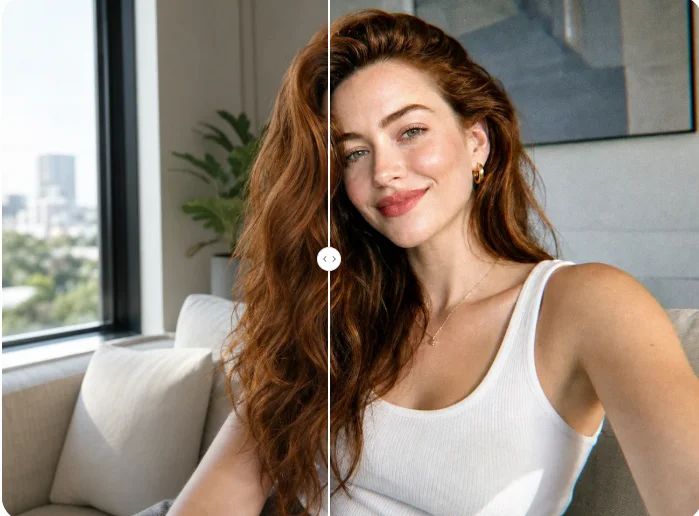
Photo to Sketch
Turn your memories into timeless pencil sketches with Qimg AI. Sign up and start creating art today.