
Note: Auto only supports 1K. 1:1 does not support 4K.
AI Pixel Art Generator
Upload a photo or enter a prompt, then generate retro pixel art, game sprites, avatars, icons, or 2D scenes with a clean pixel-style look.
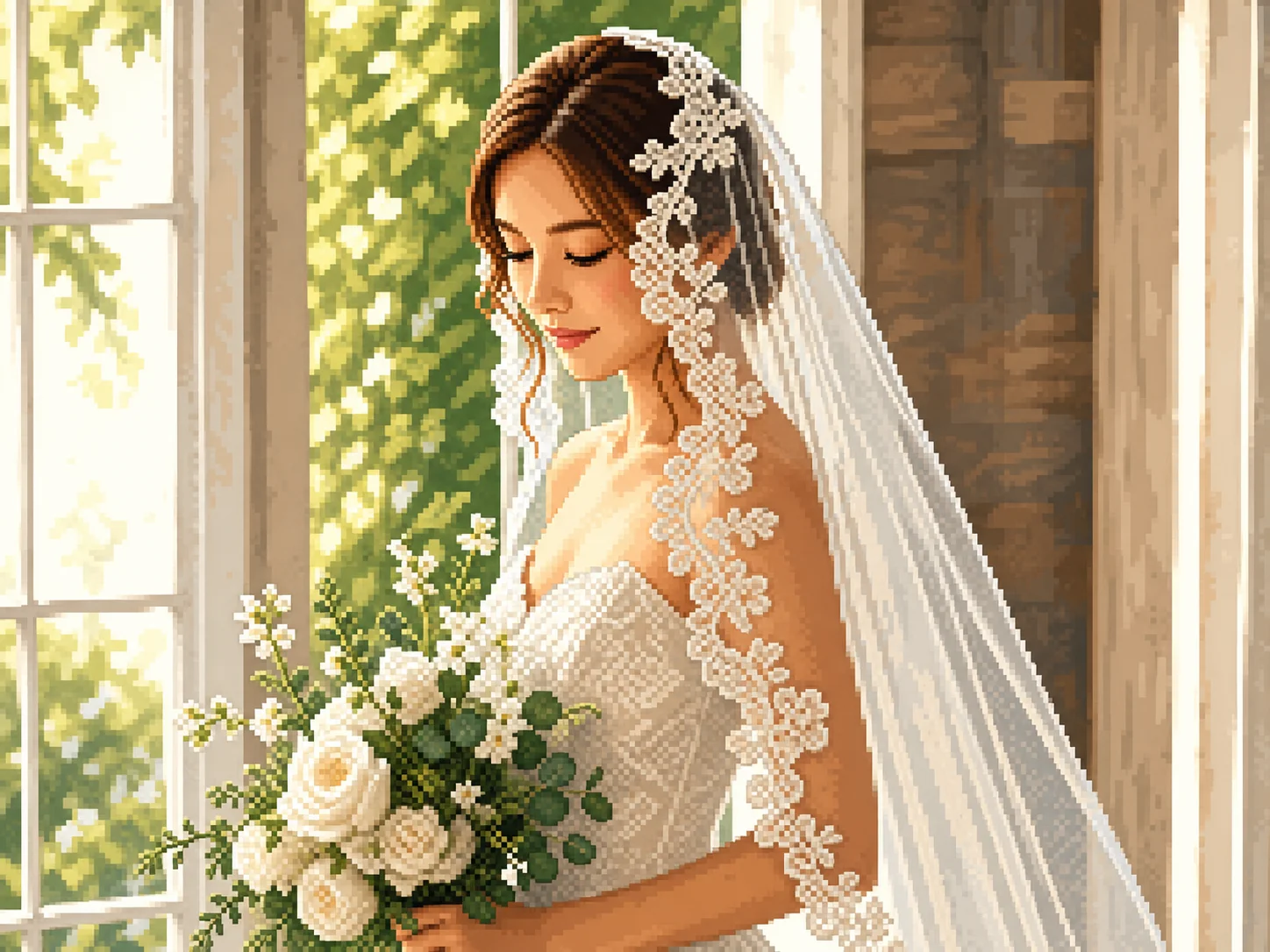
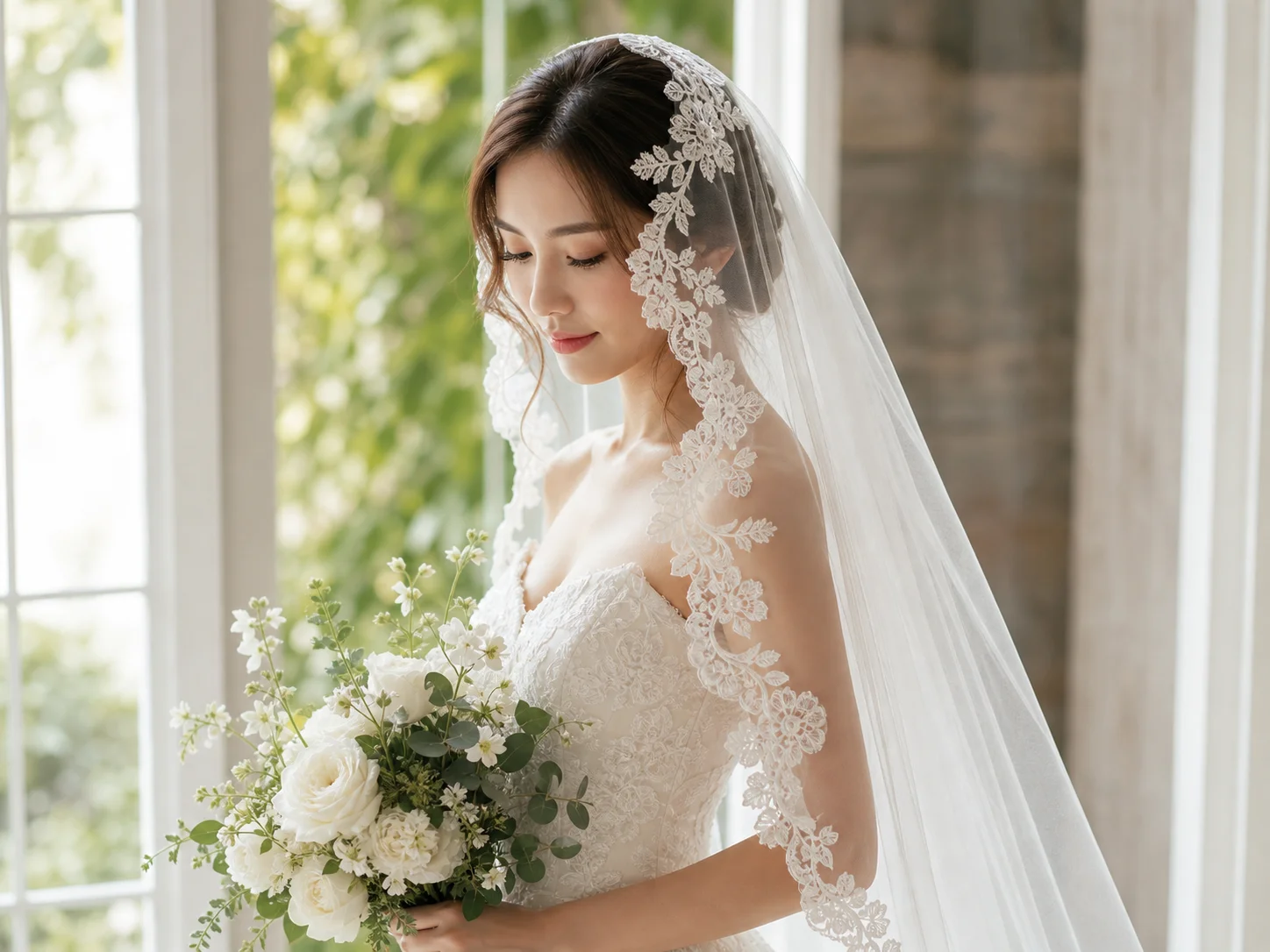
How to Use AI Pixel Art Generator
Upload
Upload an image or enter a text prompt. You can describe a character, object, avatar, game scene, icon, or retro-style visual you want to create.
Generate
Choose a pixel art direction, such as 8-bit, 16-bit, cute, retro game, isometric, Minecraft-inspired, or detailed sprite style. Qimg AI will generate the pixel artwork based on your input.
Download
Preview the result, regenerate or refine the prompt if needed, and download your high-resolution pixel art for games, avatars, social posts, or creative projects.
Why Choose AI Pixel Art Generator
Create Pixel Art from Text or Photos
Qimg AI supports both prompt-based and image-based pixel art creation. You can start from a written idea, a portrait, a product image, or a reference photo, then turn it into a retro pixel-style artwork.
Build Game-Ready Characters and Scenes
Generate pixel characters, sprites, icons, monsters, props, backgrounds, or 2D scenes for indie games, RPG concepts, worldbuilding, and visual exploration.
Explore Retro Styles Without Drawing Skills
Traditional pixel art can take time and precision. With Qimg AI, you can quickly test 8-bit, 16-bit, cute, classic, isometric, or detailed pixel looks without drawing every block by hand.
Who Use Qimg AI
Creators
Create visuals faster without design skills. Turn ideas into images, thumbnails, social posts, and creative assets in seconds.
Designers
Accelerate your creative workflow. Use Qimg AI to generate concepts, references, and visual directions, then refine them into production-ready designs.
Marketers
Produce high-converting visuals on demand. Create ads, campaign visuals, and branded images quickly.
FAQs about AI Pixel Art Generator
An AI pixel art generator creates pixel-style images from text prompts or photos. Qimg AI can generate retro characters, avatars, sprites, icons, and game-style scenes based on your input.
Yes. Upload a photo, choose a pixel art style, and Qimg AI can convert it into a retro pixel-style image while keeping the main subject recognizable.
Yes. Describe the character, scene, object, color palette, or game style you want. Qimg AI will generate pixel art based on your prompt.
You can create 8-bit, 16-bit, retro game, cute pixel, isometric, Minecraft-inspired, avatar, sprite, icon, and detailed pixel-art styles.
No. Qimg AI handles the pixel art generation process. You only need to upload an image or write a prompt, generate the result, and download the artwork.
Discover More on Qimg AI
Qimg AI is your go-to AI image toolkit for generating, editing, and enhancing photos and artwork.
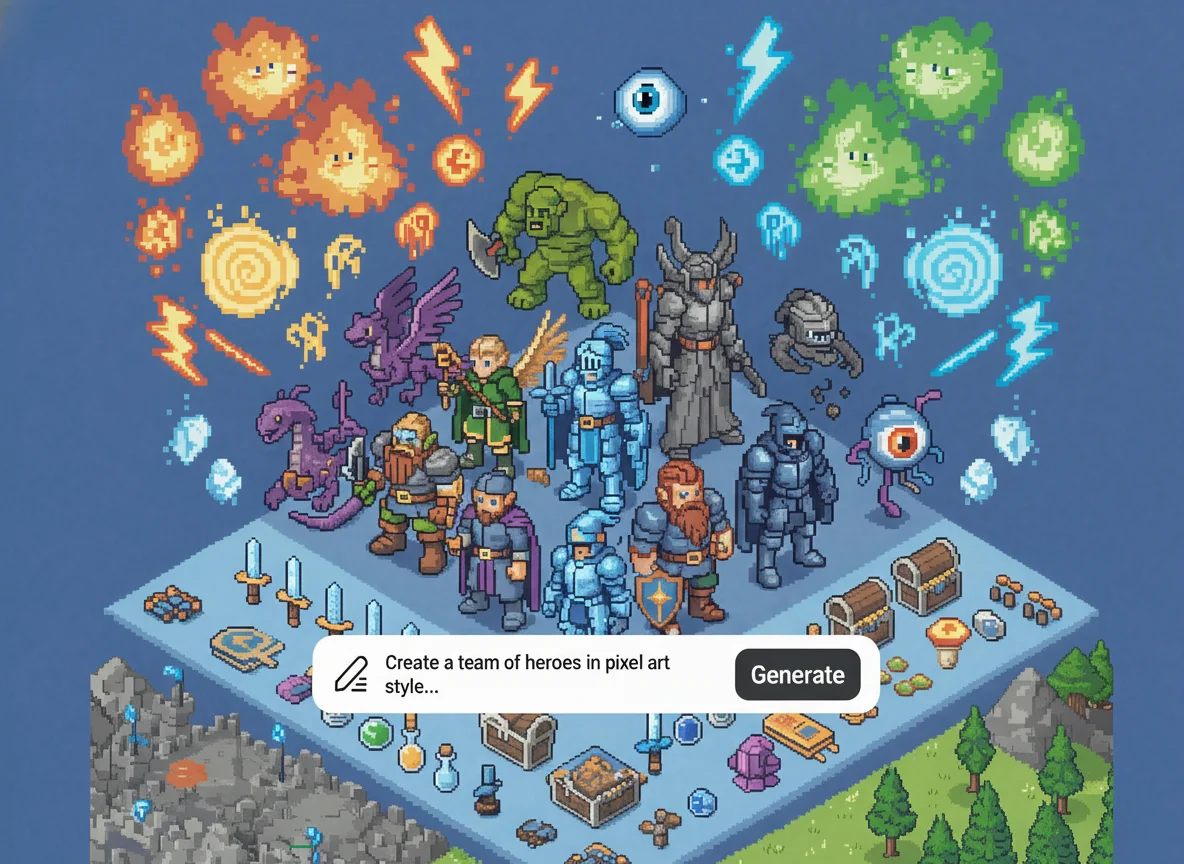
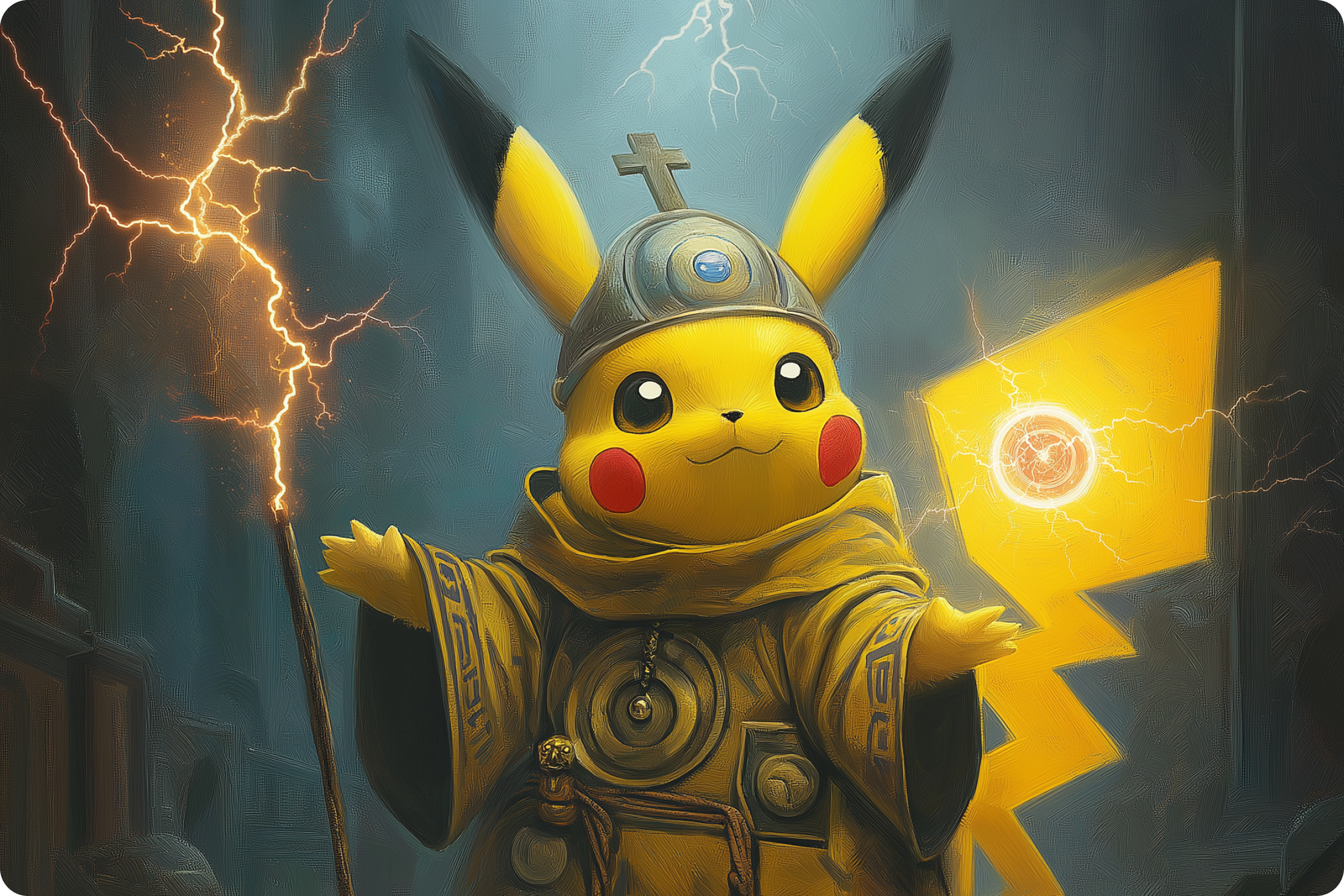
AI Pixel Art Generator
Turn photos or prompts into retro pixel art with Qimg AI. Create avatars, sprites, icons, characters, and game-style scenes online.