
Note: Auto only supports 1K. 1:1 does not support 4K.
Add a Person to a Photo
Qimg AI helps you add a person to a photo by combining people and scenes into a single image, making it easier to complete photos that feel unfinished.
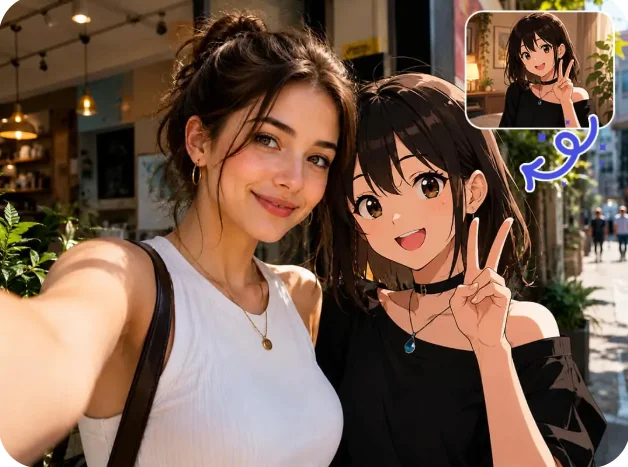
How Can You Add a Person to a Photo Online Free?
Upload the main photo
Start with the image that will serve as the background. This could be a family photo, travel picture, event image, or group portrait.
Upload the person you want to add
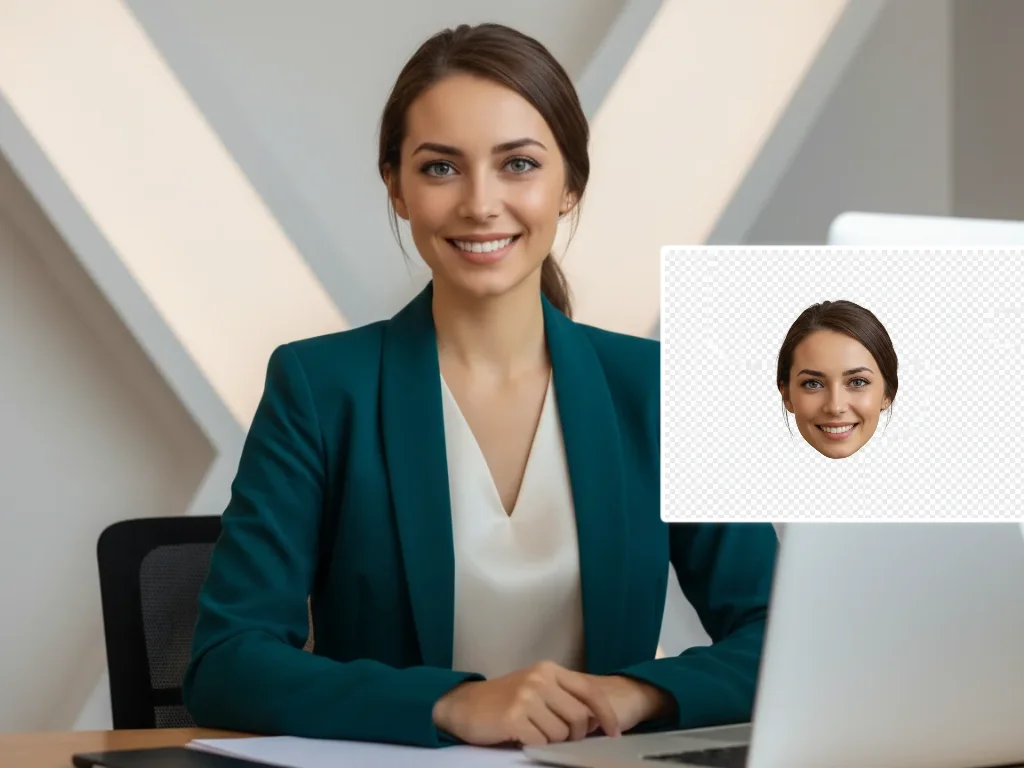
Choose a clear photo of the person you want to insert. Images with visible facial features and good lighting usually blend more naturally.
Generate and download the final image
Qimg AI places the person into the photo and adjusts the composition. Review the result and save the version that best matches your needs.
Why Use Qimg AI to Add a Person to a Photo?
Add a person to a photo when retaking it isn't possible
Some moments only happen once. Weddings, graduations, vacations, celebrations, and family gatherings can't always be recreated weeks or months later.
Create group photos without complicated editing software
Traditional photo compositing often requires layer masks, selections, shadows, perspective adjustments, and color matching. For most people, the learning curve is too high for a simple edit.
Update existing photos for personal and professional use
A photo may need to be updated long after it was originally taken. Businesses may need revised team photos. Families may want a more complete portrait. Event organizers may need updated promotional materials.
Why You Choose Qimg AI?
Creators
Create visuals faster without design skills. Turn ideas into images, thumbnails, social posts, and creative assets in seconds.
Designers
Accelerate your creative workflow. Use Qimg AI to generate concepts, references, and visual directions, then refine them into production-ready designs.
Marketers
Produce high-converting visuals on demand. Create ads, campaign visuals, and branded images quickly.
FAQs About Add Person to Photo
Yes. Qimg AI allows users to upload an existing image and a separate photo of a person, then generate a combined version that places both within the same scene.
Results depend on image quality, camera angle, lighting conditions, and the compatibility of the uploaded photos. Images with similar perspectives and lighting generally produce more realistic results.
No. Qimg AI is intended for responsible and lawful image editing. Users should not create deceptive, harmful, fraudulent, defamatory, or misleading content involving real people without their permission.
Qimg AI processes uploaded images to generate results. Users should review the Privacy Policy for details regarding image storage, retention, and deletion practices. Only upload photos that you own or have permission to edit.
Discover More on Qimg AI
Qimg AI is your go-to AI image toolkit for generating, editing, and enhancing photos and artwork.
Add a Person to a Photo Online Free
Add a person to a photo online free and create natural-looking group pictures, family photos, and creative edits. Place a person into an existing image in just a few clicks.