
Note: Auto only supports 1K. 1:1 does not support 4K.
Add Noise to Image
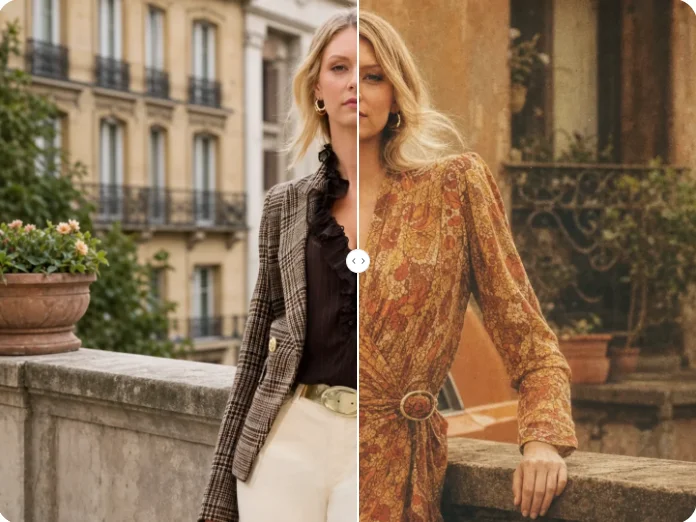
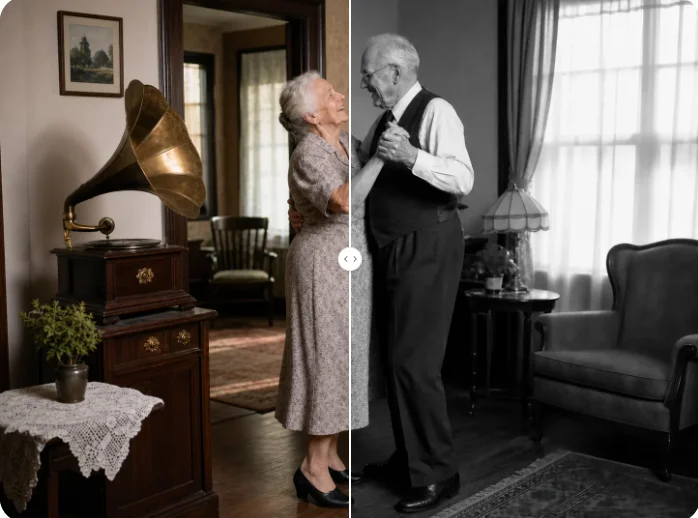
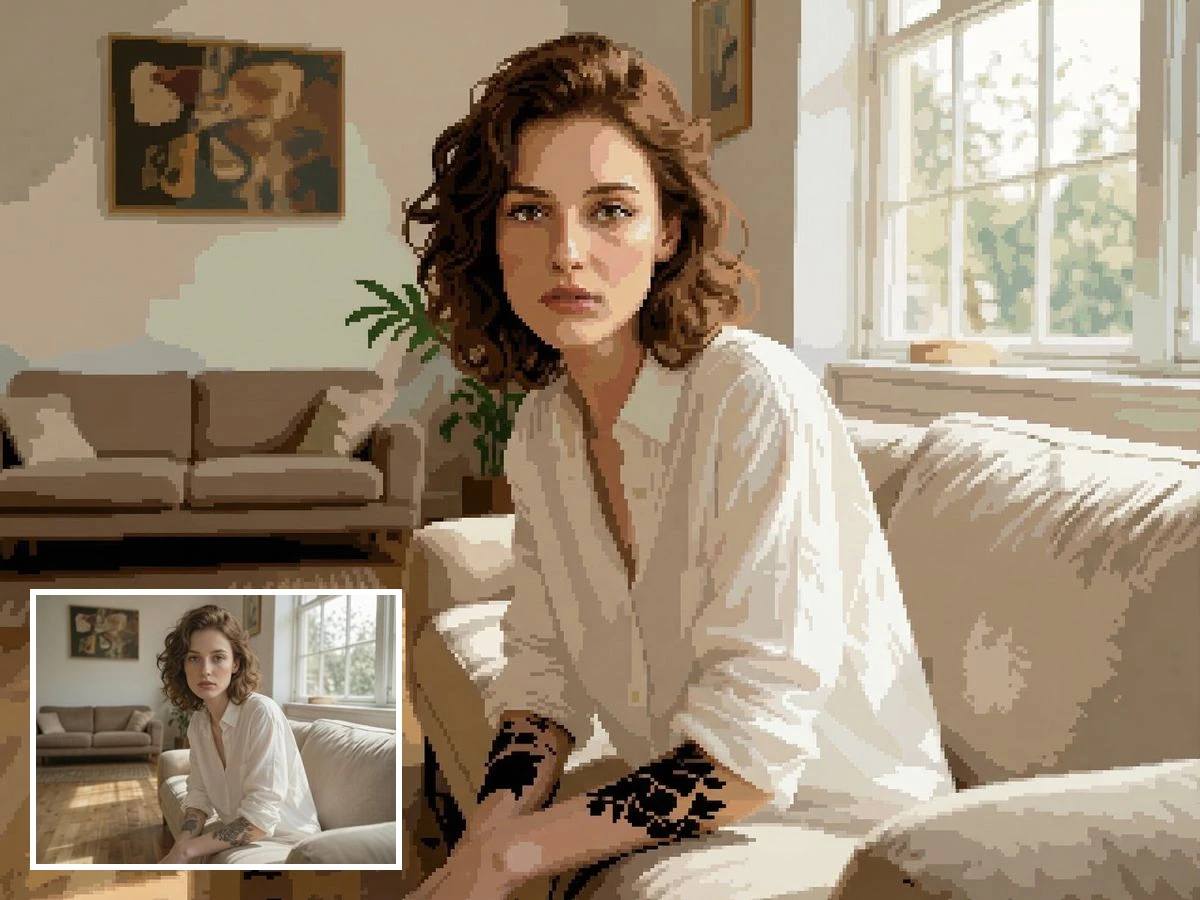
Upload an image, describe the noise style and intensity you want, and generate a textured result with monochrome grain, colorful speckles, or a subtle film-inspired finish.
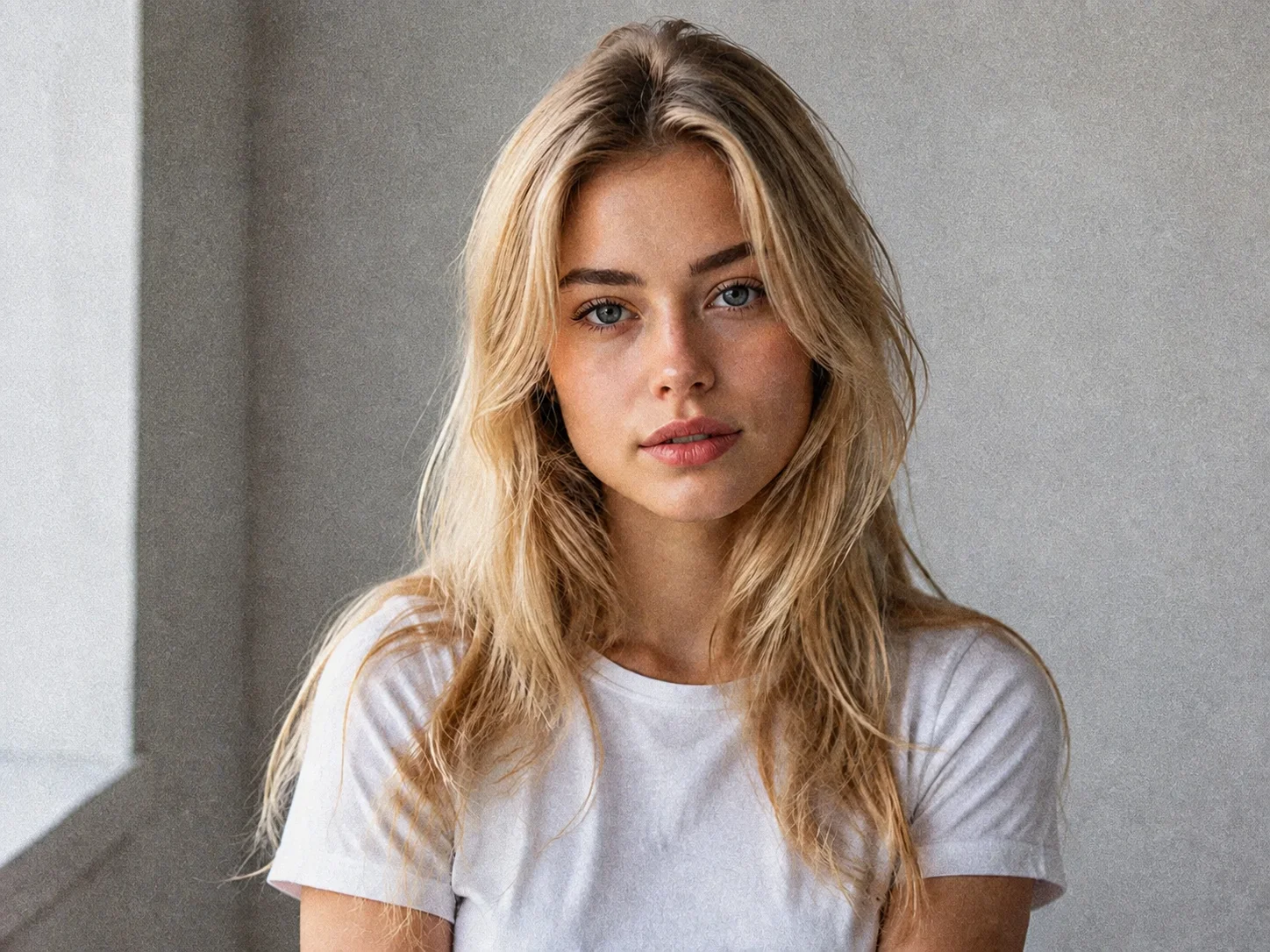
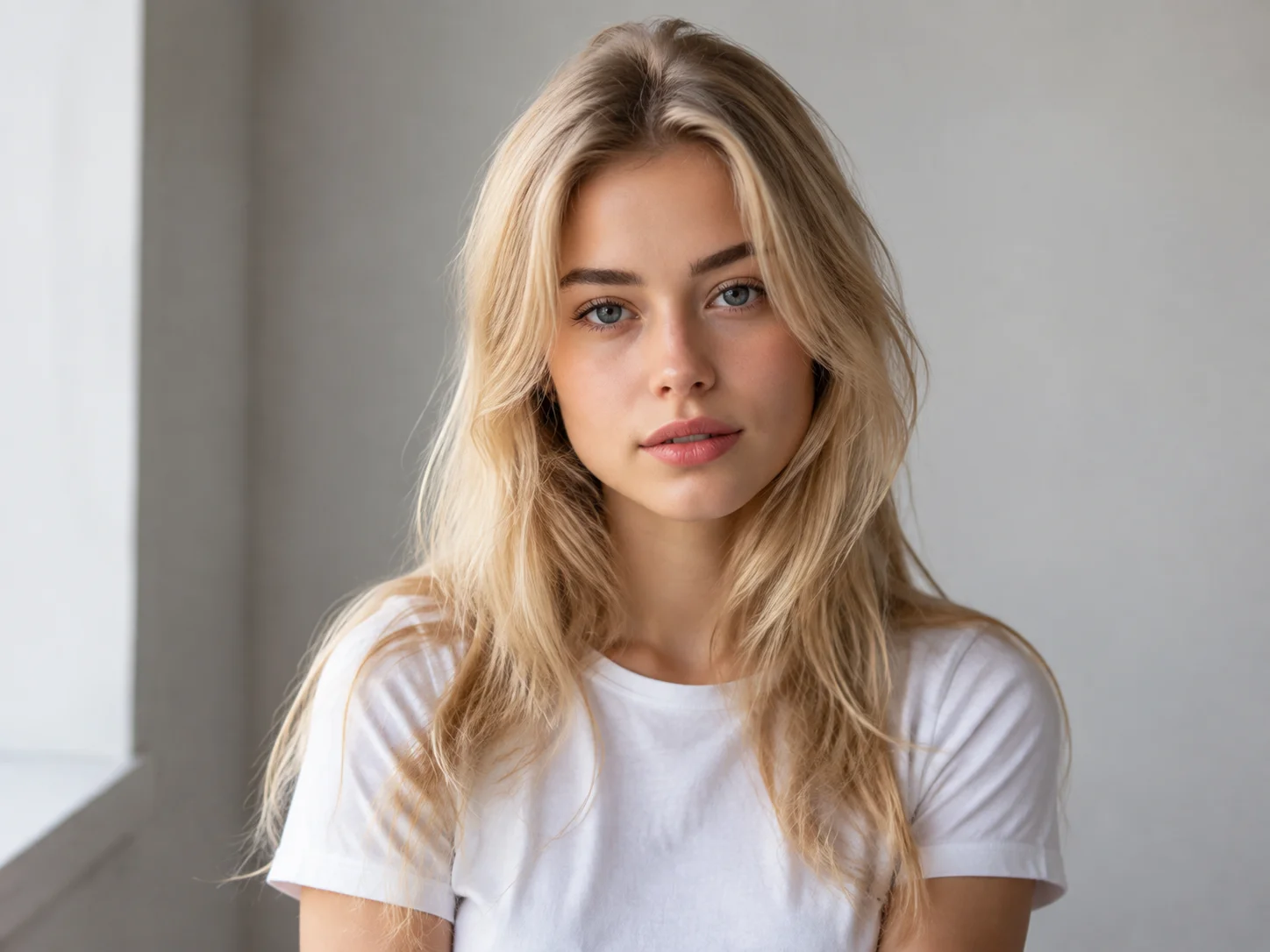
How to Add Noise to Image in 3 Steps
Upload Your Image
Choose the portrait, product photo, poster, landscape, or social graphic you want to edit.
Describe the Noise Effect
Enter a prompt for subtle film grain, bold gritty texture, or colorful digital noise, then generate the edit.
Preview and Download
Review the texture and overall clarity, refine the prompt if needed, and download the result you prefer.
Why Choose Qimg AI to Add Noise to Image
Natural-Looking Grain and Texture
Add subtle grain or stronger noise without relying on a flat overlay. The effect enriches visual texture while keeping the main subject recognizable.
Flexible Monochrome and Color Effects
Shape the mood with classic monochrome film grain, colorful digital speckles, or a custom balance of texture and intensity.
A Simple Prompt-Based Workflow
Describe the look you want in plain language, generate the result, and refine the effect without building a complex editing workflow.
Who Use Qimg AI
Creators
Give portraits, thumbnails, album covers, and social posts a distinctive grainy mood without a complicated editing setup.
Designers
Explore subtle texture, gritty contrast, and film-inspired visual directions for concepts, posters, and campaign assets.
Marketers
Create textured product visuals, ads, and branded graphics that feel more atmospheric and less digitally polished.
FAQs About Add Noise to Image
It adds small grain-like details or colored speckles that can make a clean digital image feel more cinematic, tactile, gritty, or atmospheric.
Yes. A subtle noise effect can add texture and mood to a portrait while keeping the face and main subject clear.
Monochrome grain uses grayscale texture for a classic film look, while color noise introduces varied colored speckles for a more digital or experimental result.
Not necessarily. A balanced effect adds visible texture while preserving the subject and composition, although stronger noise will create a rougher appearance.
Portraits, posters, product shots, street photography, album covers, thumbnails, and social graphics all work well when you want more depth or atmosphere.
Discover More on Qimg AI
Qimg AI is your go-to AI image toolkit for generating, editing, and enhancing photos and artwork.
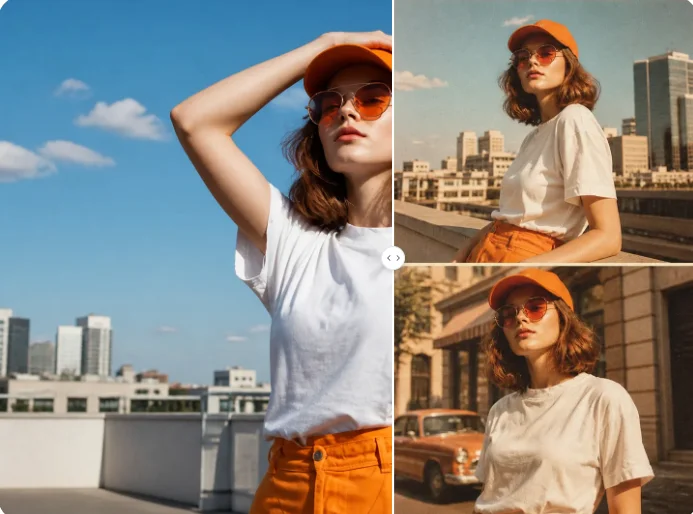
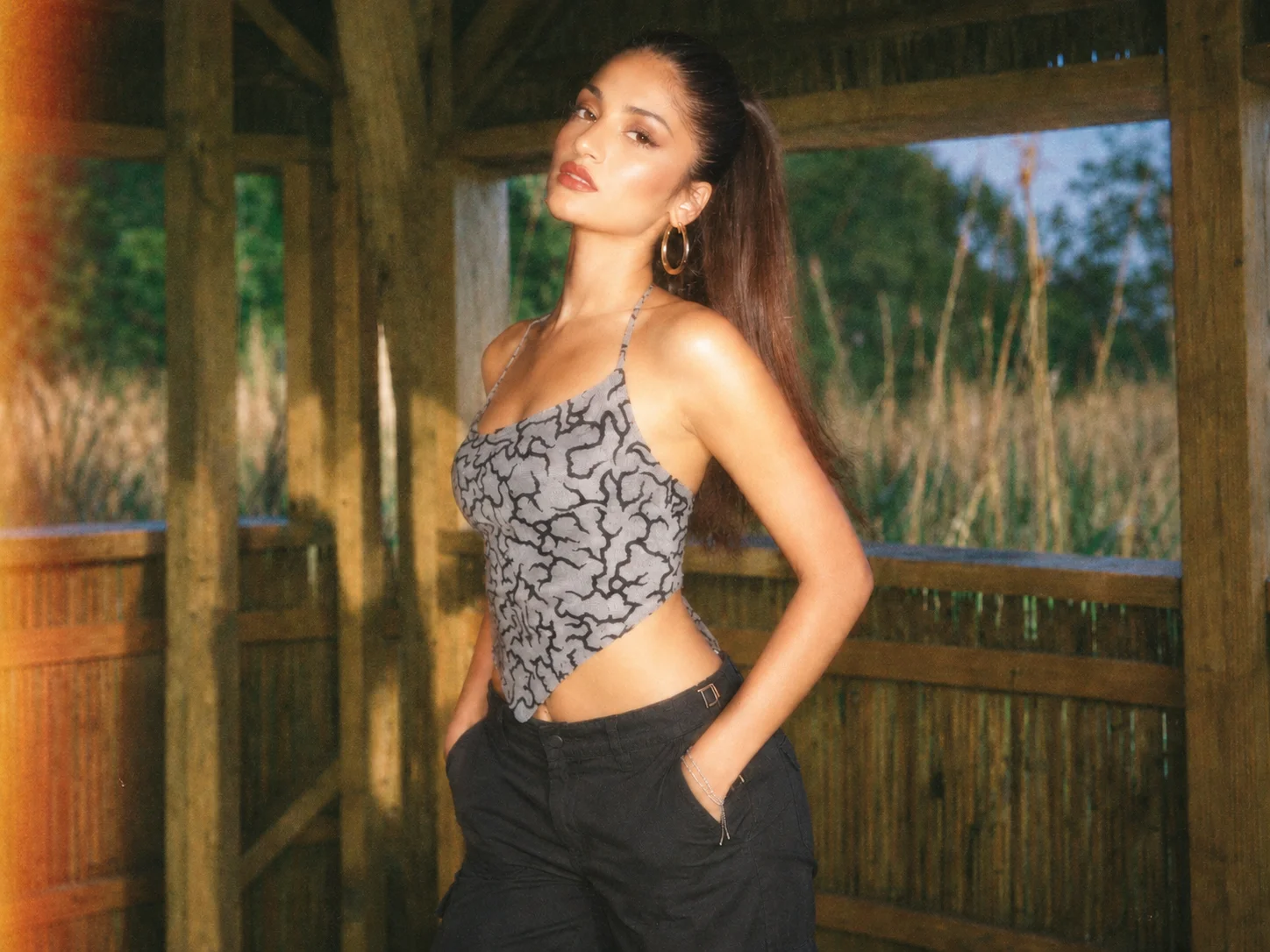
Add Noise to Image
Upload an image and create natural grain, gritty texture, or colorful noise for a more expressive visual finish.