
Note: Auto only supports 1K. 1:1 does not support 4K.
Monochrome Filter for Detailed Black and White Photos
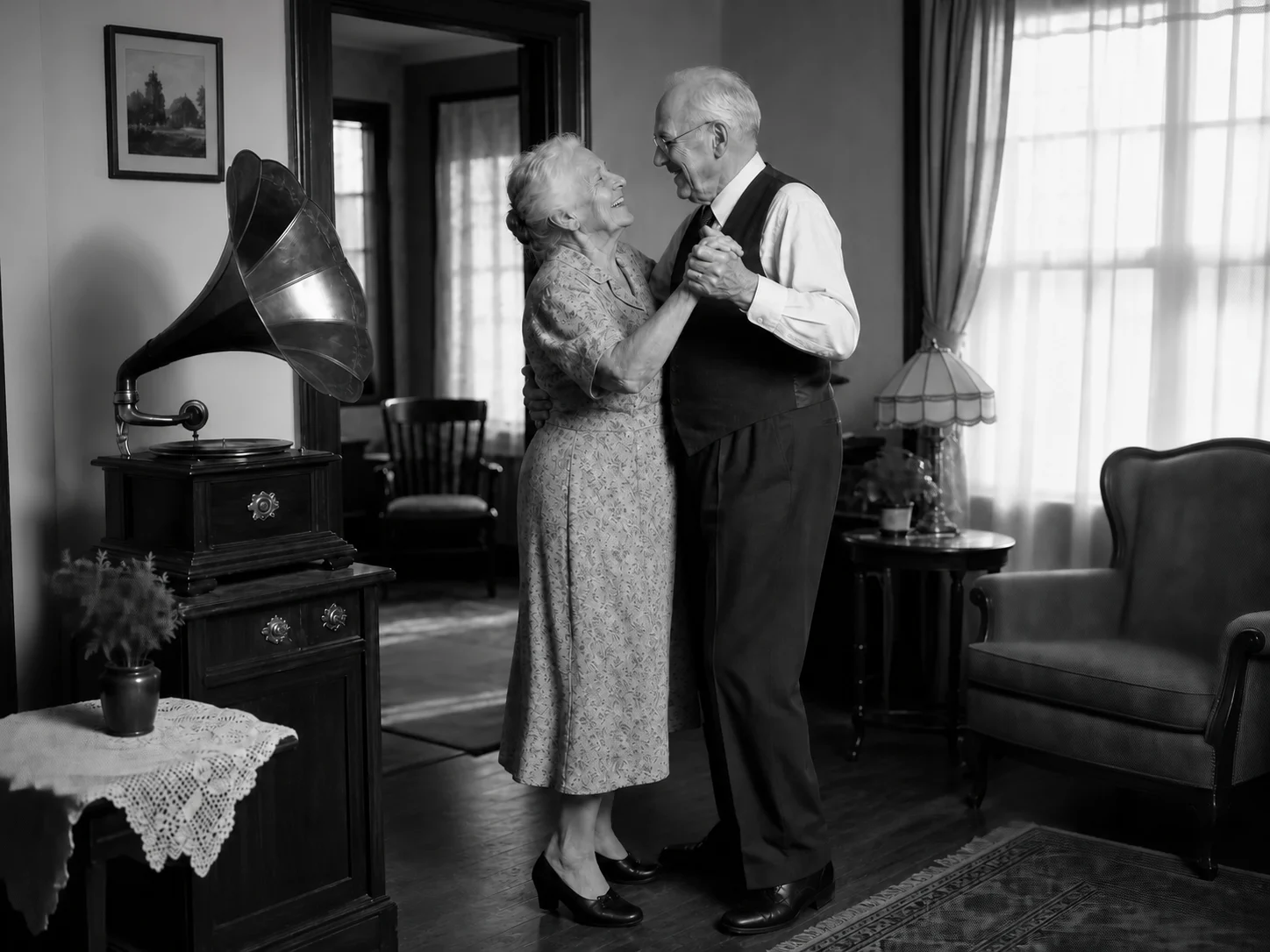
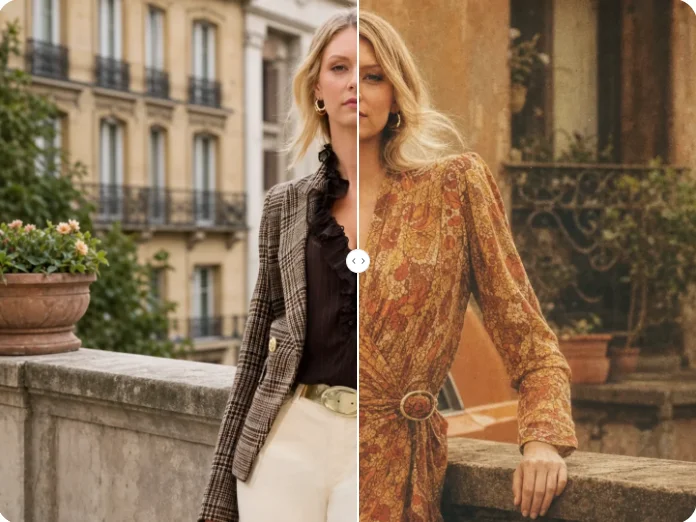
Upload a color photo to the monochrome filter online and describe the look you want. Generate a black and white result that preserves the original subject, tonal depth, textures, highlights, and shadows.

How to Use Monochrome Filter
Upload
Upload a clear color photo. Images with visible lighting, texture, and separation between the subject and background provide stronger tonal information for the conversion.
Generate
Describe the contrast, lighting, or mood you want, then generate the monochrome version. The tool removes color while retaining the visible structure and details of the uploaded image.
Download
Review the shadows, highlights, textures, and subject details, then download the finished monochrome photo for sharing, design, or print use.
Why Choose Monochrome Filter
Preserve Tonal Depth Instead of Producing Flat Gray
The monochrome conversion emphasizes the relationship between highlights, midtones, and shadows. This helps portraits, landscapes, products, and everyday photos retain depth and visual separation after their original colors are removed.
Keep the Original Subject and Visible Details Intact
The filter is designed to change the color treatment rather than replace the photographed content. Facial features, objects, composition, texture, lighting structure, and background relationships remain grounded in the uploaded image.
Shape the Mood with Contrast, Highlights, and Shadows
Use the prompt to guide a soft editorial look, a high-contrast dramatic result, or a balanced classic black and white treatment. This offers more creative direction than applying the same fixed grayscale preset to every photo.
Who Use Qimg AI
Creators
Turn color photos into distinctive monochrome visuals for social posts, portraits, mood boards, stories, and personal creative projects.
Designers
Explore black and white treatments for layouts, campaigns, editorial concepts, print work, and visual references while preserving the source composition.
Marketers
Create consistent monochrome campaign visuals, product images, promotional assets, and brand content with controlled tonal character.
FAQs About Monochrome Filter
A monochrome filter removes the original color information and rebuilds the image through light and dark tones. A considered conversion preserves contrast, texture, highlights, shadows, and the visual separation between subjects.
No. The intended edit changes the color treatment while keeping the original people, objects, facial features, pose, composition, background, and visible details grounded in the uploaded photo.
Yes. Describe whether you want soft contrast, balanced grayscale tones, dramatic shadows, bright highlights, or another monochrome mood. Clear guidance helps shape the tonal result.
Portraits, landscapes, architecture, street photography, products, and images with clear light, texture, or shape can work well. A sharp source photo provides more visible detail for the conversion to preserve.
Both remove color, but a monochrome treatment can also guide contrast, highlights, shadows, texture, and mood. This creates a more intentional result than applying a basic desaturation setting alone.
Discover More on Qimg AI
Qimg AI is your go-to AI image toolkit for generating, editing, and enhancing photos and artwork.

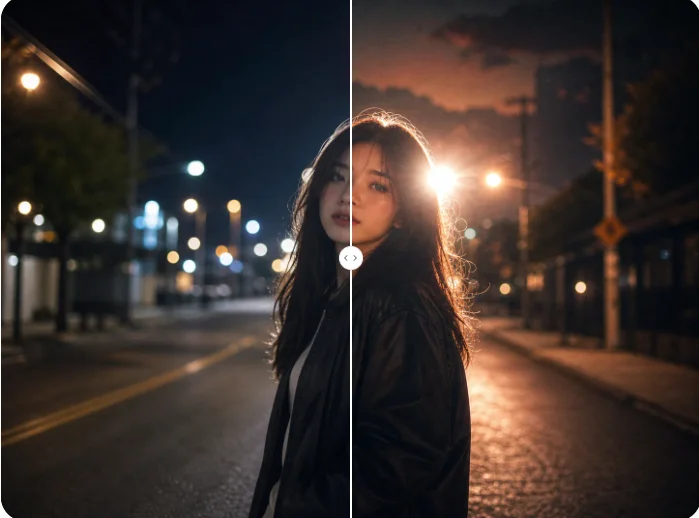
Apply a Monochrome Filter to Your Photo
Convert a color photo into a balanced black and white image while preserving the subject, texture, contrast, and tonal depth.