
Note: Auto only supports 1K. 1:1 does not support 4K.
Aesthetic Photo Editor
Upload a portrait, landscape, product, or pet photo, then describe the mood you want. Refine color, light, contrast, and texture into a vintage, dreamy, film, Y2K, or minimalist edit.
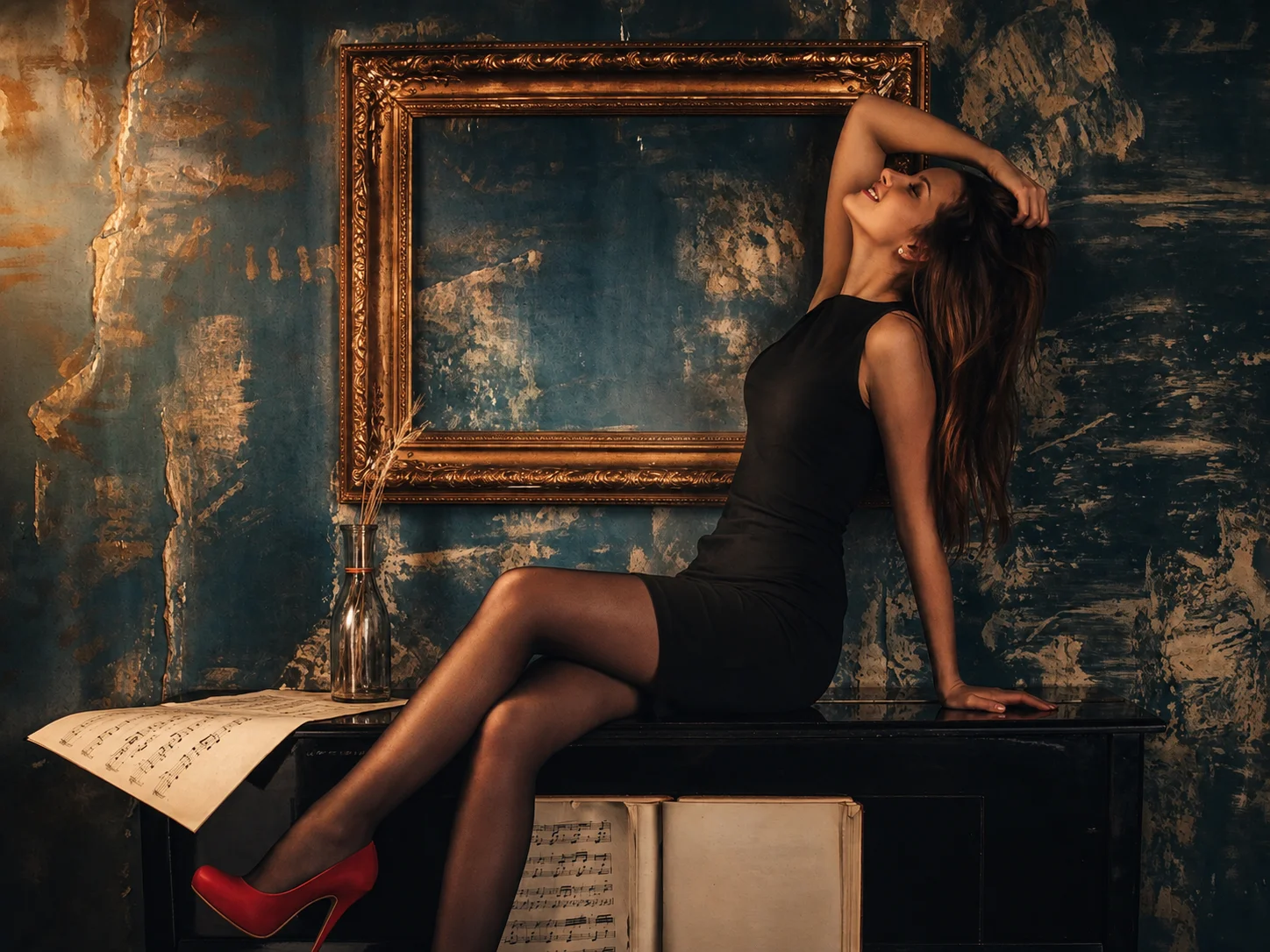
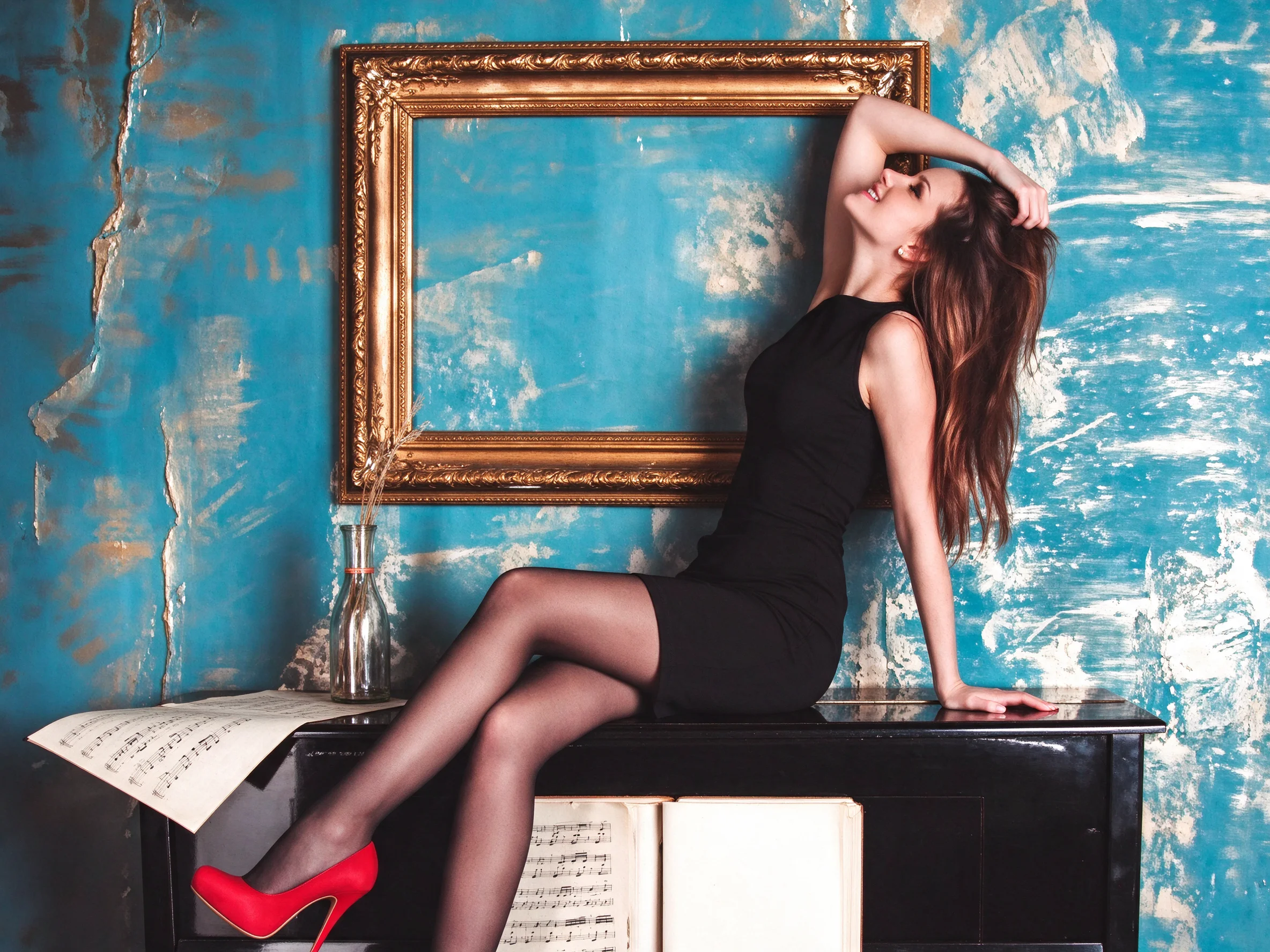
How to Use the Aesthetic Photo Editor
Upload Your Photo
Choose a clear portrait, landscape, product, or pet photo with enough subject detail for editing.
Describe and Generate
Use the default prompt or describe the aesthetic you want, such as vintage film, dreamy light, Y2K color, or a minimalist mood, then generate the edit.
Review and Download
Review the color, lighting, texture, and subject details, then download the version that best fits your post, profile, product, or creative project.
Why Choose Qimg AI's Aesthetic Photo Editor
Shape the Complete Mood of Your Photo
Go beyond basic brightness or sharpness adjustments. Coordinate color, light, contrast, grain, and surface texture so the whole image follows one clear aesthetic direction.
Explore Styles That Match the Subject
Turn portraits, landscapes, products, and pet photos into vintage, dreamy, film, Y2K, or minimalist edits while keeping the original subject and composition recognizable.
Edit with Simple Natural-Language Direction
Skip complex manual controls. Upload a photo, describe the mood or adjustment you want, and let Qimg AI create a cohesive result that is ready to review and refine.
Who Use Qimg AI
Creators
Build a recognizable visual mood for posts, profile photos, covers, moodboards, and personal projects without adjusting every setting by hand.
Designers
Explore color directions, film treatments, textures, and visual references quickly before refining the strongest concept for production.
Marketers
Create consistent lifestyle, product, and campaign visuals that align with a brand mood across social posts and promotional content.
FAQs About the Aesthetic Photo Editor
An aesthetic photo editor changes the overall mood of an image by coordinating color, light, contrast, texture, grain, and other visual details instead of only correcting brightness or sharpness.
You can use portraits, selfies, landscapes, travel photos, product images, pet photos, covers, and other clear images with recognizable subjects.
You can describe styles such as vintage, retro, film grain, dreamy, Y2K, minimalist, moody, airy, cinematic, or another visual direction that fits your photo.
An aesthetic filter usually applies one preset look. An aesthetic photo editor gives you broader control over how color, lighting, texture, contrast, and subject details work together in the final image.
Yes. You can create a consistent visual mood for posts, profile pictures, covers, Pinterest boards, Instagram feeds, and other creative content. Review the crop and details before publishing.
Discover More on Qimg AI
Qimg AI is your go-to AI image toolkit for generating, editing, and enhancing photos and artwork.
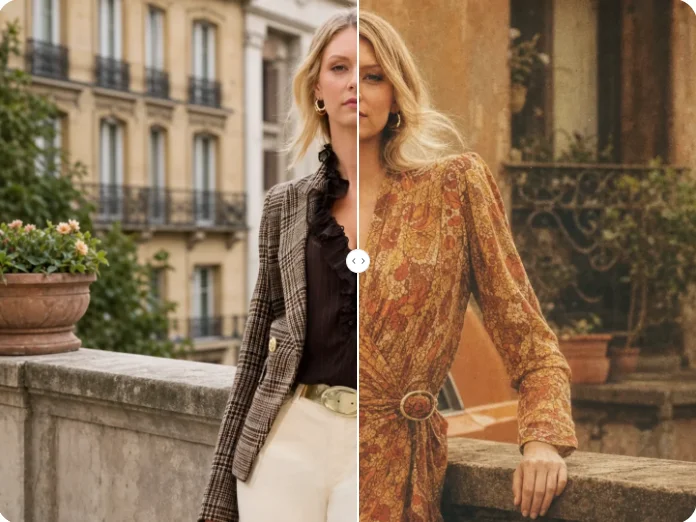
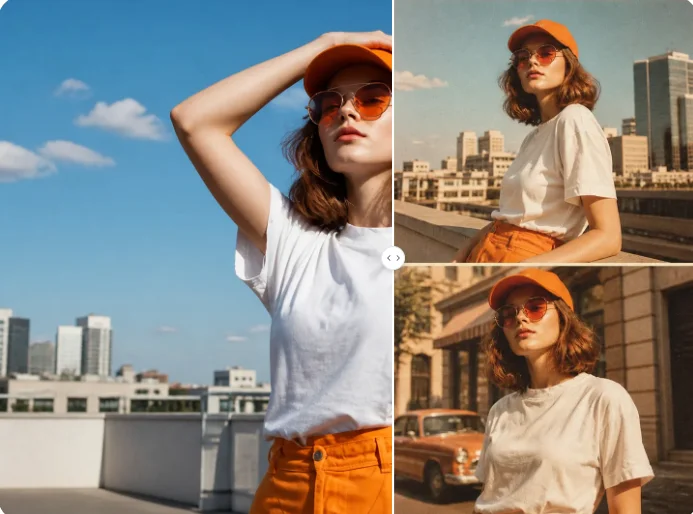
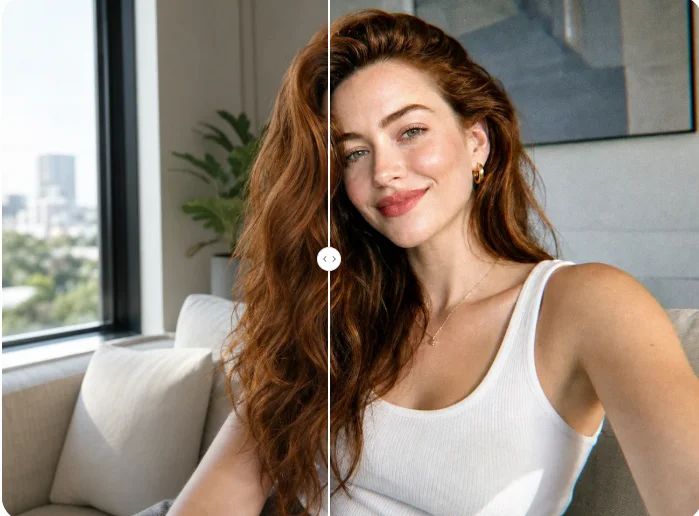
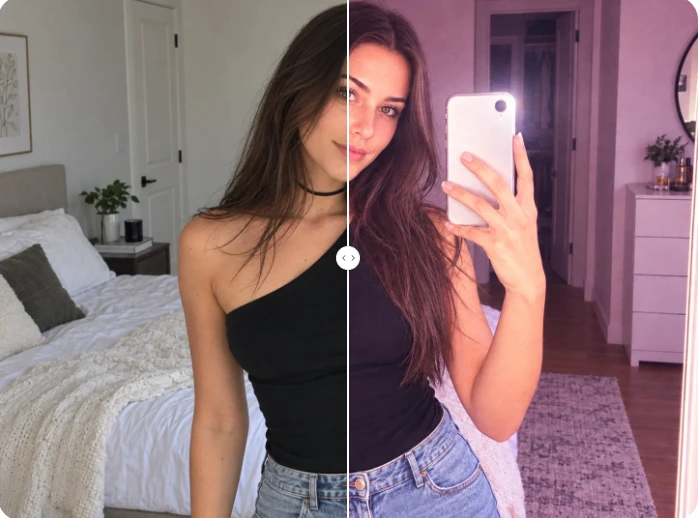
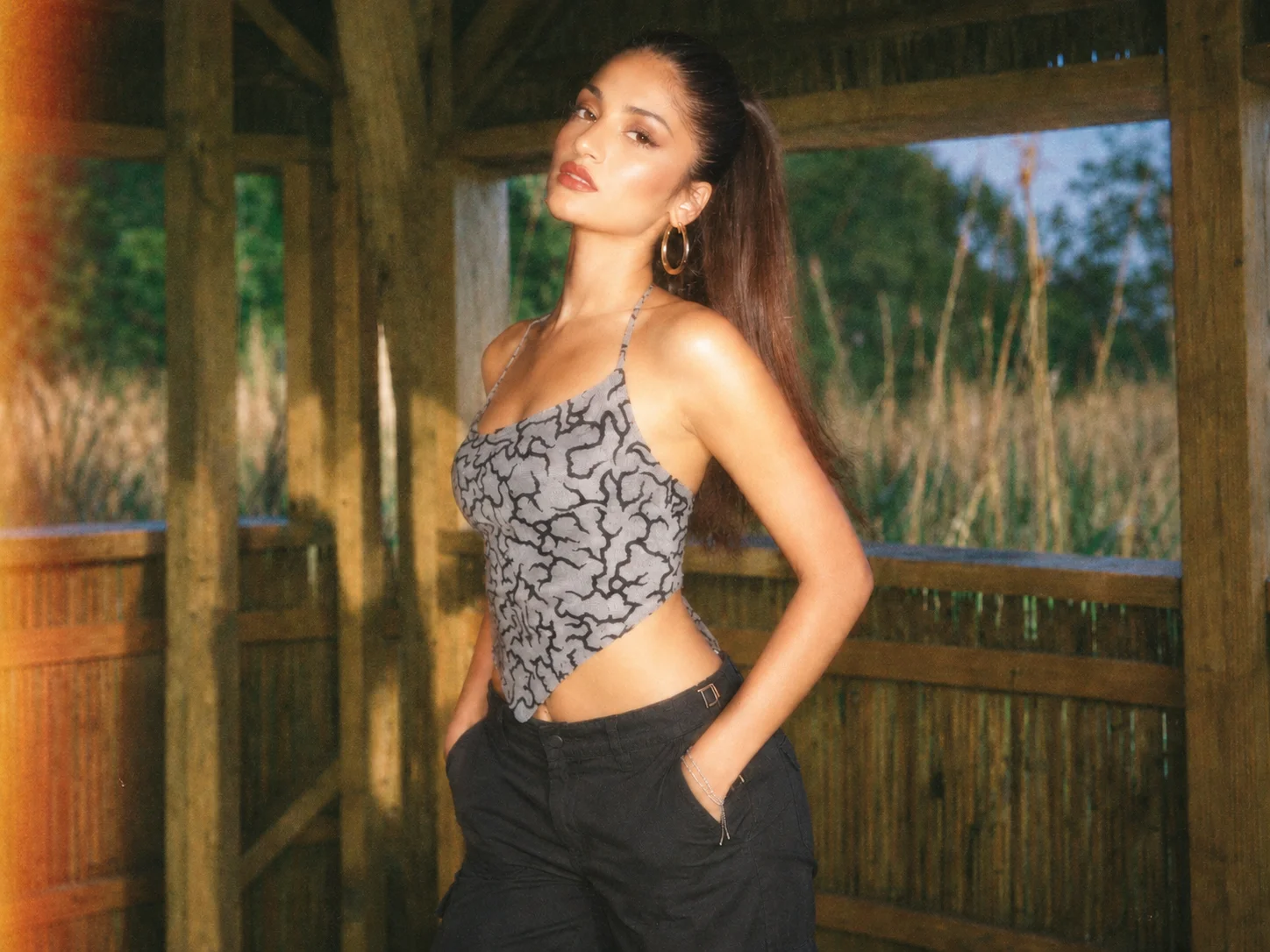
Create Your Aesthetic Photo Edit
Upload a photo, choose the mood you want, and transform color, light, and texture into a cohesive aesthetic style.