
Note: Auto only supports 1K. 1:1 does not support 4K.
AI Meme Generator
Type a funny idea, describe a situation, or upload your own photo. Qimg AI helps you generate custom memes with witty captions, expressive visuals, and styles ready for social media or chat.
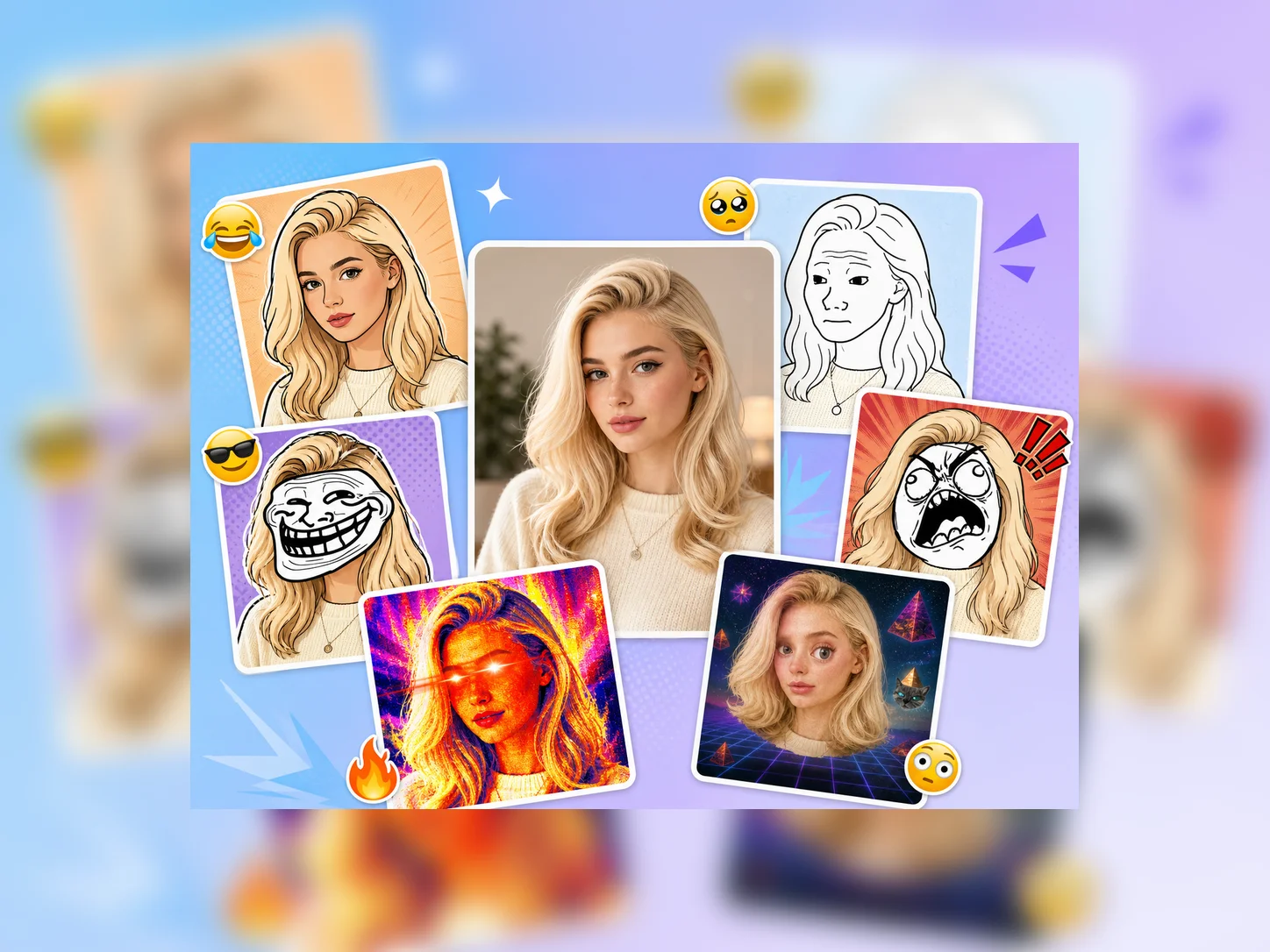
How to Use AI Meme Generator
Upload
Enter a meme idea, joke, reaction, or situation. You can also upload a photo to turn a real moment into a personalized meme.
Generate
Choose a meme style, add or refine the caption, then click the Generate button. Qimg AI will create meme options based on your idea.
Download
Preview the results, select your favorite meme, and download the high-resolution image for sharing in chats, posts, or creative campaigns.
Why Choose AI Meme Generator
Create Memes from Text or Photos
Qimg AI lets you start with a simple topic, a funny line, or an uploaded image. The AI turns your idea into a complete meme with visual context and matching captions.
Smart Captions That Match the Joke
Instead of only placing text on an image, the AI meme generator understands the scene, tone, and humor style, helping you create punchlines that feel natural and shareable.
Multiple Meme Styles for Any Platform
Create classic caption memes, reaction memes, cartoon-style memes, realistic photo memes, or social media-ready visuals for group chats, posts, and campaigns.
Who Use Qimg AI
Creators
Create visuals faster without design skills. Turn ideas into images, thumbnails, social posts, and creative assets in seconds.
Designers
Accelerate your creative workflow. Use Qimg AI to generate concepts, references, and visual directions, then refine them into production-ready designs.
Marketers
Produce high-converting visuals on demand. Create ads, campaign visuals, and branded images quickly.
FAQs about AI Meme Generator
Qimg AI's AI Meme Generator is a tool that creates memes from a text idea or an uploaded photo. Instead of just adding captions to a template, it generates the visuals, the caption, and the layout together — so you can ship a meme without thinking about the design.
The model is trained on a broad range of meme formats, internet humor, and caption styles. When you describe a situation, it picks a fitting visual format and writes a punchline that matches the setup — you can keep regenerating until one lands.
Both. Upload a friend's reaction face, a pet photo, or a screenshot as the base image, or just type the joke and let Qimg AI generate the visuals from scratch. Same workflow either way.
No. Qimg AI handles the layout, visual style, and caption generation. You only need to describe the idea or upload an image to get started.
Qimg AI supports classic Impact-caption format, Ghibli-style, anime, cartoon, 3D-rendered, doge-style, hand-drawn doodle, and more. Switch the style without changing the joke to test which version hits hardest.
Discover More on Qimg AI
Qimg AI is your go-to AI image toolkit for generating, editing, and enhancing photos and artwork.
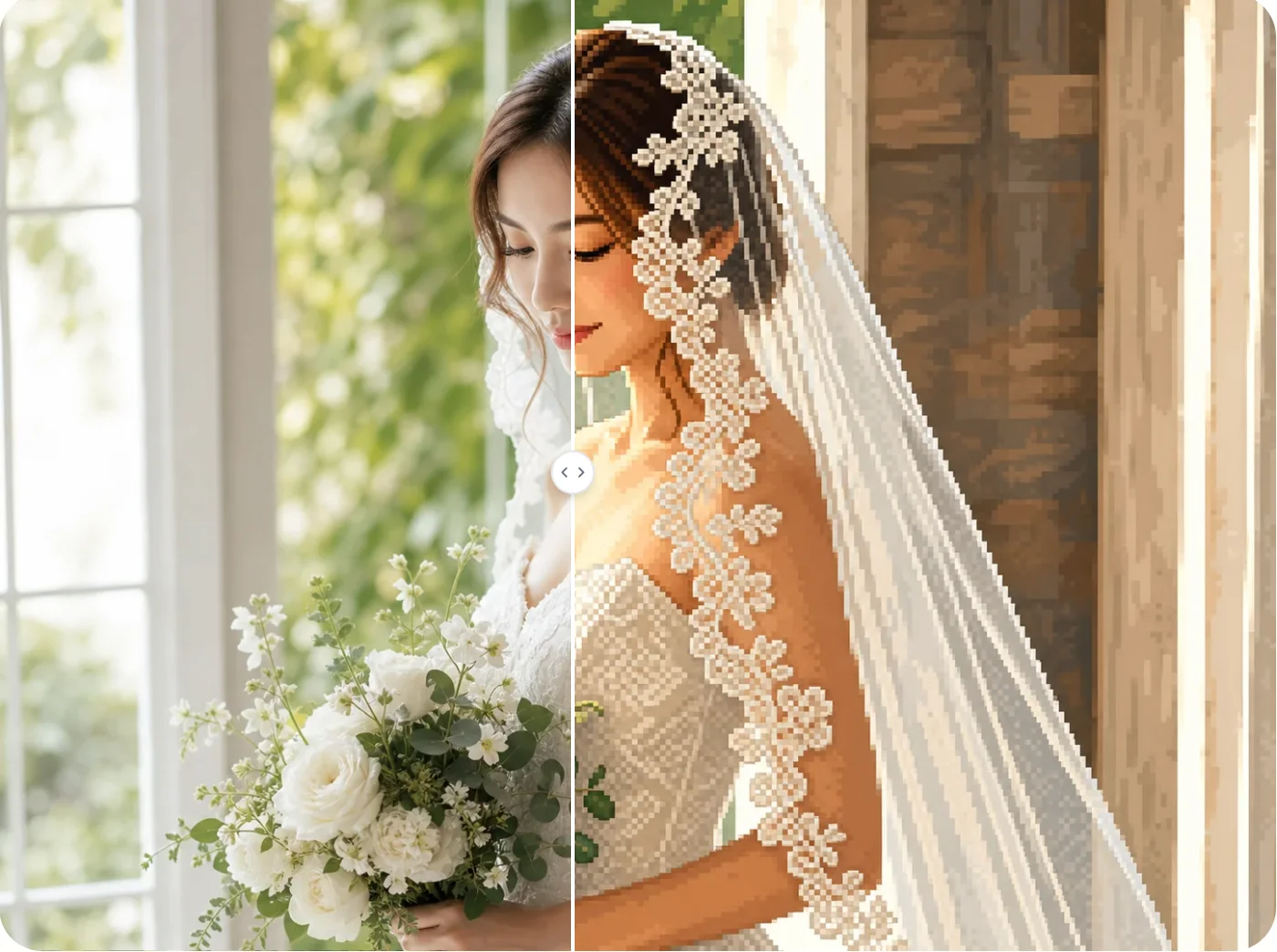
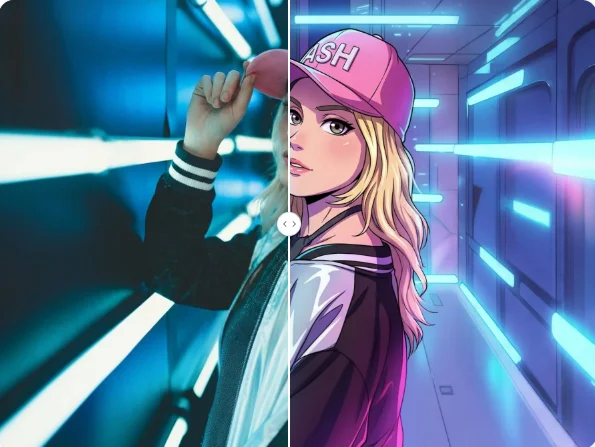
AI Meme Generator
Turn jokes, reactions, and photos into custom memes with Qimg AI. Create share-ready meme images for chats, social posts, and creative ideas.