
Note: Auto only supports 1K. 1:1 does not support 4K.
AI Mockup Generator
Turn your design into realistic mockups instantly. Create ready-to-share visuals with AI.
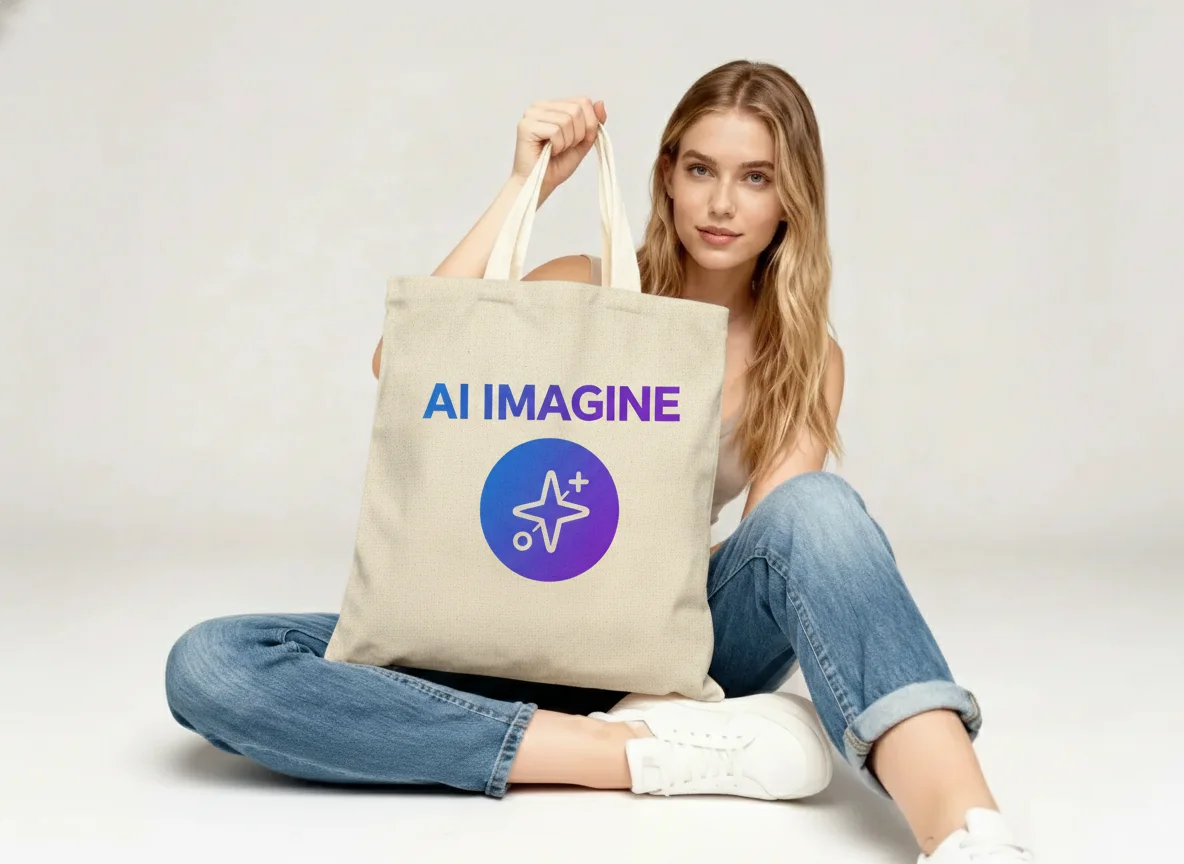
How to Use AI Mockup Generator
Upload
Upload your design file such as a logo, artwork, or product graphic. Qimg AI supports PNG, JPG, and WebP formats.
Generate
Select a scene preset or enter a custom prompt to define the environment, then click Generate.
Download
Preview the AI-rendered mockup with realistic lighting and perspective, then download your high-quality image.
Why Choose AI Mockup Generator
Template-Free Flexibility
Unlike traditional template-based tools, Qimg AI generates unique scenes tailored to your design. This ensures your product stands out with original, high-quality visuals that perfectly match your brand aesthetic.
Automatic Lighting & Perspective Adjustment
Our advanced AI algorithms automatically analyze your design and the scene to adjust shadows, reflections, and angles. The result is a photorealistic mockup that looks like a professional studio shot, saving you hours of editing time.
Instant Visuals for Marketing & eCommerce
Need product images fast? AI Mockup Generator allows you to visualize designs on apparel, packaging, and digital devices in seconds. It allows you to create marketing assets and store listings efficiently without organizing a photoshoot.
Who Use Qimg AI
Creators
Create visuals faster without design skills. Turn ideas into images, thumbnails, social posts, and creative assets in seconds.
Designers
Accelerate your creative workflow. Use Qimg AI to generate concepts, references, and visual directions, then refine them into production-ready designs.
Marketers
Produce high-converting visuals on demand. Create ads, campaign visuals, and branded images quickly.
FAQs about AI Mockup Generator
AI Mockup Generator is an online tool by Qimg AI that uses artificial intelligence to apply your designs to realistic product settings, creating professional mockups for branding, marketing, and eCommerce.
The AI analyzes your uploaded design and the chosen scene, then calculates the correct perspective, texture wrapping, and lighting. This results in seamless integration that mimics a real physical product.
No skills are required. The tool is fully automatic. Simply upload your design, and Qimg AI handles the complex placement and rendering for you.
Qimg AI supports a wide range of categories including T-shirts, hoodies, tote bags, packaging, electronics, and more.
Yes. Once you download the mockup, you can use it for your commercial projects, including eCommerce listings, social media ads, and client presentations.
Discover More on Qimg AI
Qimg AI is your go-to AI image toolkit for generating, editing, and enhancing photos and artwork.
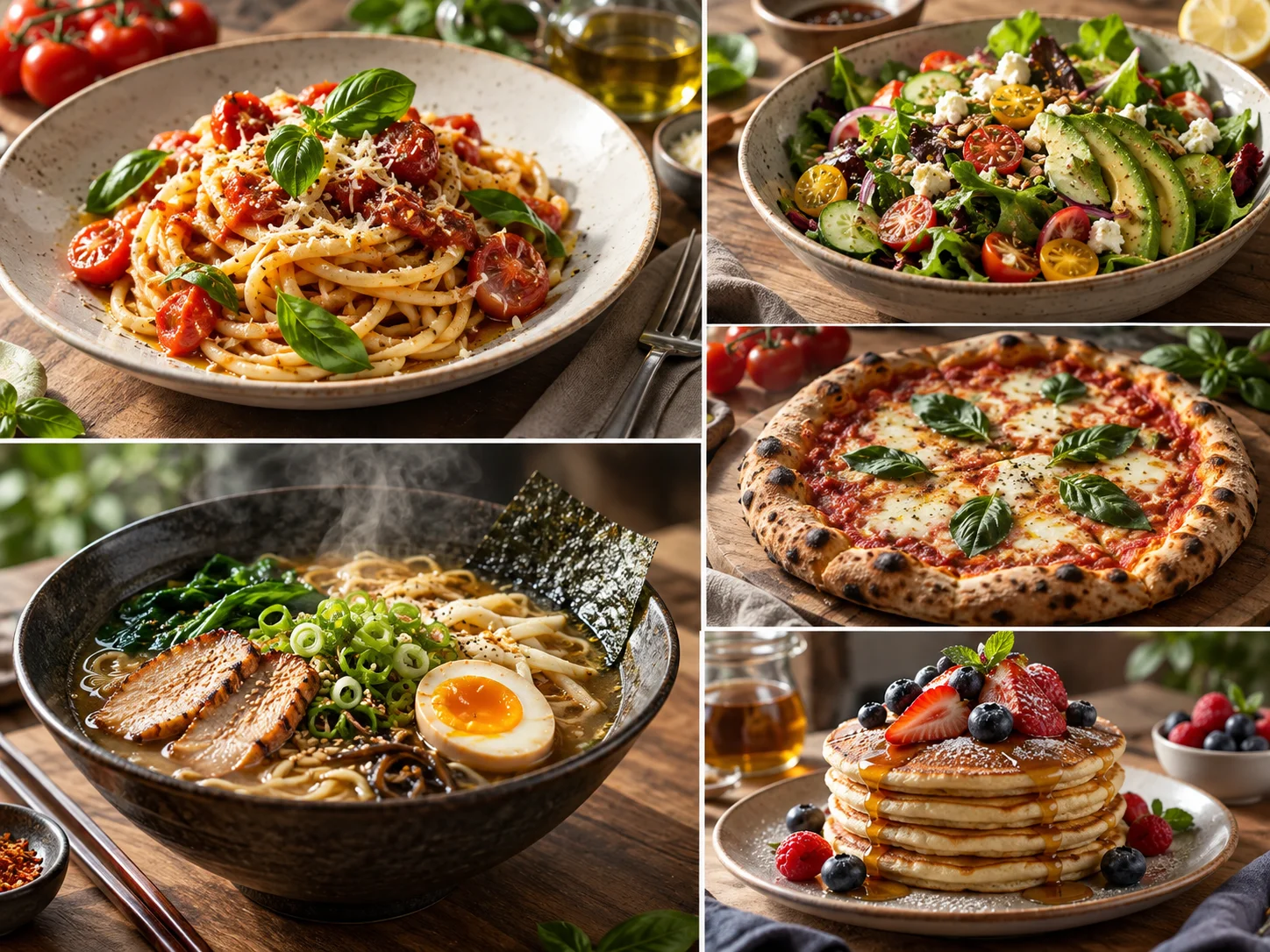
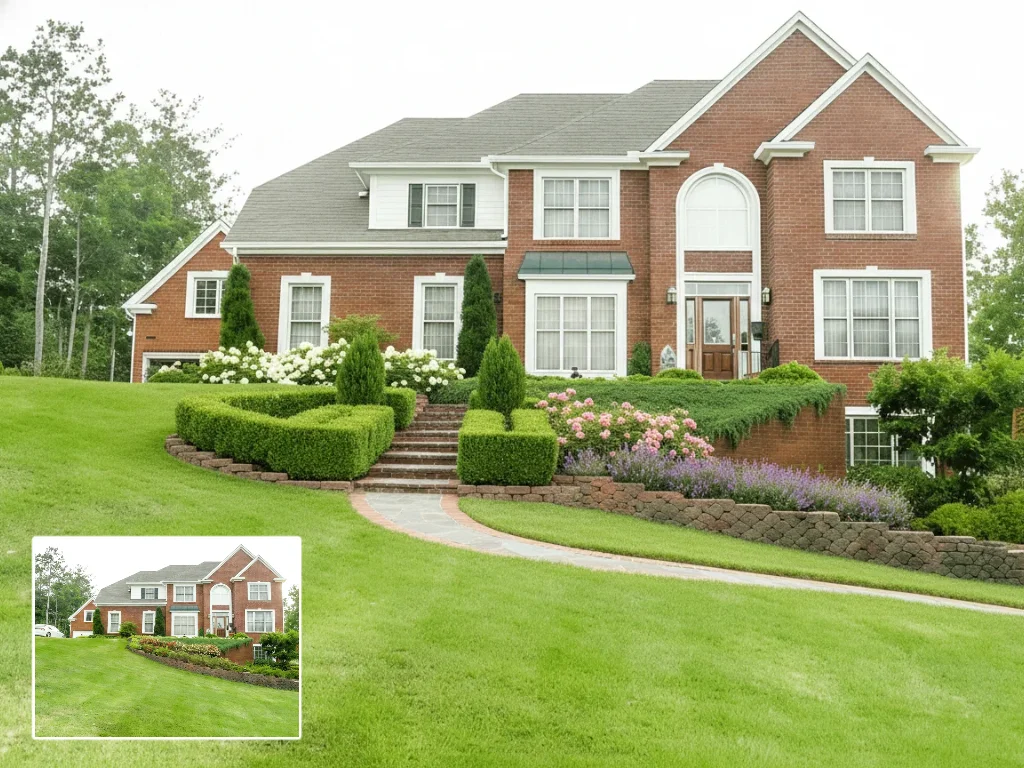
AI Mockup Generator
Turn your designs into professional product mockups in seconds. Upload your image and start creating today.