
Note: Auto only supports 1K. 1:1 does not support 4K.
AI Interior Design
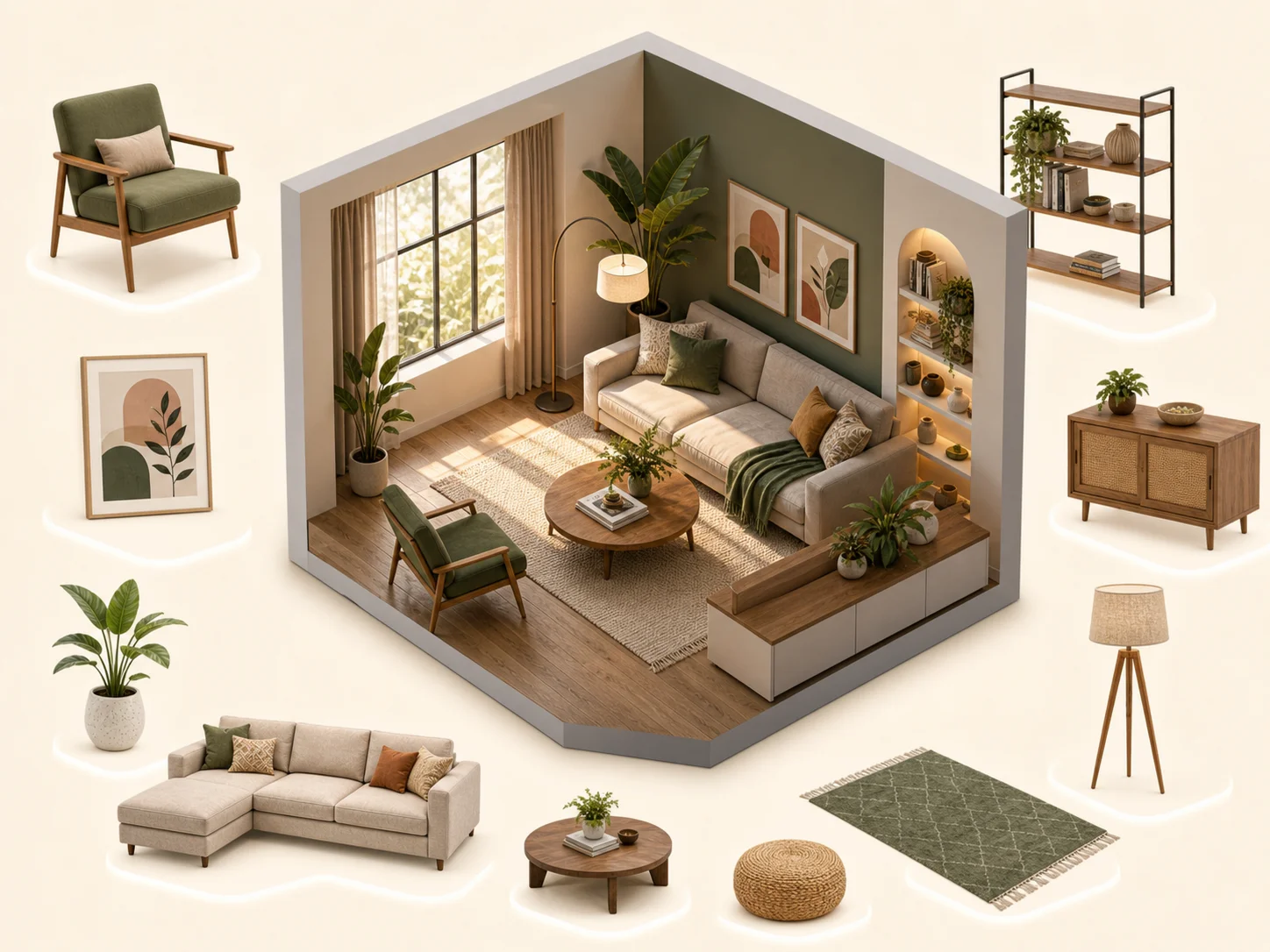
Upload a room photo and let AI redesign the space with new layouts, furniture, colors, lighting, and decor based on your preferred style.
How to Use AI Interior Design
Upload
Upload a clear photo of your room — well-lit, with the layout fully visible. Living rooms, bedrooms, kitchens, bathrooms, home offices, and dining rooms all work.
Generate
Describe the style you want — "modern minimalist living room with warm lighting" — or pick from preset styles. Qimg AI handles the rest, automatically recognizing walls, windows, and existing furniture, then rendering a new design that respects the room's real dimensions and lighting.
Download
Compare several generated variations side by side, refine the prompt if needed, and download the high-resolution design for renovation planning, mood boards, or presentations.
Why Choose AI Interior Design
Realistic Room Redesign from Your Photo
Qimg AI analyzes your uploaded room photo and creates redesigned interiors that respect the original space. Walls, floors, windows, and room proportions remain part of the concept, helping the result feel practical and believable.
Explore Multiple Interior Styles Quickly
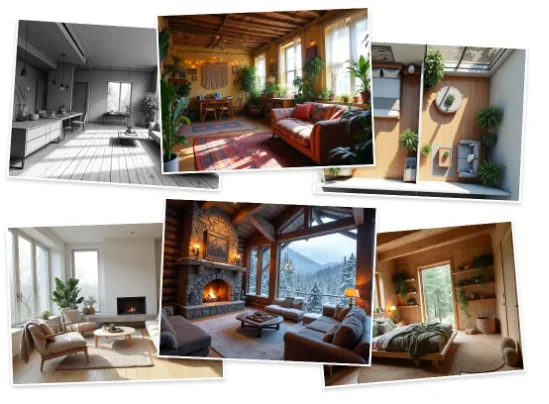
Try modern, minimalist, Scandinavian, industrial, boho, luxury, vintage, or warm family styles in minutes. Qimg AI helps you compare design directions before buying furniture or starting renovation work.
Interior Design Ideas Without Professional Skills
With Qimg AI, you do not need CAD, 3D modeling, or interior design experience. Upload a photo, describe the look you want, and generate room design ideas directly from your browser.
Who Use Qimg AI
Creators
Create visuals faster without design skills. Turn ideas into images, thumbnails, social posts, and creative assets in seconds.
Designers
Accelerate your creative workflow. Use Qimg AI to generate concepts, references, and visual directions, then refine them into production-ready designs.
Marketers
Produce high-converting visuals on demand. Create ads, campaign visuals, and branded images quickly.
FAQs about AI Interior Design
AI interior design uses artificial intelligence to redesign or visualize indoor spaces from photos and prompts. Qimg AI can turn a room image into new design ideas with different layouts, furniture, colors, and decor styles.
Yes. Upload a clear room photo, choose the room type, and describe your preferred style. Qimg AI will generate redesigned interiors based on the existing space and your prompt.
You can use Qimg AI for living rooms, bedrooms, kitchens, dining rooms, bathrooms, home offices, studios, apartments, and many other indoor spaces.
Yes. You can describe specific colors, furniture types, materials, lighting, wall decor, flooring, and layout preferences in your prompt to guide Qimg AI toward your ideal design.
No. Qimg AI is designed for simple online room visualization. You only need to upload a photo, describe your design goal, generate options, and download the results you like.
Discover More on Qimg AI
Qimg AI is your go-to AI image toolkit for generating, editing, and enhancing photos and artwork.

AI Interior Design
Upload your room photo and let Qimg AI create realistic interior design ideas. Explore new layouts, furniture, colors, and decor styles online.