
Note: Auto only supports 1K. 1:1 does not support 4K.
Create Festive Photos with Christmas Filter
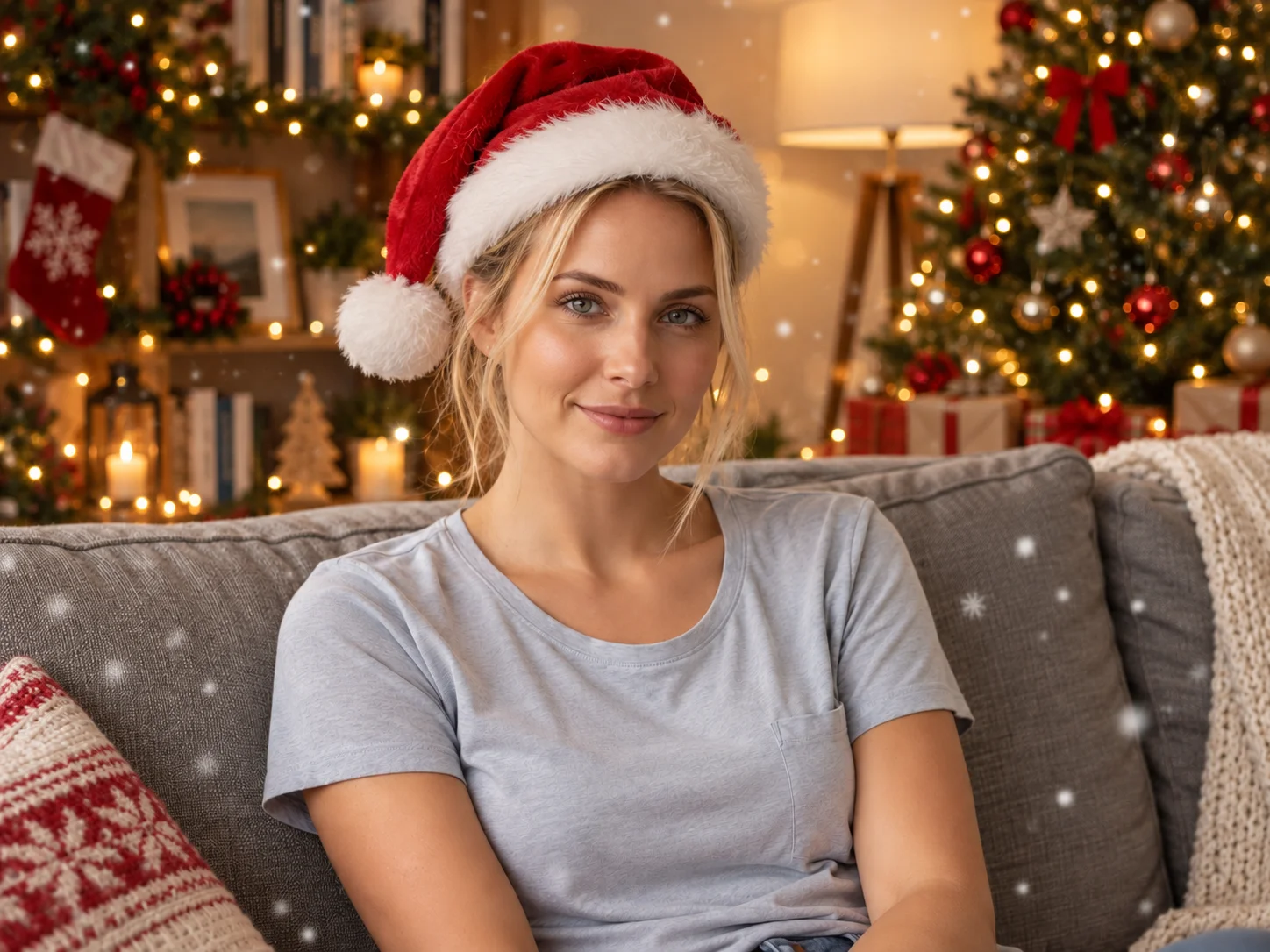
Upload a portrait, family photo, or pet picture and describe the holiday look you want. Add festive lighting, snow, decorations, outfits, or a Christmas setting.

How to Create an AI Christmas Photo
Upload
Upload a clear portrait, group photo, family picture, or pet image with the main subject fully visible.
Generate
Describe the Christmas style you want, such as a Santa hat, falling snow, warm lights, festive clothing, or a decorated tree, then generate the result.
Download
Preview and download your finished Christmas photo for greetings, profile images, cards, invitations, or seasonal social posts.
Why Choose Our Christmas Filter
Turn Everyday Photos into Christmas Scenes
Add snowy backgrounds, decorated trees, glowing lights, ornaments, and other seasonal details while keeping the original subject clear and recognizable.
Explore Festive Outfits and Decorations
Create Santa-inspired outfits, winter accessories, cozy interiors, playful pet looks, or polished holiday portraits from a simple description.
Create Holiday Visuals for Any Occasion
Prepare personalized greetings, family keepsakes, profile pictures, invitations, cards, and seasonal campaign images without building each scene manually.
Who Use Qimg AI
Creators
Turn portraits, pet photos, and everyday moments into festive posts, greetings, profile pictures, and seasonal visual stories.
Designers
Generate quick Christmas concepts, decorative references, and visual directions for cards, invitations, and holiday graphics.
Marketers
Produce holiday campaign visuals, promotional posts, and festive product imagery with a consistent seasonal atmosphere.
FAQs about Christmas Filter
A Christmas filter transforms an uploaded photo with seasonal elements such as snow, holiday lights, Santa-inspired clothing, decorations, and festive backgrounds.
Clear portraits, family photos, group shots, and pet images with visible subjects and balanced lighting usually produce the strongest results.
Yes. Describe the desired clothing, accessories, lighting, weather, background, color palette, and decorations before generating.
Yes. Upload a clear pet photo and request festive accessories, winter scenery, holiday costumes, or a decorated Christmas setting.
Use it for digital greetings, holiday cards, invitations, family keepsakes, profile pictures, social posts, and seasonal marketing visuals.
Discover More on Qimg AI
Qimg AI is your go-to AI image toolkit for generating, editing, and enhancing photos and artwork.
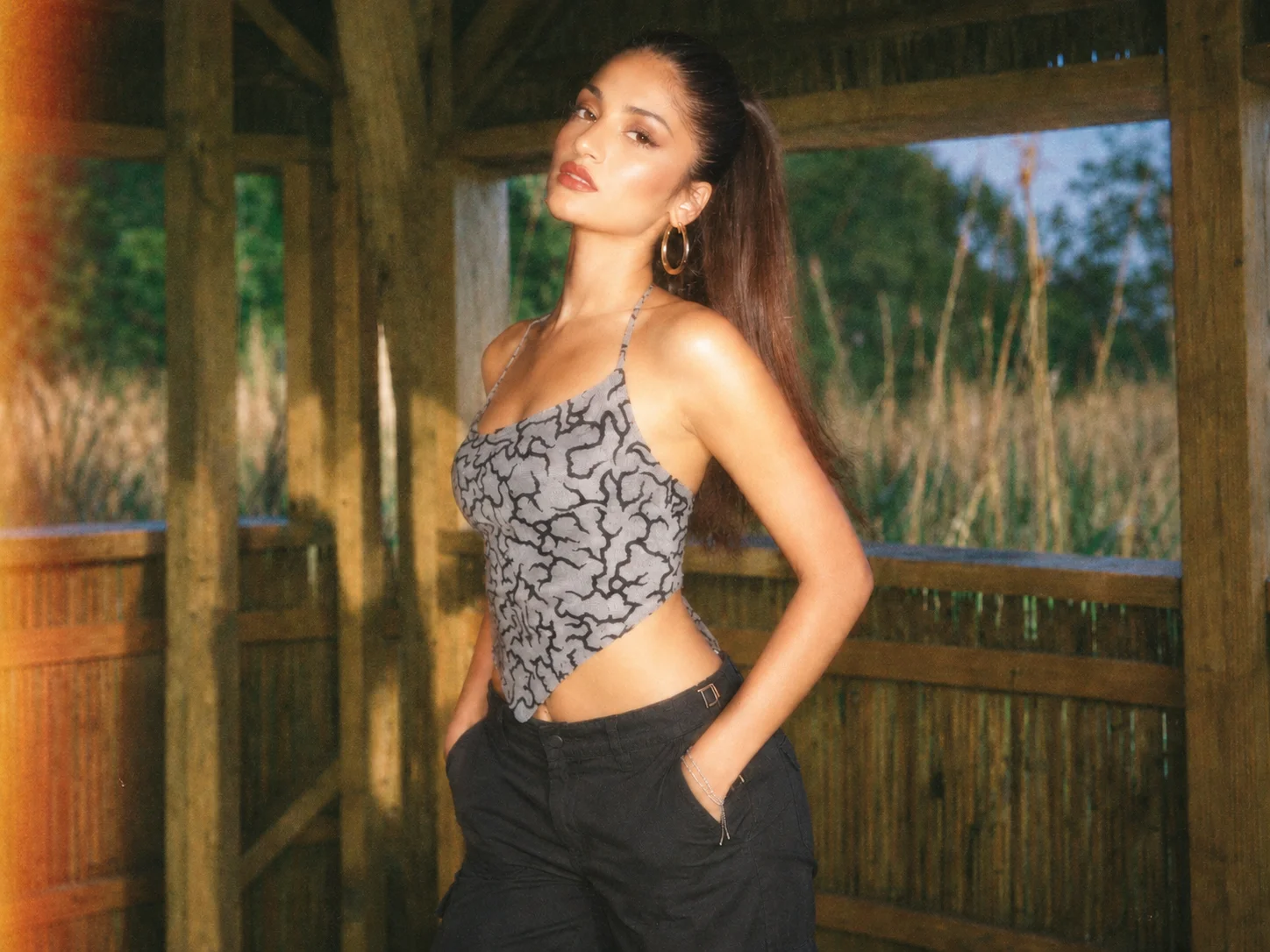
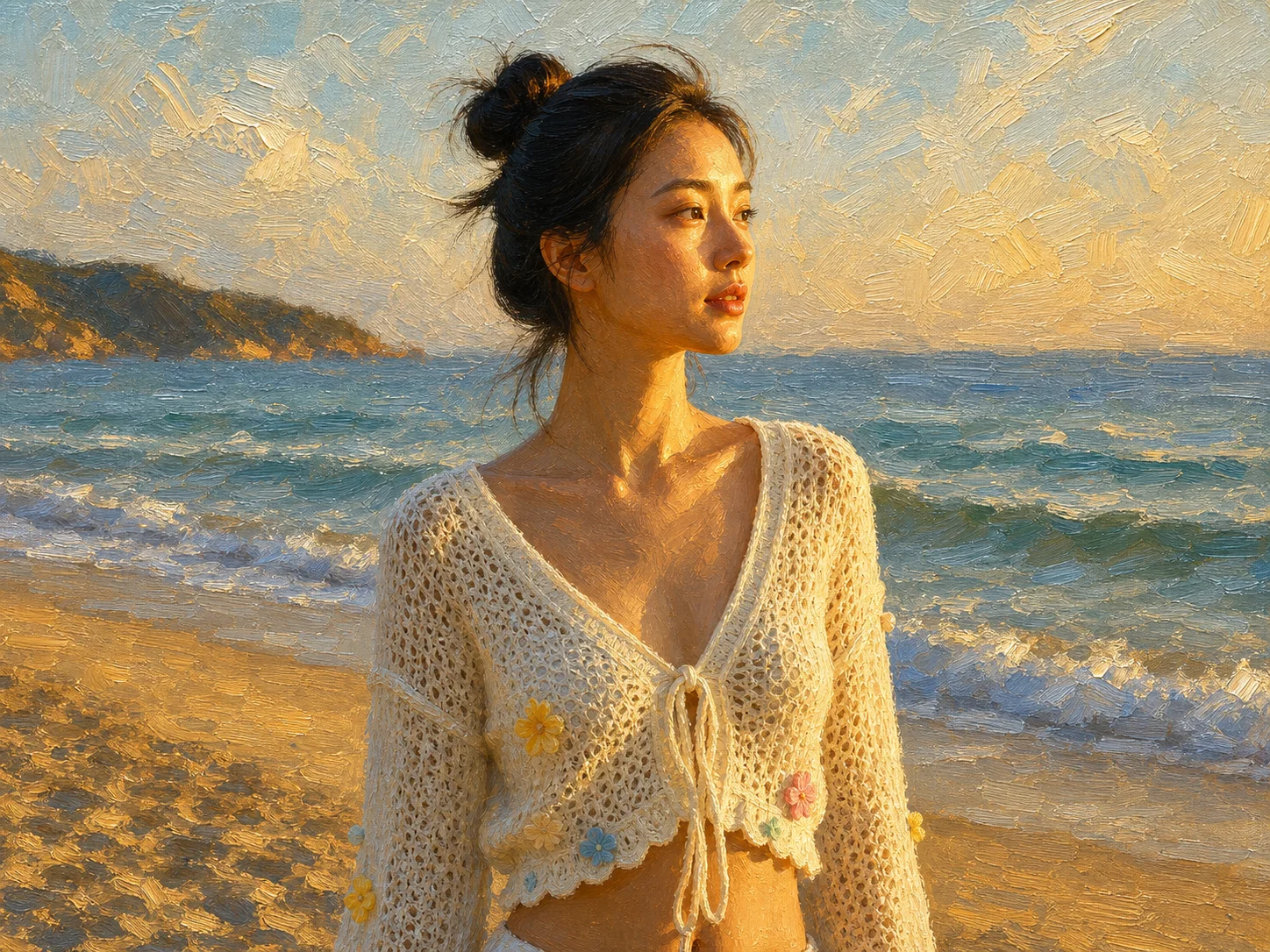
Create a Festive AI Christmas Photo
Upload a photo and add the Christmas lights, snow, decorations, outfits, and seasonal atmosphere that fit your holiday idea.