
Note: Auto only supports 1K. 1:1 does not support 4K.
CV Photo Editor for Resume and Job Application Photos
Qimg AI's CV Photo Editor helps turn existing portraits into cleaner, more suitable photos for resumes, CVs, job portals, and professional profiles.


How Can You Use a CV Photo Editor Online?
Upload a photo to the CV Photo Editor
Choose a portrait where your face is clearly visible. The photo doesn't need to be taken in a studio. Many users start with an everyday photo from their phone.
Adjust the image with the CV Photo Editor
Refine the background, improve image quality, and make the portrait look more suitable for professional use.
Download your updated CV photo
Review the result and save the version that best fits your resume, LinkedIn profile, portfolio, or job application.
Why Do People Use a CV Photo Editor Before Applying for Jobs?
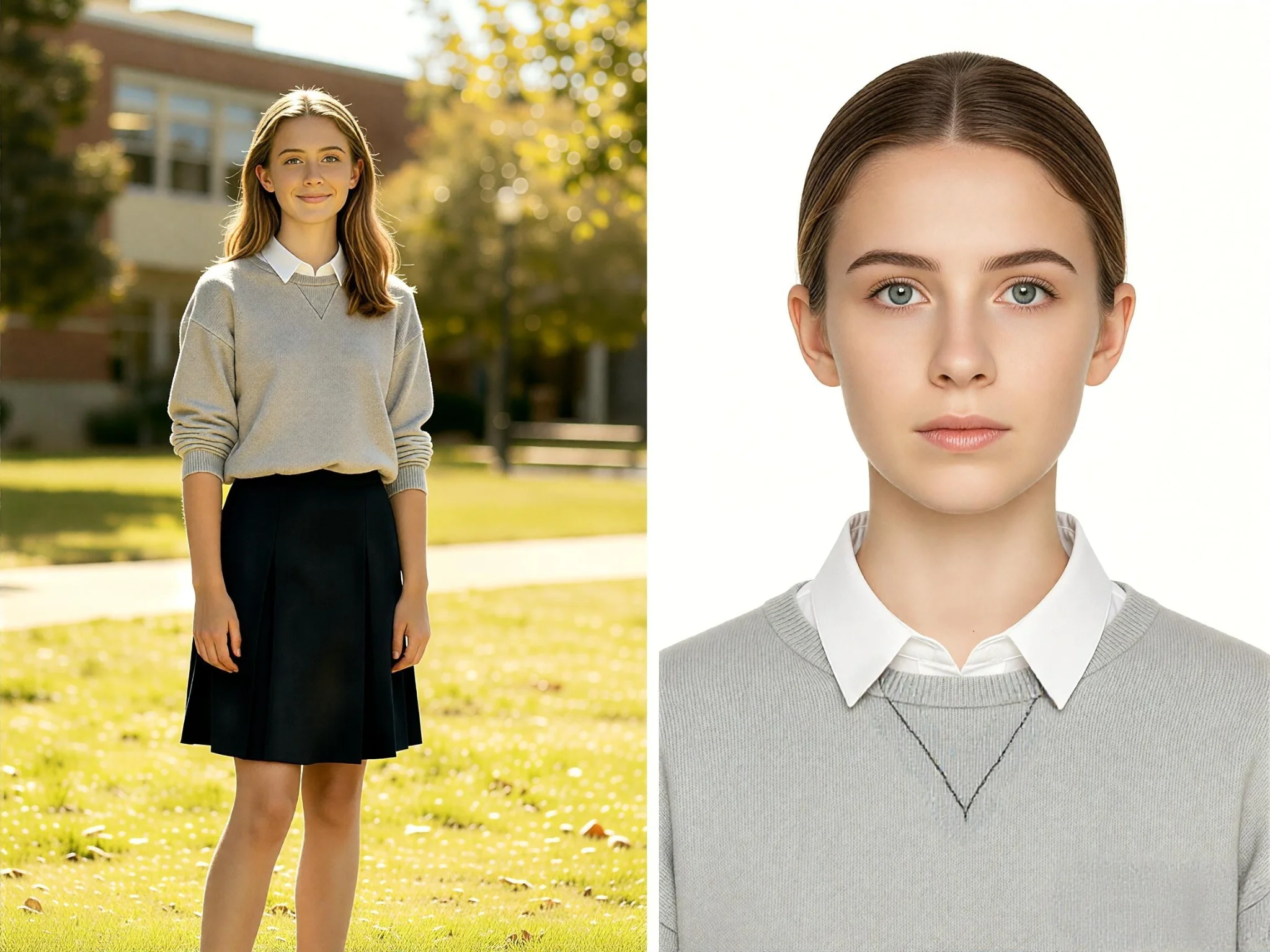
Turn an ordinary photo into a CV photo
Most people don't need a completely new picture. They already have a photo where they look approachable and confident. A CV Photo Editor helps clean up distractions so recruiters focus on the person rather than the photo itself.
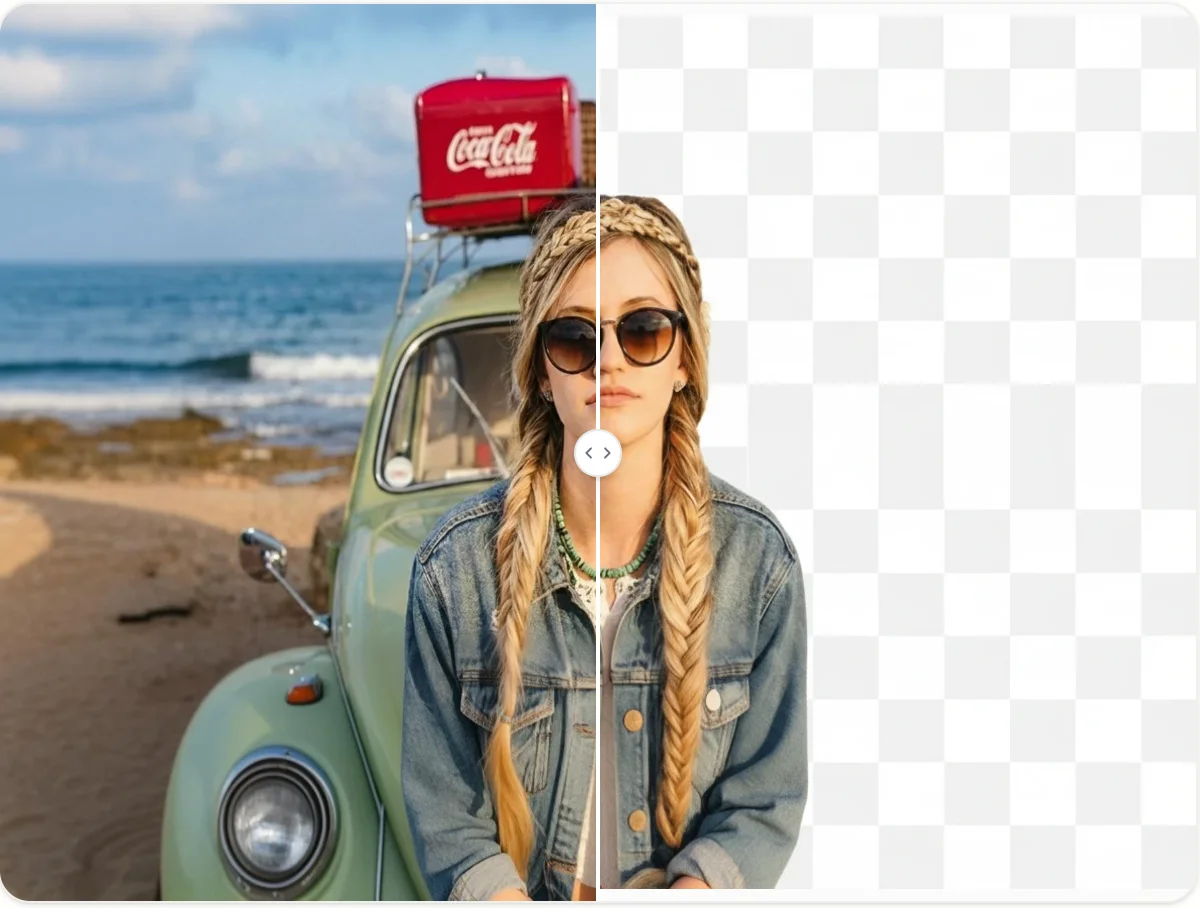
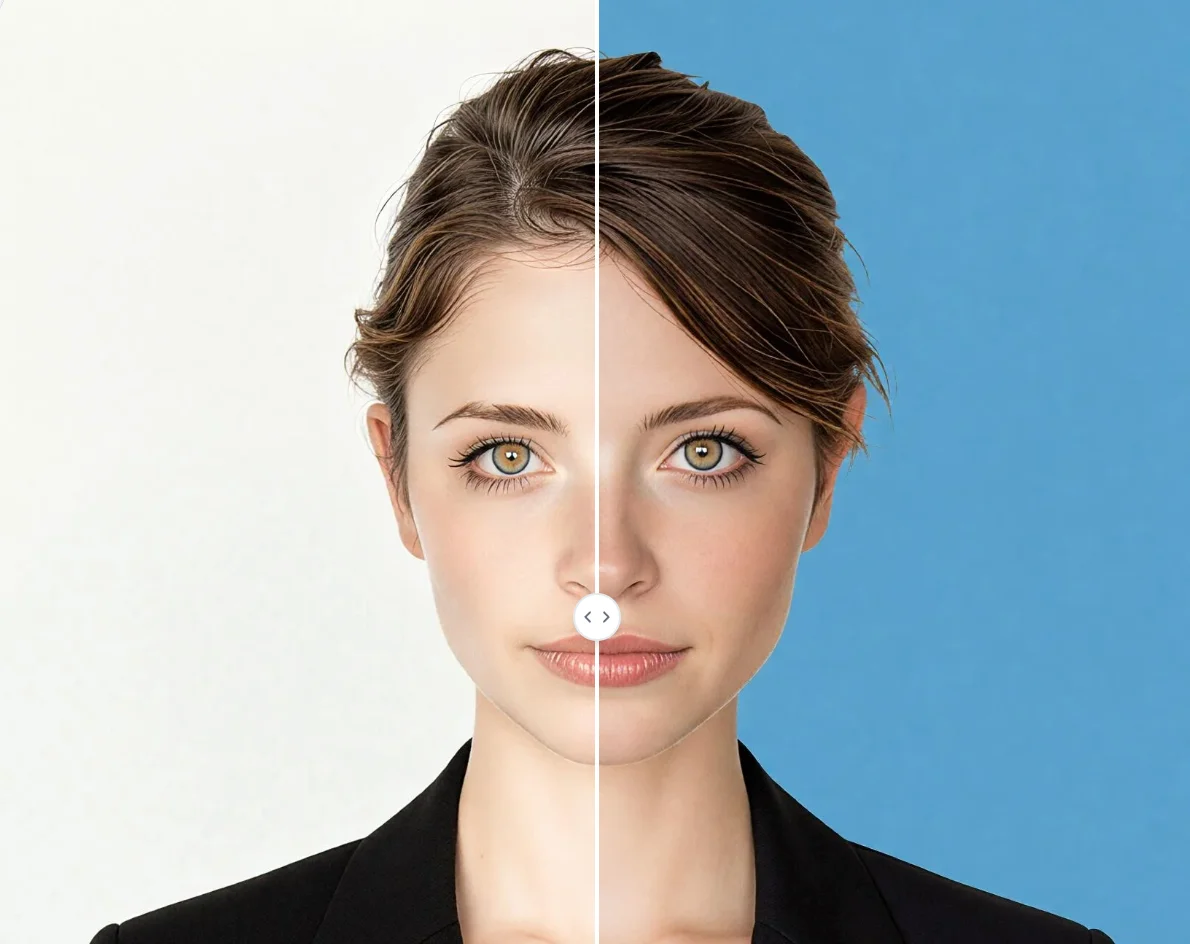
Use a CV Photo Background Editor to create a cleaner first impression
Many job seekers use a CV photo background editor to remove household objects, crowds, signs, or visual clutter that has nothing to do with their professional experience.
Update an old resume photo without arranging another photoshoot
Many people continue using the same profile photo because arranging a new photoshoot feels like extra work. A CV Photo Editor makes it easier to refresh an existing image and create something that feels current.
Who Use Qimg AI
Creators
Create visuals faster without design skills. Turn ideas into images, thumbnails, social posts, and creative assets in seconds.
Designers
Accelerate your creative workflow. Use Qimg AI to generate concepts, references, and visual directions, then refine them into production-ready designs.
Marketers
Produce high-converting visuals on demand. Create ads, campaign visuals, and branded images quickly.
FAQs About CV Photo Editor
Usually yes. A selfie can work well if your face is clearly visible and the image is sharp. In many cases, background distractions and poor lighting create bigger problems than the camera itself.
Simple backgrounds generally work best. Recruiters should notice you first, not what's happening behind you. Neutral and uncluttered backgrounds are commonly used for resumes, professional profiles, and company directories.
Yes. Many job seekers use the same image across resumes, LinkedIn profiles, portfolio websites, conference bios, and company directories. Keeping a consistent professional photo can make your personal brand easier to recognize.
Qimg AI processes uploaded images to generate results. For details about image storage, retention, and deletion practices, please review the Qimg AI Privacy Policy.
Discover More on Qimg AI
Qimg AI is your go-to AI image toolkit for generating, editing, and enhancing photos and artwork.
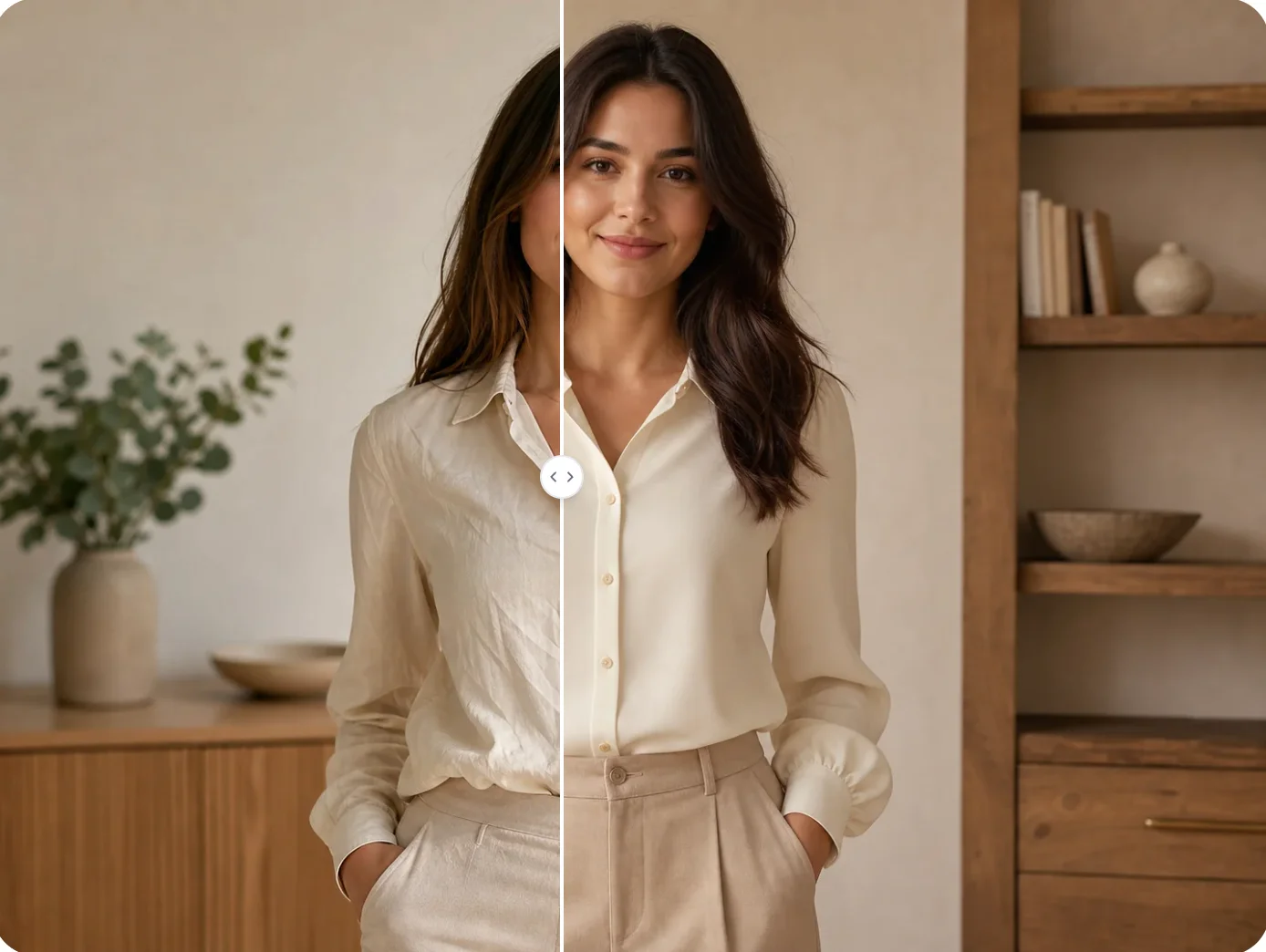
CV Photo Editor: Create Professional CV Photos Online Free
Edit resume and job application photos with Qimg AI's CV Photo Editor. Improve backgrounds, adjust image quality, and create a professional CV photo online free.