
Note: Auto only supports 1K. 1:1 does not support 4K.
Blue Background Passport Photo Maker
Upload your photo and let AI create a blue background passport photo instantly.


How to Make Passport Size Photo with Blue Background
Upload
Upload your portrait or a clear selfie. Ensure the lighting is even and your facial features are clearly visible.
Generate
Click the "Generate" button. Qimg AI will automatically remove the original background and apply the standard passport blue.
Download
Preview the professional result and download your high-resolution blue background passport photo for online application or printing.
Why Choose Blue Background Passport Photo Maker
One-Click Blue Background for Passport Photos
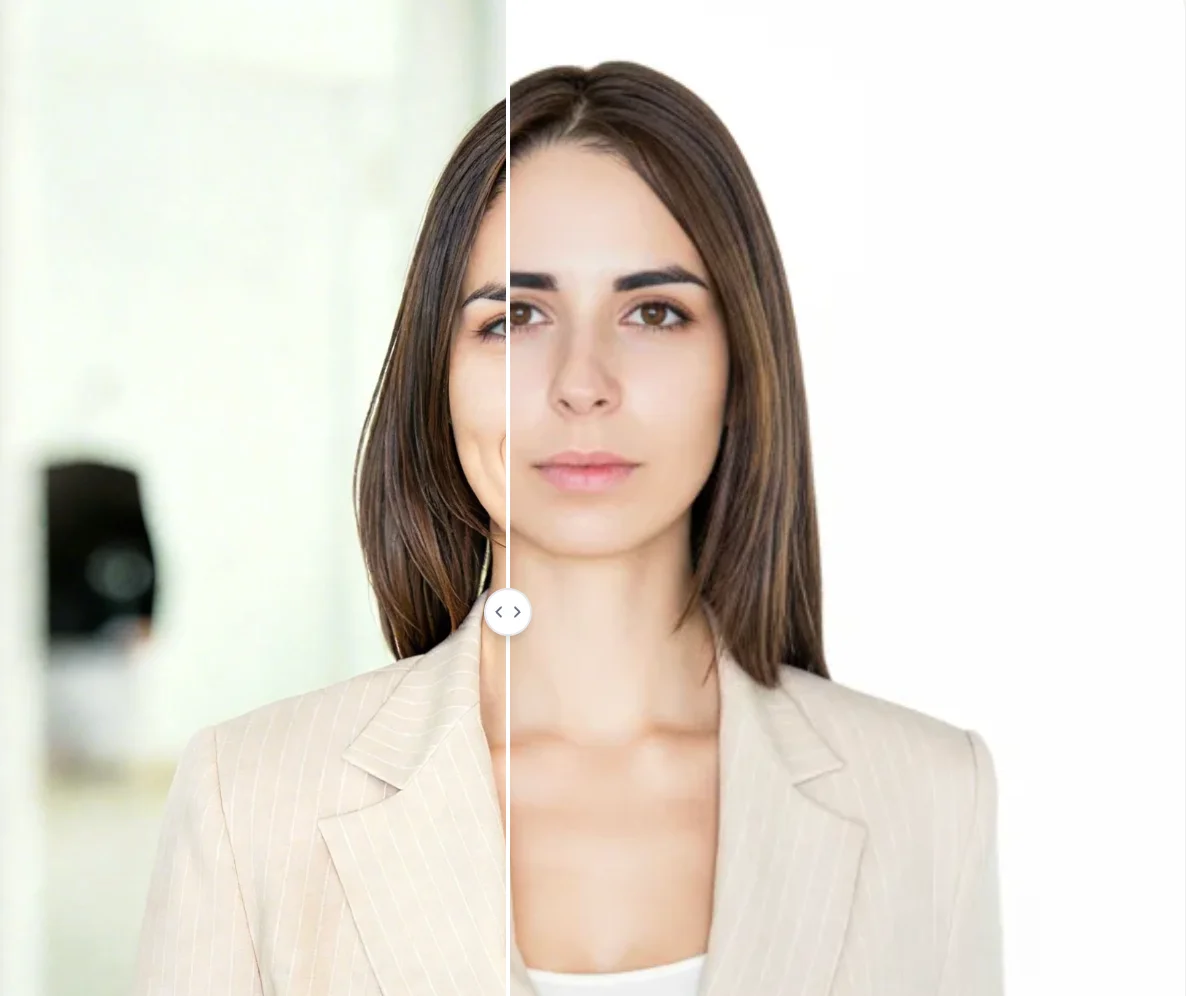
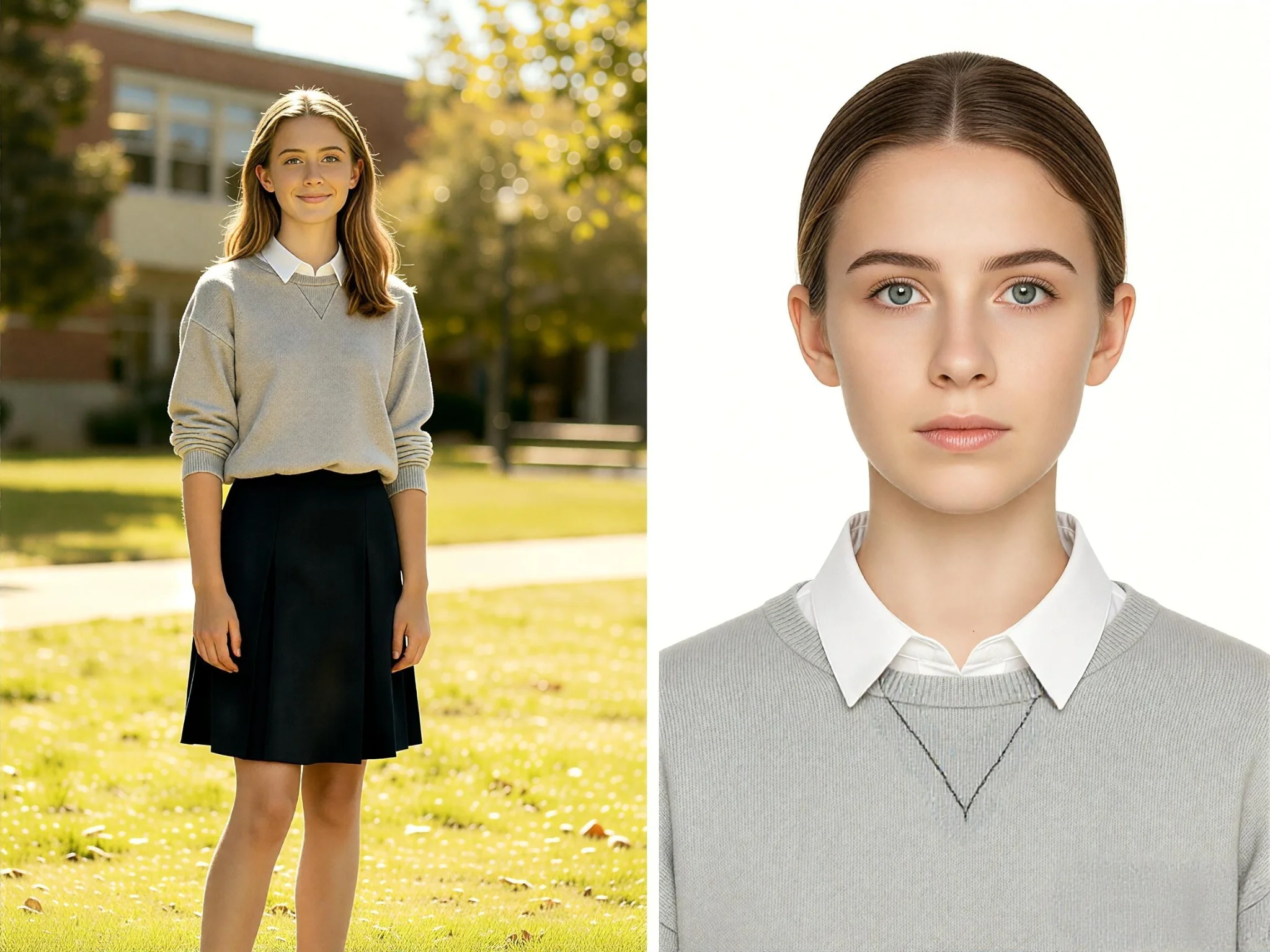
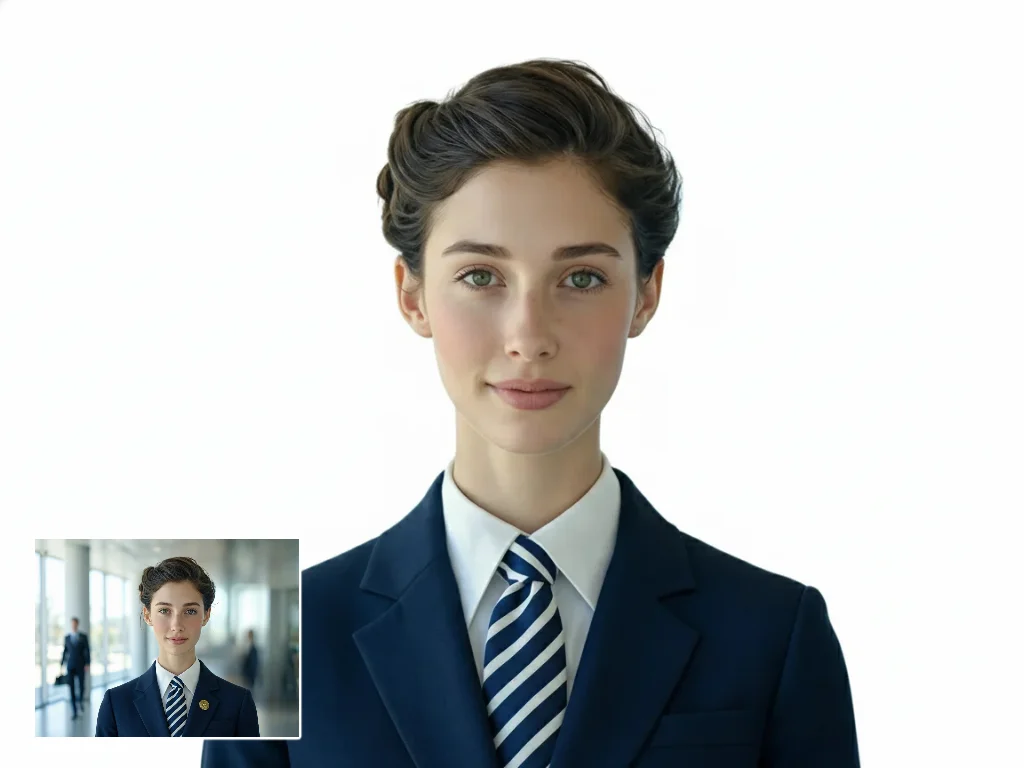
Qimg AI uses advanced AI to instantly replace any photo background with a standard blue color that meets official passport and visa requirements. No manual editing or color picking needed — the AI handles precise edge detection around hair, ears, and shoulders to deliver a clean, natural result in seconds.
Studio-Grade Precision Without a Studio
Qimg AI eliminates jagged edges and white halos that common background changers often leave behind. The AI preserves facial features, skin tones, and fine details like hair strands, producing a professional passport photo that looks authentic and meets strict official standards.
Create Blue Background Passport Photos Online, Anytime
With Qimg AI, you can create blue background passport photos directly from your browser, on any device. Whether you need a photo for a visa application, national ID, or work permit, the tool makes it easy to get compliant results without visiting a photo studio.
Who Use Qimg AI
Creators
Create visuals faster without design skills. Turn ideas into images, thumbnails, social posts, and creative assets in seconds.
Designers
Accelerate your creative workflow. Use Qimg AI to generate concepts, references, and visual directions, then refine them into production-ready designs.
Marketers
Produce high-converting visuals on demand. Create ads, campaign visuals, and branded images quickly.
FAQs about Blue Background Passport Photo
A blue background passport photo is an official ID photo with a solid blue background, required by many countries for passports, visas, and identity documents. Qimg AI lets you create compliant blue background photos online by automatically replacing any background with the standard blue color.
Several countries require or accept blue backgrounds for official ID photos, including many Southeast Asian countries like Malaysia and Indonesia, as well as some Middle Eastern and African nations. Qimg AI supports standard blue shades to help you meet various regional requirements.
Avoid wearing blue clothing to prevent blending with the background. Choose contrasting colors like white, black, or dark grey to ensure your photo looks professional and the subject stands out clearly against the blue background.
Yes. Simply upload your selfie to Qimg AI, and the AI will automatically detect your face, remove the original background, and apply a standard blue background. For best results, use a well-lit photo with the face clearly visible.
No. The tool is fully automatic. Simply upload your image, and the AI handles the entire background replacement process for you.
Discover More on Qimg AI
Qimg AI is your go-to AI image toolkit for generating, editing, and enhancing photos and artwork.

Blue Background Passport Photo
Upload your photo and let AI create a blue background passport photo instantly. Get professional results without a studio.