
Note: Auto only supports 1K. 1:1 does not support 4K.
DV Photo Tool
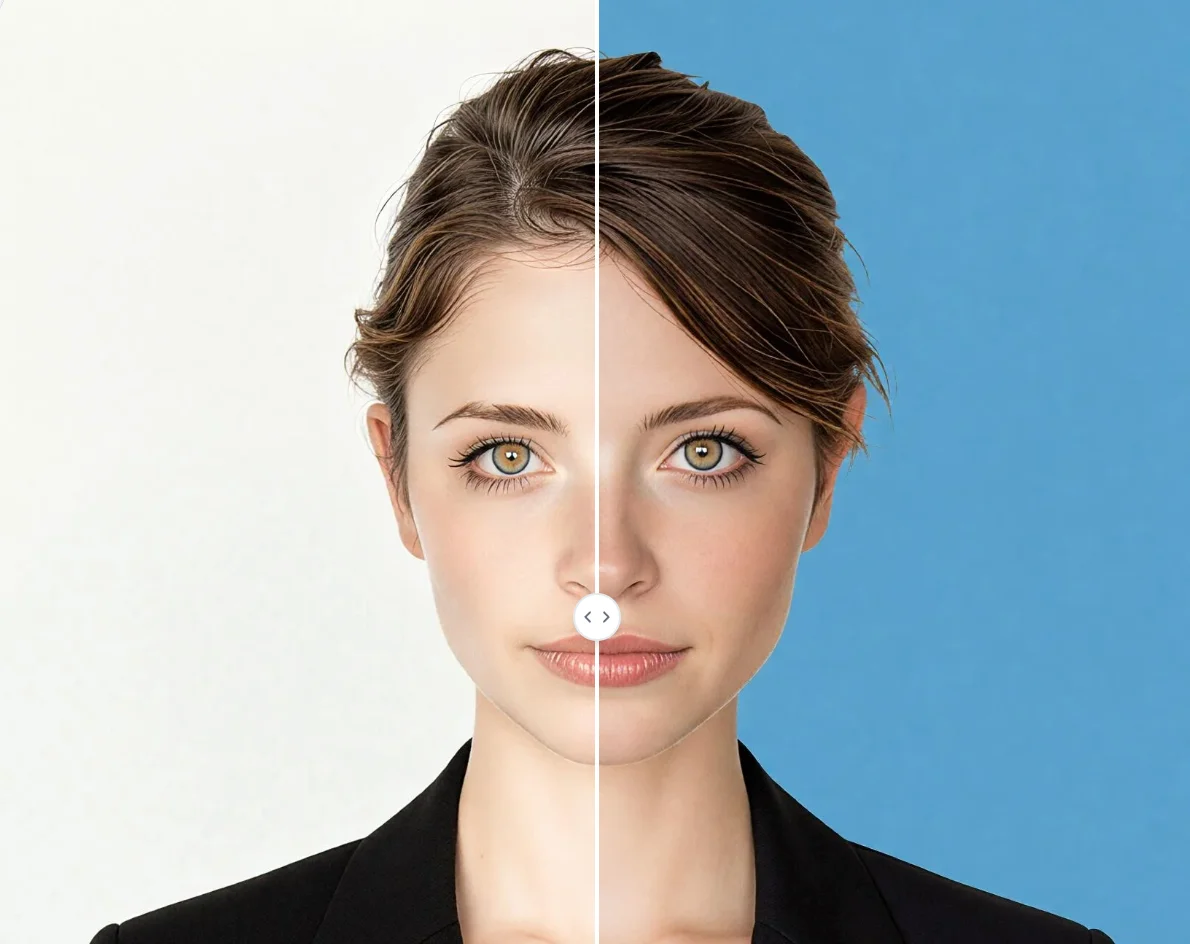
Upload your portrait and create a compliant DV Lottery photo in just a few clicks. Meet green card photo requirements with ease.
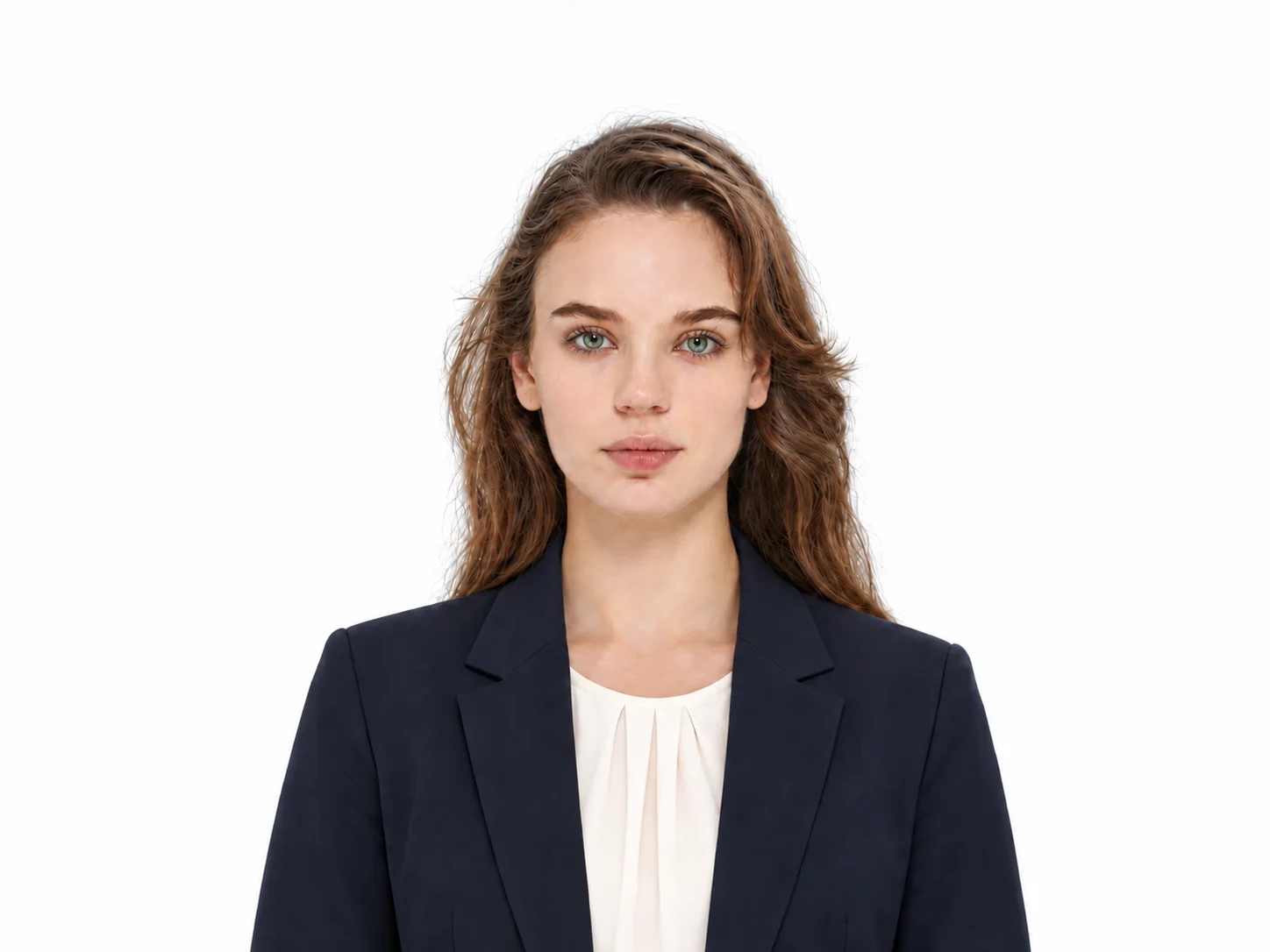
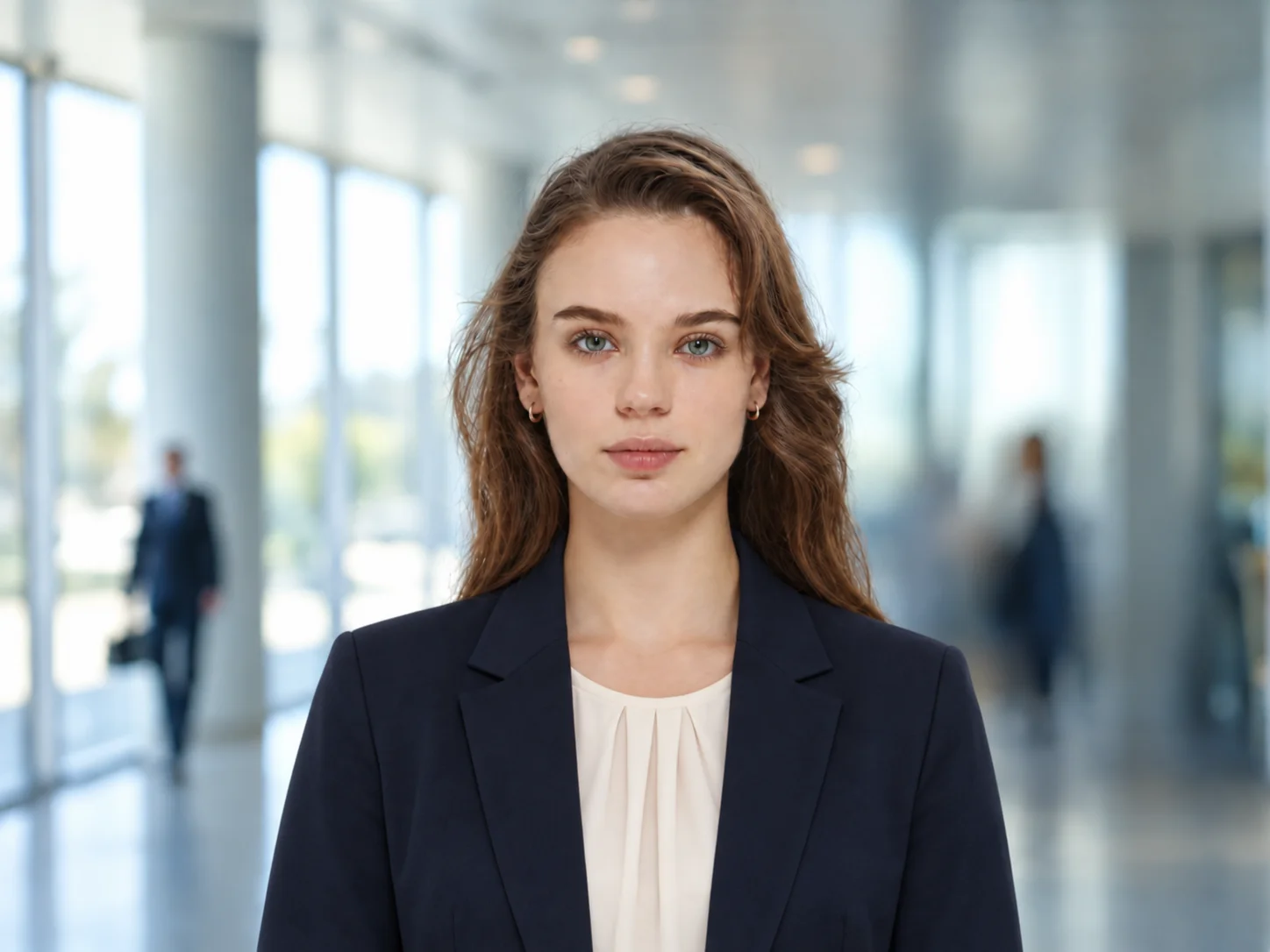
How to Use DV Photo Tool
Upload
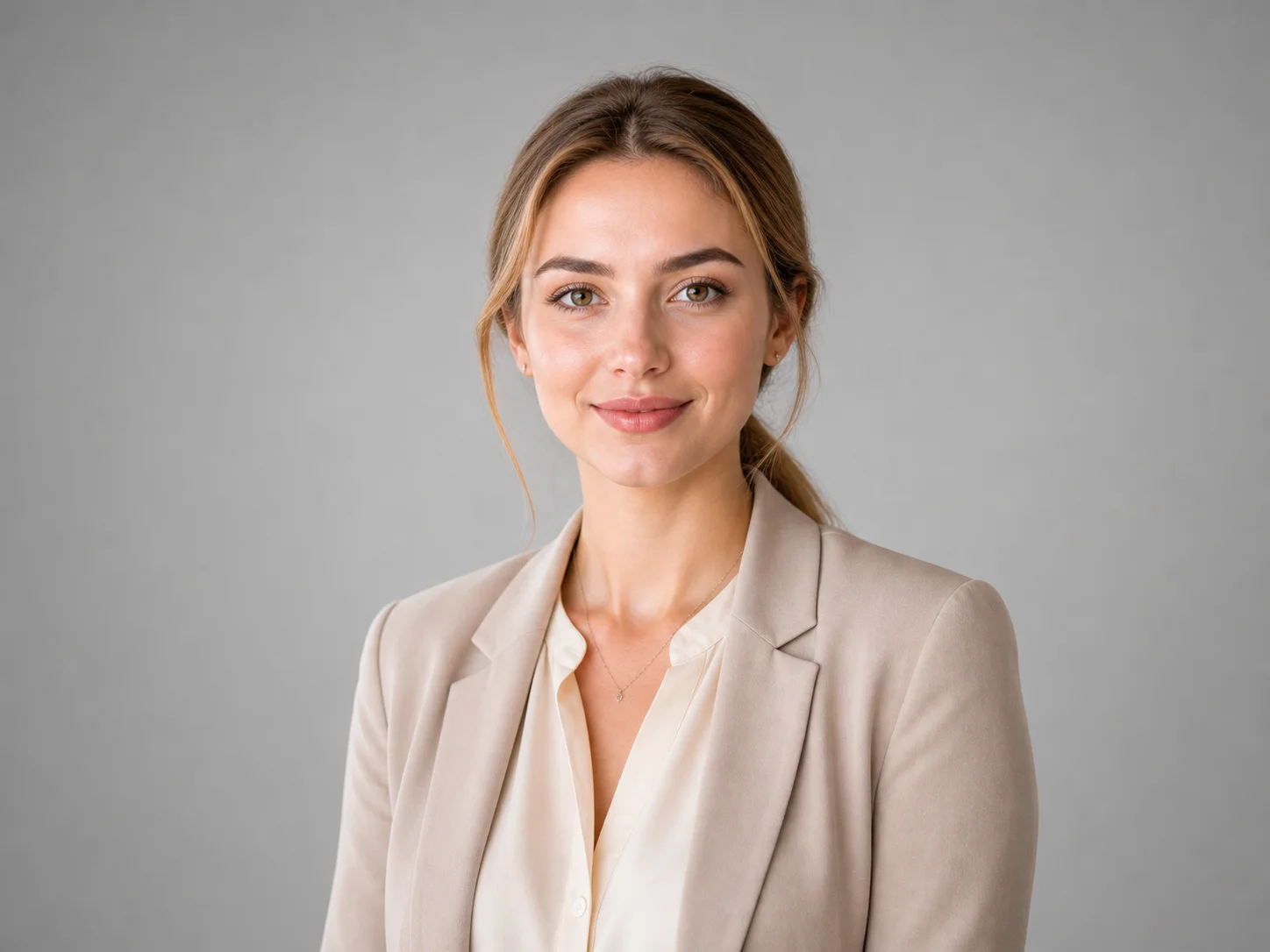
Upload a clear, front-facing portrait. Make sure your face is fully visible with good lighting and a neutral expression.
Generate
Click the Generate button. Qimg AI will automatically adjust the photo to 2x2 inches (51x51 mm) with a white background to meet DV Lottery requirements.
Download
Download your compliant green card photo, ready to submit with your diversity visa application.
Why Choose DV Photo Tool
Compliant Photos for DV Lottery Applications
A properly formatted photo is essential for your green card application. Qimg AI's DV Photo Tool automatically sets the correct dimensions (2x2 inches), head size, and background to meet official diversity visa requirements, helping ensure your application is processed without issues.
No Professional Skills Required
Skip the photo studio. Qimg AI makes creating compliant green card photos simple and automatic. Just upload your portrait and the AI handles cropping, background removal, and formatting — no photo editing experience needed.
Create DV Photos Online Anytime, Anywhere
With Qimg AI, you can create your DV Lottery photo directly from your browser on any device. No software to install and no appointments to schedule — prepare your compliant photo on your own time.
Who Use Qimg AI
Creators
Create visuals faster without design skills. Turn ideas into images, thumbnails, social posts, and creative assets in seconds.
Designers
Accelerate your creative workflow. Use Qimg AI to generate concepts, references, and visual directions, then refine them into production-ready designs.
Marketers
Produce high-converting visuals on demand. Create ads, campaign visuals, and branded images quickly.
FAQs about DV Photo Tool
It is an online tool that uses AI to transform your regular portrait into a compliant DV Lottery photo. Qimg AI automatically crops, adjusts the background, and sets the correct dimensions according to official diversity visa requirements.
The photo must be 2x2 inches (51x51 mm), with head size between 1 and 1 3/8 inches from chin to top of head. The background must be solid white or off-white, with good lighting and no shadows. Neutral expression, eyes open, mouth closed, head centered, looking directly at the camera. No glasses. Photo must be taken within the past six months.
Qimg AI automatically detects your face, adjusts the head size and position, sets the photo to the correct 2x2 inch dimensions, and applies a white background — all according to official DV Lottery specifications.
No. The process is fully automatic. Just upload your portrait to Qimg AI and the AI handles everything for you.
Yes. Beyond DV Lottery photos, Qimg AI supports creating compliant photos for passport and visa applications in various countries, including the US, Canada, Australia, and the UK.
You Might Also Like
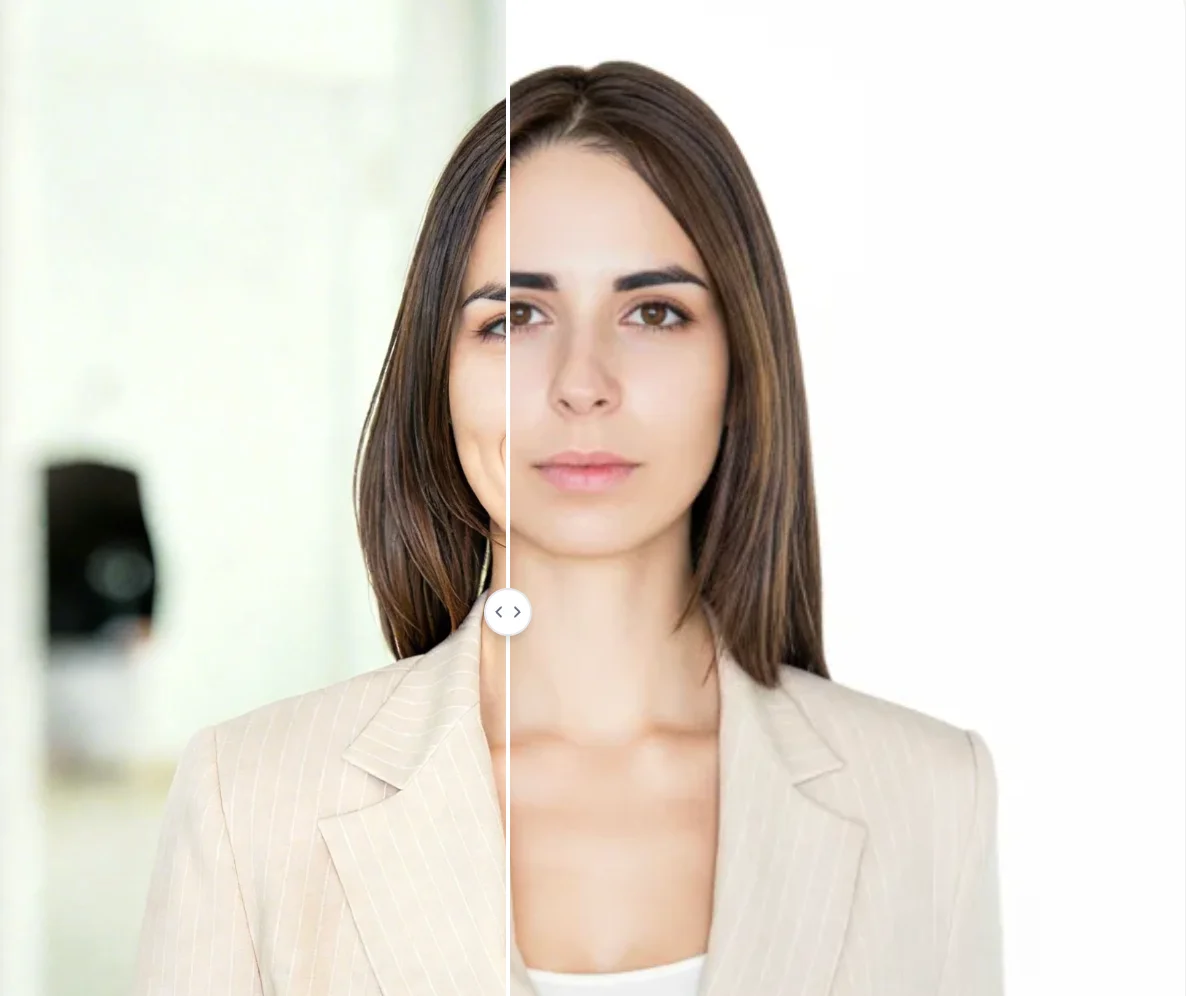
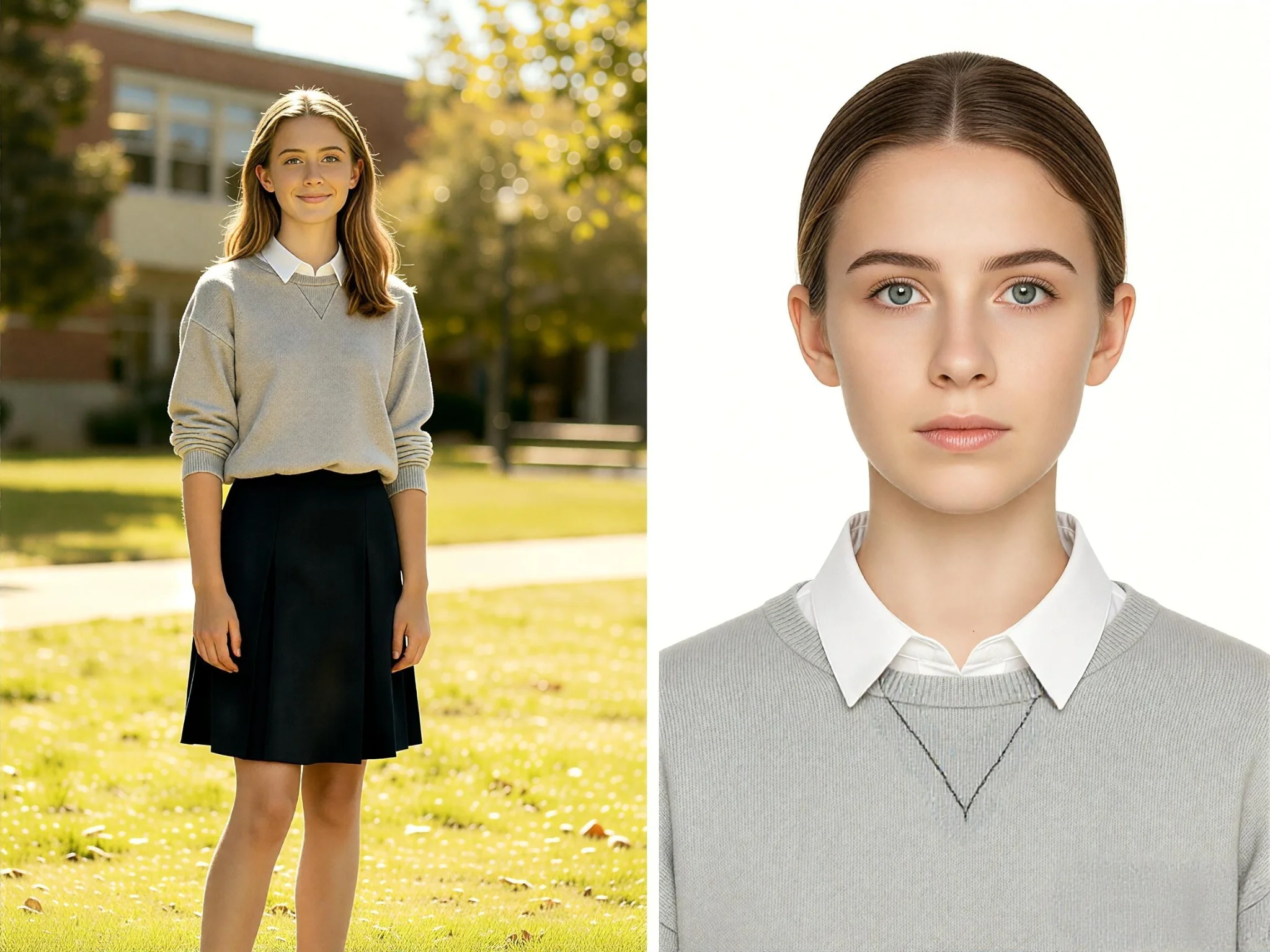
DV Photo Tool
Upload your portrait and create a compliant DV Lottery photo in seconds. Meet green card requirements effortlessly with Qimg AI.