
Note: Auto only supports 1K. 1:1 does not support 4K.
AI Image Depixelator
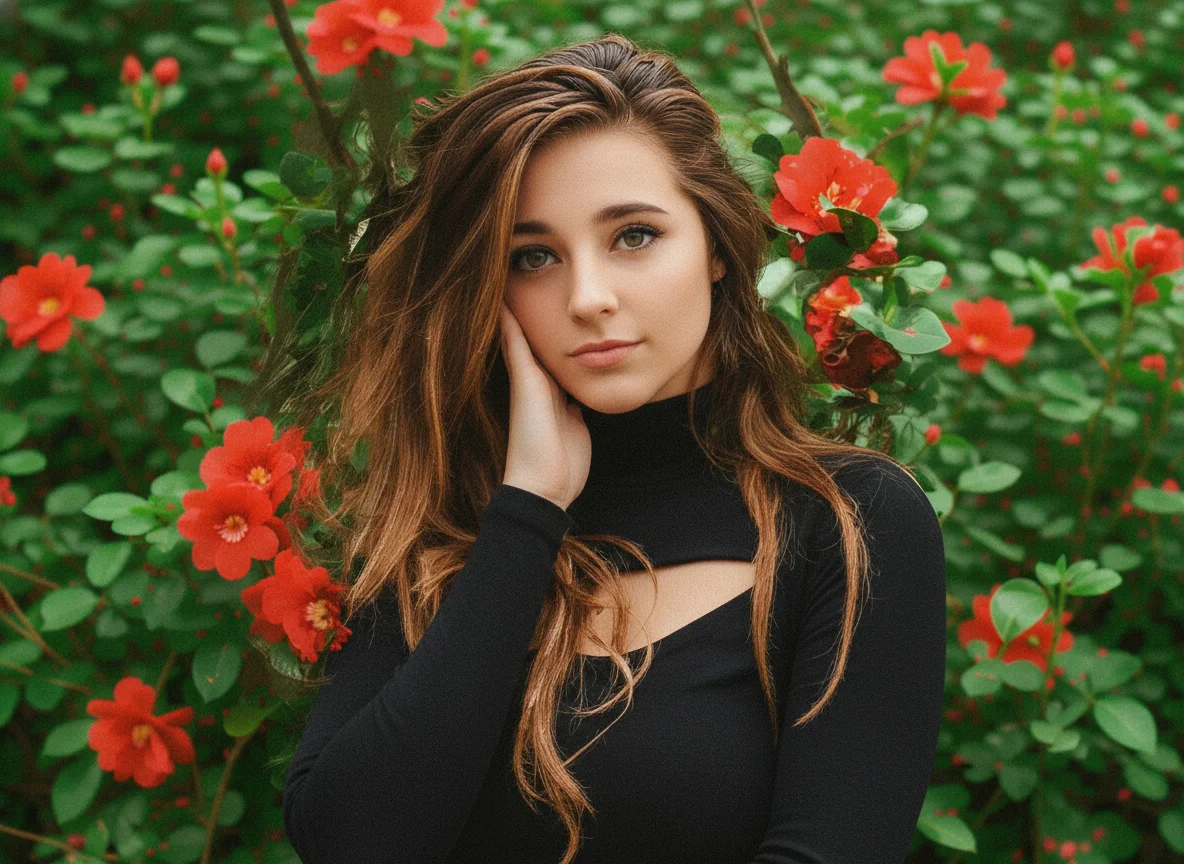
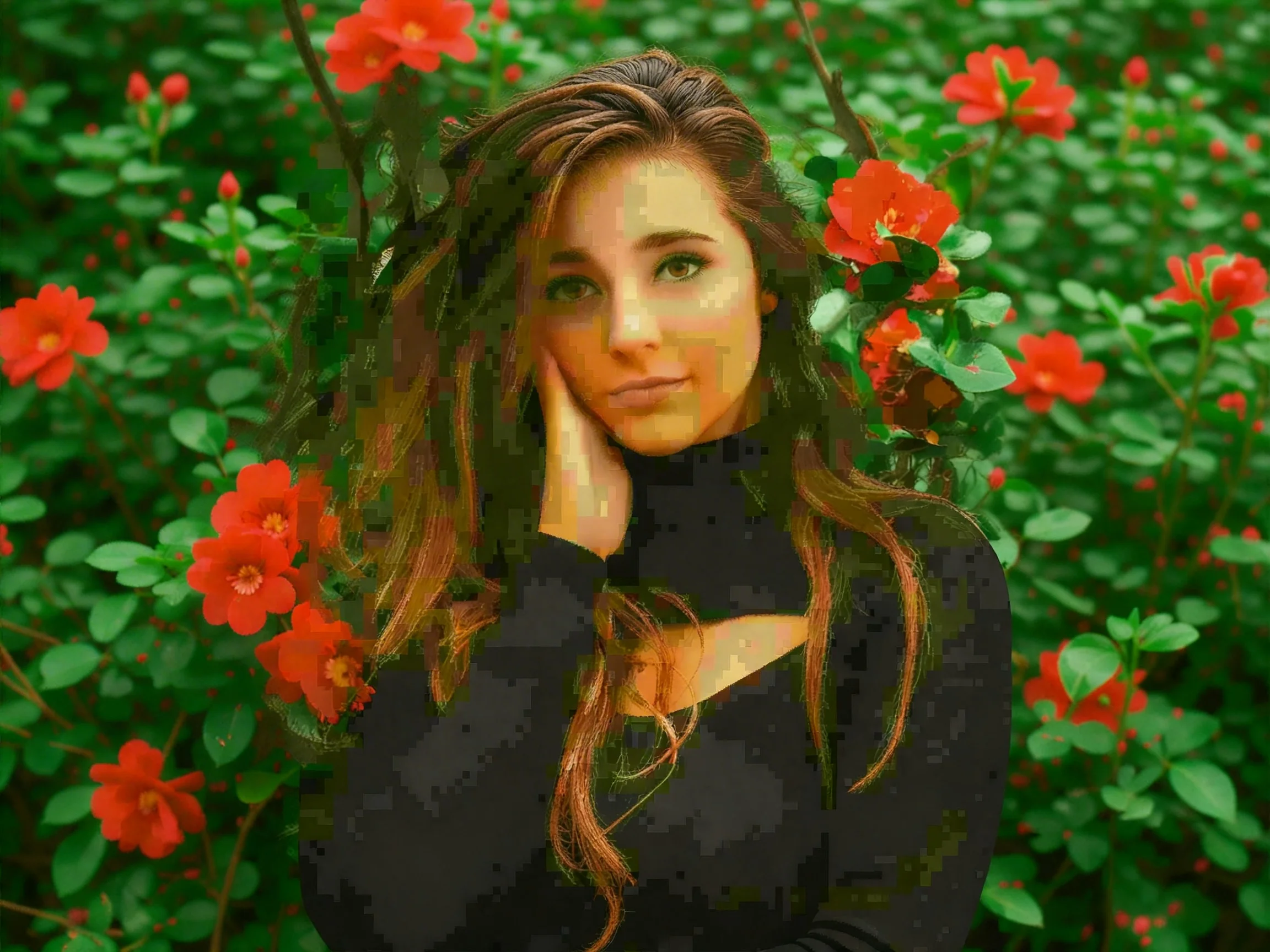
Quickly depixelate images and restore clarity using advanced AI, turning blocky or low-resolution pictures into sharper, smoother versions.
How to Depixelate an Image Online
Upload Your Image
Upload the pixelated or low-resolution photo you want to enhance.
Start Enhancement
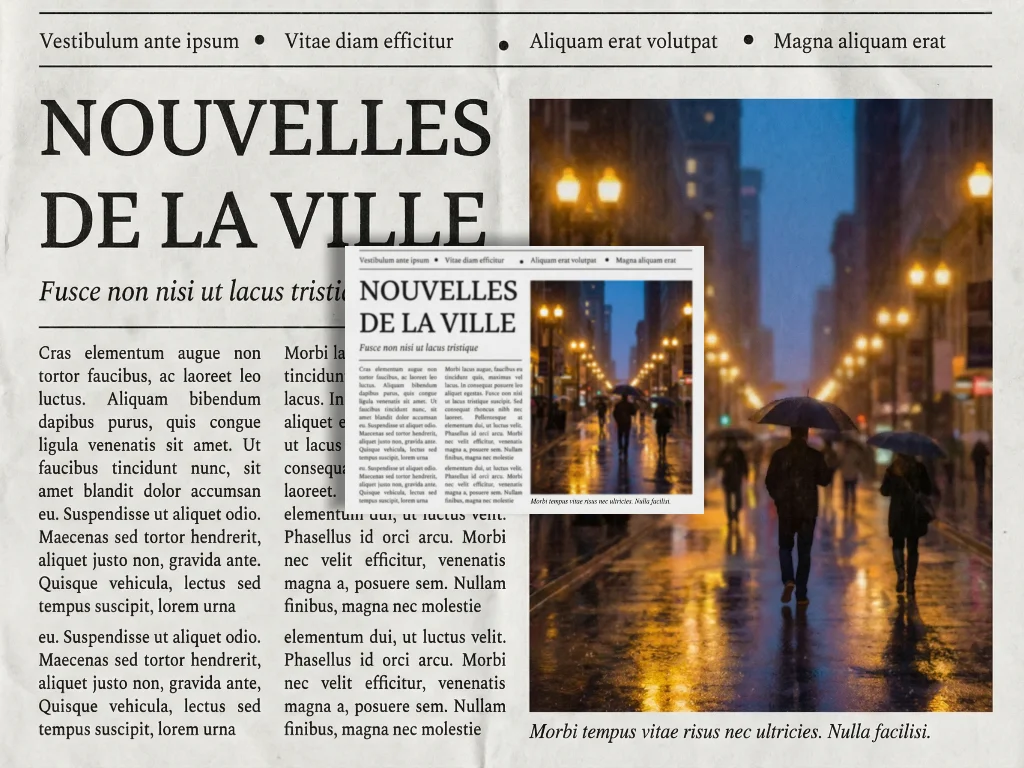
Submit task to let the AI automatically remove pixelation and sharpen details.
Preview and Download
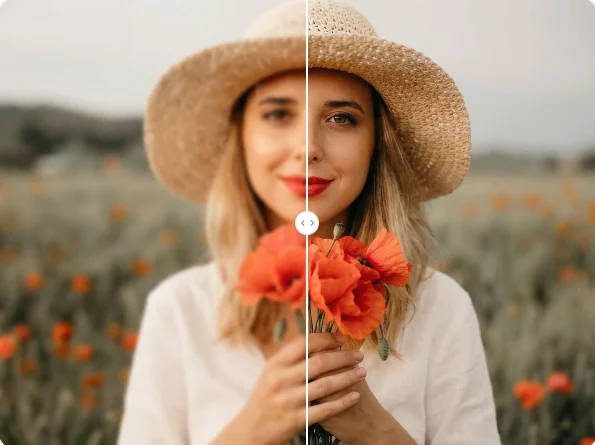
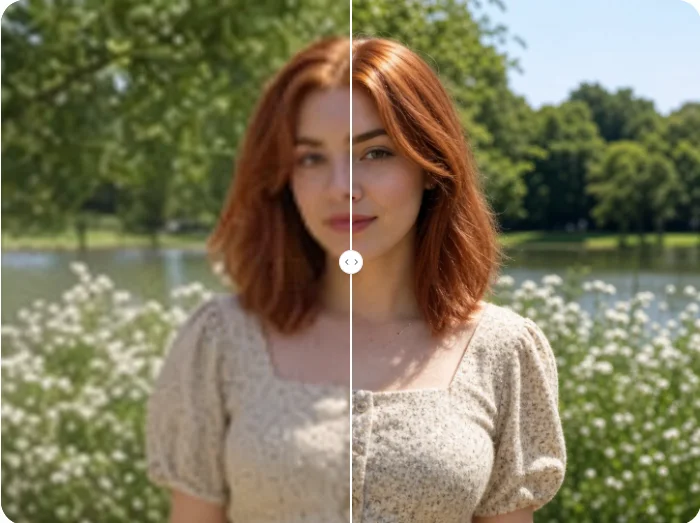
Compare the improved result, then download the clearer, higher-resolution image.
Why Choose Qimg AI's Image Face Depixelizer
Restore Clarity to Pixelated Photos
Qimg AI's image depixelizer helps you quickly improve low resolution pictures. Upload a blurry or blocky photo and the system automatically enhances edges, textures, and details to make the image clearer and easier to view.
Intelligent Detail Reconstruction
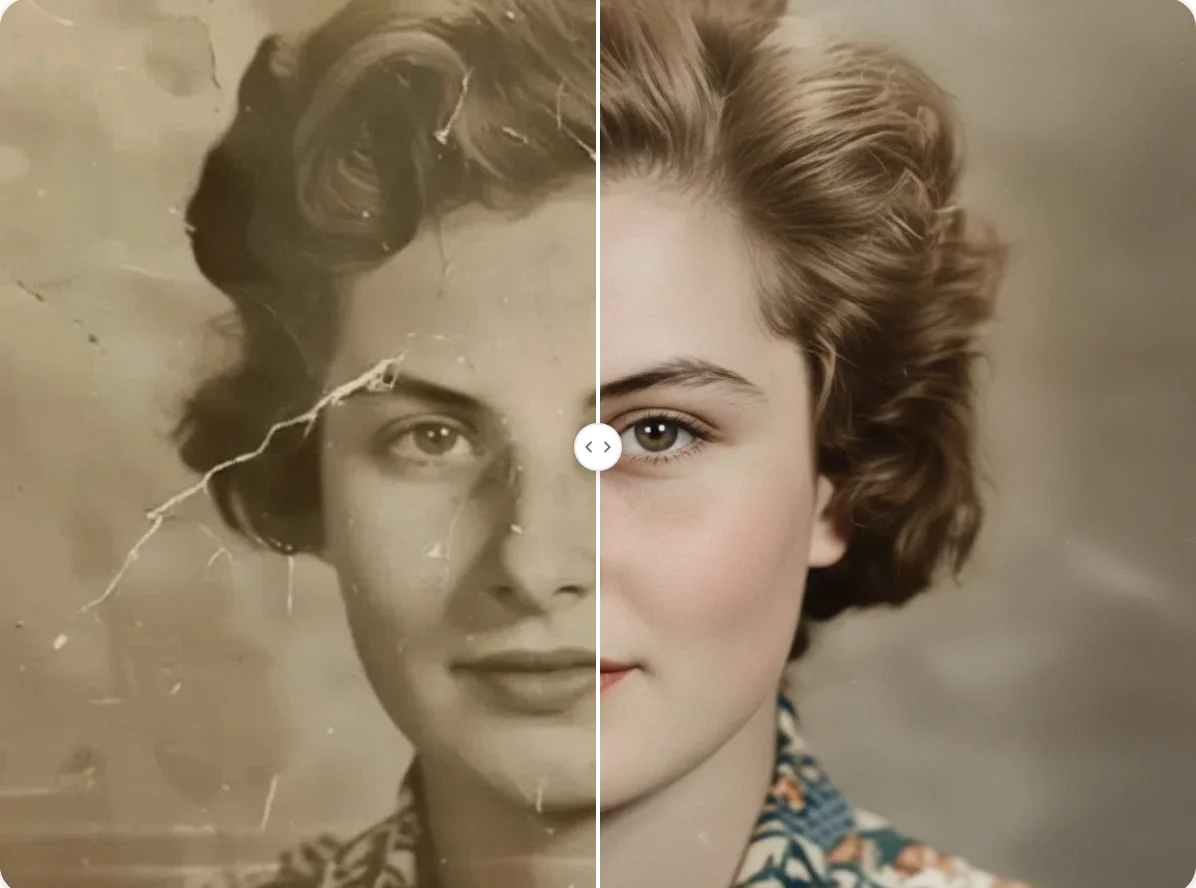
Instead of only sharpening the image, the AI analyzes patterns and rebuilds missing visual information. This allows the depixelate image process to produce natural looking results rather than over sharpened artifacts. The image depixelator restores facial features, text clarity, and fine structures, making photos usable again for sharing, archiving, or design projects.
Fast, Online Enhancement with Secure Processing
You can enhance images directly in your browser with no downloads required. The depixelate image workflow completes in moments, so you can quickly improve multiple photos without slowing your workflow. Files are processed securely and not stored longer than necessary, allowing you to fix image quality issues while keeping your original content private and protected.
Who Use Qimg AI to Unpixelate Image
Creators
Create visuals faster without design skills. Turn ideas into images, thumbnails, social posts, and creative assets in seconds.
Designers
Accelerate your creative workflow. Use Qimg AI to generate concepts, references, and visual directions, then refine them into production-ready designs.
Marketers
Produce high-converting visuals on demand. Create ads, campaign visuals, and branded images quickly.
FAQs About AI Image Depixelizer
With Qimg AI, you don't need Photoshop or any editing software. Simply open the depixelate tool in your browser, upload your image, and the system will enhance it automatically. The entire process works online and takes only seconds.
An image depixelizer uses artificial intelligence to rebuild missing visual information in a low-resolution image. Instead of just stretching pixels, the AI predicts realistic details such as facial features, textures, lines, and edges — turning blocky images into sharper, higher-resolution photos.
The tool works well for many image types, including: Old or compressed photos, Low-resolution downloads, Screenshots, Pixelated portraits, Enlarged images that became blurry.
AI enhancement significantly improves clarity, but it cannot recover information that never existed. Instead, the AI intelligently recreates realistic details to produce a natural, higher-quality version. In most cases, the result looks dramatically sharper and more usable.
Discover More on Qimg AI
Qimg AI is your go-to AI image toolkit for generating, editing, and enhancing photos and artwork.

Depixelate Image: AI Image Depixelizer & Enhancer
Remove pixelation and enhance low-quality images with Qimg AI's depixelate tool. Effortlessly transform blurry or blocky photos into clearer, higher-resolution images using smart AI image depixelization.