
Note: Auto only supports 1K. 1:1 does not support 4K.
Enhance Logo
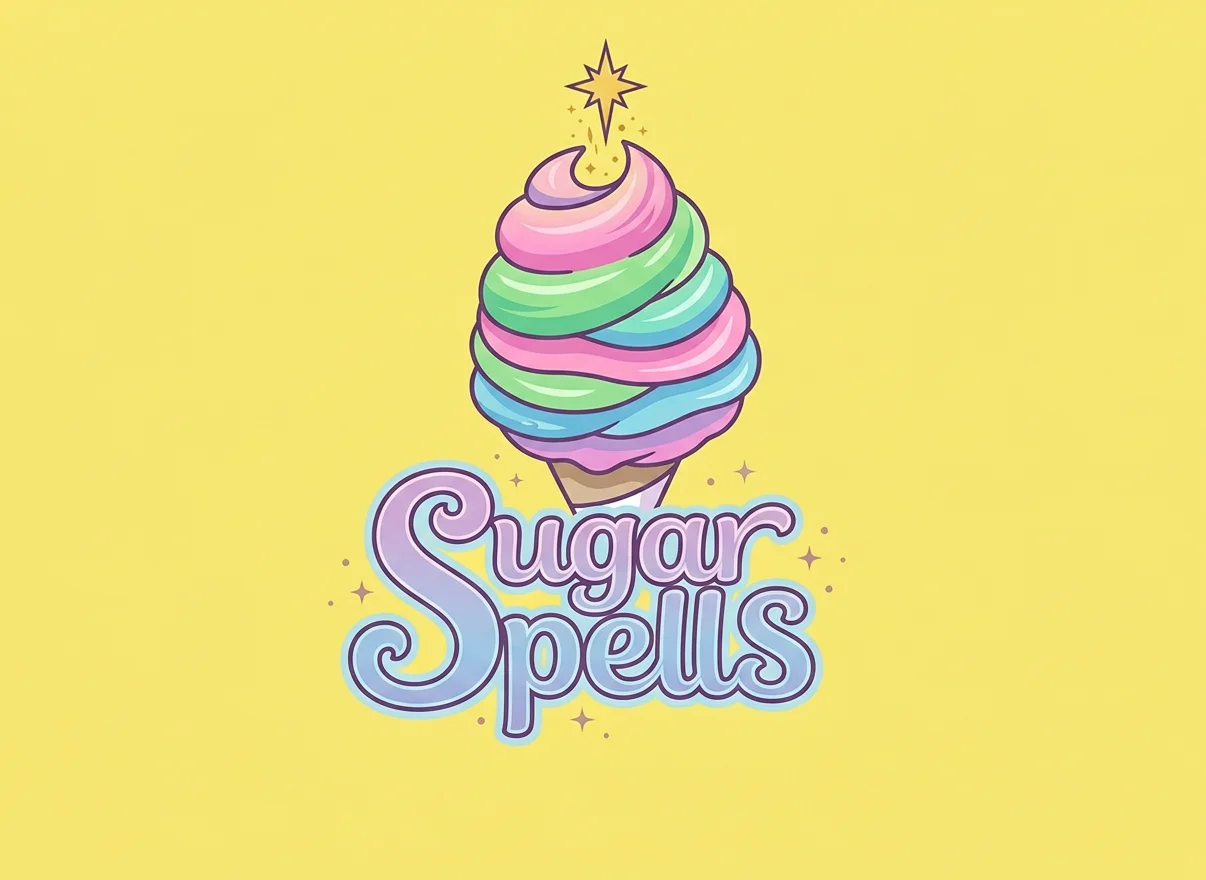
Upload your blurry or low-resolution logo and let AI restore its sharpness and professional clarity in seconds.

How to Use Enhance Logo
Upload
Upload your low-resolution or pixelated logo. We support common formats including JPG, PNG, and WebP.
Generate
Click the Generate button. Qimg AI will automatically analyze and sharpen the edges, textures, and details of your logo.
Download
Preview the high-definition result and download your crystal-clear logo for any branding or project use.
Why Choose Enhance Logo
Instant Clarity for Professional Branding
A blurry logo hurts your brand's credibility. Qimg AI's logo enhancer eliminates pixelation and sharpens edges, ensuring your brand looks professional on any platform — from website headers to business cards to large banners.
Smart Detail Reconstruction with Original Colors
Unlike basic resizing, Qimg AI recognizes logo elements like text and icons, reconstructing missing details while strictly preserving the original color palette and style. No distortion, no color shift.
Enhance Logos Online Anytime, Anywhere
With Qimg AI, you can enhance logos directly from your browser on any device. No design software needed — just upload your logo and get a high-resolution result in seconds.
Who Use Qimg AI
Creators
Create visuals faster without design skills. Turn ideas into images, thumbnails, social posts, and creative assets in seconds.
Designers
Accelerate your creative workflow. Use Qimg AI to generate concepts, references, and visual directions, then refine them into production-ready designs.
Marketers
Produce high-converting visuals on demand. Create ads, campaign visuals, and branded images quickly.
FAQs about Enhance Logo
An AI logo enhancer is a specialized tool that uses artificial intelligence to upscale and sharpen low-quality, blurry, or pixelated logos into high-resolution, professional versions.
The AI analyzes the edges, colors, and textures of your logo image, then intelligently fills in pixels to smooth jagged lines, sharpen text, and reconstruct missing details for a professional result.
No. Qimg AI's logo enhancer is fully automatic. Simply upload your image, and the AI handles the entire enhancement process with one click.
Yes. Qimg AI is designed to preserve the original color palette and style of your logo while strictly improving its clarity and sharpness. No color shifts or distortion.
Qimg AI supports common image formats including JPG, PNG, WebP, and JPEG. You can upload your logo in any of these formats and download the enhanced result instantly.
You Might Also Like
AI Enhance Logo
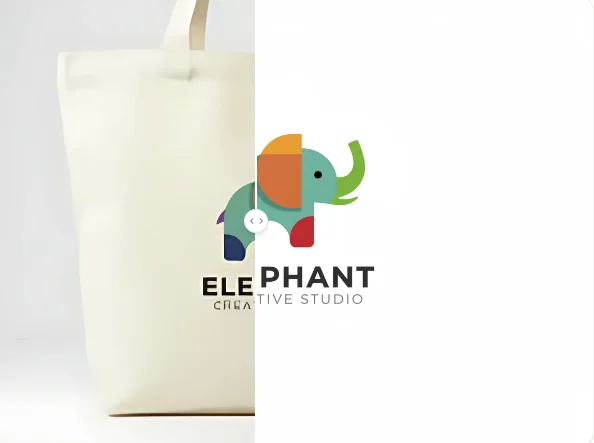
Transform your blurry or low-quality logo into a high-definition masterpiece instantly. Elevate your brand identity with Qimg AI's advanced AI.