
Note: Auto only supports 1K. 1:1 does not support 4K.
Eye Contact AI for Natural Camera-Facing Portraits
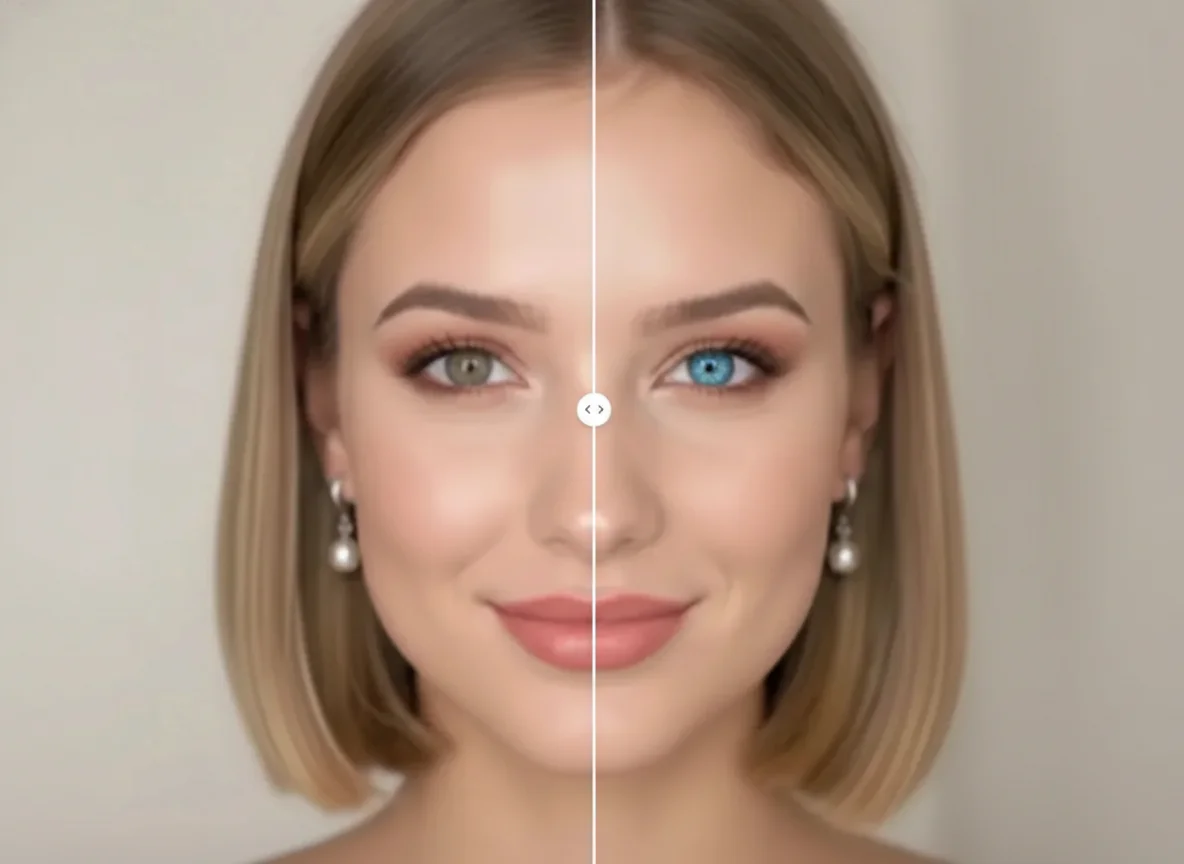
Upload a clear portrait with both eyes visible. Eye contact correction adjusts only the gaze direction so the subject looks naturally toward the camera while keeping the original eye color, highlights, expression, face, and scene consistent.


How to Use Eye Contact AI
Upload
Choose a clear portrait where both eyes are visible and the face is not heavily turned, blocked, or blurred.
Generate
Start the generation to redirect the eyes naturally toward the camera while preserving the surrounding facial details and original expression.
Download
Compare the corrected portrait with the original and download the result for profile photos, headshots, resumes, social posts, or personal images.
Why Choose Eye Contact AI
Make Portraits Look Naturally Camera-Aware
Correct distracted, off-center, or wandering gaze without rebuilding the entire face. The focused adjustment helps portraits feel more attentive and camera-ready while retaining the original moment.
Preserve Eye Color, Highlights, and Expression
Eye contact correction keeps the recognizable eye color, catchlights, eyelids, facial identity, and expression consistent so the edited gaze remains believable instead of looking replaced.
Improve Headshots, Profiles, and Social Photos
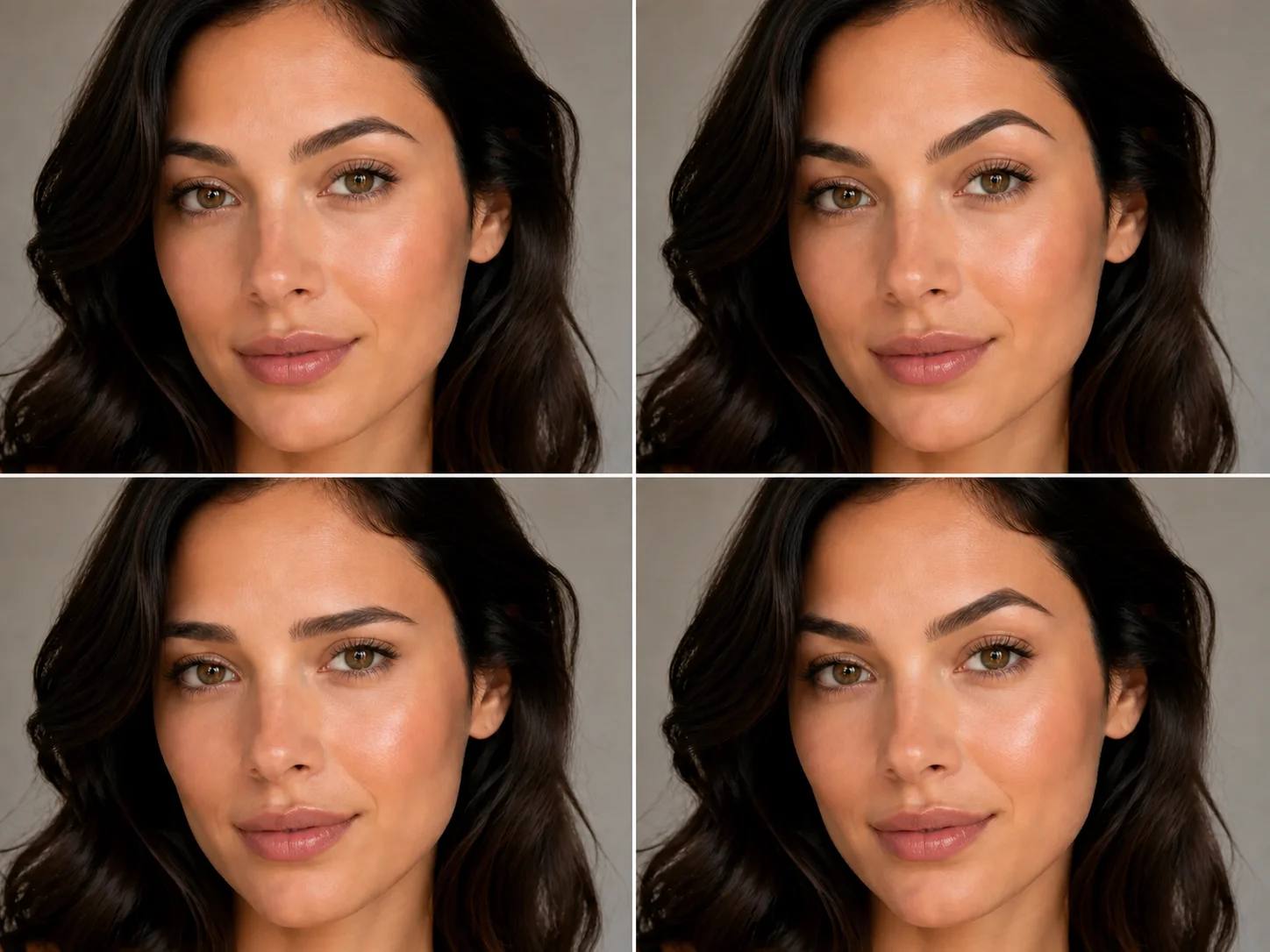
Refine missed eye contact in professional portraits, profile pictures, resume photos, thumbnails, selfies, and social content without requiring detailed manual retouching.
Who Use Qimg AI
Creators
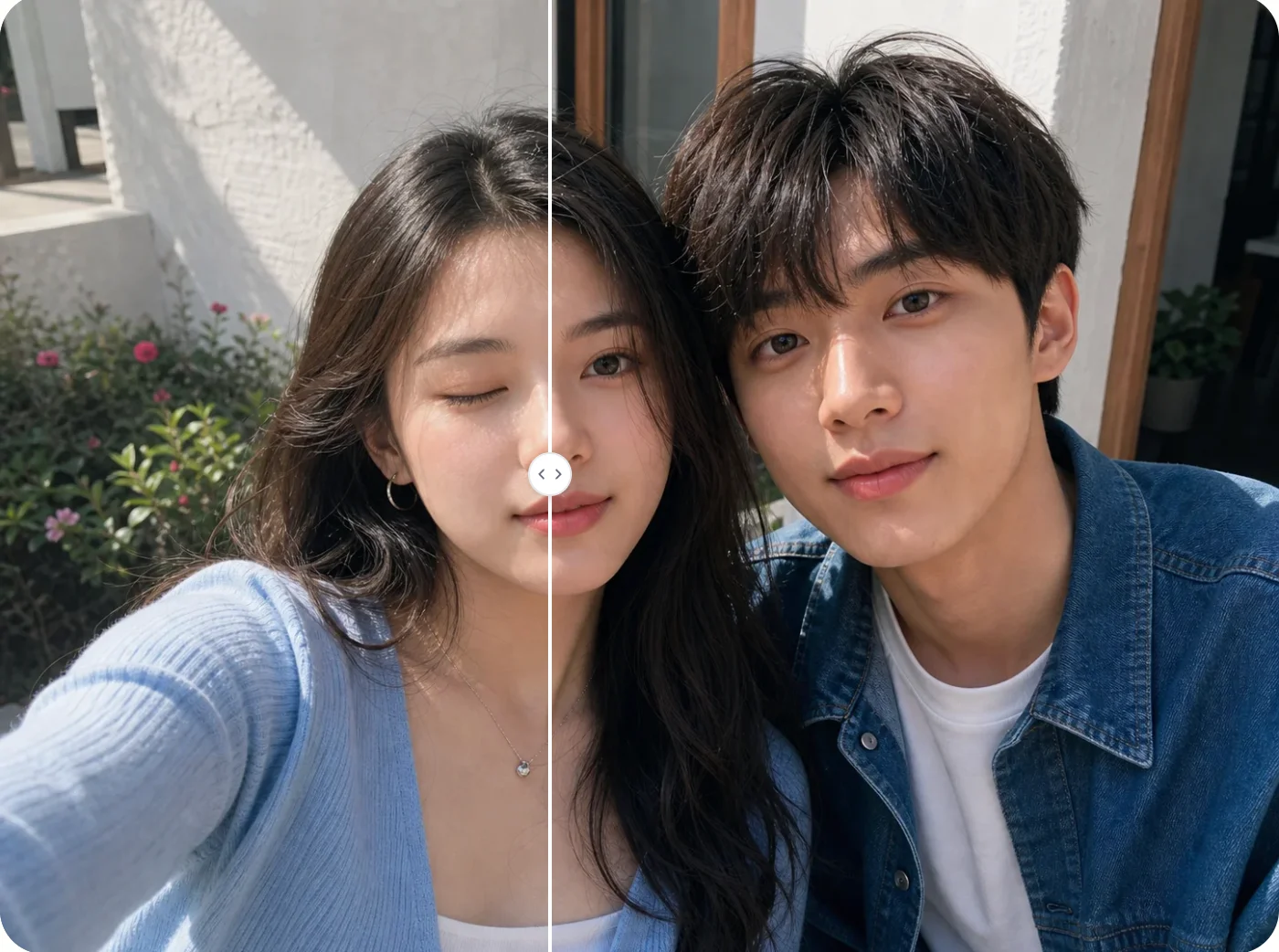
Improve selfies, thumbnails, portraits, and social images when the subject looked away at the moment the photo was taken.
Designers
Refine gaze direction in selected portrait assets while keeping facial identity, lighting, composition, and visual continuity intact.
Marketers
Make campaign portraits, profile images, creator photos, and promotional visuals feel more direct and engaging.
FAQs About Eye Contact AI
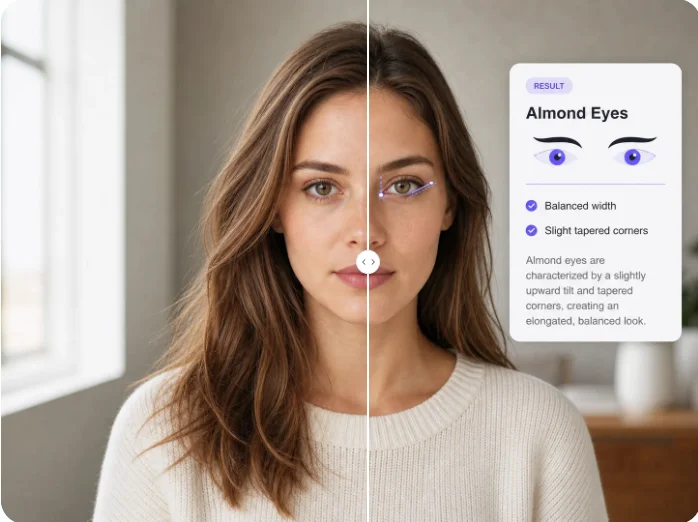
Eye Contact AI is a photo-editing tool that detects eye and face direction, then redirects an off-camera gaze toward the lens while preserving the rest of the portrait.
No. The edit is intended to preserve the original eye color, highlights, eyelids, and surrounding facial details while changing only the gaze direction.
Use a clear, well-lit portrait where both eyes are visible. Results are usually more reliable when the face is not heavily turned, obscured, or motion-blurred.
Yes. It can help correct a missed camera gaze in headshots, profile images, resume photos, and other portraits while maintaining a natural expression.
The intended edit targets eye direction only. Facial features, expression, head angle, lighting, clothing, background, and composition should remain consistent with the uploaded photo.
Discover More on Qimg AI
Qimg AI is your go-to AI image toolkit for generating, editing, and enhancing photos and artwork.
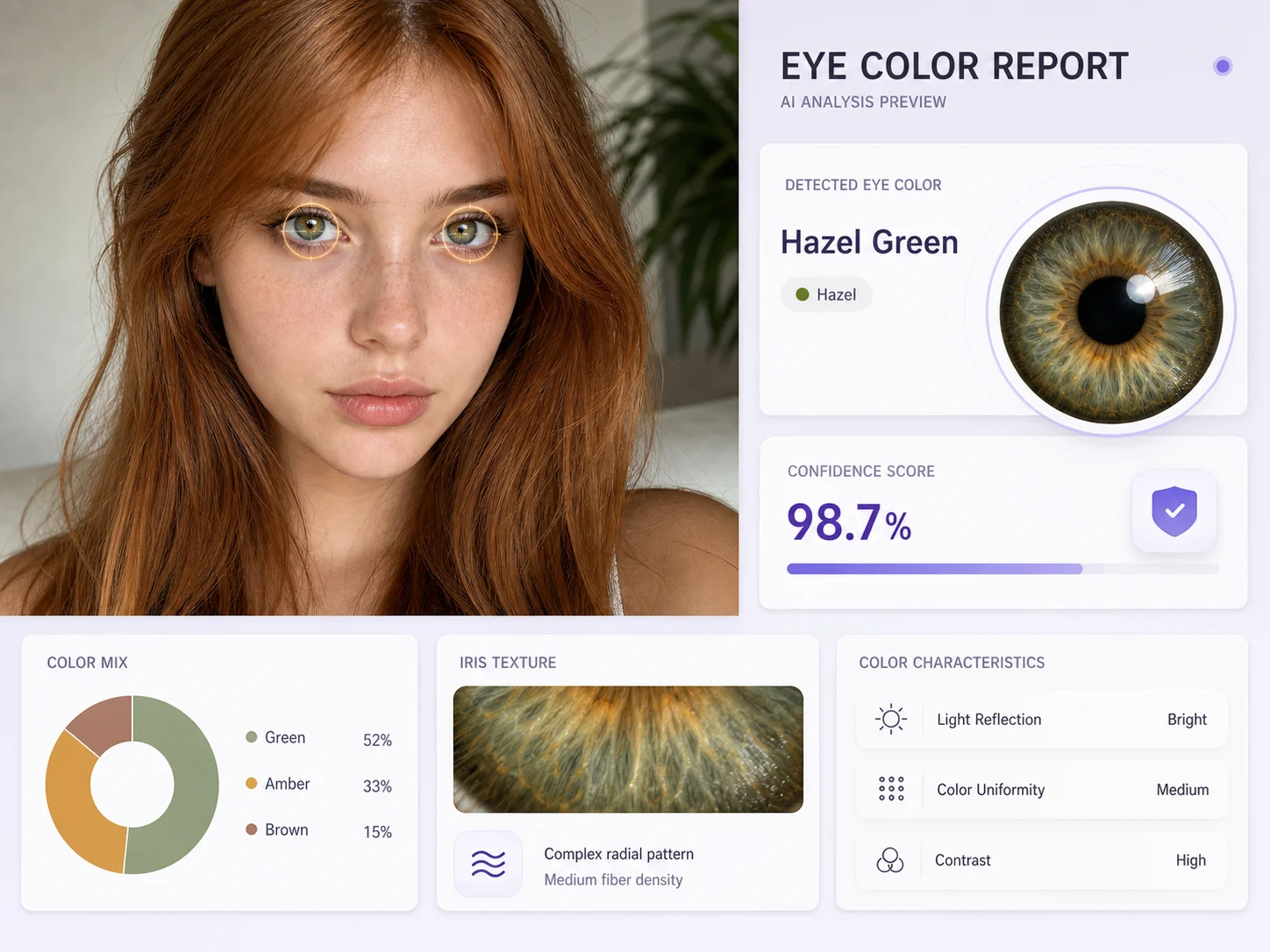
Fix Your Gaze with Eye Contact AI
Upload a portrait and correct off-camera eyes so the subject looks naturally toward the lens while the original face and expression remain intact.