
Note: Auto only supports 1K. 1:1 does not support 4K.
Open Eyes in Photo
In group shots, family photos, or portraits, closed eyes are one of the most common reasons people avoid using an image. Qimg AI helps open eyes in photos by adjusting eye details while keeping the original expression and face structure consistent.
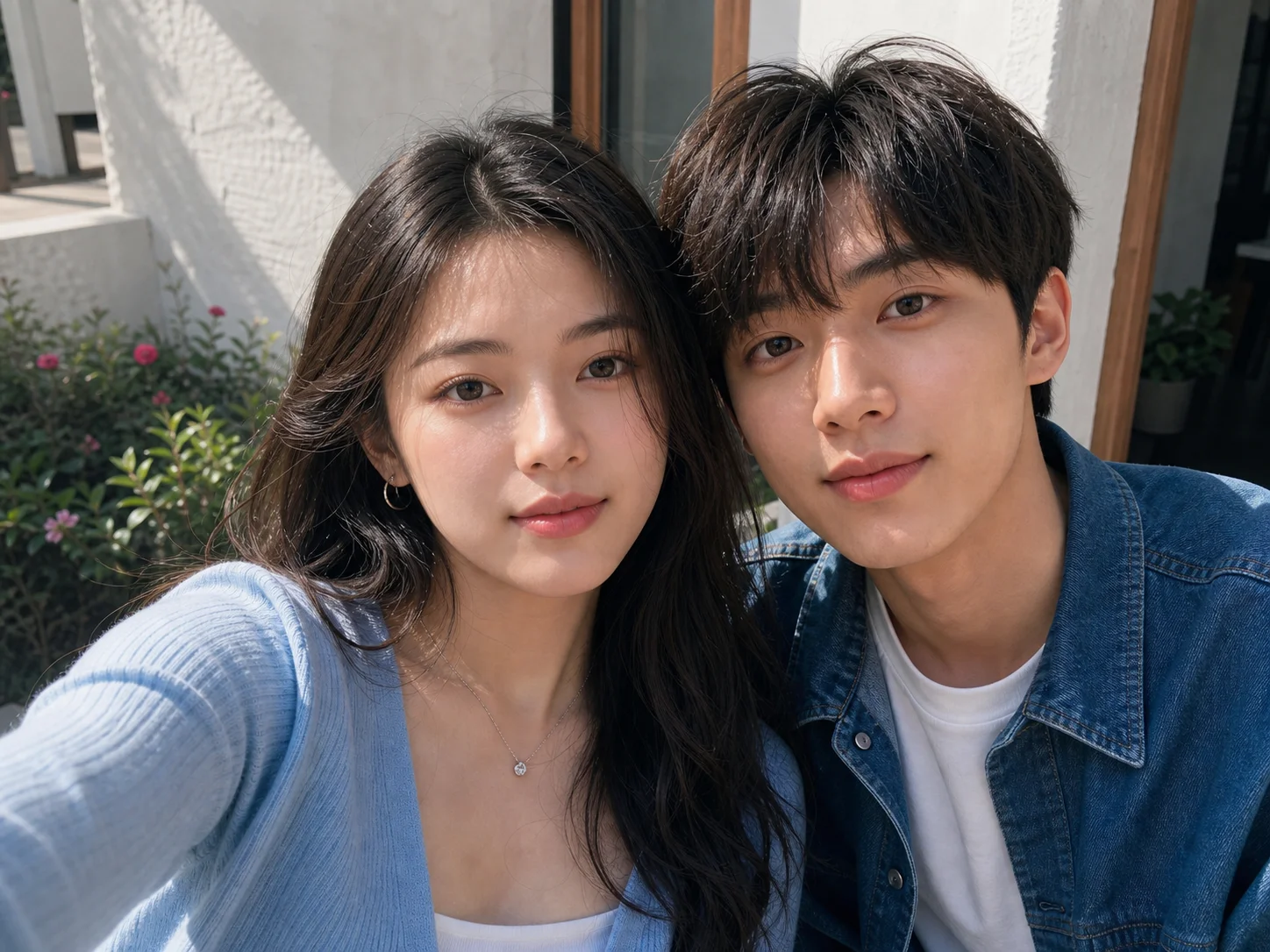
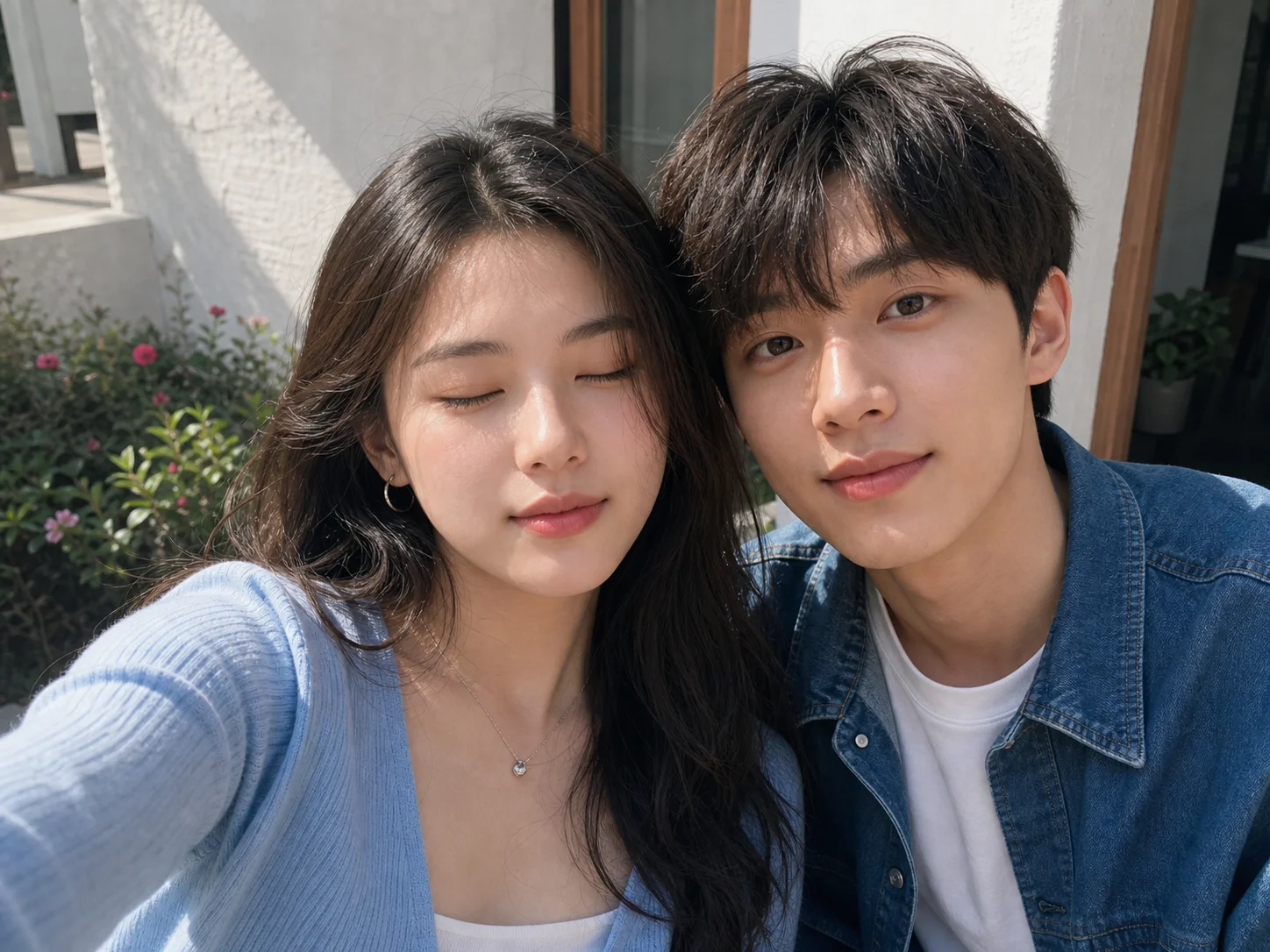
How to open eyes in a photo?
Upload the image with closed eyes
Choose a photo where the face is clearly visible. Images with higher resolution usually make eye details easier to reconstruct. Several photo editing tools also recommend using clear reference images when correcting blinking eyes.
Apply the open eyes in photo adjustment
Generate a corrected version and review how the eyes fit with the rest of the face. The goal is not only to open the eyes but also to keep lighting, gaze direction, and facial expression consistent.
Save the updated image
Compare the edited version with the original photo before downloading. Keeping both versions can help when reviewing different results later.
Why Do People Use Open Eyes in Photo Tools?
Fix photos that cannot be retaken
When a blink happens at the wrong time, the entire image may feel unusable even if everything else looks right. Opening the eyes in the existing photo helps recover moments that would otherwise be discarded. Community photo-editing requests frequently involve irreplaceable personal photos where reshooting is impossible.
Open eyes in photo without changing the whole face
One challenge in eye correction is keeping the result believable. If only the eyes change but facial balance shifts, the image can look unnatural. A useful correction focuses on matching eye direction, eyelid shape, lighting, and surrounding skin details rather than simply inserting generic open eyes. Several photo restoration tools highlight facial consistency as a key part of eye reconstruction.
Repair group photos where one person blinked
In group photos, a single blink often affects the final choice of image. People may need to choose between a photo with good composition and one where everyone has their eyes open. Instead of removing an otherwise strong photo, eye correction makes it possible to keep the version where the group looks best overall.
Who Use Qimg AI
Creators
Create visuals faster without design skills. Turn ideas into images, thumbnails, social posts, and creative assets in seconds.
Designers
Accelerate your creative workflow. Use Qimg AI to generate concepts, references, and visual directions, then refine them into production-ready designs.
Marketers
Produce high-converting visuals on demand. Create ads, campaign visuals, and branded images quickly.
FAQs About Open Eyes in Photo Filter
Open eyes in photo refers to editing a picture where someone's eyes were closed or blinking and generating a version where the eyes appear open. Modern photo editing systems often use image analysis to reconstruct eye details while matching the original face.
Many online tools, like Qimg AI, now allow users to upload a photo and generate corrected eyes directly in a browser. This removes the need for manual retouching, masking, or advanced editing software. Several platforms specifically market eye correction as a no-Photoshop workflow.
Not always. Results depend on image quality, face angle, lighting conditions, and how visible the original eye area is. Research on AI-generated facial content shows that realistic facial reconstruction remains dependent on image input quality and model limitations.
Qimg AI is designed around responsible image processing. Users should only upload photos they have permission to edit and should review the platform privacy policy for information about image storage, retention, and deletion practices.
Discover More on Qimg AI
Qimg AI is your go-to AI image toolkit for generating, editing, and enhancing photos and artwork.
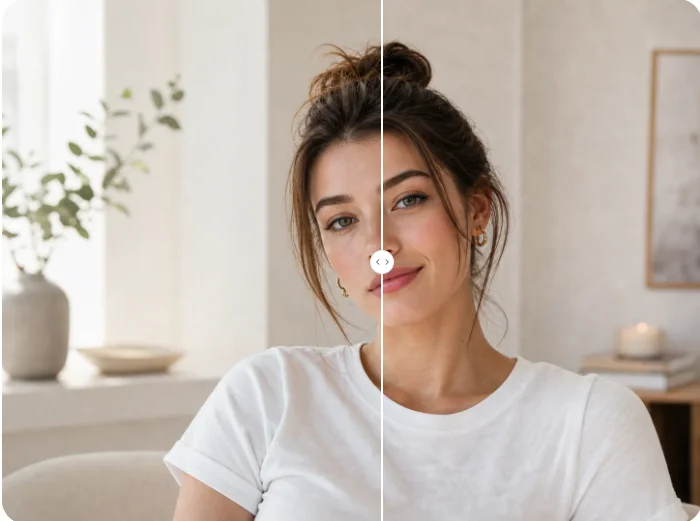
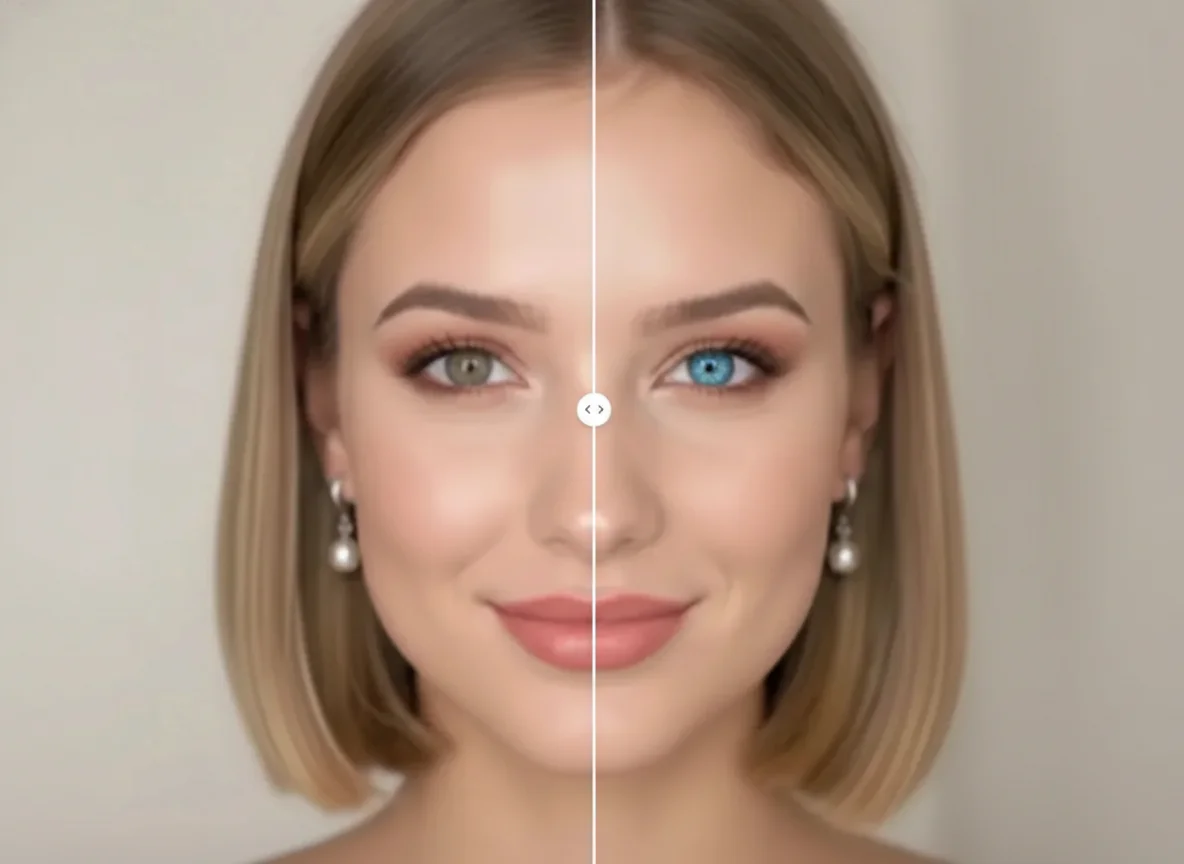
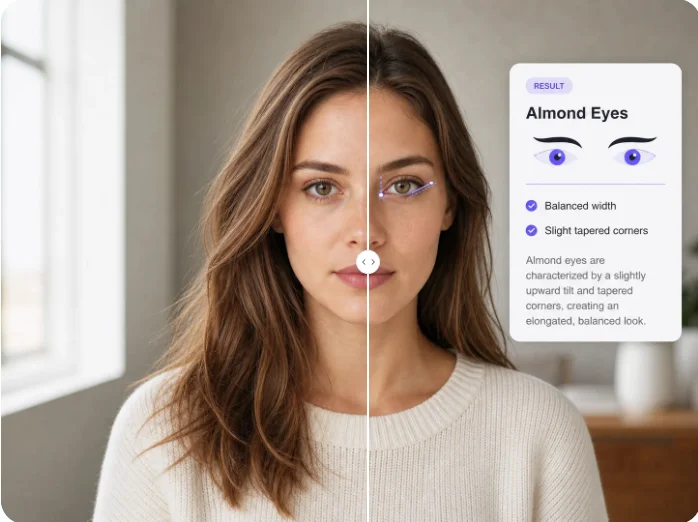
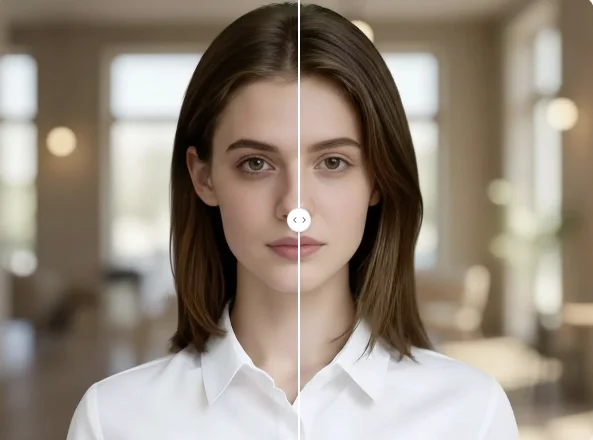
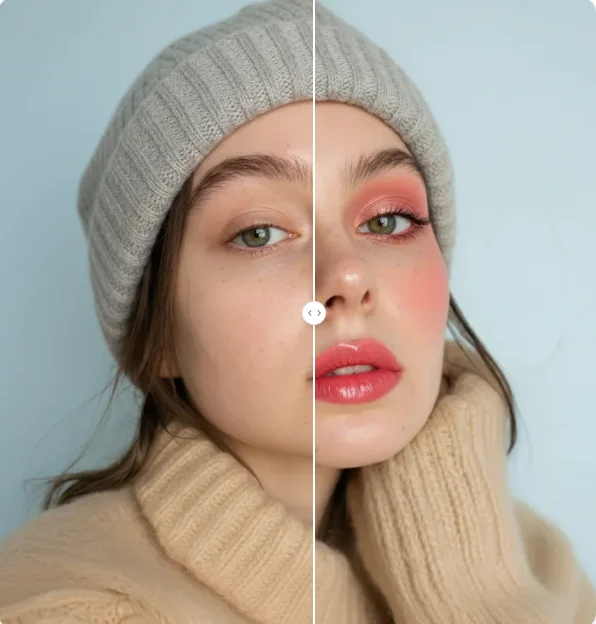
Open Eyes in Photo - Fix Closed Eyes in Pictures Online
Open eyes in photo online and fix blinking or closed eyes without retaking the picture. Upload a photo and restore a more natural expression.