
Note: Auto only supports 1K. 1:1 does not support 4K.
Formal Attire Editor
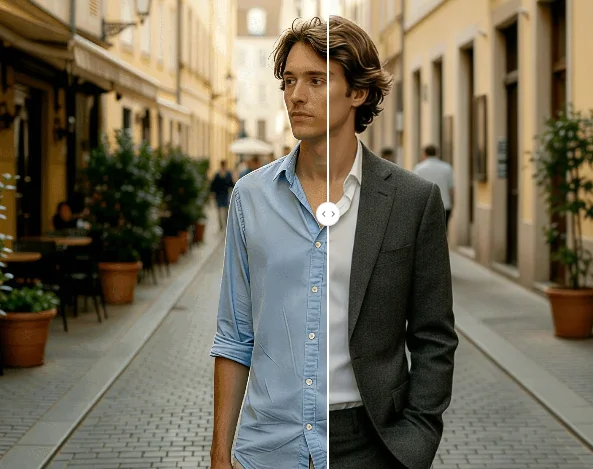
Upload your photo and transform casual clothes into professional formal attire instantly. Get polished portraits without a studio.
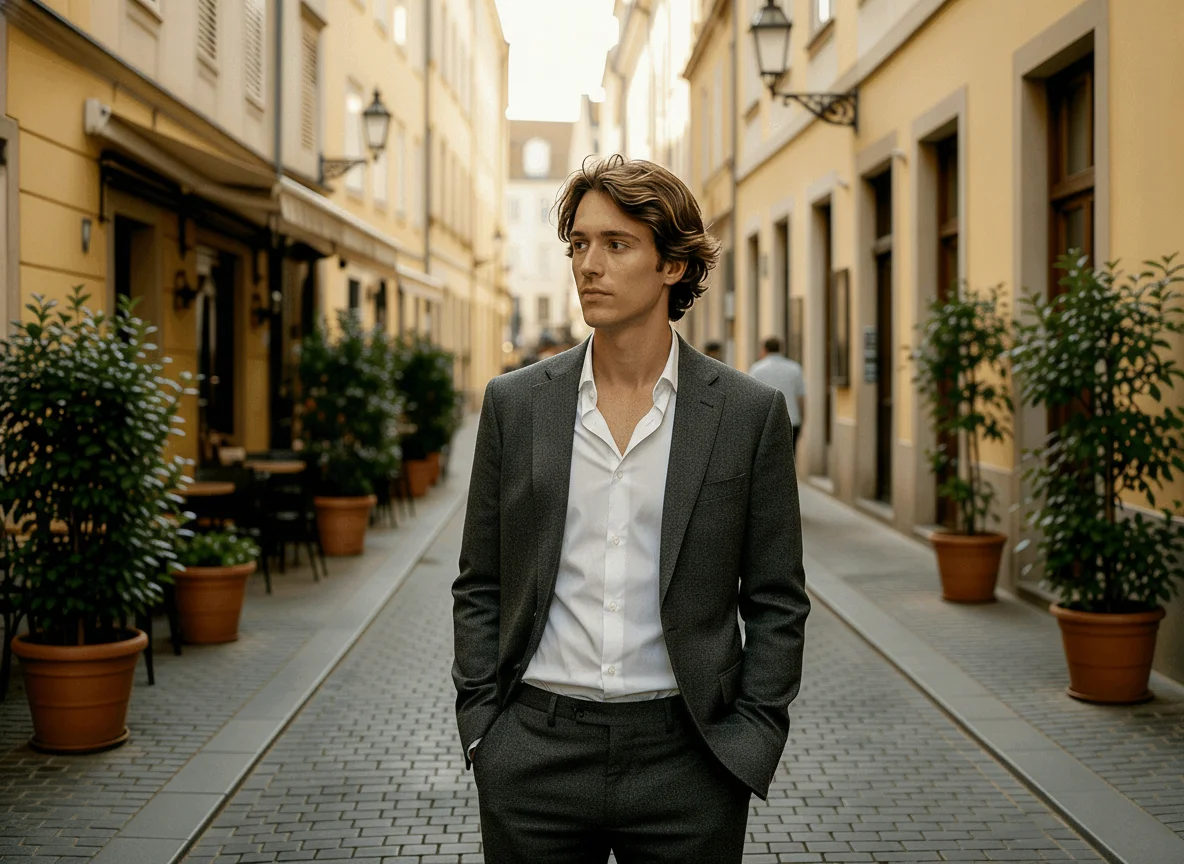
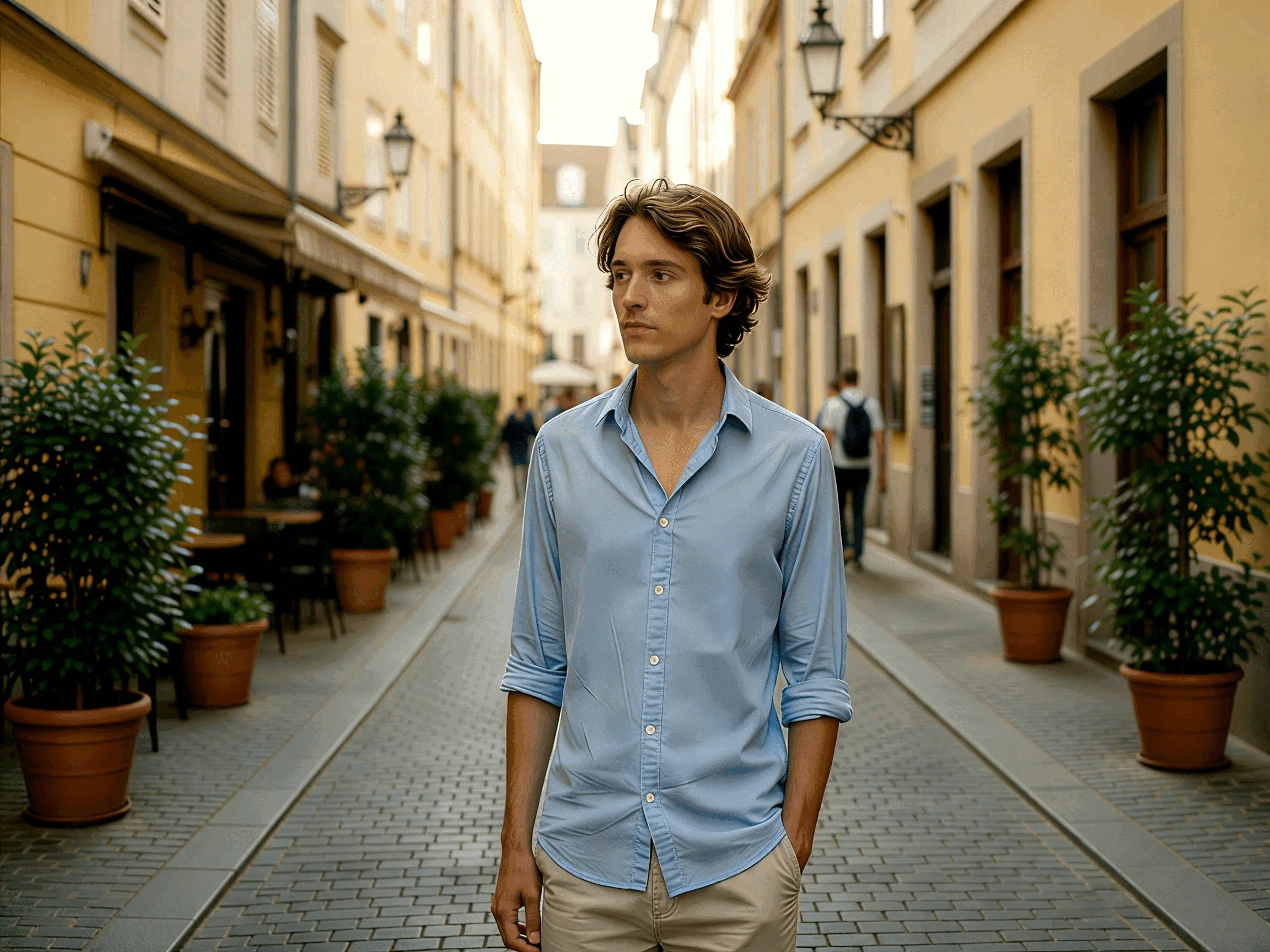
How to Use Formal Attire Editor
Upload
Upload a clear, front-facing portrait. For best results, use a well-lit image where your upper body is clearly visible.
Generate
Describe your desired outfit or select a style, then click the Generate button. Qimg AI will seamlessly blend the formal attire with your photo.
Download
Preview your new professional look and download the high-resolution image, ready for your resume or LinkedIn profile.
Why Choose Formal Attire Editor
Realistic Formal Outfit Replacement with Identity Preserved
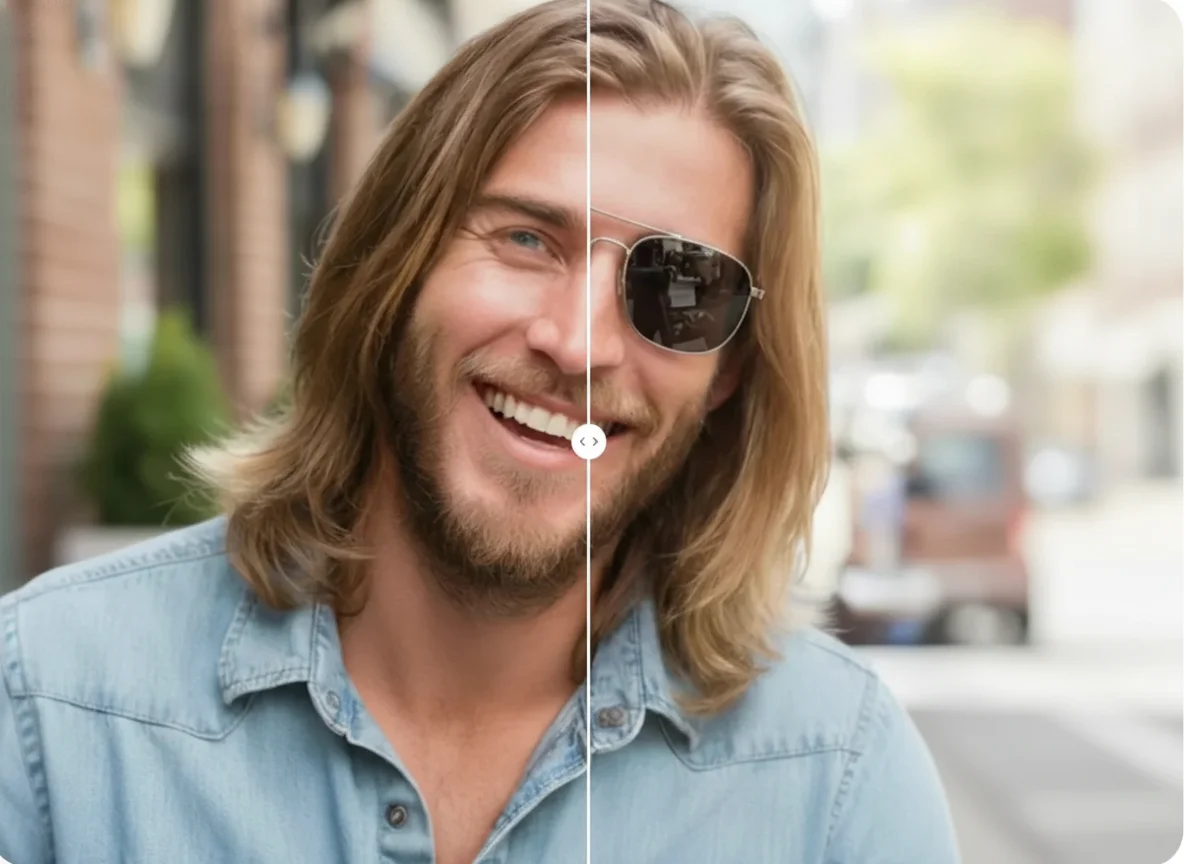
Qimg AI's Formal Attire Editor intelligently blends professional clothing with your body proportions, lighting, and pose. The AI focuses on changing clothes only — your facial features, skin tone, and expression remain exactly the same, delivering a cohesive result that looks authentic rather than artificially edited.
Professional Headshots Without the Photoshoot
Save time and money by turning your favorite existing photos into polished professional portraits. No need to schedule a photographer, buy new outfits, or visit a studio. Qimg AI makes it easy to create high-quality formal headshots for LinkedIn, resumes, corporate profiles, or business use — from any casual photo you already have.
Edit Formal Attire Online, Anytime, on Any Device
With Qimg AI, you can edit formal attire in photos directly from your browser, on any device. Whether you need a quick outfit change for a job application or a polished corporate portrait, the tool delivers fast, realistic results without any photo editing skills required.
Who Use Qimg AI
Creators
Create visuals faster without design skills. Turn ideas into images, thumbnails, social posts, and creative assets in seconds.
Designers
Accelerate your creative workflow. Use Qimg AI to generate concepts, references, and visual directions, then refine them into production-ready designs.
Marketers
Produce high-converting visuals on demand. Create ads, campaign visuals, and branded images quickly.
FAQs about Formal Attire Editor
Qimg AI's Formal Attire Editor analyzes your photo's body proportions, pose, and lighting, then replaces your current clothing with professional formal attire. The AI generates a realistic outfit that blends naturally with the original image while keeping your facial identity unchanged.
You can add various professional outfits including business suits, blazers, dress shirts, corporate attire, and formal dresses. Simply describe the style, color, and details you want, and the AI will generate it for you.
Clear, front-facing photos with good lighting and visible upper body produce the best results. A simple background helps the AI focus on accurately replacing the clothing. Avoid photos with heavy blur, extreme angles, or obstructed body areas.
No. The editor focuses exclusively on replacing clothing. Your facial features, expression, and skin tone remain completely preserved, so the final image still looks like you.
No. The tool is fully automatic. Simply upload your photo, and the AI handles the entire outfit replacement process for you.
Discover More on Qimg AI
Qimg AI is your go-to AI image toolkit for generating, editing, and enhancing photos and artwork.
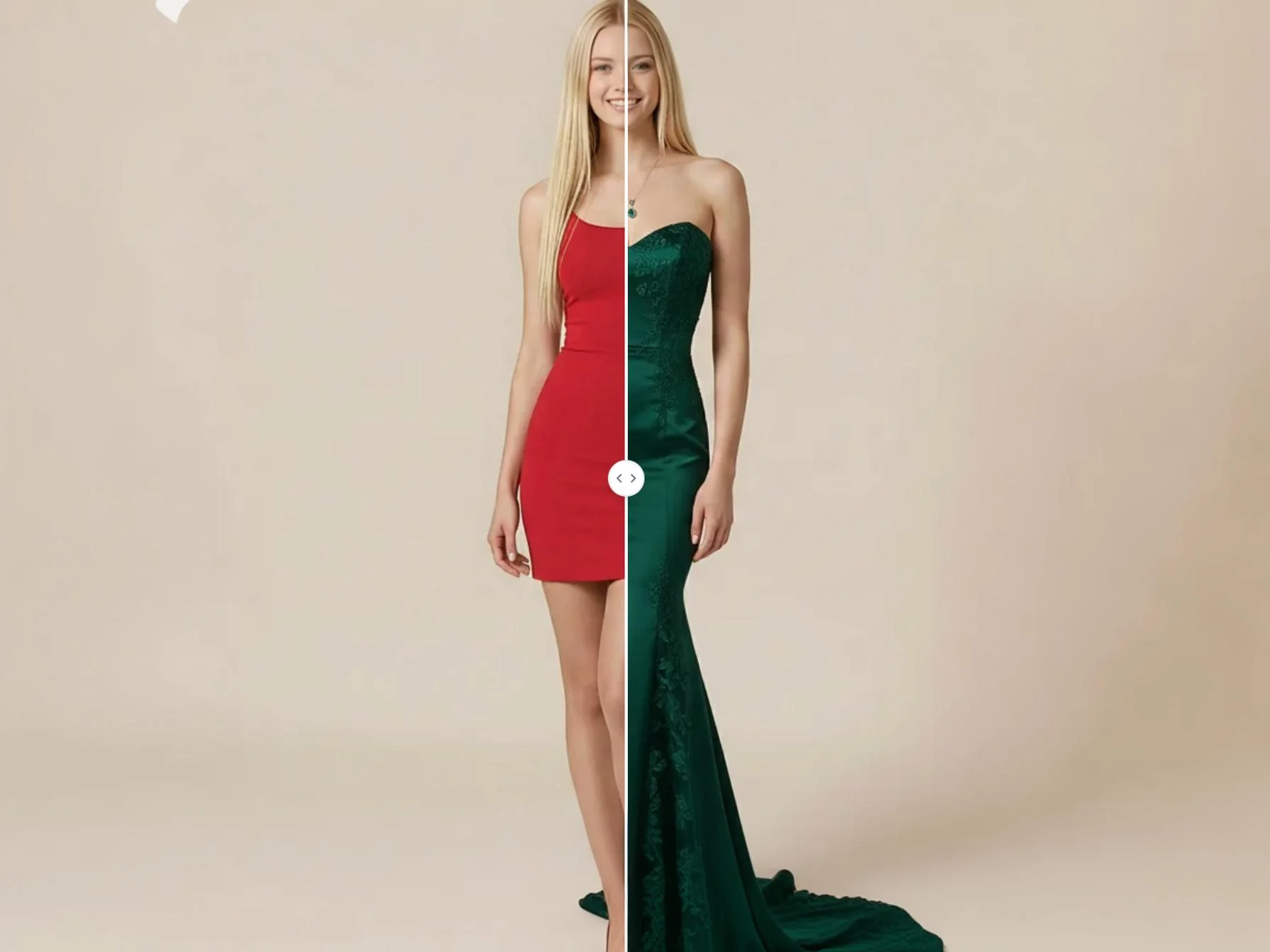
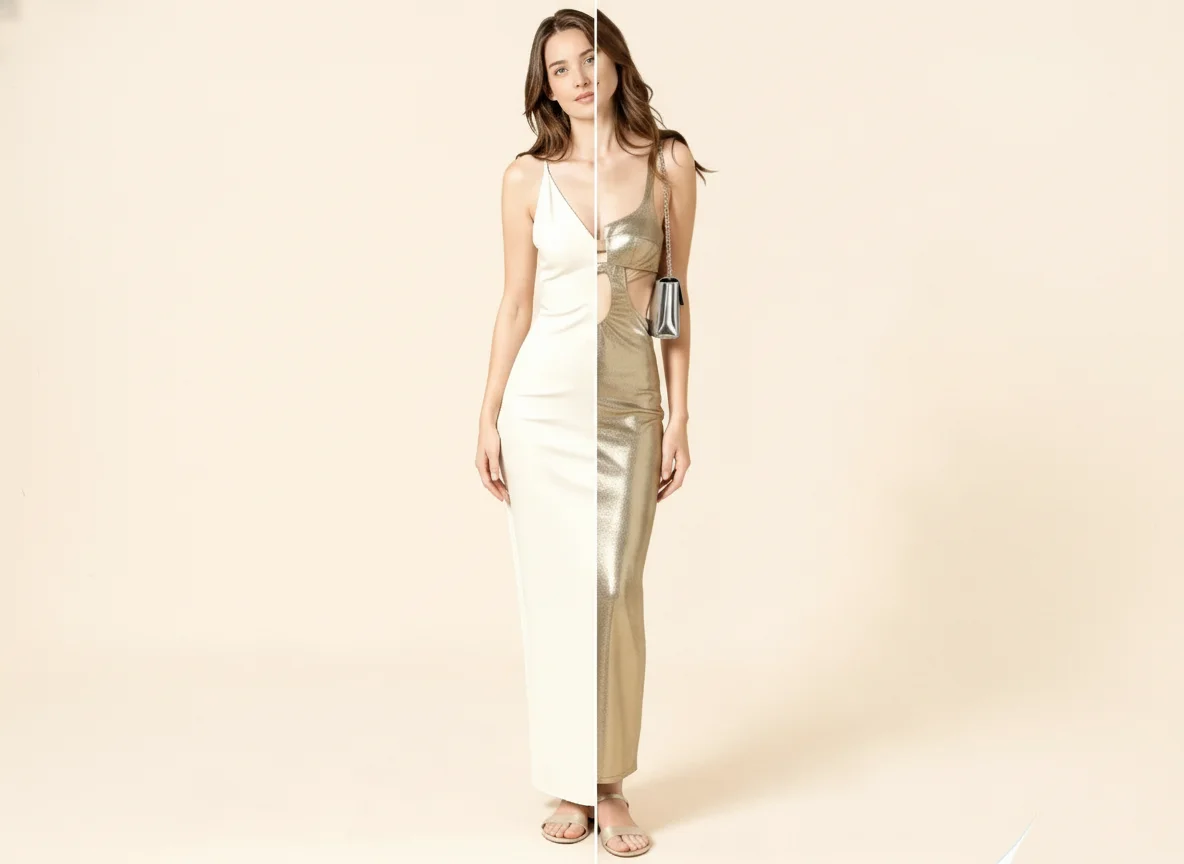
Formal Attire Editor
Upload your photo and transform casual clothes into professional formal attire instantly. Get polished portraits without a studio.