
Note: Auto only supports 1K. 1:1 does not support 4K.
AI Virtual Try On Glasses Generator
Try on glasses virtually with your photo and preview different frames on your face in seconds.


How to Try Glasses Virtually with Photo
Upload Your Photo
Upload a clear photo of yourself facing the camera, or take one directly online. The virtual try on glasses tool analyzes facial features to ensure accurate placement and proportions.
Choose Glasses Frames to Try On
Browse different glasses frames and select the styles you want to preview. The virtual try on for glasses instantly applies each frame to your photo, allowing you to compare shapes, sizes, and looks.
Preview, Adjust, and Download
Fine tune the position or switch frames to find the best match for your face. Once satisfied, download your virtual glasses try on image or share it to get feedback before making a decision.
Key Features of Virtual Try On Glasses
Realistic Virtual Glasses Try On with Your Photo
Upload a photo and instantly try on glasses virtually with AI-powered face detection and alignment. The virtual try on glasses experience accurately matches frame size, position, and angle, helping you see how different glasses frames look on your face before buying. This virtual glasses try on with photo workflow is designed to reduce guesswork and improve confidence, especially when choosing glasses online. You can preview multiple styles quickly without visiting a physical store.
Explore Multiple Glasses Frames in Seconds
Our virtual try on for glasses allows you to switch between different glasses frames instantly, from classic designs to modern styles. With just one image, you can test how various virtual try on glasses frames fit your face shape and overall look. This feature is ideal for users comparing options or brands looking to showcase multiple frames efficiently. Trying on glasses virtually helps narrow down choices faster and makes online eyewear shopping more intuitive.
AI-Powered Accuracy for Better Fit Decisions
Powered by advanced AI image generation, this virtual try on glasses online generator focuses on precision rather than filters. The system analyzes facial proportions to ensure each virtual glasses try on reflects realistic scale and placement. By using AI-powered accuracy, users can better judge frame width, lens position, and overall balance. This makes trying on glasses virtually not just a visual preview, but a practical decision-making tool.
Who Use Qimg AI
Creators
Create visuals faster without design skills. Turn ideas into images, thumbnails, social posts, and creative assets in seconds.
Designers
Accelerate your creative workflow. Use Qimg AI to generate concepts, references, and visual directions, then refine them into production-ready designs.
Marketers
Produce high-converting visuals on demand. Create ads, campaign visuals, and branded images quickly.
FAQs about Virtual Try On Glasses Image Generator
Yes. With Qimg AI's virtual try on glasses tool, you can upload a photo and instantly see how different glasses frames look on your face. The AI accurately places frames based on facial features for a realistic preview.
Simply upload a clear front-facing photo, choose or upload a glasses frame, and the AI will generate a virtual glasses try-on image within seconds—no app download required.
You can try on glasses virtually online using Qimg AI's web-based tool. It works directly in your browser and allows you to preview multiple glasses styles before making a purchase decision.
Absolutely. You can test multiple virtual glasses frames on a single photo to compare styles, colors, and shapes side by side before choosing the best fit.
No. You can use any clear photo of yourself. As long as your face is visible and facing forward, the AI can generate an accurate virtual glasses try-on.
Discover More on Qimg AI
Qimg AI is your go-to AI image toolkit for generating, editing, and enhancing photos and artwork.
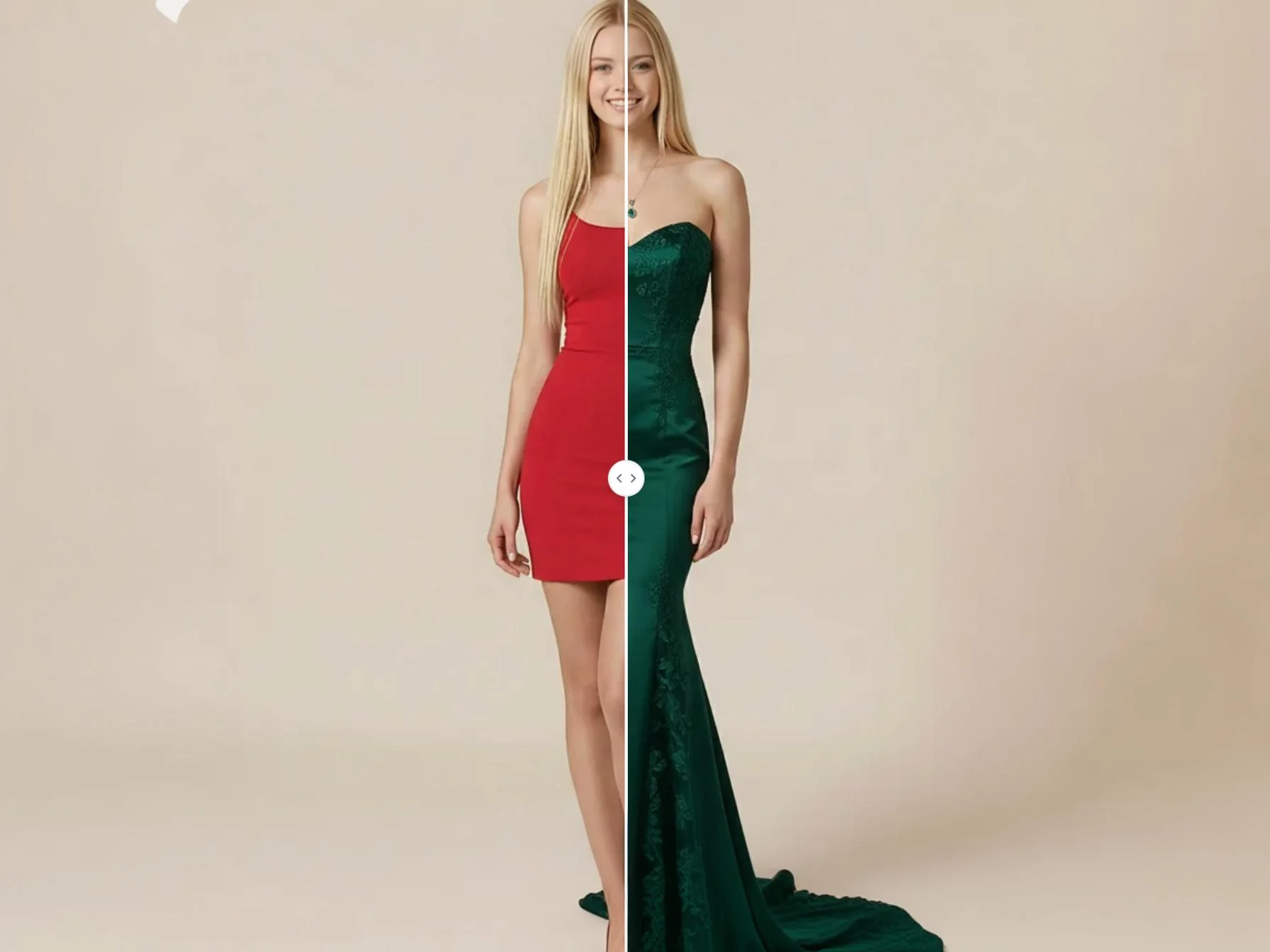
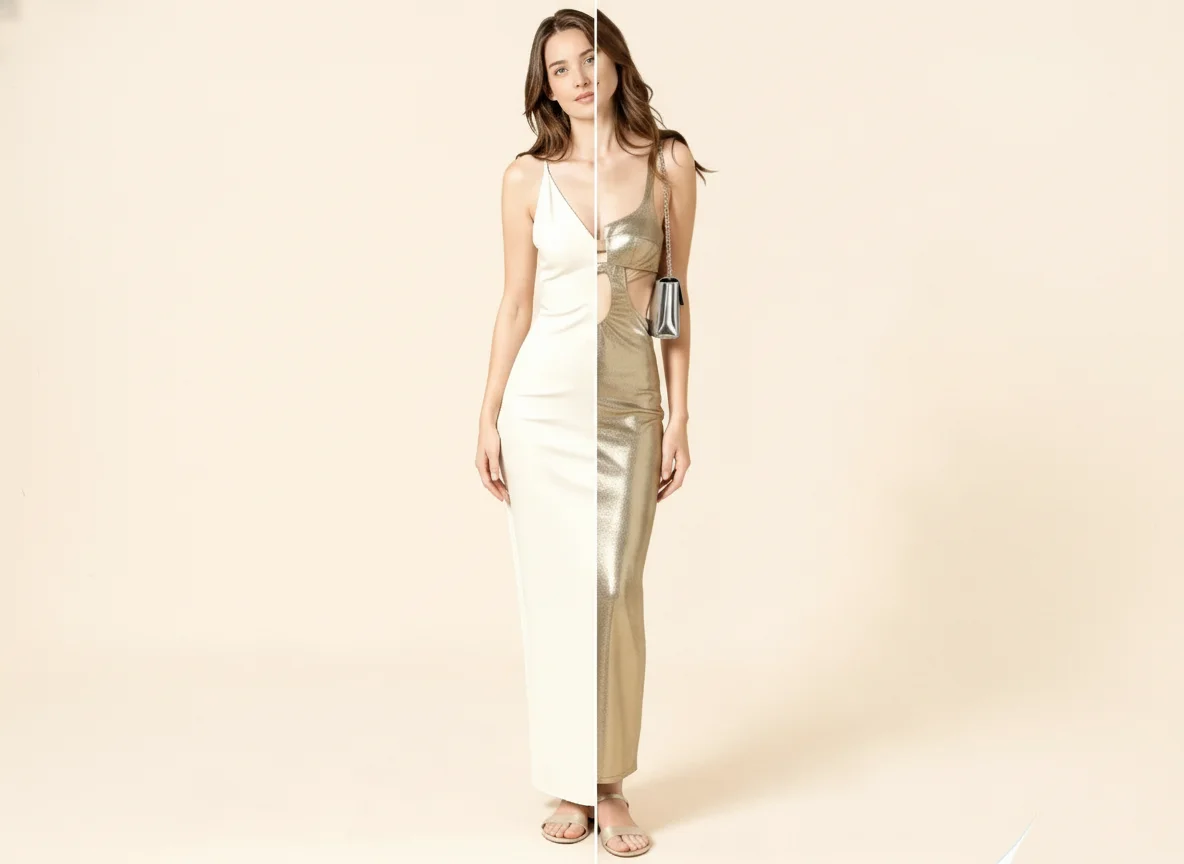
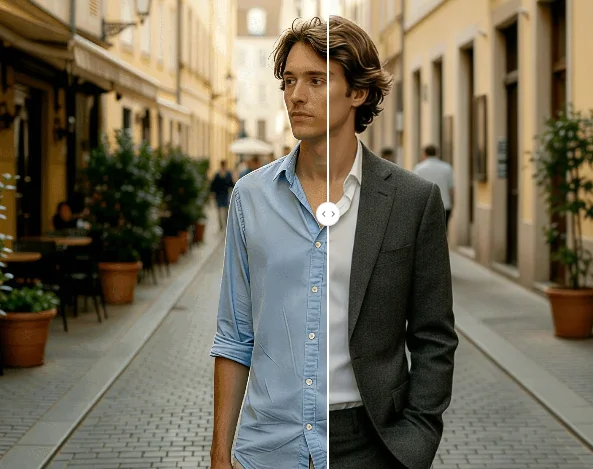
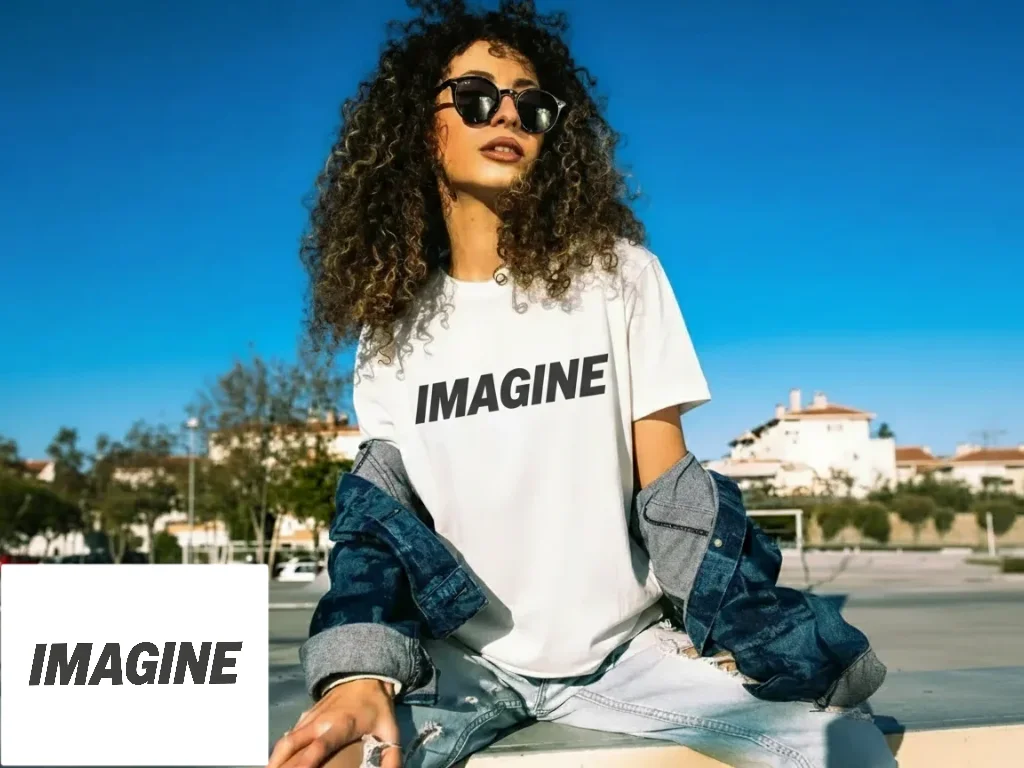
Virtual Try On Glasses Online Generator
Use Qimg AI's virtual try on glasses AI image generator to try on glasses virtually with your photo. Instantly preview different glasses frames online and find the perfect fit with AI-powered accuracy.