
Note: Auto only supports 1K. 1:1 does not support 4K.
Ghostface AI Generator
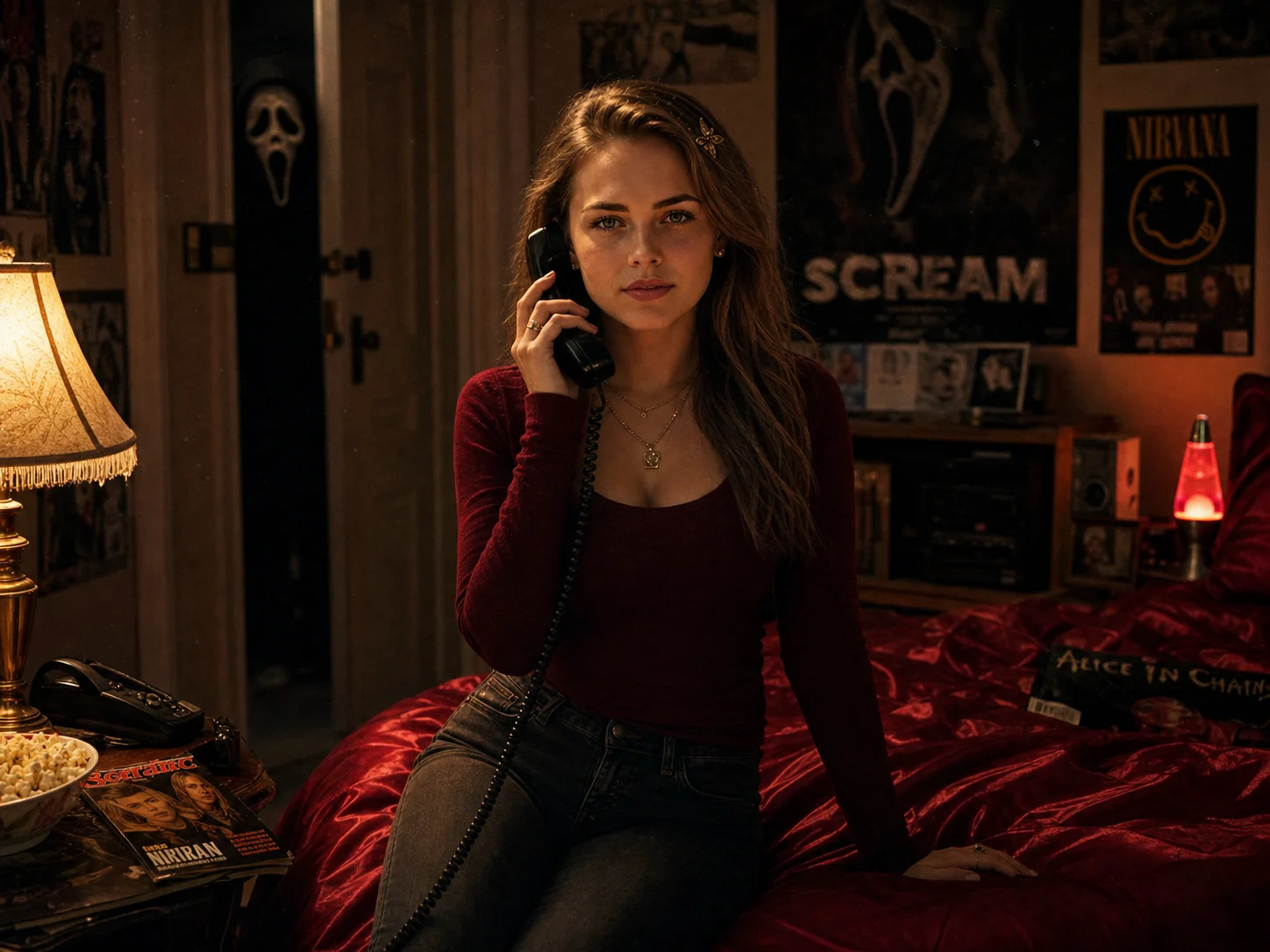
Upload a selfie or portrait and join the ghostface ai trend with a Scream AI filter. Place a Ghostface-inspired masked figure naturally into a Y2K bedroom, dark hallway, or cinematic horror setting with coherent lighting, shadows, and retro film texture.
How to Use the Ghostface AI Generator
Upload
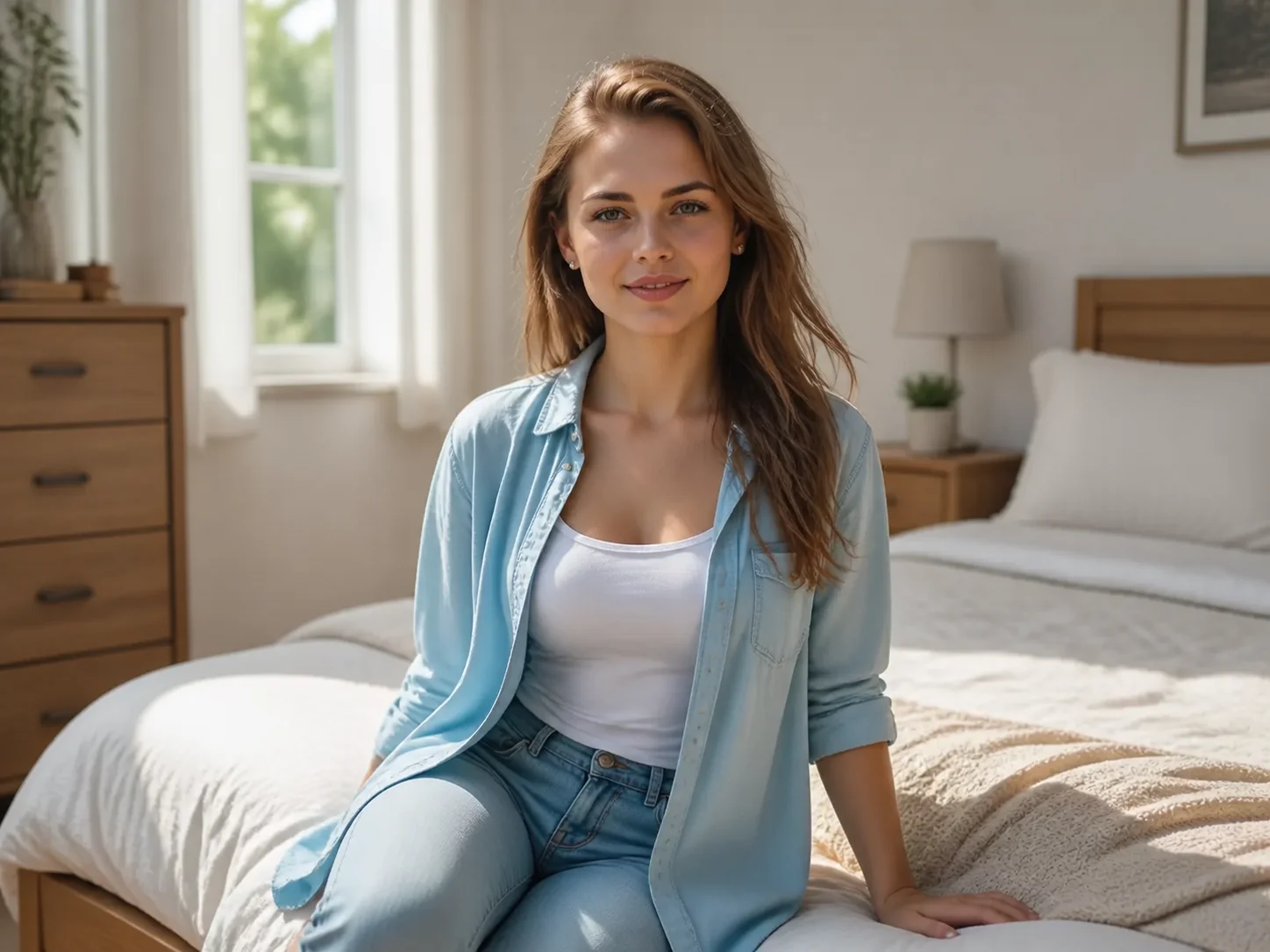
Upload a clear selfie or portrait with visible facial features. A well-lit source image helps preserve the person while the surrounding scene is transformed.
Generate
Enter a short prompt describing the setting, lighting, and horror mood, then generate a Ghostface-inspired scene with the masked figure blended into the composition.
Download
Review the generated horror portrait and download the result for Halloween posts, profile pictures, invitations, or creative projects.
Why Choose the Ghostface AI Generator
Cinematic Horror Composition
Blend a masked horror figure into bedrooms, hallways, mirrors, or party scenes with lighting, shadows, scale, and perspective that feel consistent with the uploaded portrait.
Y2K Film Texture and Atmosphere
Recreate the nostalgic 1990s horror look behind the ghostface ai trend with warm lamp light, deep shadows, gentle grain, retro props, and an eerie dreamlike mood.
Flexible Scene Control with Prompts
Describe a dark doorway, vintage bedroom, mirror reflection, Halloween party, or another suspenseful setting. Adjust the visual direction without building the composition manually.
Who Use Qimg AI
Creators
Create cinematic horror portraits, Halloween posts, profile pictures, and trend-ready social visuals from ordinary selfies.
Designers
Develop Y2K horror concepts, poster references, eerie compositions, and visual directions without manually assembling every scene element.
Marketers
Produce seasonal campaign visuals, event invitations, themed social posts, and attention-grabbing Halloween creative assets.
FAQs About the Ghostface AI Generator
A Ghostface AI Generator edits a selfie or portrait into a cinematic horror scene by placing a Ghostface-inspired masked figure into the image while matching the scene's lighting, shadows, and perspective.
Results depend on the source image and prompt, but clear portraits and specific scene descriptions help the model create more coherent lighting, scale, shadows, and placement.
No. Upload a portrait, describe the desired horror setting, and generate the result. You can refine the prompt when you want to change the atmosphere or composition.
Clear selfies or portraits with visible facial features and balanced lighting work best. Images with enough space around the person also give the model more room to place the masked figure naturally.
Use them for Halloween posts, profile pictures, party invitations, horror-themed campaigns, posters, mood boards, or personal creative projects, subject to applicable platform and content rules.
Discover More on Qimg AI
Qimg AI is your go-to AI image toolkit for generating, editing, and enhancing photos and artwork.
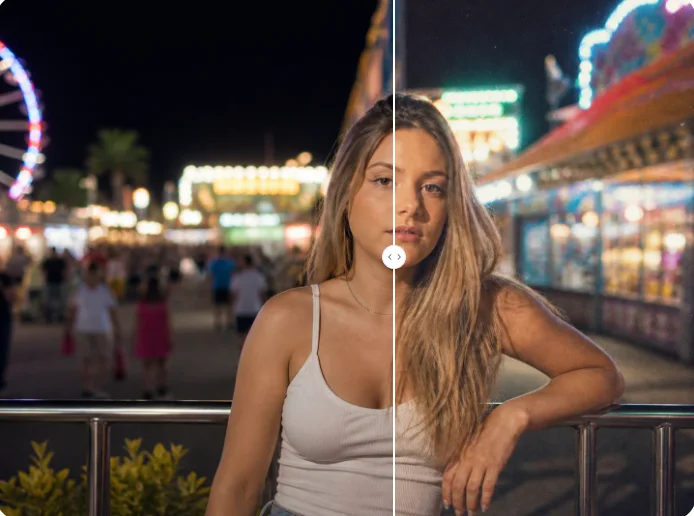
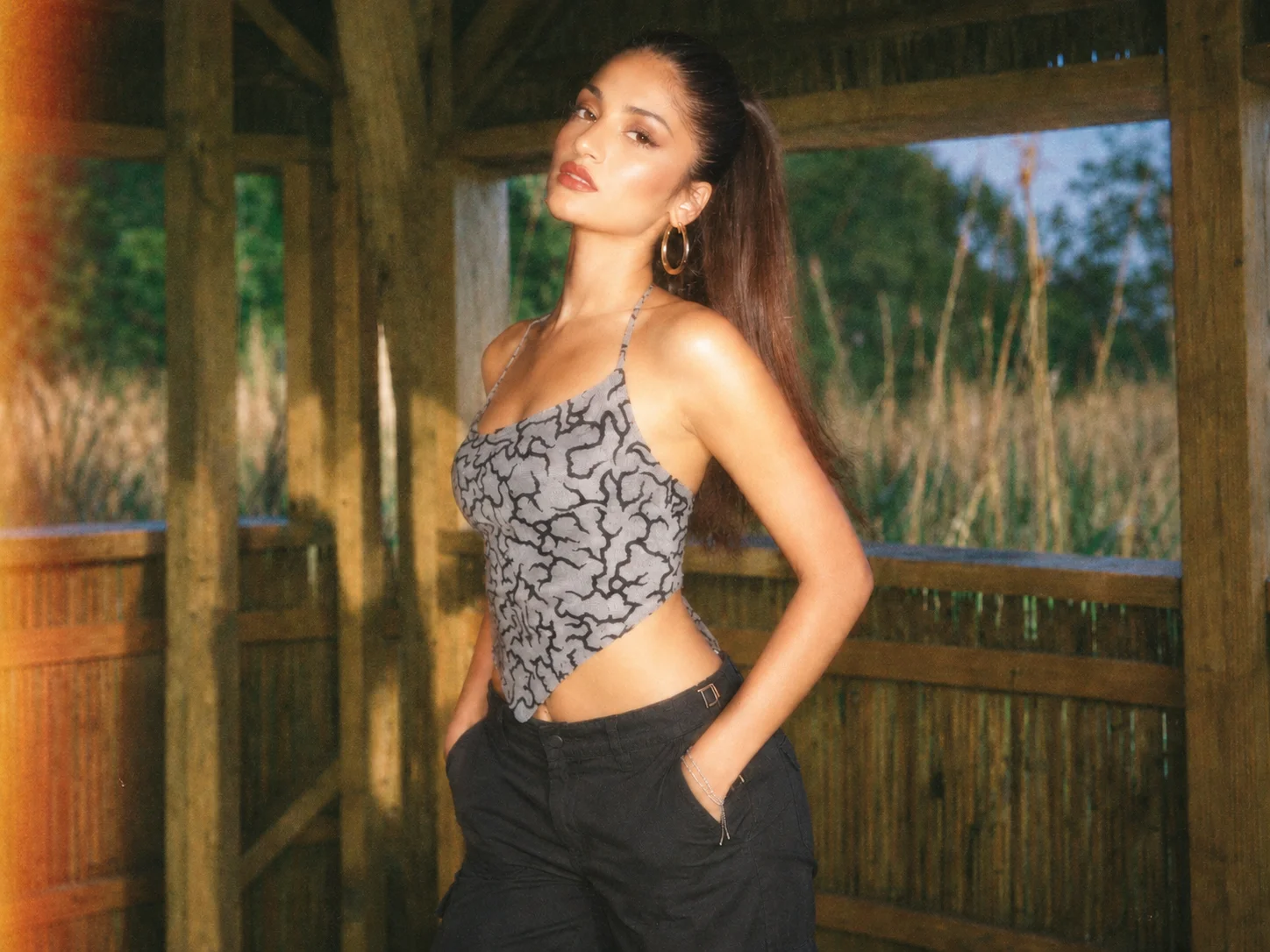
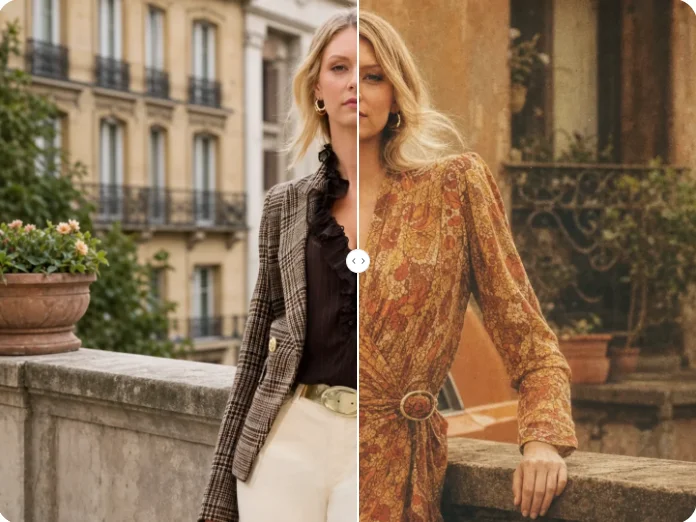
Create a Ghostface AI Photo
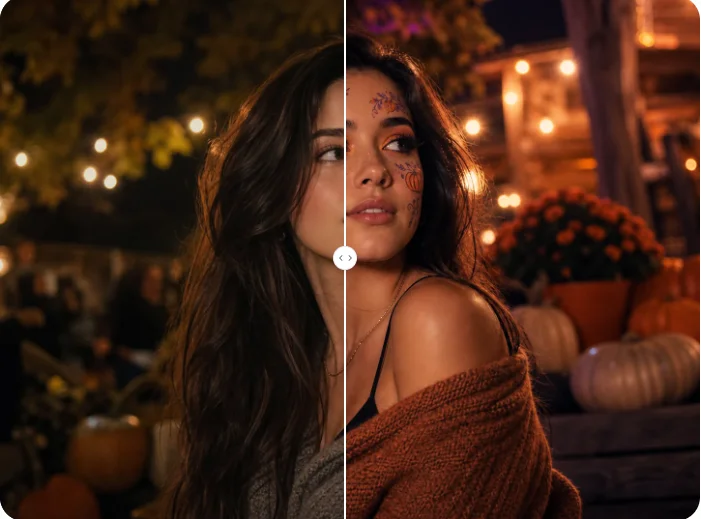
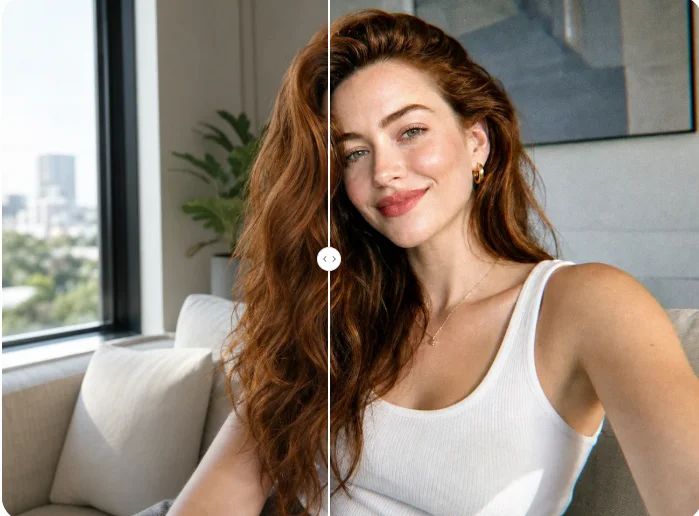
Upload a portrait and create a Scream AI horror scene with retro film texture, dramatic shadows, and a masked figure lurking in the background.