
Note: Auto only supports 1K. 1:1 does not support 4K.
Halloween Filter: Turn Any Portrait into a Spooky Photo
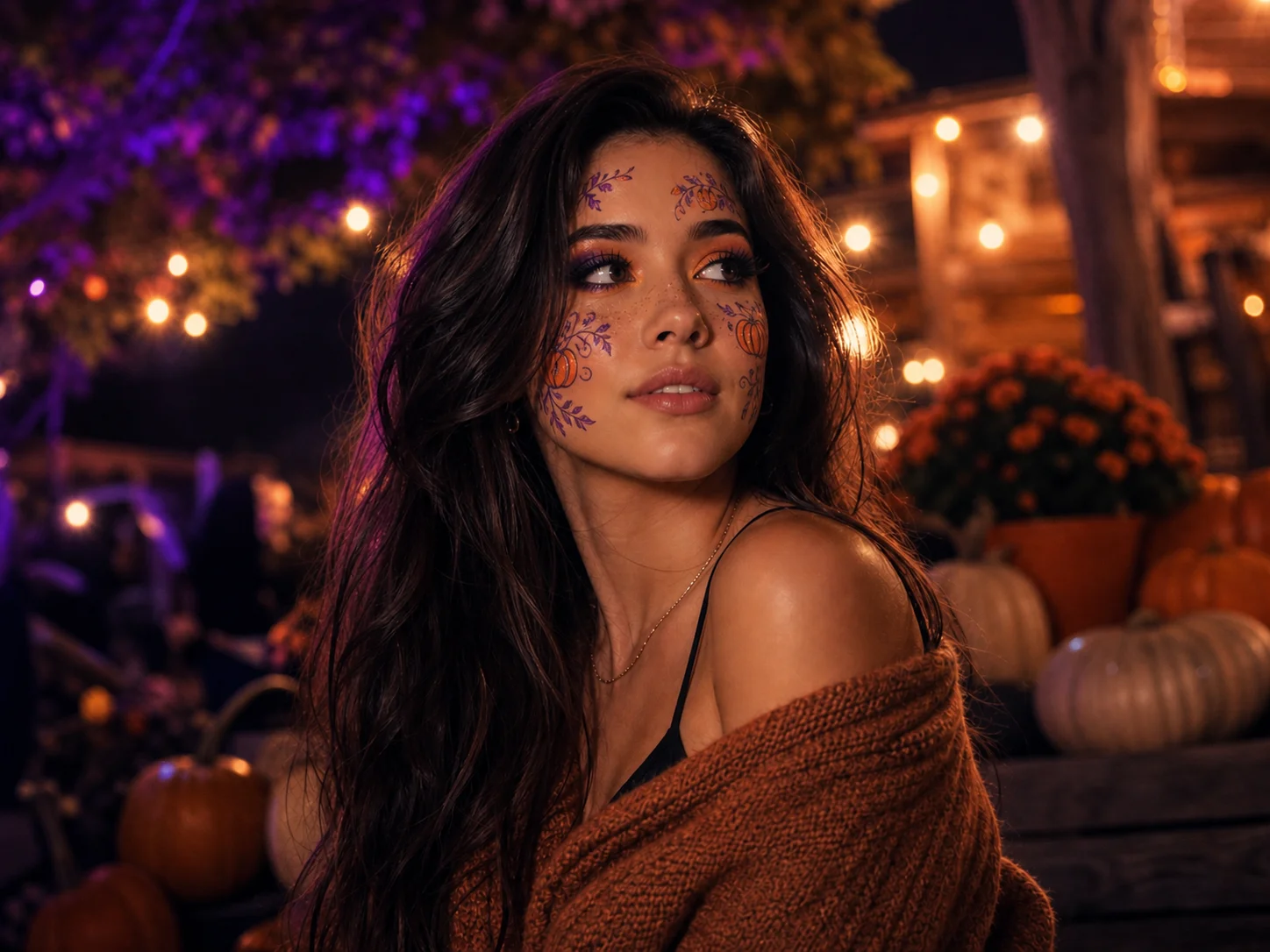
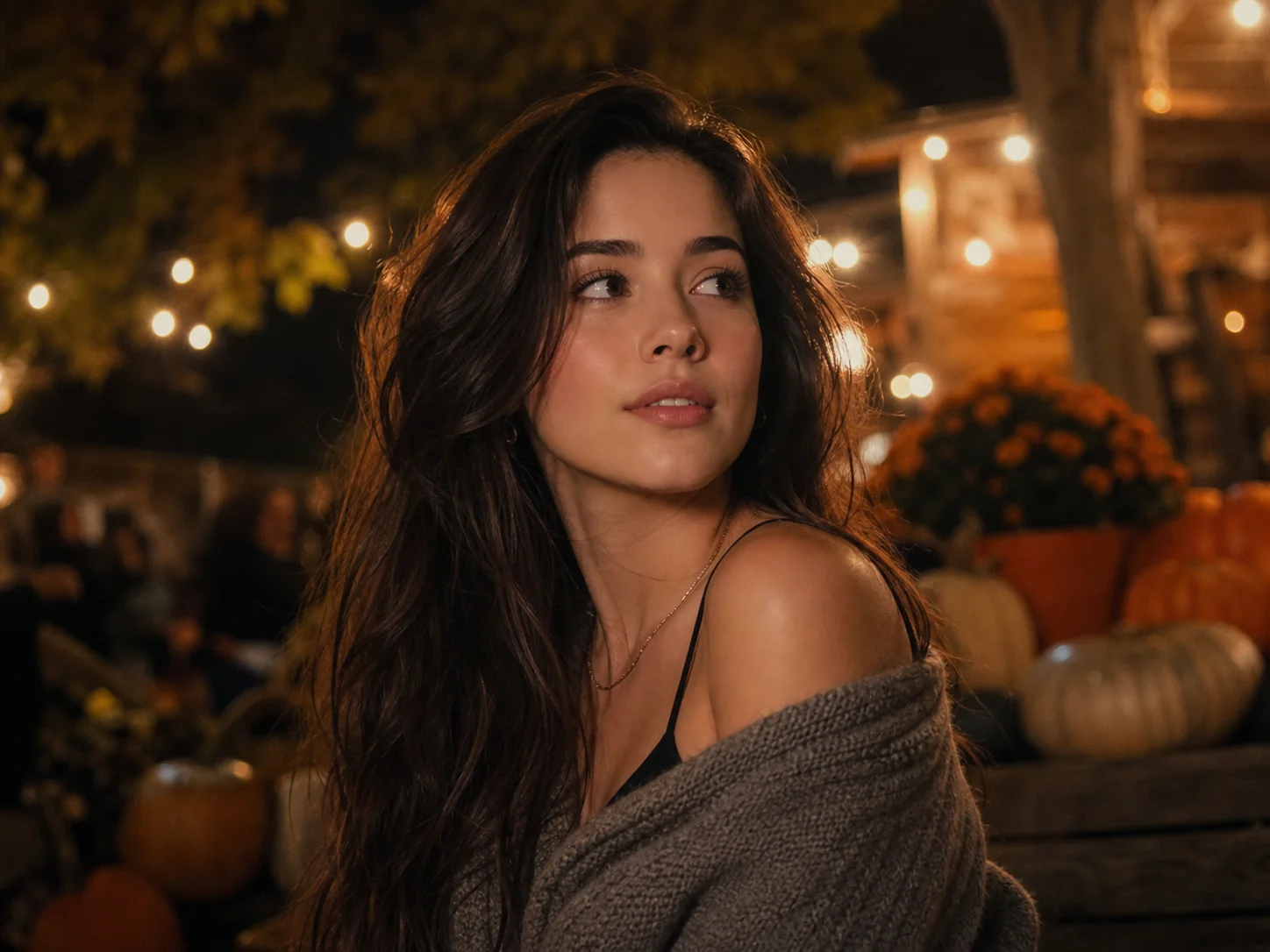
Upload a portrait, describe the makeup, costume, colors, or spooky atmosphere you want, and generate a festive transformation that keeps the subject recognizable.
How to Create a Halloween Filter Effect
Upload
Choose a clear portrait with visible facial details and balanced lighting.
Generate
Describe the Halloween makeup, costume, scene, colors, or mood you want, then generate the transformation.
Download
Review and download your Halloween photo for parties, invitations, profiles, or social posts.
Why Choose This Halloween Filter
Create a Complete Halloween Look
Combine themed makeup, costumes, accessories, color grading, lighting, and background atmosphere in one coherent transformation.
Keep the Portrait Recognizable
Add dramatic festive details while maintaining the subject's visible facial structure, pose, and defining personal features.
Make Festive Content Quickly
Produce polished Halloween visuals for social posts, party invitations, profile pictures, campaigns, and seasonal creative projects.
Who Use Qimg AI
Creators
Turn portraits into eye-catching seasonal content for feeds, stories, thumbnails, and personal projects.
Designers
Explore Halloween character concepts, palettes, makeup, and visual treatments without building every detail manually.
Marketers
Create seasonal assets for Halloween promotions, event announcements, community posts, and themed campaigns.
FAQs About the Halloween Filter
It transforms an uploaded portrait with themed makeup, costumes, colors, lighting, and backgrounds to create a Halloween-inspired result.
Yes. Describe the makeup concept you want, such as glamorous pumpkin makeup, gothic styling, vampire details, or another festive direction.
Yes. A clear portrait helps the result retain recognizable facial structure and identity cues while applying the requested Halloween styling.
Use a sharp, well-lit portrait with an unobstructed face. Simple backgrounds can also make makeup and costume details easier to present clearly.
Use it for social media, profile pictures, party invitations, event posters, greeting images, seasonal campaigns, and personal creative projects.
Discover More on Qimg AI
Qimg AI is your go-to AI image toolkit for generating, editing, and enhancing photos and artwork.
Create Your Halloween Transformation
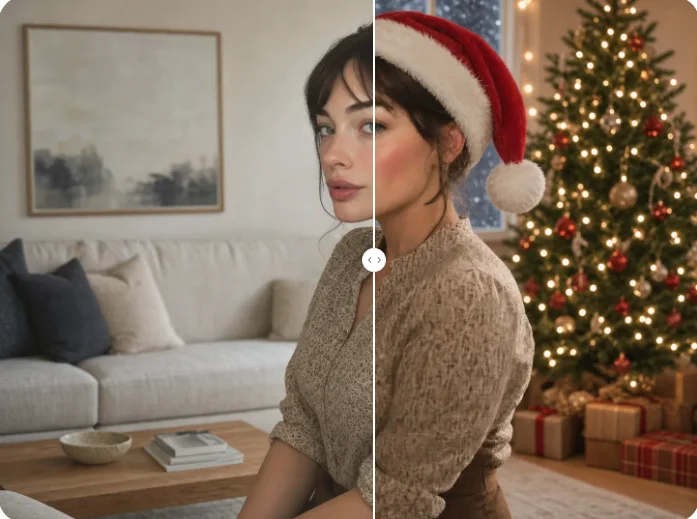
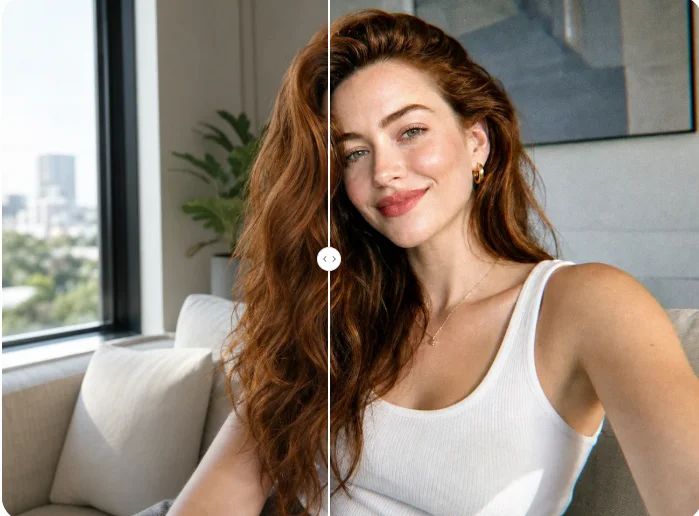
Upload a portrait and turn it into a polished Halloween look with themed makeup, lighting, costume details, and atmosphere.