
Note: Auto only supports 1K. 1:1 does not support 4K.
Halloween PFP Maker
Upload a clear portrait or pet photo, then use a prompt to create a Halloween profile picture with a witch, vampire, ghost, pumpkin, or other festive look.
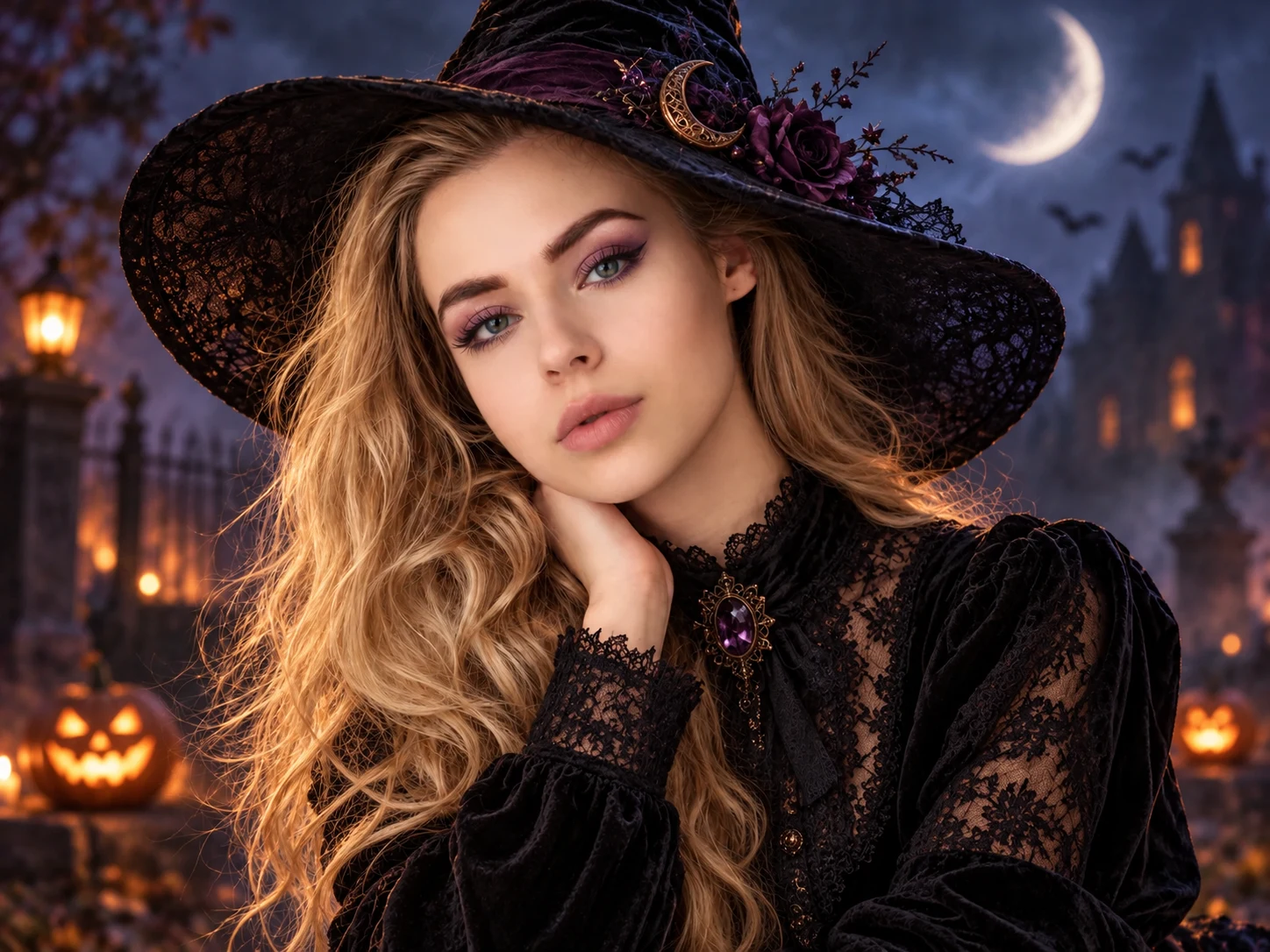
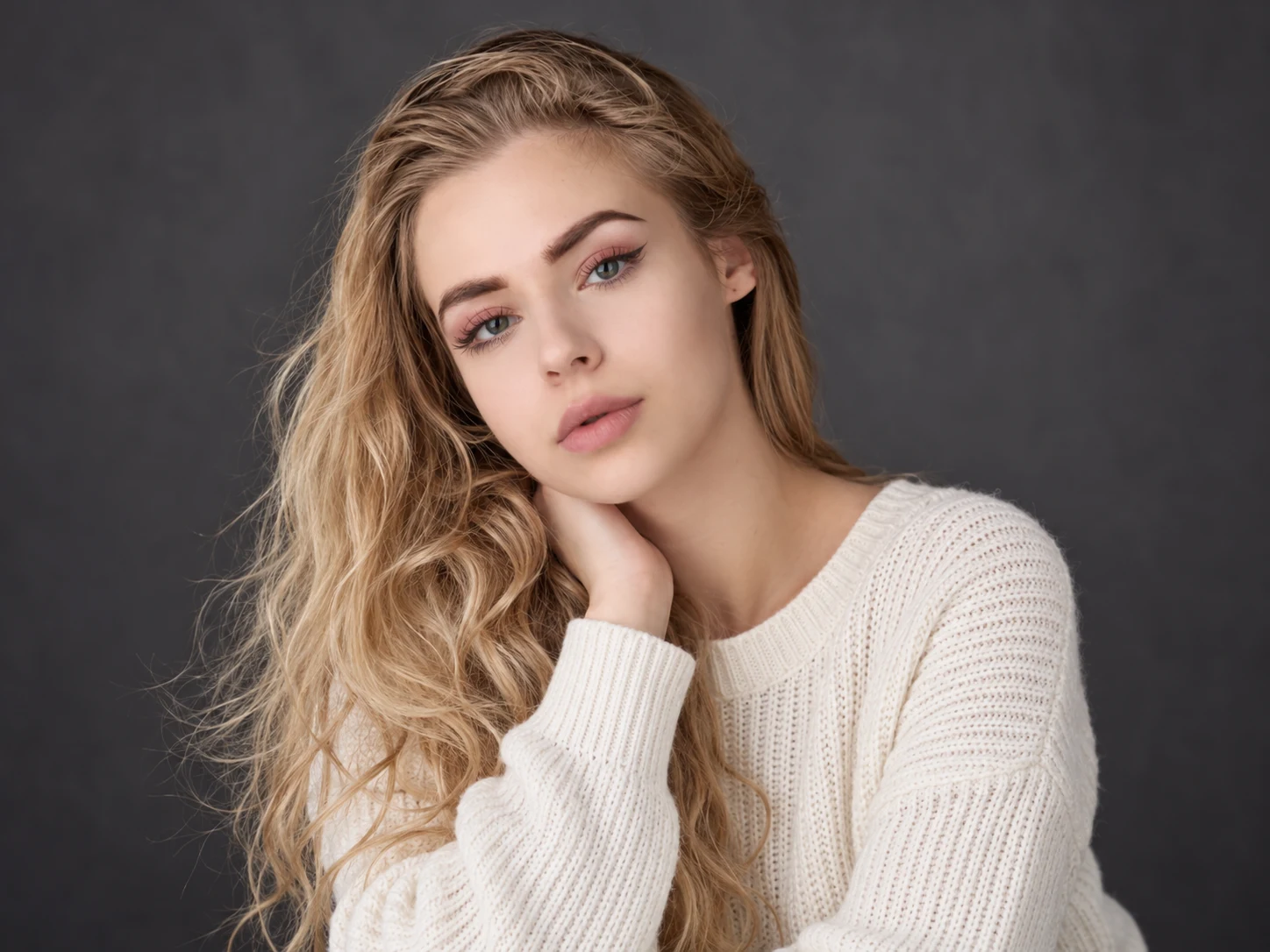
How to Create a Halloween PFP
Upload a Clear Photo
Choose a front-facing selfie or pet photo with the face well lit and important features clearly visible.
Describe the Halloween Look
Use the witch prompt as a starting point, or change the costume, makeup, colors, lighting, and background to create a vampire, ghost, pumpkin, skeleton, or another seasonal avatar.
Generate and Save
Generate the image, check the face, costume details, and crop-safe spacing, then download the strongest result for your social profile.
Why Choose Our Halloween PFP Maker
Keep the Subject Recognizable
Add seasonal makeup, costumes, and atmosphere while preserving important facial features, hair, glasses, skin tone, or a pet's breed, fur color, and markings.
Frame the Avatar for Social Profiles
Keep the face centered, separate the subject from the background, and leave breathing room around hats and hair so defining details remain visible after square or circular cropping.
Make It Spooky without Going Gory
Create polished witch, vampire, ghost, pumpkin, skeleton-makeup, or pet costume looks that capture Halloween atmosphere without relying on graphic horror details.
Who Use Qimg AI
Creators
Refresh social profiles, channel icons, and seasonal posts with a recognizable Halloween avatar tailored to a personal style.
Designers
Explore costume, makeup, lighting, and color directions for Halloween portraits before refining the strongest concept into a finished asset.
Marketers
Create seasonal profile graphics and campaign visuals with a clear focal subject that stays readable at thumbnail size.
Halloween PFP FAQs
A Halloween PFP is a seasonal profile picture featuring spooky or festive details such as witches, vampires, ghosts, pumpkins, costume makeup, or themed backgrounds. It is designed for social media, communities, and messaging profiles during Halloween.
Yes. The default prompt asks the AI to preserve recognizable facial features, skin tone, eyes, hairstyle, expression, and pose while adding the Halloween costume and atmosphere. Very strong stylistic instructions may reduce likeness, so keep identity details explicit when editing the prompt.
Use a clear front-facing portrait or pet photo with balanced lighting and an unobstructed face. Leave some space around the head so hats, hair, ears, and costume details can fit safely inside the final crop.
A square 1:1 image is the most flexible choice for profile pictures. Keep the face centered and important details away from the corners so the image also works when a platform displays it inside a circle.
Yes. Upload a clear pet photo and keep breed, fur color, markings, eye color, and facial features in the prompt. Then add a simple witch hat, pumpkin costume, ghost cape, or another pet-friendly seasonal detail.
Discover More on Qimg AI
Qimg AI is your go-to AI image toolkit for generating, editing, and enhancing photos and artwork.
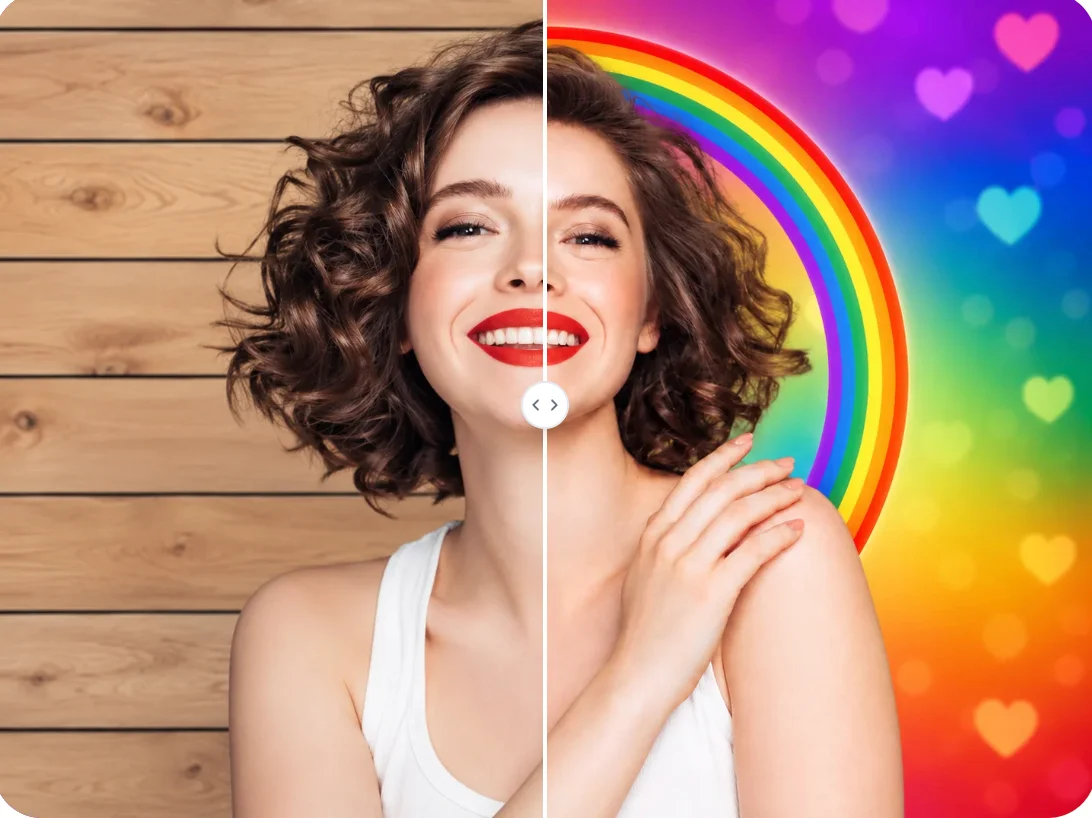
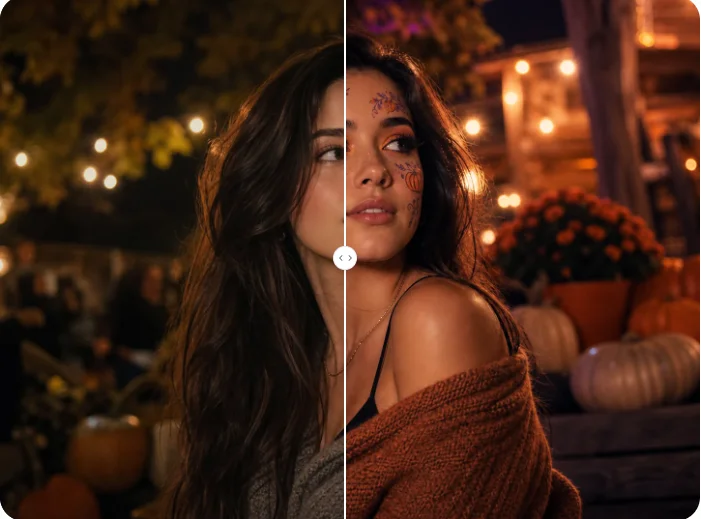
Create a Halloween PFP That Still Looks Like You
Upload a portrait or pet photo, customize the seasonal details, and make a crop-ready Halloween avatar for your social profile.