
Note: Auto only supports 1K. 1:1 does not support 4K.
Photo to Illustration AI Converter
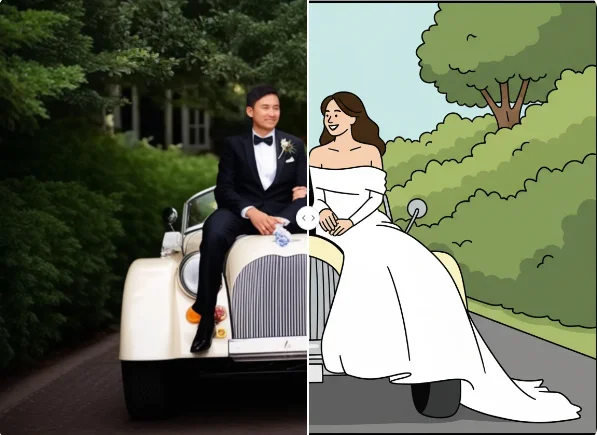
Upload a portrait, pet, landscape, or product photo, then adjust the prompt to guide the colors, linework, mood, and style. Create a polished illustration while keeping the subject and composition recognizable.
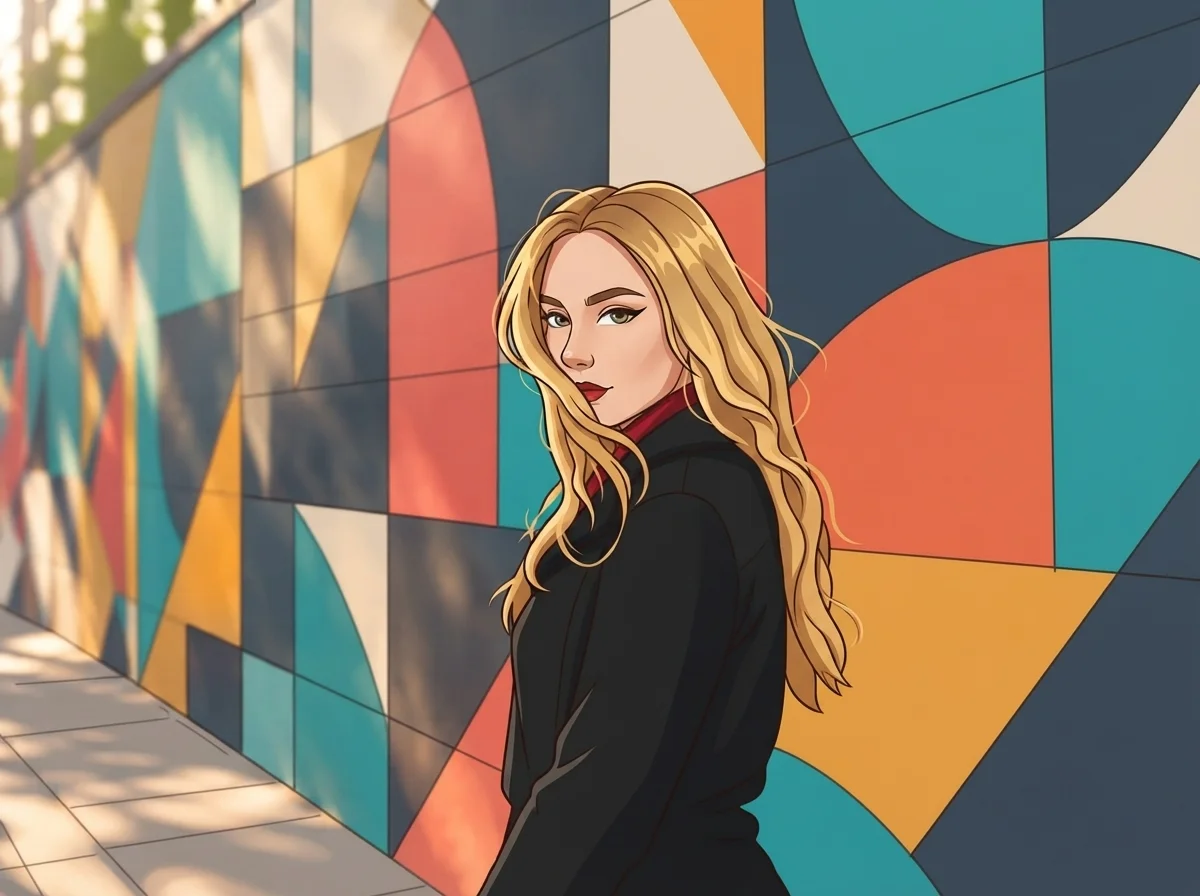
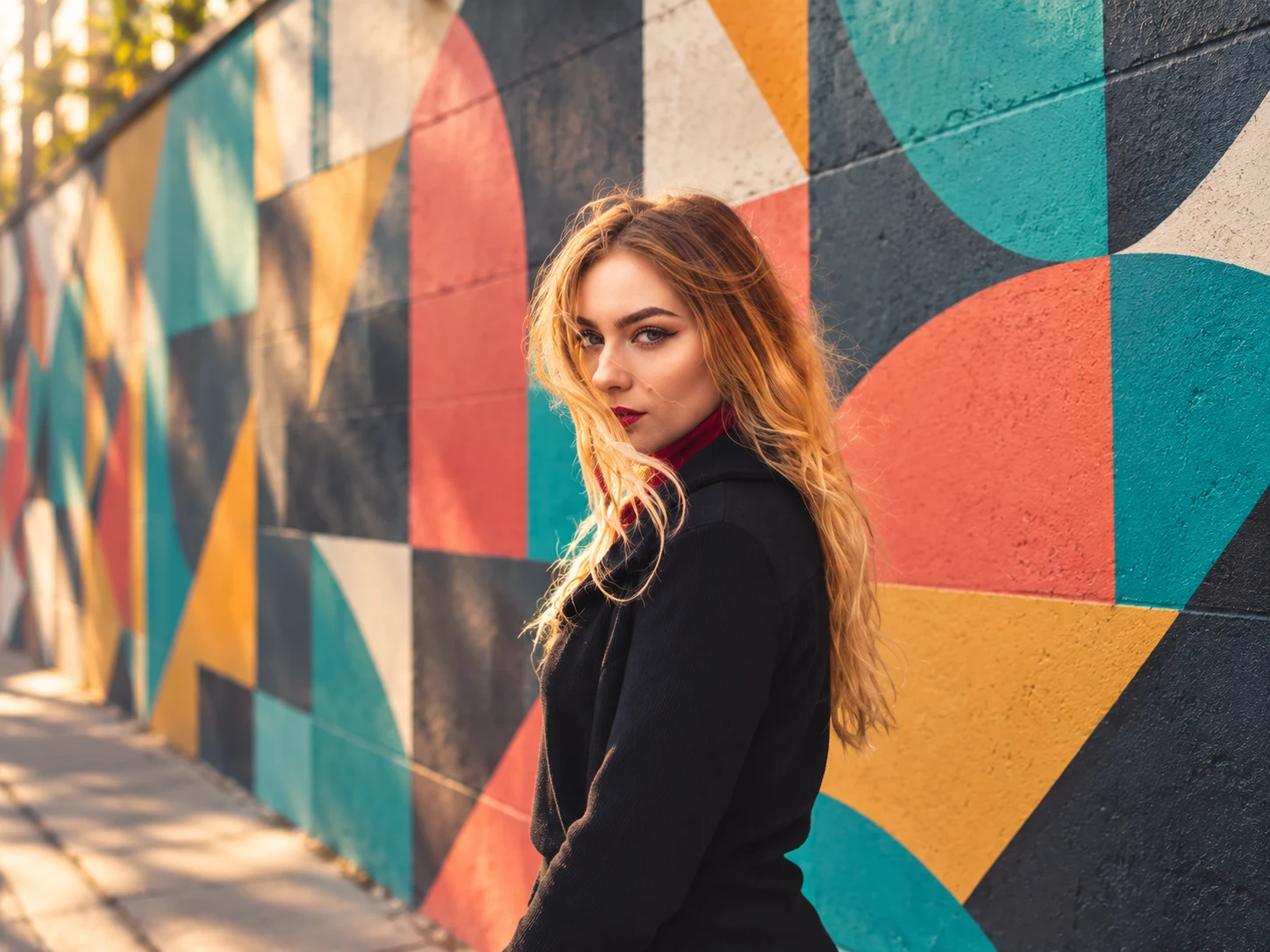
How to Use Photo to Illustration
Upload Your Photo
Choose a clear portrait, pet, landscape, product, or everyday photo. Images with a recognizable subject and balanced lighting provide a stronger base for illustration.
Describe the Illustration Style
Use the default prompt or edit it to guide the linework, colors, mood, shading, and overall artistic direction you want.
Generate and Download
Generate your illustration, review how the main subject and composition were preserved, then download the result for your creative project.
Why Choose Photo to Illustration
Preserve Recognizable Details
Transform the visual style while keeping important facial features, poses, objects, and composition recognizable. The result feels artistic without losing the character of the original photo.
Guide the Style with Natural Language
Adjust the prompt to describe smooth cartoon linework, watercolor texture, storybook color, anime-inspired shading, or another illustration direction that fits your idea.
Illustrate Different Types of Photos
Create illustrations from portraits, pets, landscapes, architecture, products, and everyday moments. One flexible workflow supports personal artwork, social visuals, and creative concepts.
Who Use Qimg AI
Creators
Turn portraits, pets, and memorable moments into distinctive illustrated visuals for posts, stories, and personal projects.
Designers
Explore illustrated concepts, visual references, and stylistic directions before refining them into finished design assets.
Marketers
Create illustrated product visuals, campaign concepts, and social assets that give familiar photos a more expressive visual identity.
FAQs About Photo to Illustration
Photo to illustration is an AI image-editing process that restyles a photograph as drawn artwork. It can introduce linework, simplified shading, artistic colors, and illustrated texture while keeping the original subject and composition recognizable.
You can use portraits, pet photos, landscapes, architecture, products, food, and everyday scenes. Clear subjects, balanced lighting, and sufficient image detail usually produce more coherent illustrations.
Yes. Edit the prompt to describe the linework, color palette, shading, texture, mood, or visual direction you want. This lets you move toward cartoon, watercolor, storybook, anime-inspired, or other illustrated looks.
The conversion is designed to preserve recognizable subjects, facial characteristics, poses, major objects, and composition while changing the rendering style. Stronger style instructions may create a more noticeable artistic transformation.
No. Upload a photo and use the default prompt to begin. If you want a more specific result, describe the artistic qualities you prefer in everyday language before generating again.
Discover More on Qimg AI
Qimg AI is your go-to AI image toolkit for generating, editing, and enhancing photos and artwork.
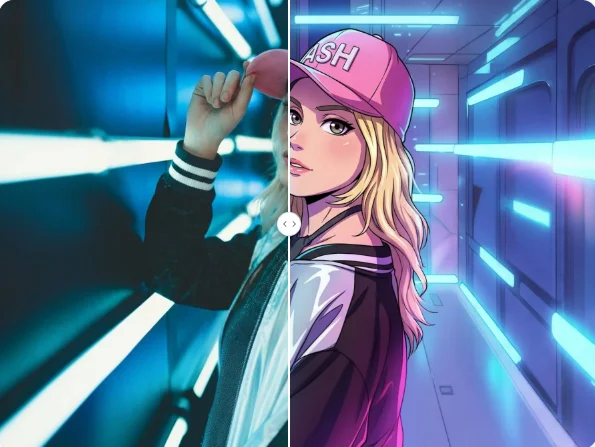
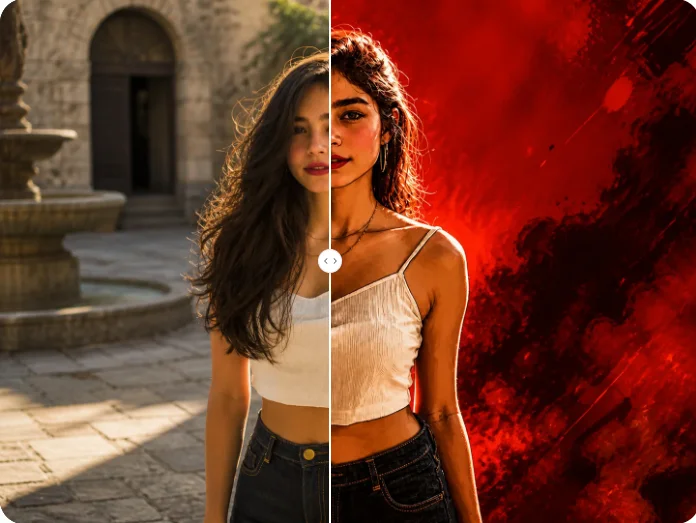
Create Your Photo to Illustration
Upload a photo, shape the illustration style with a prompt, and turn a familiar image into expressive artwork.