
Note: Auto only supports 1K. 1:1 does not support 4K.
Remove Emoji from Photo
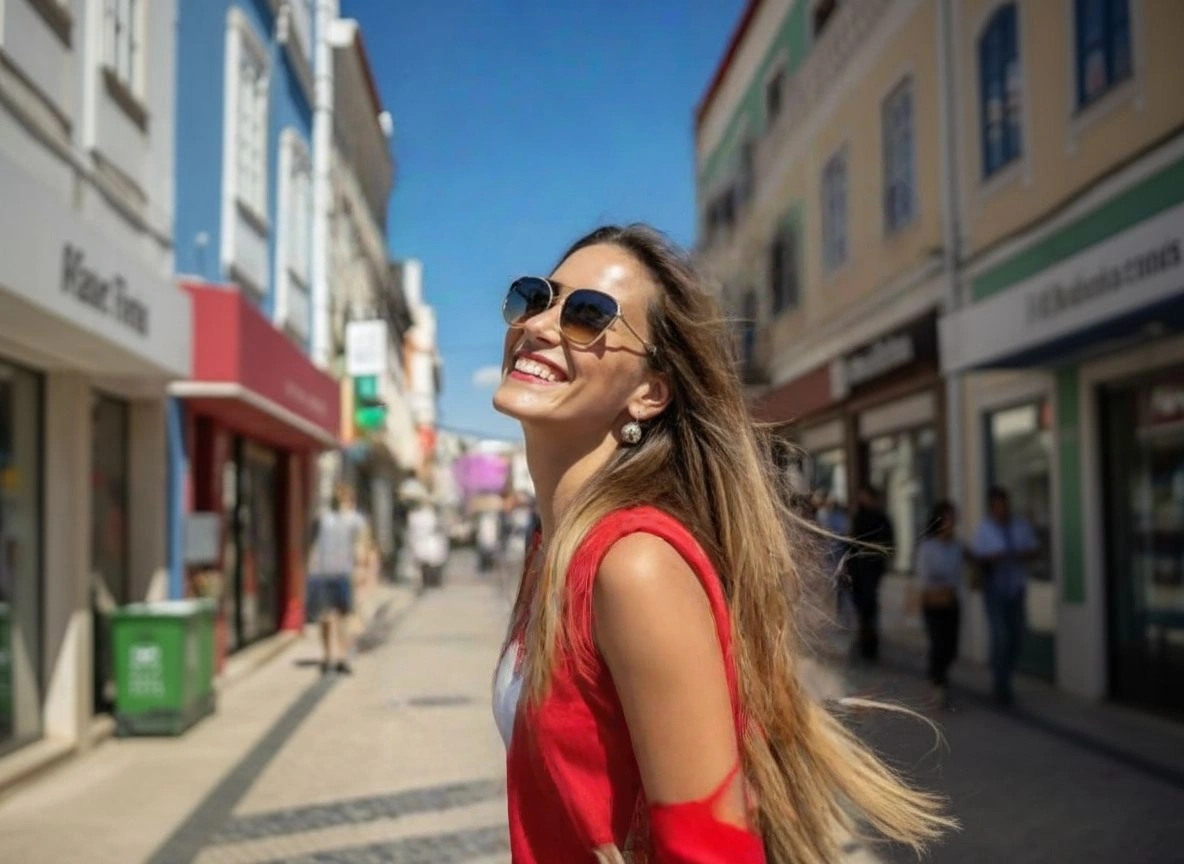
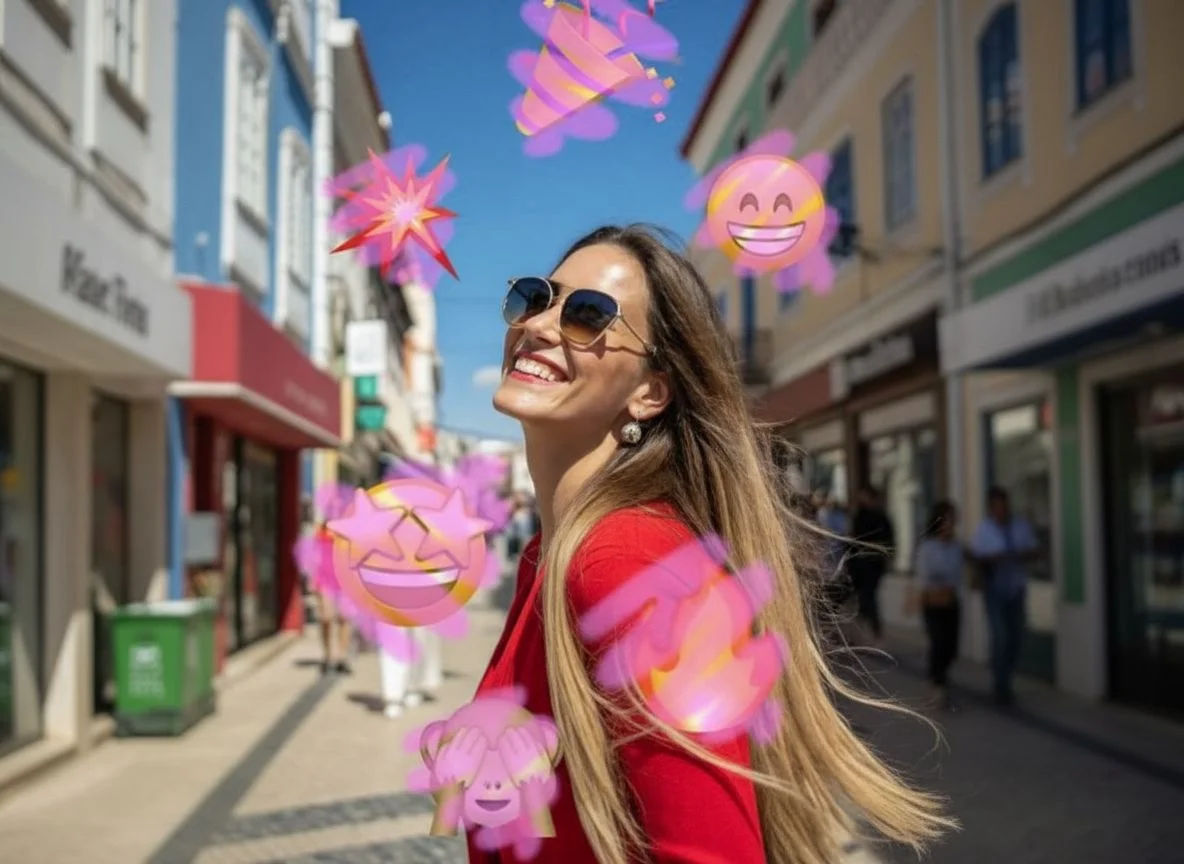
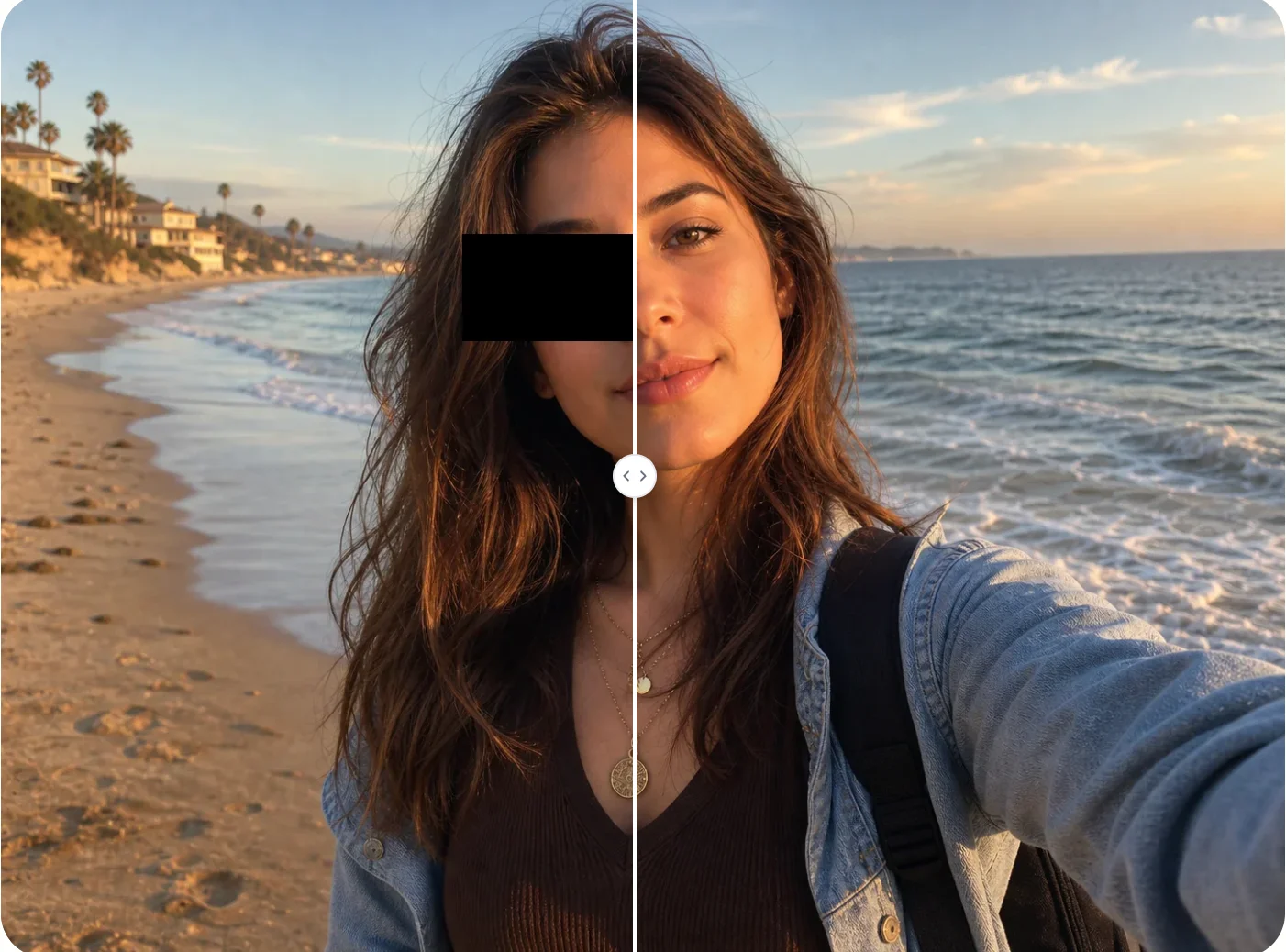
Upload your image, mark the emoji or sticker, and let AI remove it while filling the hidden area with natural-looking details.
How to Use Remove Emoji from Photo
Upload
Upload a photo that contains emojis, stickers, icons, memes, or small unwanted overlays. Use a clear image for better restoration quality.
Generate
Brush over the emoji or describe the area you want to remove. Qimg AI will analyze the surrounding pixels and reconstruct the hidden background or face area.
Download
Preview the cleaned photo, refine the marked area if needed, and download your high-resolution image for social media, archives, or creative projects.
Why Choose Remove Emoji from Photo
Seamless AI Inpainting for Clean Photos
Qimg AI does more than blur the emoji. It uses AI inpainting to understand nearby textures, colors, and patterns, then fills the removed area so the image looks clean and natural.
Works on Emojis, Stickers, and Small Overlays
Remove face emojis, decorative stickers, icons, memes, captions, or distracting overlays from photos. Qimg AI helps clean both portraits and general images with a simple online workflow.
Restore Images Without Complex Editing
You do not need Photoshop skills or manual cloning work. With Qimg AI, you can upload your photo, mark the unwanted emoji, generate the repair, and download a polished result.
Who Use Qimg AI
Creators
Create visuals faster without design skills. Turn ideas into images, thumbnails, social posts, and creative assets in seconds.
Designers
Accelerate your creative workflow. Use Qimg AI to generate concepts, references, and visual directions, then refine them into production-ready designs.
Marketers
Produce high-converting visuals on demand. Create ads, campaign visuals, and branded images quickly.
FAQs about Remove Emoji from Photo
It means deleting emojis, stickers, icons, or overlays from an image and restoring the covered area. Qimg AI uses AI inpainting to fill the missing background or portrait details naturally.
Yes. Qimg AI can help remove emojis, stickers, memes, small text overlays, icons, and other unwanted visual elements from photos.
Qimg AI can generate a realistic-looking repair for face areas covered by emojis. The result may not perfectly reproduce the original hidden face, but it can create a natural restored appearance.
Qimg AI is designed to preserve the overall image quality while repairing the selected area. For best results, upload a clear photo and mark only the emoji or sticker you want removed.
No. Upload your image, mark the unwanted emoji or sticker, and let Qimg AI handle the removal and background reconstruction automatically.
Discover More on Qimg AI
Qimg AI is your go-to AI image toolkit for generating, editing, and enhancing photos and artwork.
Remove Emoji from Photo
Upload your photo and let Qimg AI remove unwanted emojis, stickers, and icons while restoring the hidden area with natural-looking details.