
Censor Remover
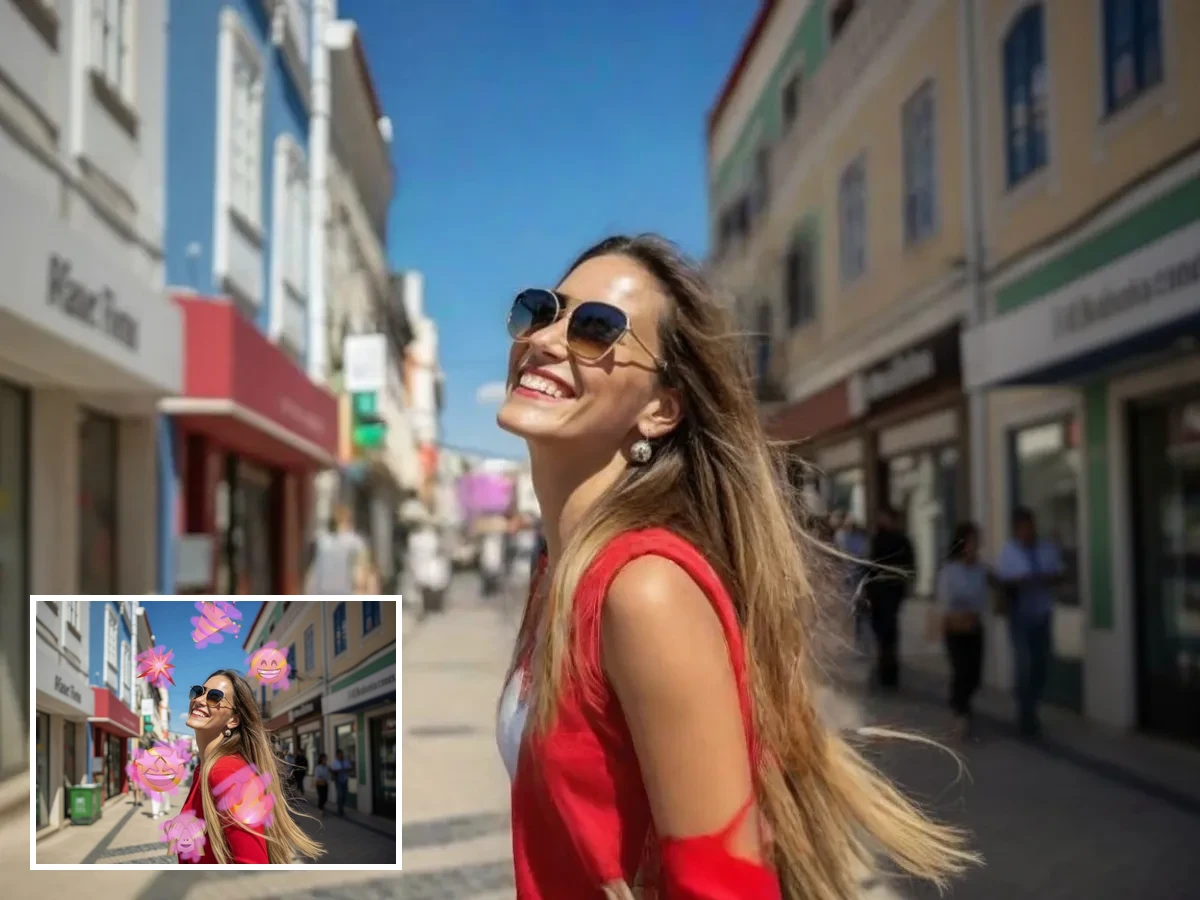
Upload a photo with mosaic, stickers, emojis, or black bars over it — the AI detects the censored area and rebuilds what's underneath with natural texture and lighting.
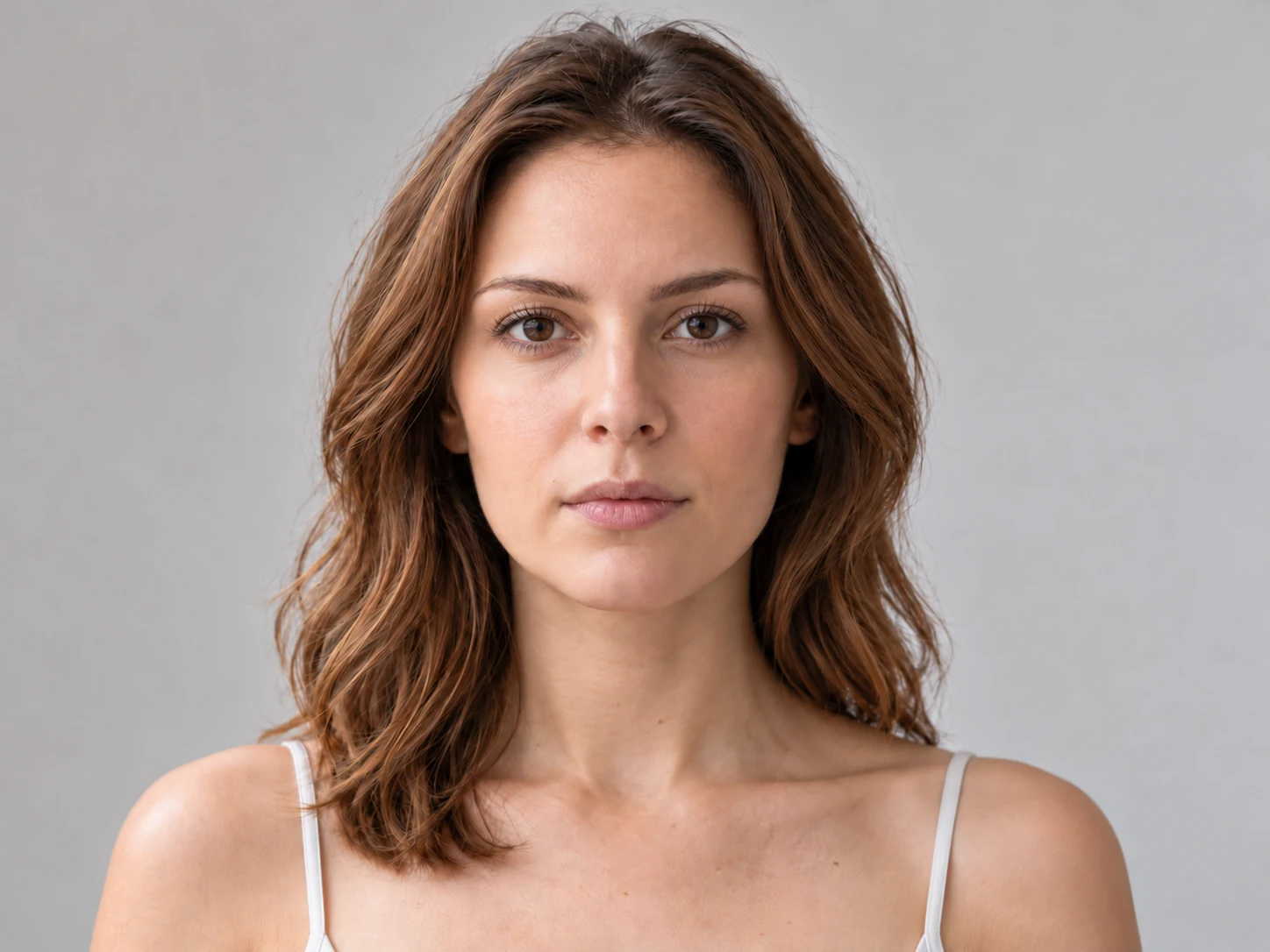
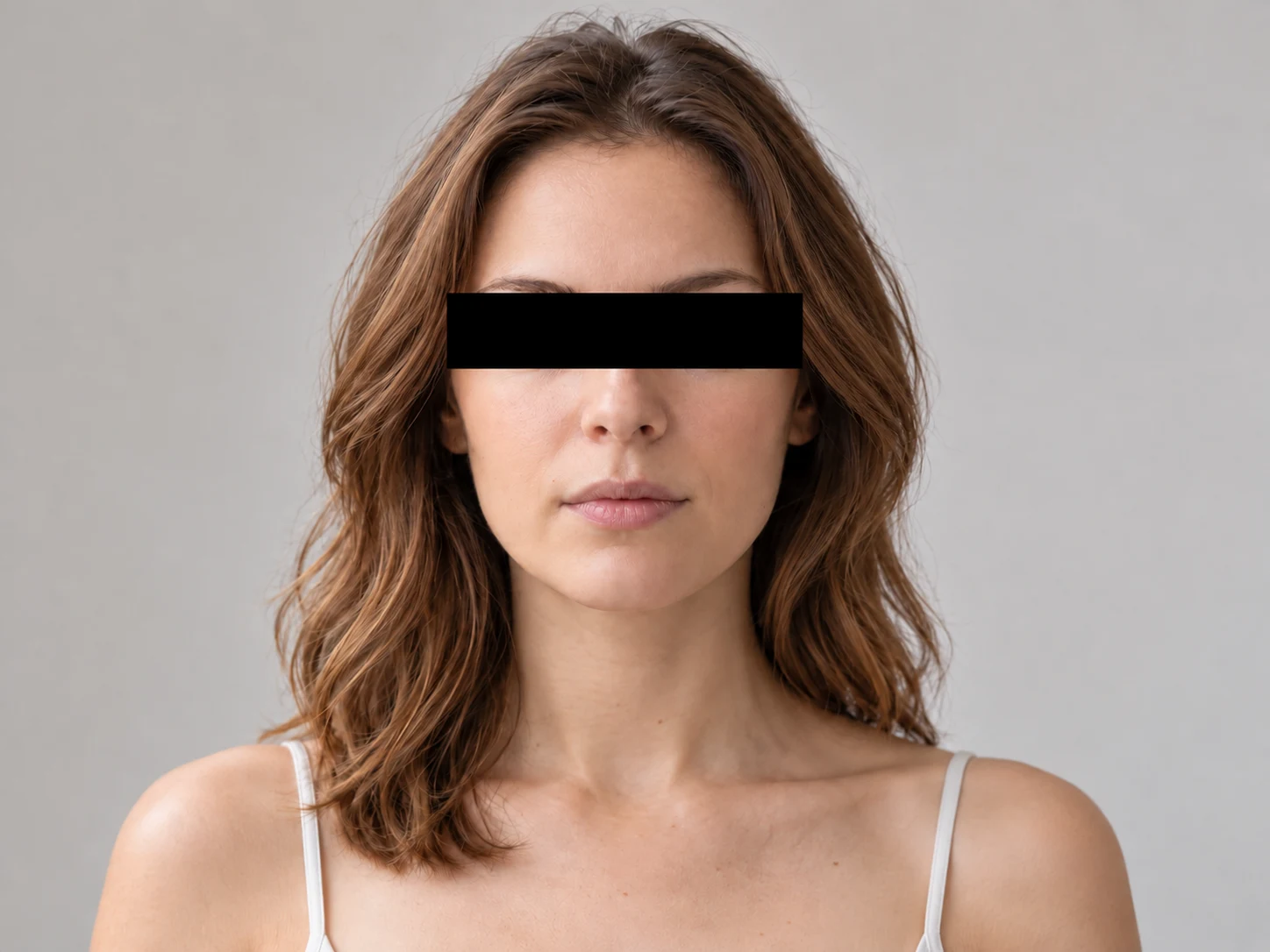
How to Use Censor Remover
Upload
Upload a JPG, PNG, or WebP image with mosaic, blur, stickers, text overlays, or blocked areas. For best results, use clear images you have permission to edit.
Generate
Brush over the censored area or let AI detect the covered region, then click the Generate button to start AI restoration.
Download
Preview the restored image and download the high-resolution result when you are satisfied with the natural cleanup effect.
Why Choose Censor Remover
Natural AI Image Reconstruction
Qimg AI analyzes surrounding colors, lighting, and textures, then fills the covered area with realistic details instead of leaving blurry patches or obvious edit marks.
Remove Multiple Types of Visual Blocks
The censor remover can help clean mosaics, pixelation, blur, black bars, stickers, emojis, and text overlays from appropriate user-owned images.
Browser-Based Editing with Privacy Awareness
Qimg AI works directly in your browser, so you can restore images without complex software. The tool is intended for lawful cleanup of images you own or are authorized to edit.
Who Use Qimg AI
Creators
Create visuals faster without design skills. Turn ideas into images, thumbnails, social posts, and creative assets in seconds.
Designers
Accelerate your creative workflow. Use Qimg AI to generate concepts, references, and visual directions, then refine them into production-ready designs.
Marketers
Produce high-converting visuals on demand. Create ads, campaign visuals, and branded images quickly.
FAQs about Censor Remover
A censor remover is an AI-powered image editing tool that removes visual blocks such as mosaics, blur, stickers, text, or black bars from photos and restores the selected area.
Qimg AI studies the surrounding pixels, colors, textures, and lighting, then uses AI inpainting to generate a natural-looking replacement for the covered area.
You should only use it on images you own, have permission to edit, or are legally allowed to modify. Do not use it to violate privacy, copyright, platform rules, or consent.
Yes. Qimg AI can process common visual blocks, including mosaics, pixelation, stickers, emojis, text overlays, and blackout bars, depending on image quality and complexity.
No. Qimg AI matches the original resolution and sharpness of the surrounding pixels, so the restored area holds up at the same quality as the rest of the image — no soft patches, no pixelation where the cover used to be.
Discover More on Qimg AI
Qimg AI is your go-to AI image toolkit for generating, editing, and enhancing photos and artwork.
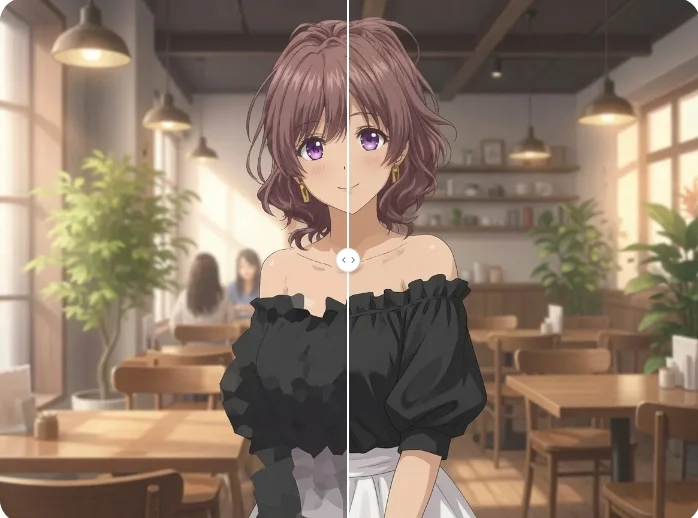
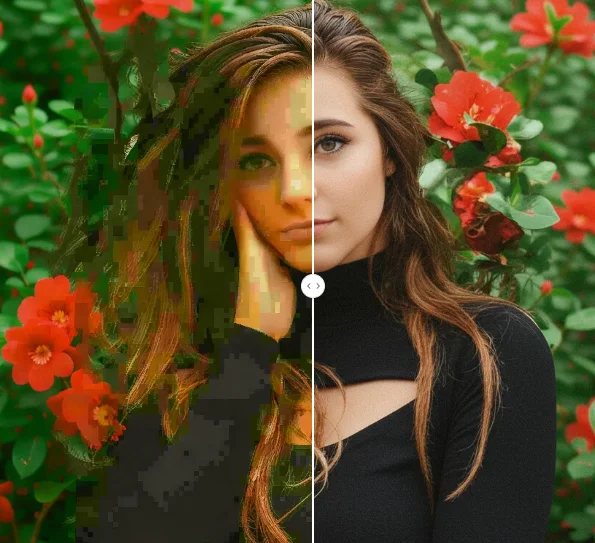
Censor Remover
Clean mosaics, blur, stickers, and blocked areas from authorized images with Qimg AI. Restore photos naturally with AI-powered editing.