
Note: Auto only supports 1K. 1:1 does not support 4K.
3D Text Generator for Custom Typography Art
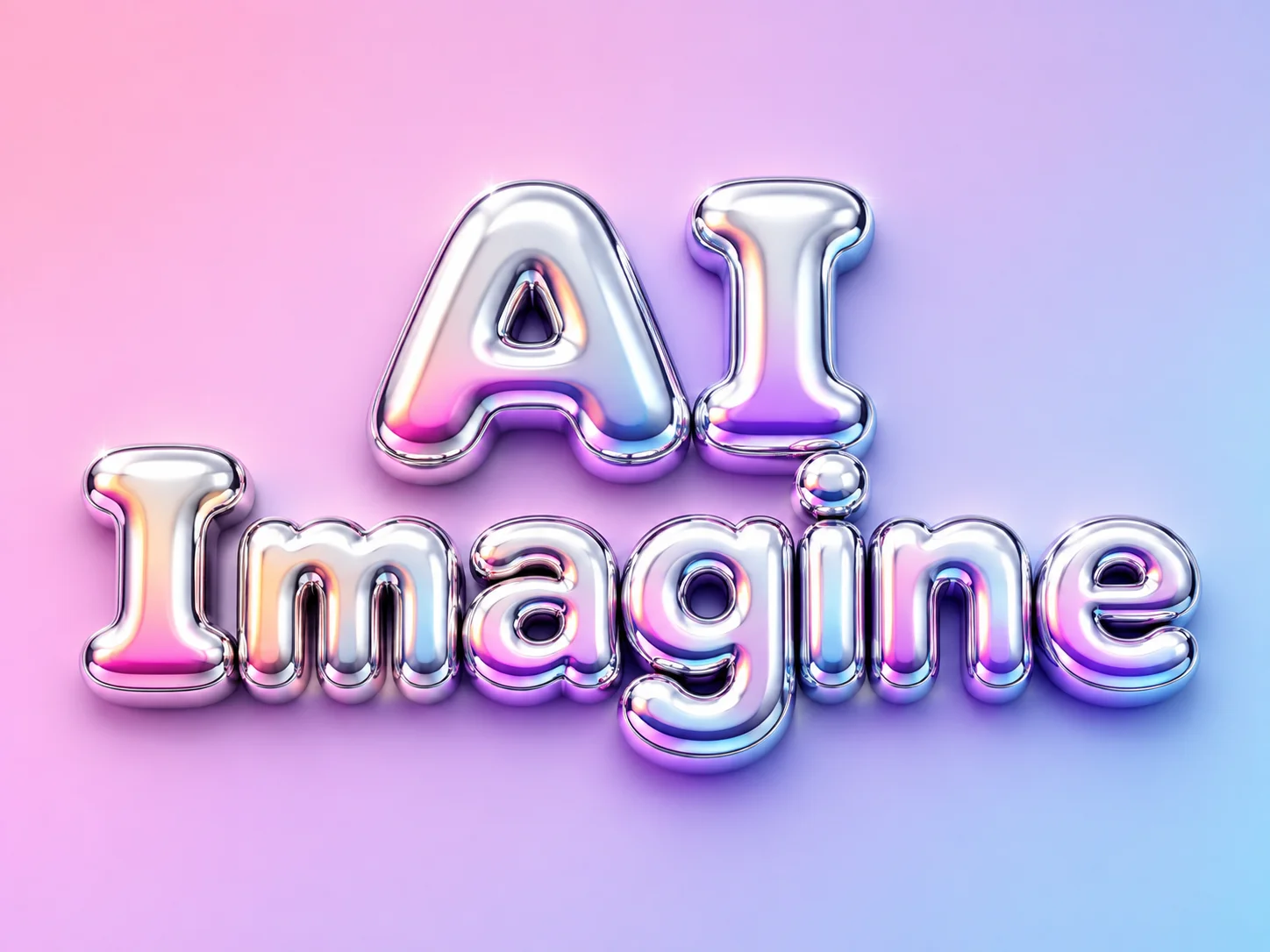
Enter a word or short phrase, then describe the material, colors, lighting, background, and mood. The generator turns your prompt into a dimensional text image with depth, texture, highlights, and shadows for posters, covers, social graphics, or brand concepts.
How to Use the 3D Text Generator
Enter Your Text and Idea
Type the word or short phrase you want to display. Add a clear visual direction such as chrome bubble letters, neon signage, glass typography, or a retro title.
Describe the 3D Style
Specify the material, color palette, letter shape, lighting, camera angle, background, and mood. Short, readable text and concrete style details usually provide a clearer creative direction.
Generate and Refine
Generate your image, review the lettering and composition, then adjust the prompt if you want a different material, stronger contrast, or another layout. Save the result that best fits your project.
Why Choose Our 3D Text Generator
Turn Plain Words into Dimensional Visuals
Move beyond a flat font preview. Describe the look in everyday language and create typography with visible depth, material, lighting, and background atmosphere—without building a 3D scene manually.
Explore Materials and Art Directions
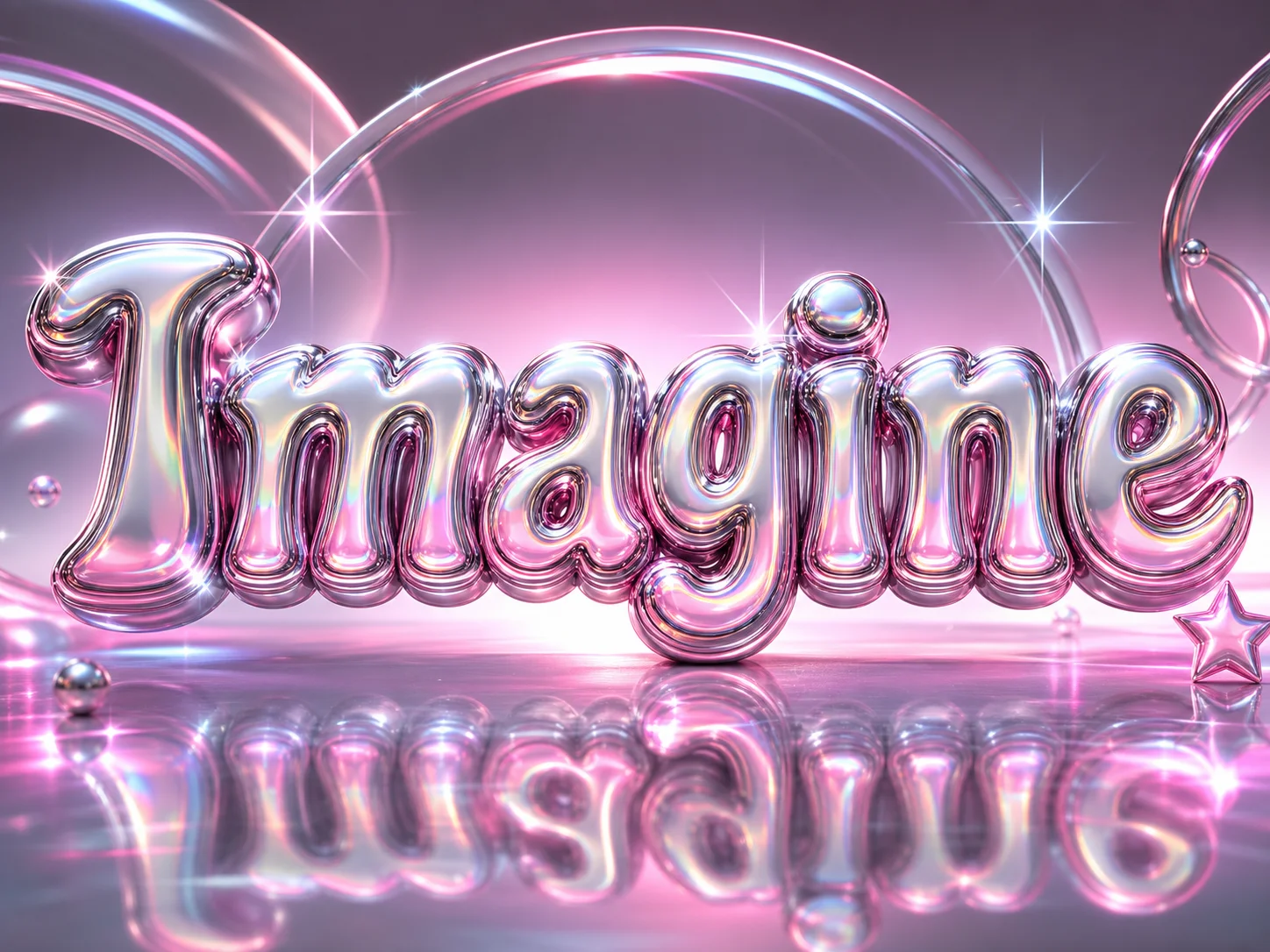
Reimagine the same word as chrome, neon, glass, gold, bubble, graffiti, cyberpunk, or retro-inspired text. Change the prompt to test new colors, surfaces, shadows, and moods without rebuilding the design.
Create Text Art for Everyday Projects
Develop visual directions for poster headlines, cover art, social posts, campaign graphics, title cards, and early logo concepts. Refine the prompt until the composition and lettering suit the intended format.
Who Use Qimg AI
Creators
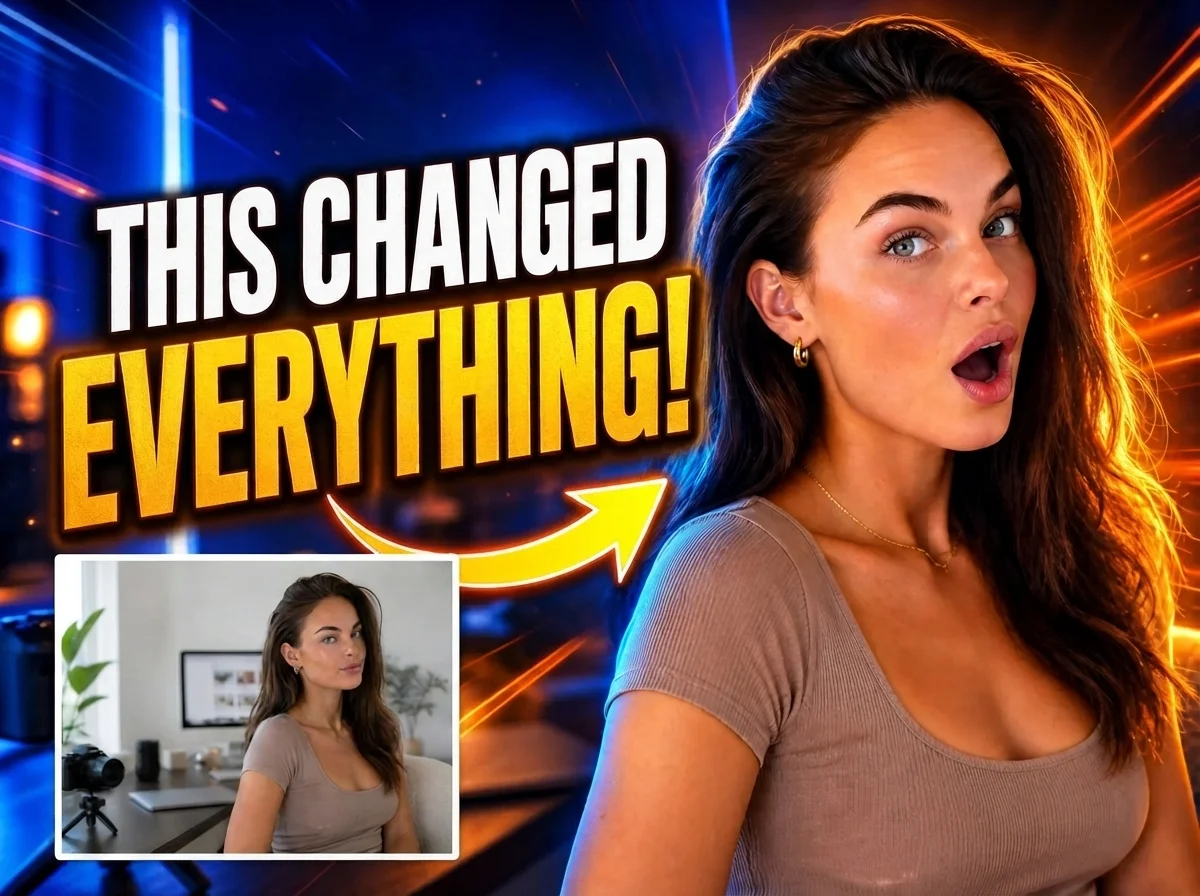
Create bold titles for thumbnails, covers, posts, and personal projects. Turn a short phrase into distinctive 3D word art without setting up a complex design workflow.
Designers
Explore materials, lighting, lettering, and composition during early concept work. Generate visual references that can guide a more polished production design.
Marketers
Develop attention-grabbing text concepts for campaign graphics, promotions, social posts, and branded content while testing different visual moods quickly.
FAQs About the 3D Text Generator
A 3D text generator turns written text and visual instructions into an image of dimensional typography. You can describe depth, material, lighting, color, background, and mood to shape the result.
Start with a short word or phrase, then name the material, letter shape, lighting, background, and viewing angle. Keep the requested text clear and use quotation marks when you need the exact wording to appear.
You can prompt for chrome, neon, glass, gold, bubble, ice, fire, graffiti, cartoon, Y2K, cyberpunk, retro, and many other looks. Combine a material with lighting and background details for a more focused direction.
They can support poster headlines, cover concepts, social graphics, title cards, promotional visuals, and early branding ideas. Review usage rights and brand requirements before using any concept in a commercial identity.
Yes. Revise the prompt to clarify the exact text, simplify the phrase, change the material, strengthen contrast, or specify another composition. Generate a new version and compare the results before choosing one.
Discover More on Qimg AI
Qimg AI is your go-to AI image toolkit for generating, editing, and enhancing photos and artwork.
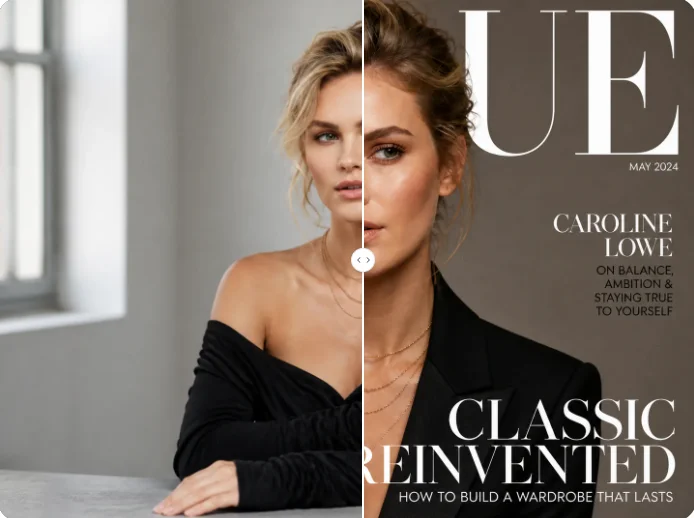
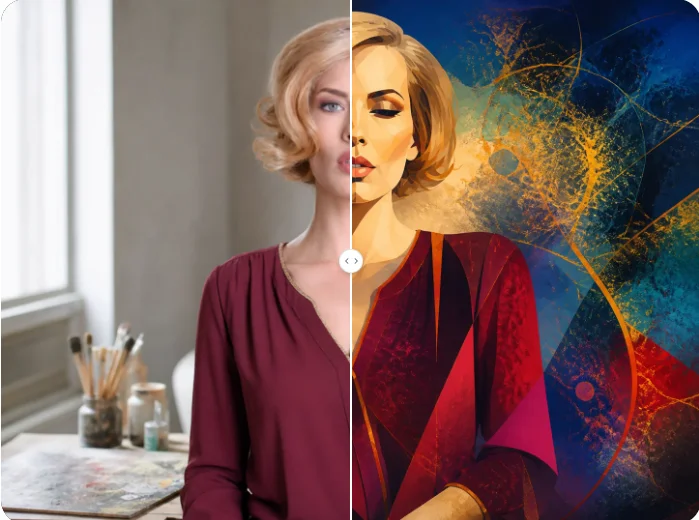
Create Dimensional Text That Stands Out
Turn your words and style ideas into custom 3D typography for posters, covers, social graphics, and creative concepts with Qimg AI.