
Note: Auto only supports 1K. 1:1 does not support 4K.
Abstract Art Generator
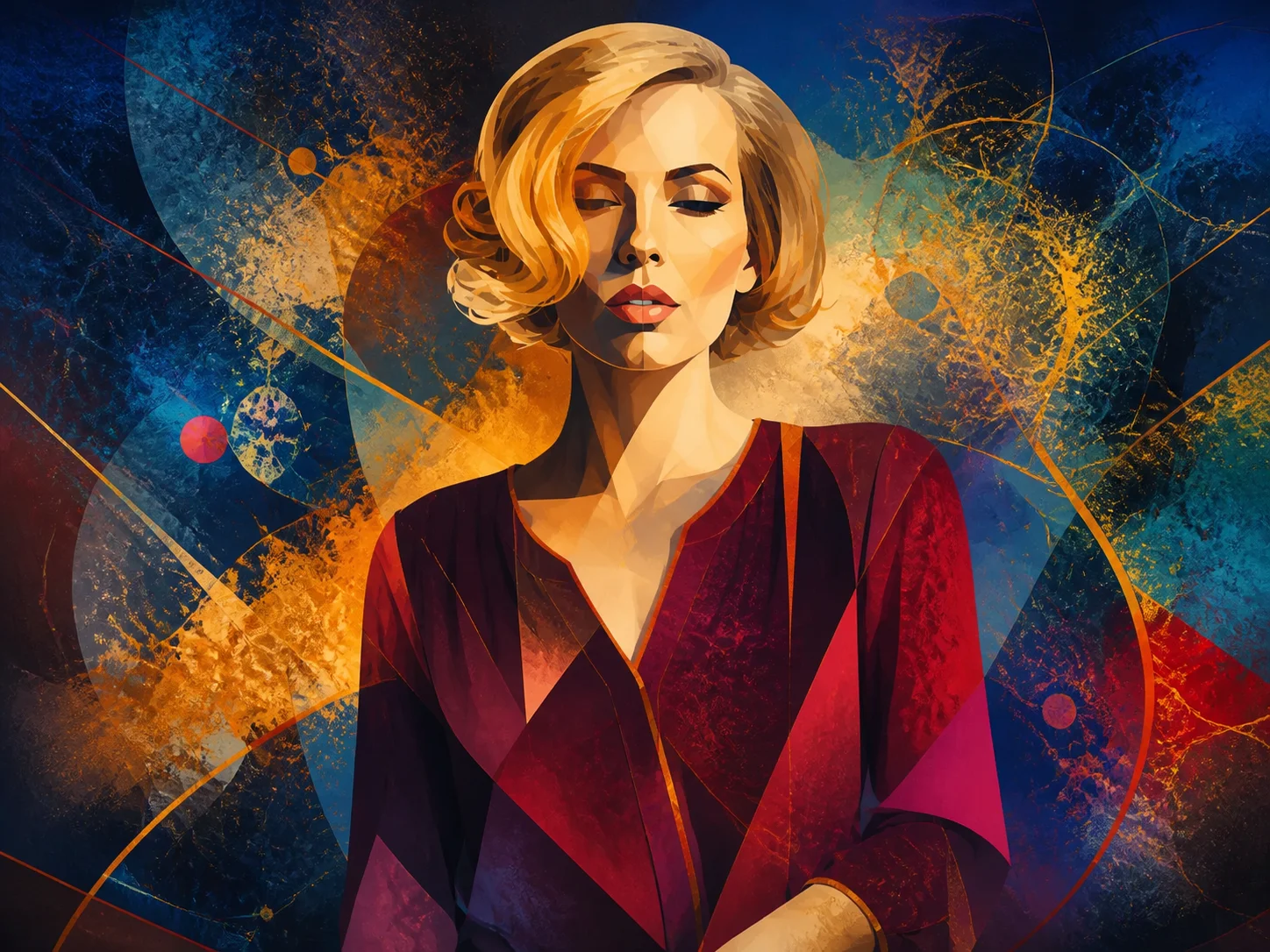
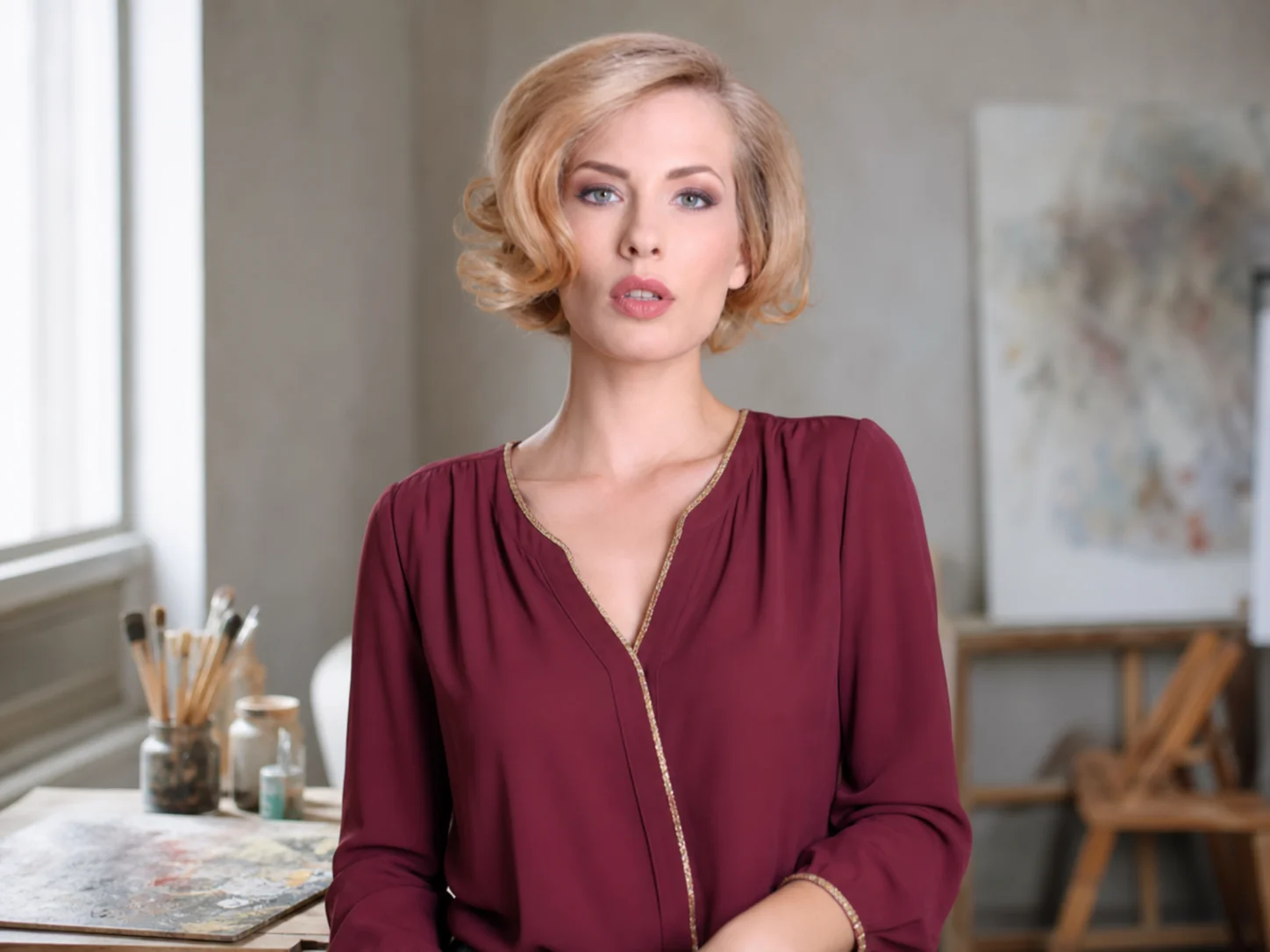
Upload a photo and describe the artistic direction you want. Transform the subject and background into a cohesive abstract composition with expressive colors, geometric forms, layered textures, and painterly light.
How to Use Abstract Art Generator
Upload Your Photo
Choose a clear portrait, object, landscape, or scene that provides a recognizable subject and useful visual structure for the transformation.
Generate Abstract Art
Describe the colors, mood, shapes, textures, and level of abstraction you want, then generate a new artistic interpretation of the uploaded image.
Download Your Artwork
Review the composition and save the finished abstract image for posters, backgrounds, social content, prints, or personal projects.
Why Use Abstract Art Generator
Turn Photos into Original Abstract Compositions
Reinterpret a familiar subject through bold silhouettes, geometric forms, layered figures, fractal-like details, and painterly textures. Each result builds a new visual identity from the uploaded image.
Control Color, Mood, and Visual Energy
Guide the result with a specific palette, emotional direction, contrast level, and texture style. Create calm minimal pieces, vivid color storms, or dramatic gallery-inspired portraits.
Create Versatile Art for Creative Projects
Generate abstract visuals for posters, mood boards, social backgrounds, album artwork, presentation graphics, branded concepts, or personal display without manually rebuilding every shape and texture.
Who Use Qimg AI
Creators
Turn portraits and everyday photos into distinctive abstract visuals for social posts, covers, profile content, and personal art projects.
Designers
Explore color systems, geometric structures, textures, and expressive compositions as references for posters, layouts, and broader visual directions.
Marketers
Produce attention-grabbing abstract assets for campaigns, branded backgrounds, event graphics, and creative promotional concepts.
FAQs About Abstract Art Generator
An abstract art generator uses AI to reinterpret a photo or visual idea through color, shape, texture, composition, and painterly effects. It creates a new artwork rather than applying a single fixed photo filter.
Photos with a clear subject, readable silhouette, useful contrast, and enough visual detail generally provide stronger source material. Portraits, landscapes, objects, architecture, and everyday scenes can all work.
Yes. Describe the palette, mood, shapes, textures, lighting, and artistic direction in the prompt. More specific visual guidance helps the generator create a result closer to your intended style.
Recognition depends on the requested abstraction level. You can preserve the overall pose, silhouette, and key facial structure while softening realistic details into geometric shapes, layered forms, or painterly patterns.
Use it for posters, backgrounds, mood boards, social graphics, album artwork, presentation visuals, creative references, personal prints, and other projects that benefit from expressive original imagery.
Discover More on Qimg AI
Qimg AI is your go-to AI image toolkit for generating, editing, and enhancing photos and artwork.
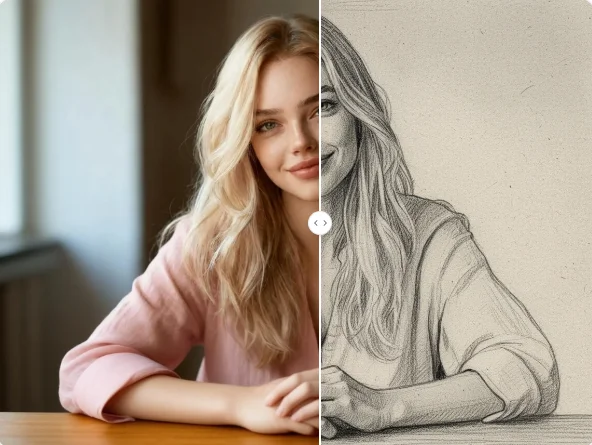
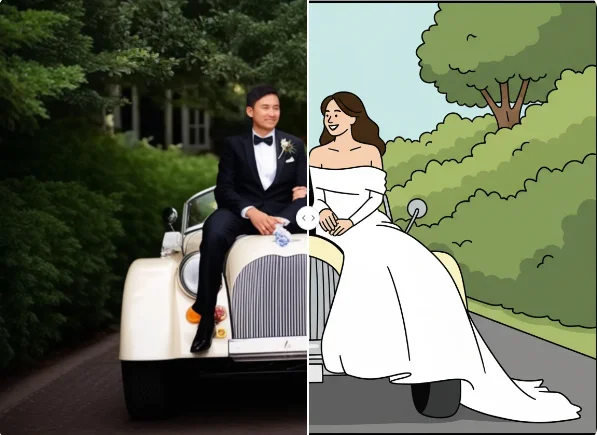
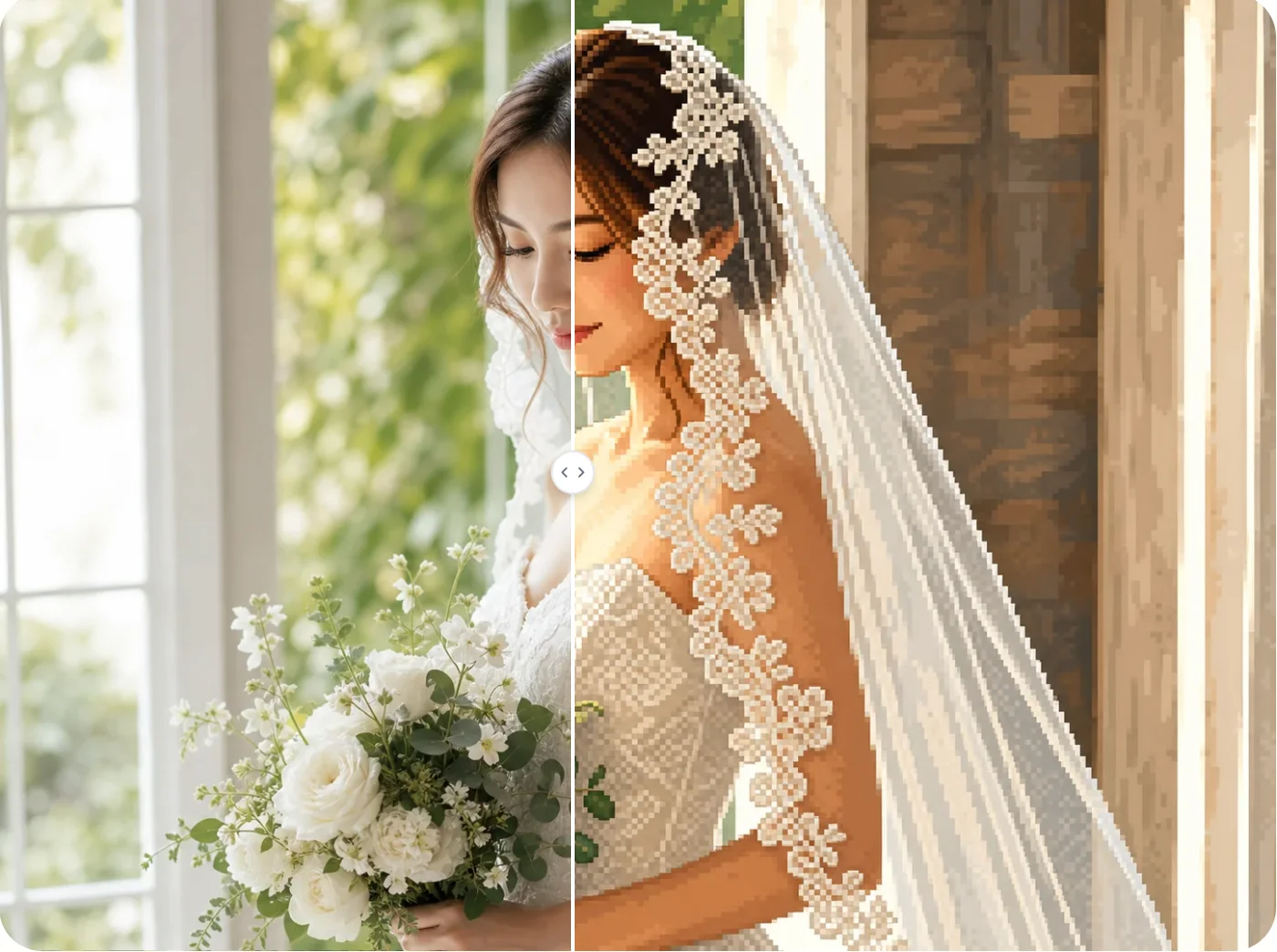
Create Your Own Abstract Artwork
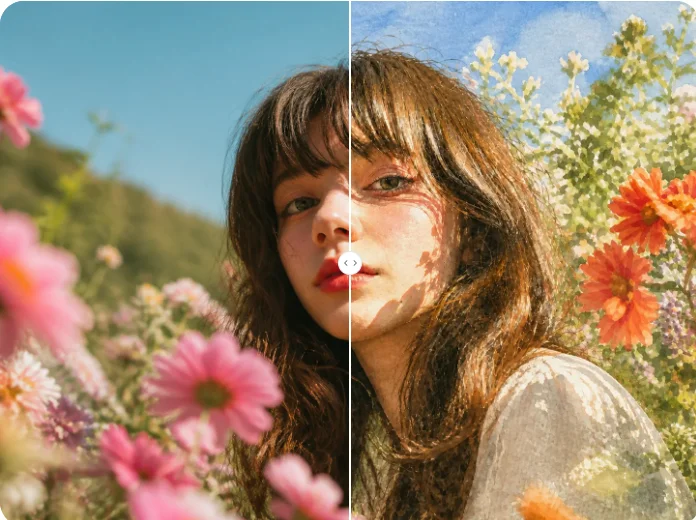
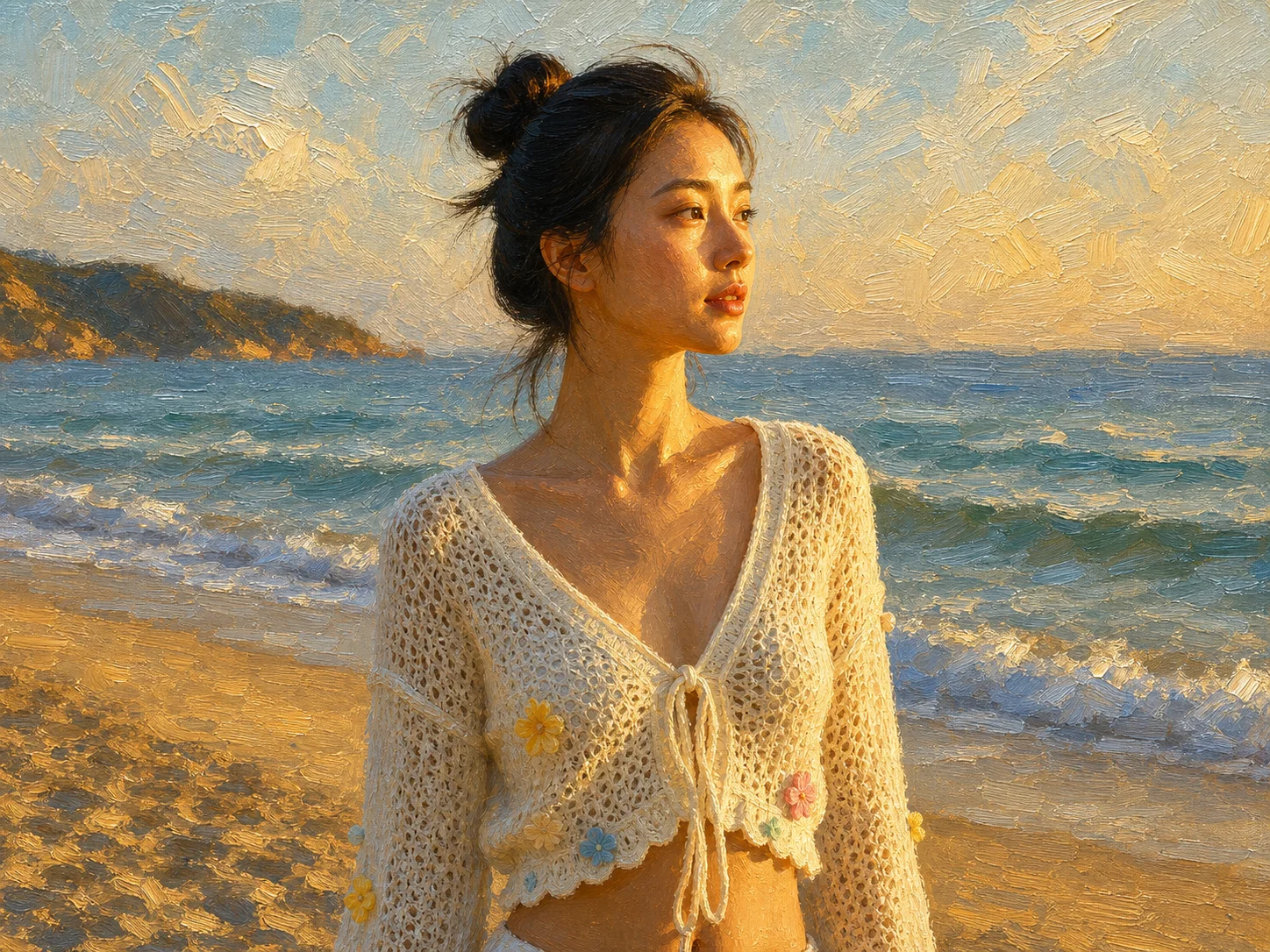
Upload a photo and transform its subject, colors, and surroundings into a cohesive abstract composition shaped by your creative direction.