
Note: Auto only supports 1K. 1:1 does not support 4K.
Add Deceased Loved One to Photo
Upload a base photo and clear reference photos of the people you want to include. Adjust the editable prompt to guide the pose, relationship, setting, and visual style, then create a respectful group portrait with recognizable faces and a cohesive composition.
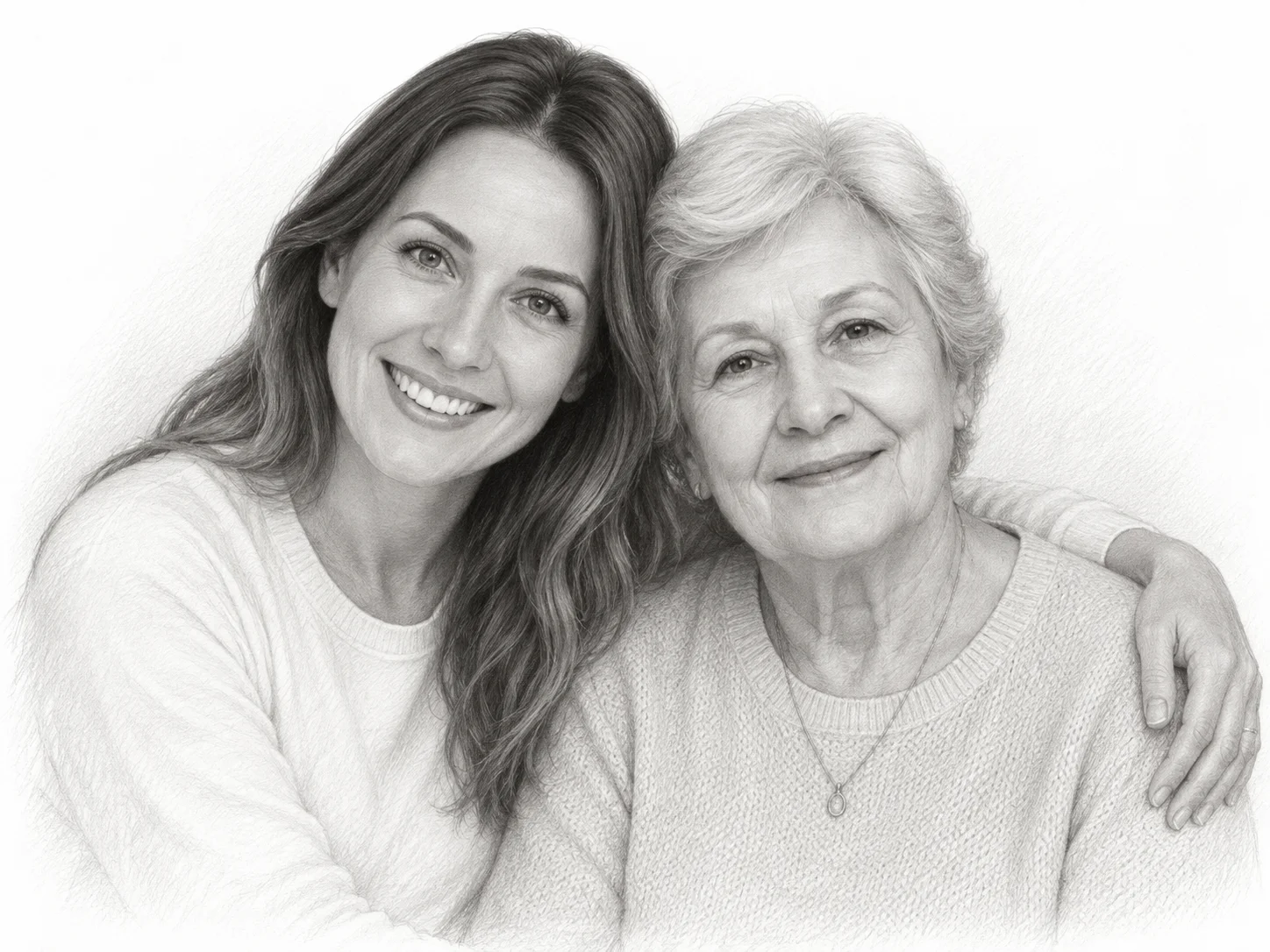
How to Add Deceased Loved One to Photo
Upload Your Photos
Add a base photo and a clear image of your loved one. You can upload up to five images when you want to include more people or provide additional references.
Describe the Memorial Portrait
Use the default prompt or edit it to specify how the people should appear together, including their pose, placement, setting, and preferred photo or illustration style.
Generate and Download
Generate the image, review how the faces and composition come together, then download the result you want to keep, share, or print.
Why Choose Add Deceased Loved One to Photo
Preserve Recognizable Facial Details
The AI uses each uploaded image as an identity reference, helping the people in the finished portrait remain recognizable while bringing them into one shared scene.
Create a Cohesive Group Composition
Scale, placement, lighting, shadows, and visual texture are balanced across the image so the final portrait feels like one intentional composition instead of separate photos placed together.
Adapt the Result to Meaningful Moments
Edit the prompt to create a family portrait, wedding keepsake, remembrance image, or illustrated tribute that reflects the mood and style you want.
Who Use Qimg AI
Creators
Create thoughtful memorial portraits and tribute artwork from separate reference photos, with an editable prompt for controlling the final visual direction.
Designers
Build a clear starting composition for albums, framed keepsakes, ceremony displays, and other remembrance projects before refining the final layout.
Marketers
Prepare respectful visual concepts for memorial services, family-history projects, and personalized keepsake campaigns without manually compositing every portrait.
FAQs About Add Deceased Loved One to Photo
Upload a base photo and a clear reference image of your loved one, then review or edit the prompt to describe the intended pose, setting, and style. The AI uses the uploaded faces as references and creates a new combined portrait.
You can upload up to five images. Two clear images are enough for a simple portrait of two people, while additional references can help when you want to include more family members.
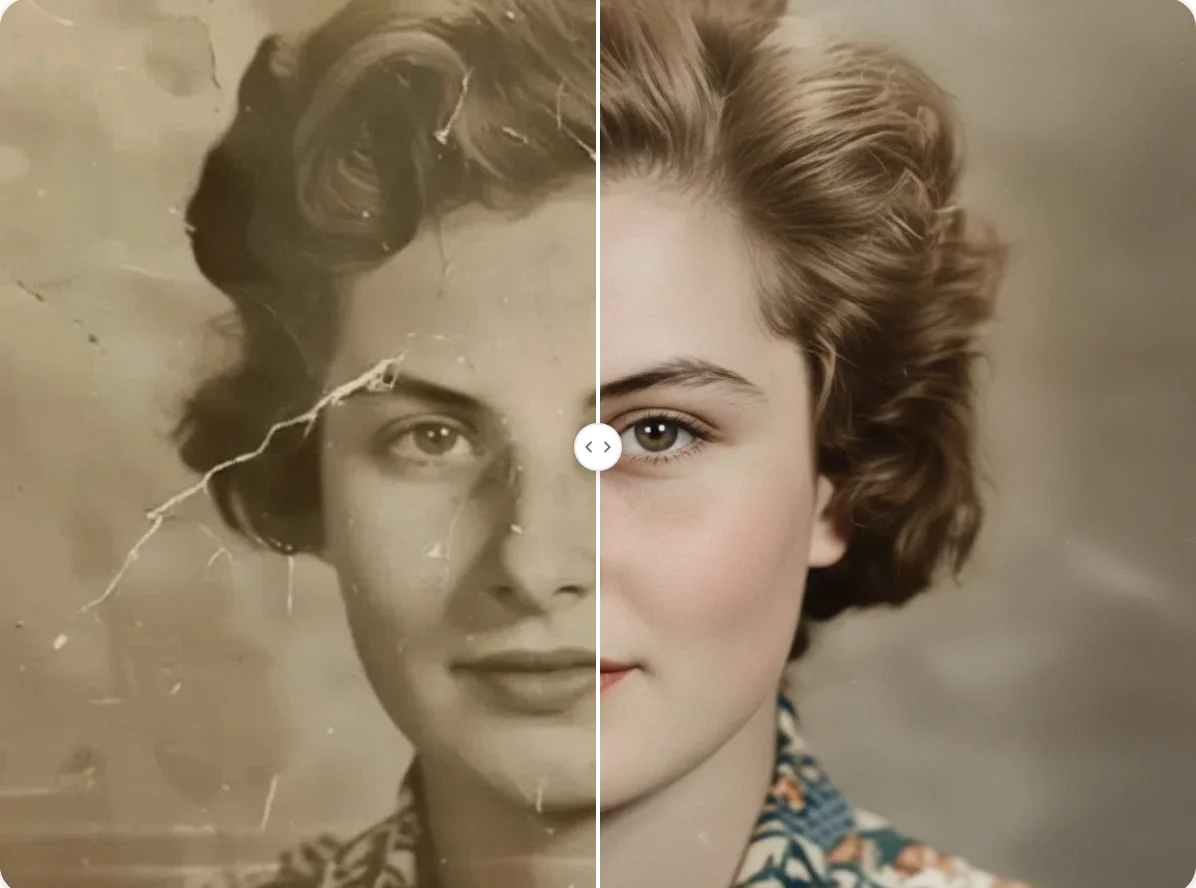
Yes, but a clear, front-facing image usually provides a stronger identity reference. If the only available photo is old or slightly damaged, use the best-quality scan or photograph you have and describe the intended result clearly in the prompt.
The tool aims to coordinate facial identity, scale, placement, lighting, and texture across the composition. Results still depend on the clarity and angle of the uploaded photos, so using compatible references can improve visual consistency.
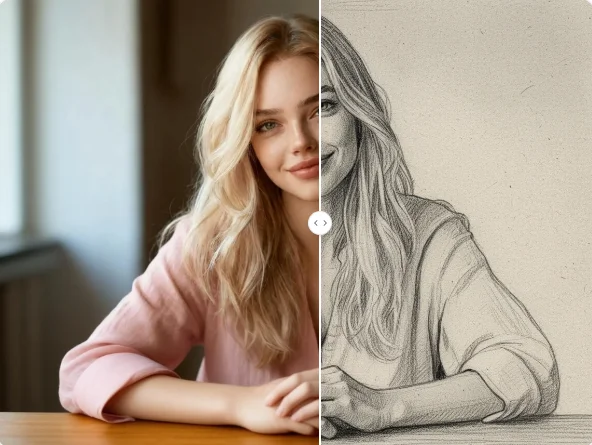
Yes. Start with the editable default prompt inspired by a close, black-and-white pencil portrait, or replace the style details with a realistic photo, soft painting, or another respectful visual treatment.
Discover More on Qimg AI
Qimg AI is your go-to AI image toolkit for generating, editing, and enhancing photos and artwork.
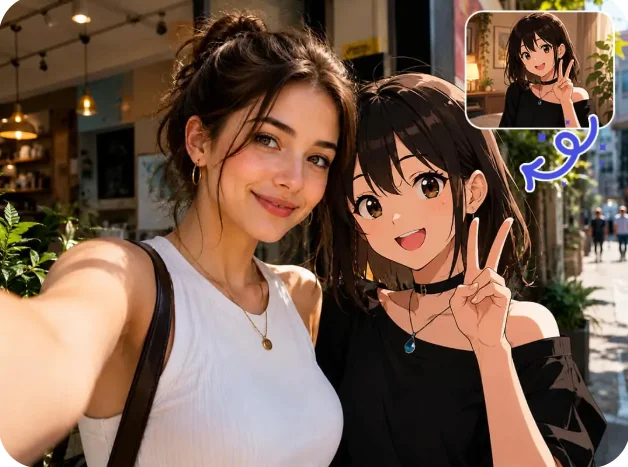
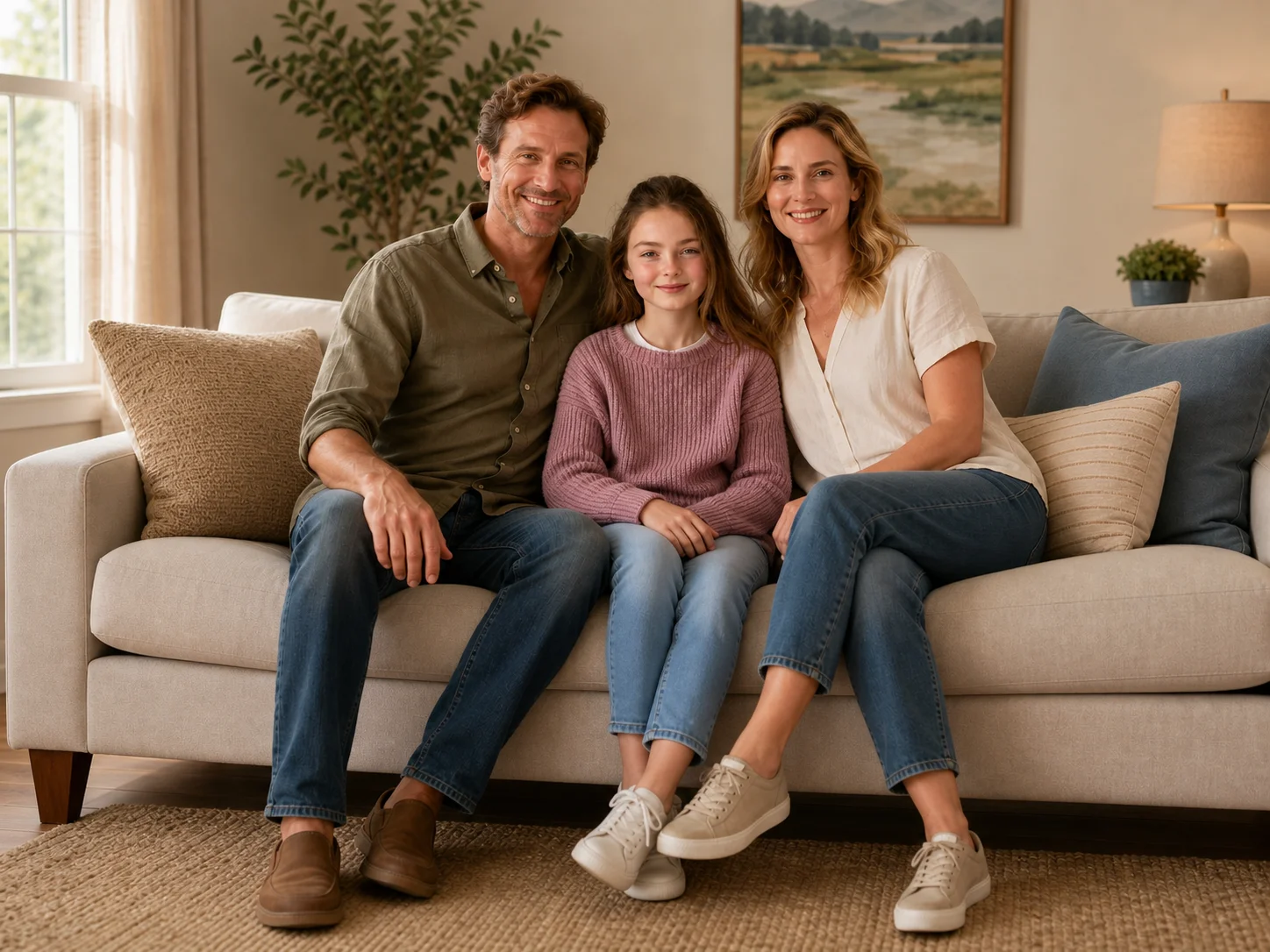
Add Deceased Loved One to Photo
Bring separate photos together in a meaningful memorial portrait, with an editable prompt for the people, composition, and style you want to preserve.