
Note: Auto only supports 1K. 1:1 does not support 4K.
AI Dating Photos That Still Look Like You
Upload a clear selfie or portrait, then use the prompt to describe the setting, lighting, outfit, and mood you want. Generate a polished dating profile photo with believable portrait detail, a cleaner composition, and a recognizable version of you.
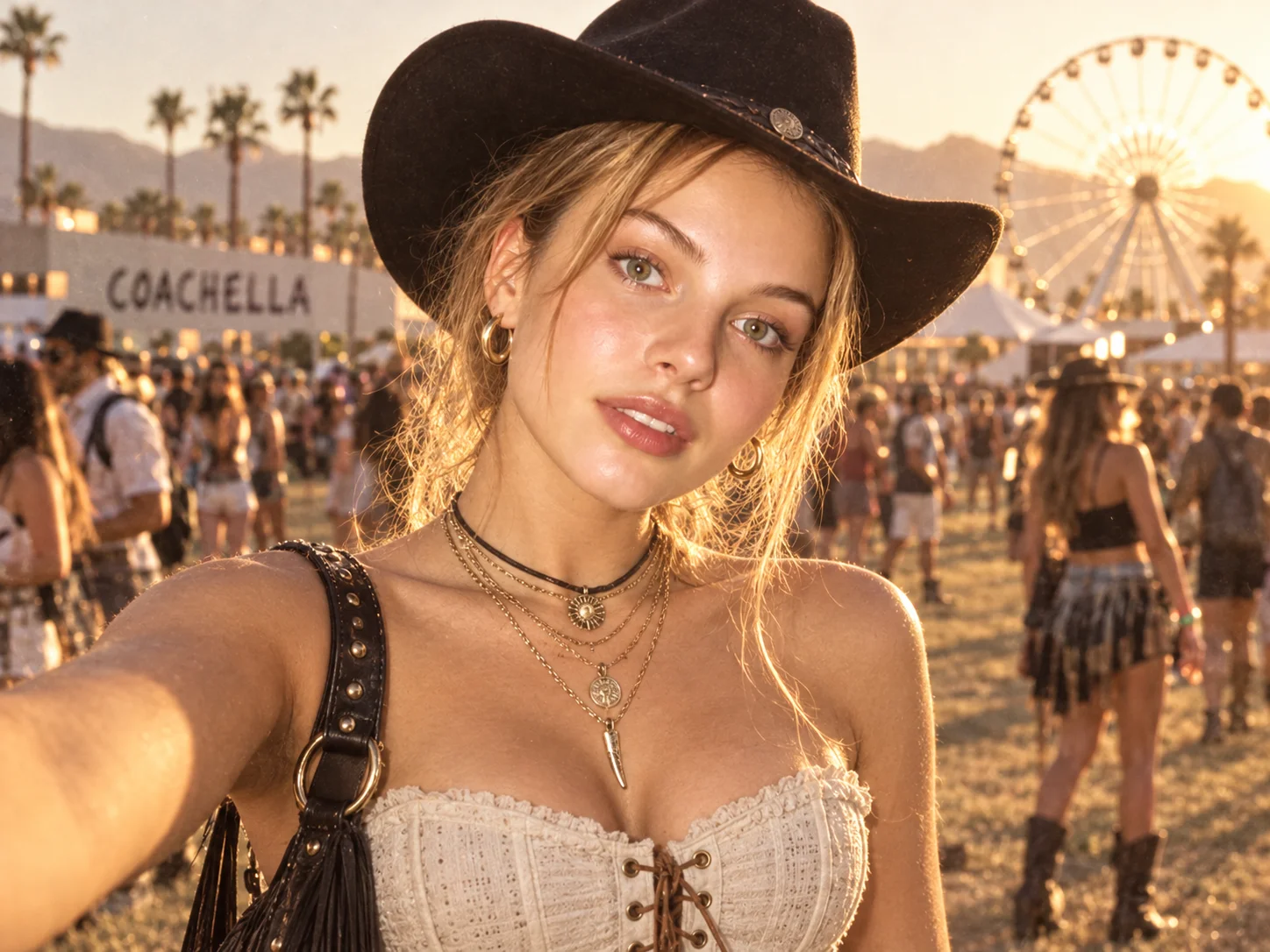
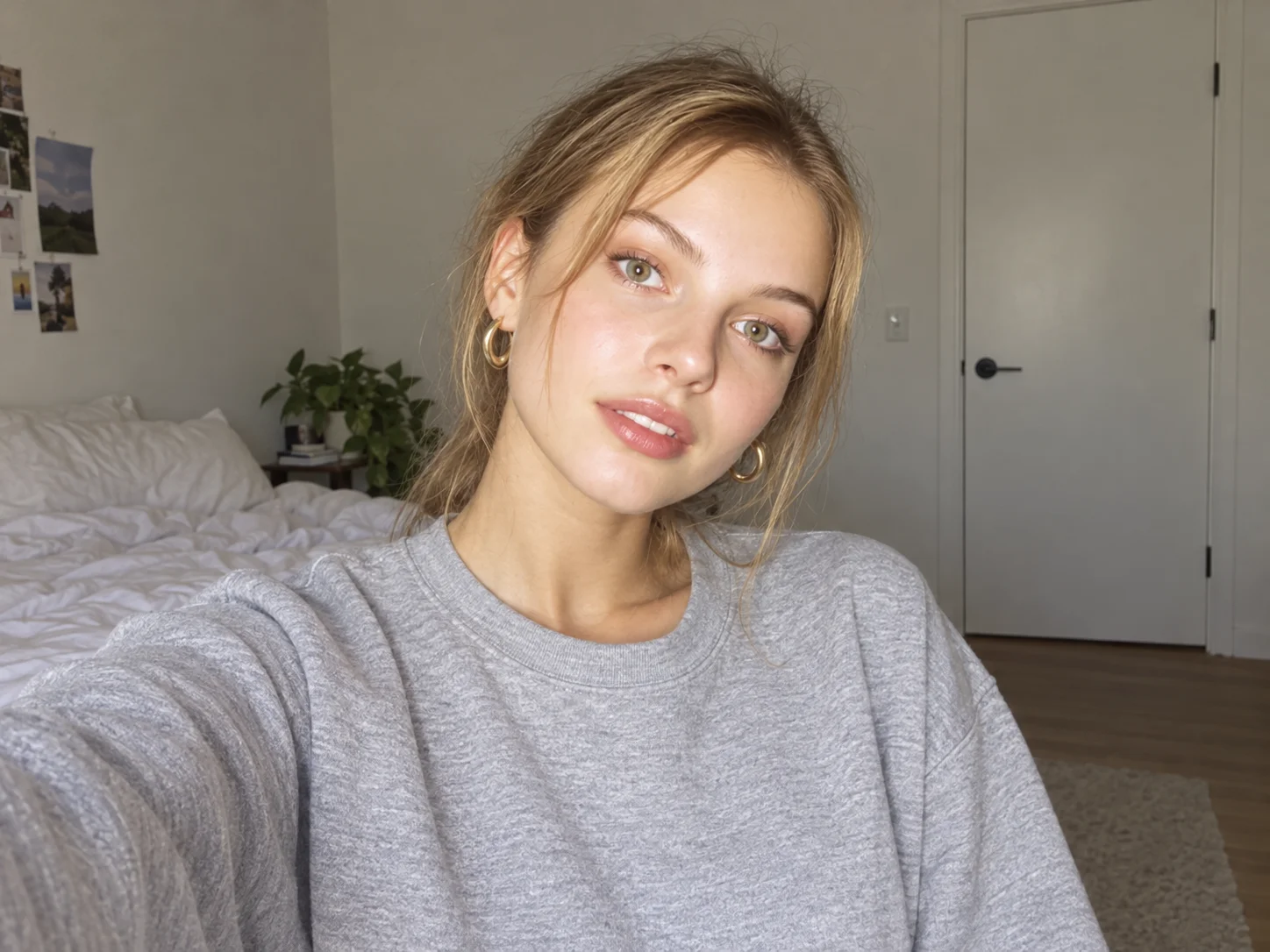
How to Create AI Dating Photos
Upload a Clear Portrait
Choose a well-lit selfie or portrait where your face, expression, and key features are easy to see. A clear source image gives the edit a stronger identity reference.
Describe Your Profile Look
Adjust the prompt to define your preferred environment, wardrobe, lighting, and portrait mood, from a friendly lifestyle scene to a refined editorial look.
Generate and Review
Generate the photo, confirm that your identity still looks recognizable and the scene feels believable, then download the result that best suits your profile.
Why Create AI Dating Photos Here
Natural Identity Preservation
Enhance the overall portrait while keeping facial structure, expression, and personal features recognizable, helping the result feel like a polished photo rather than a synthetic face.
Believable Lifestyle Settings
Reframe an ordinary selfie as a coffee-shop portrait, outdoor moment, travel scene, or editorial image with lighting and background details that work together naturally.
Profile-Ready Portrait Styling
Improve lighting, background clarity, composition, and wardrobe direction so dating profile photos look intentional, approachable, and visually consistent.
Who Use Qimg AI
Creators
Turn everyday portraits into polished profile images and lifestyle visuals without arranging a full photo shoot for every new concept.
Designers
Explore portrait settings, wardrobe directions, and lighting concepts while preserving a recognizable subject across visual drafts.
Marketers
Create approachable portrait concepts for profile-led campaigns, creator assets, and social content with a consistent visual direction.
FAQs About AI Dating Photos
AI dating photos are profile portraits created by transforming an uploaded selfie or photo with image-to-image generation. The process can improve lighting, composition, background, wardrobe direction, and overall polish while using the original person as the identity reference.
It is designed to preserve recognizable facial structure and personal features, especially when you start with a clear, front-facing reference. Because generated images can vary, review the face, hands, clothing, and scene before adding the photo to a profile.
Use a clear selfie or portrait with good visibility around the face, a natural expression, and enough image detail. Avoid heavily blurred, strongly filtered, obstructed, or extremely low-resolution images when identity consistency matters.
Yes. Edit the prompt to request different environments, lighting, clothing, and moods, such as a warm outdoor portrait, relaxed café scene, travel photo, professional headshot, or editorial-style image.
Choose results that remain truthful to your real appearance and avoid using edits that could create a misleading identity, lifestyle, or situation. A believable enhancement is more useful for a profile than an image that no longer represents you.
Discover More on Qimg AI
Qimg AI is your go-to AI image toolkit for generating, editing, and enhancing photos and artwork.
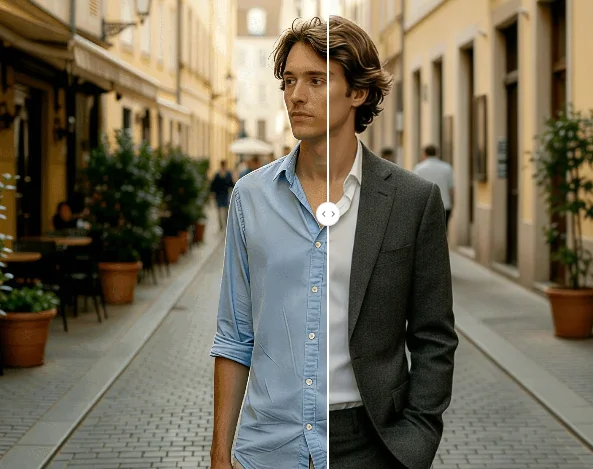
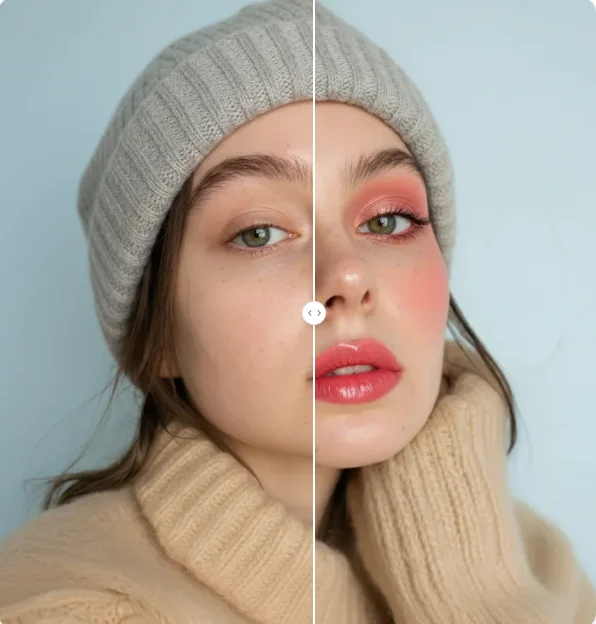
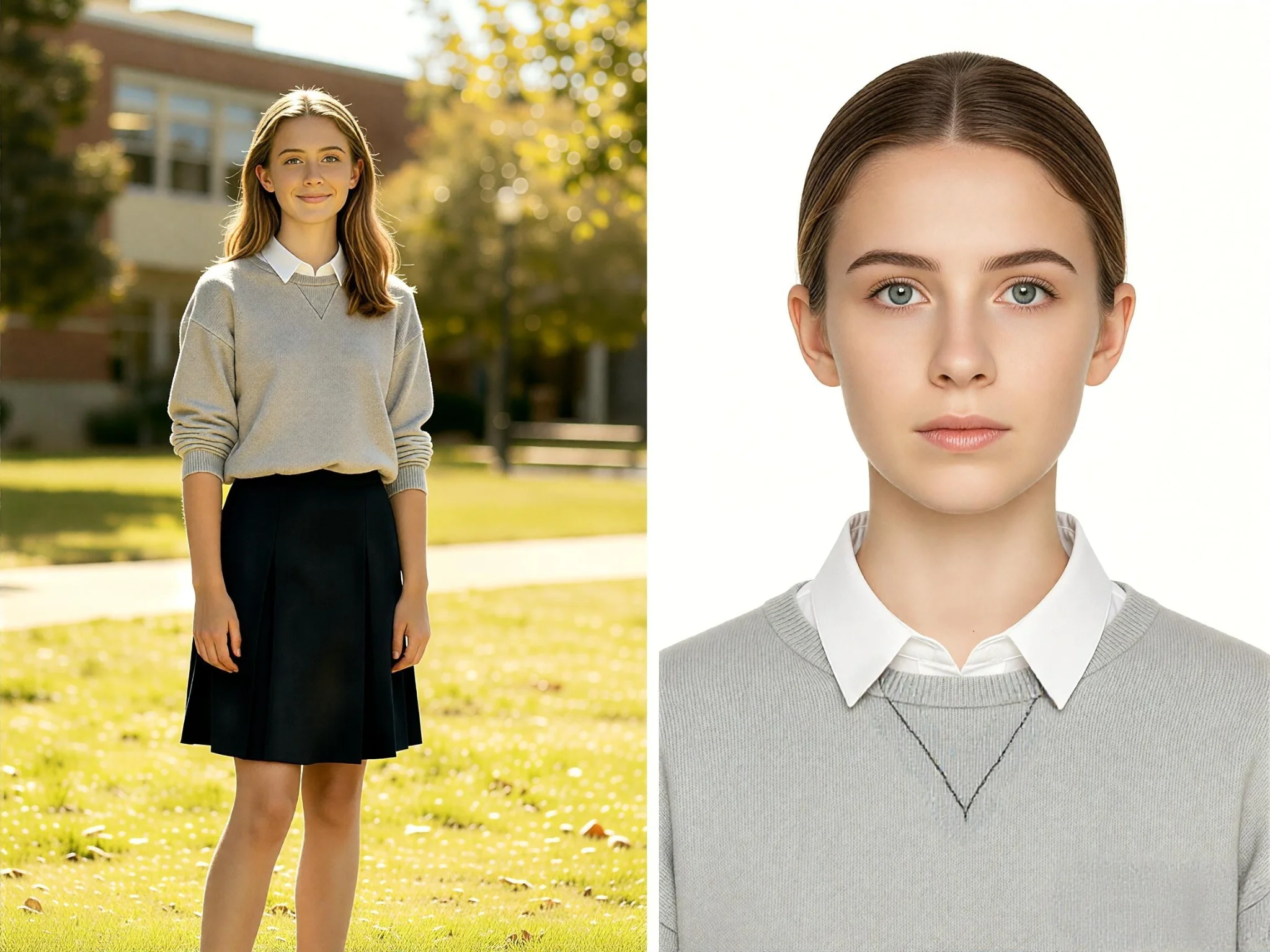
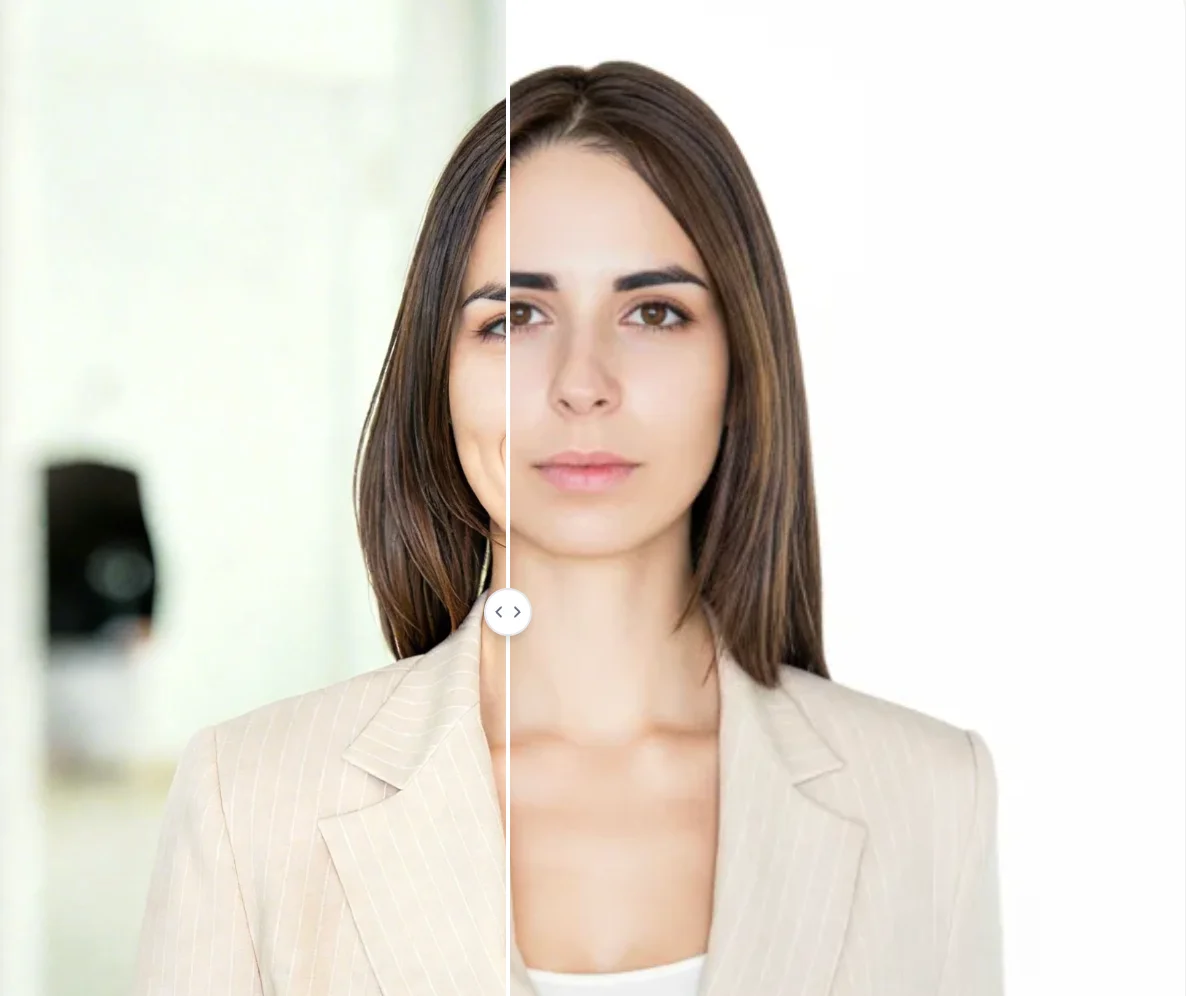
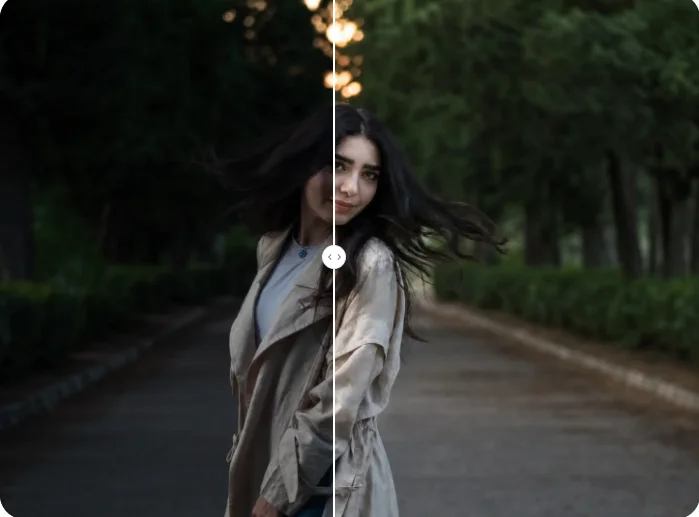
Create AI Dating Photos From Your Own Portrait
Transform a clear selfie into a polished profile portrait with believable lighting, a cleaner setting, and recognizable facial details.