
Note: Auto only supports 1K. 1:1 does not support 4K.
Relight Photo with AI
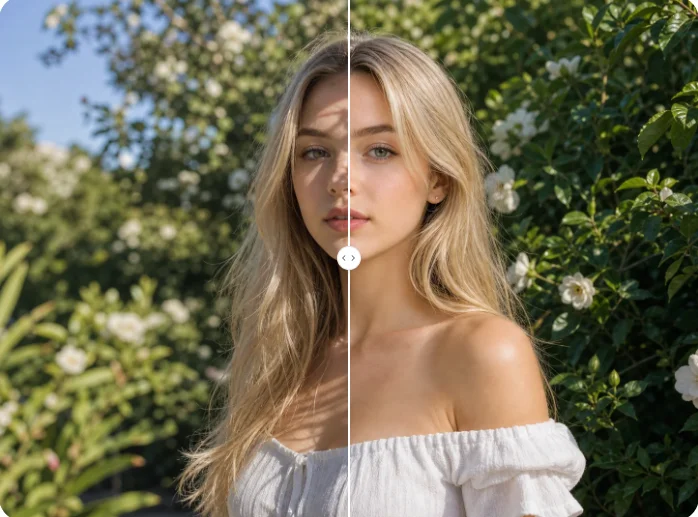
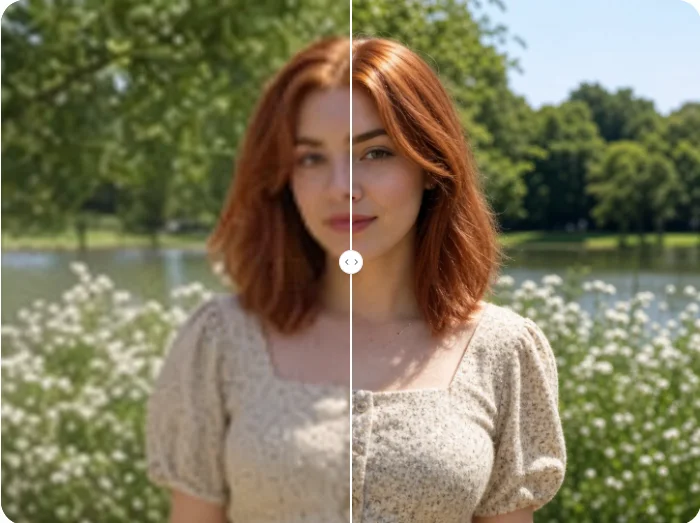
Upload a dark, overexposed, or unevenly lit photo and describe the lighting you want. Rebalance exposure, shadows, highlights, direction, and mood naturally.
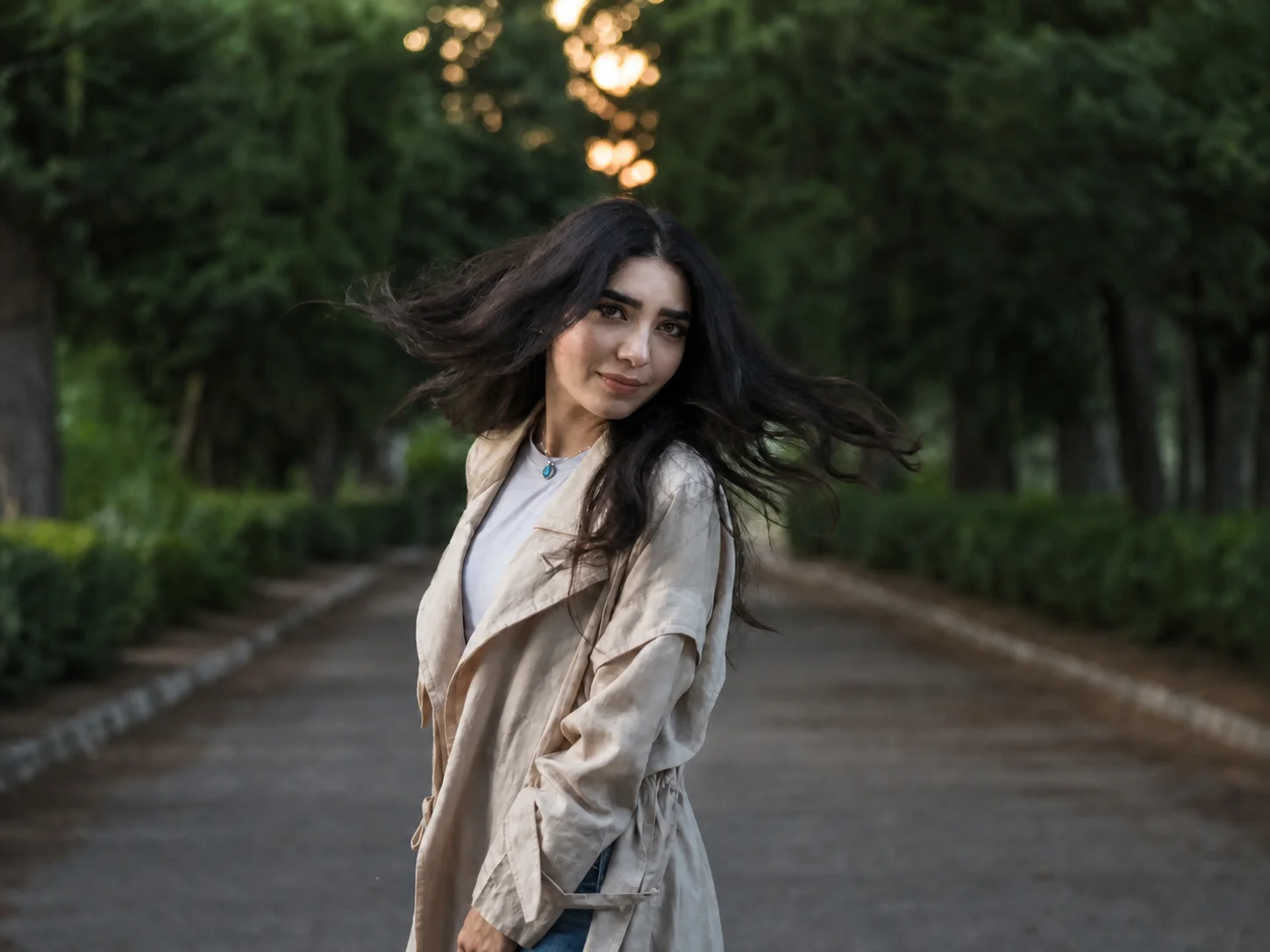
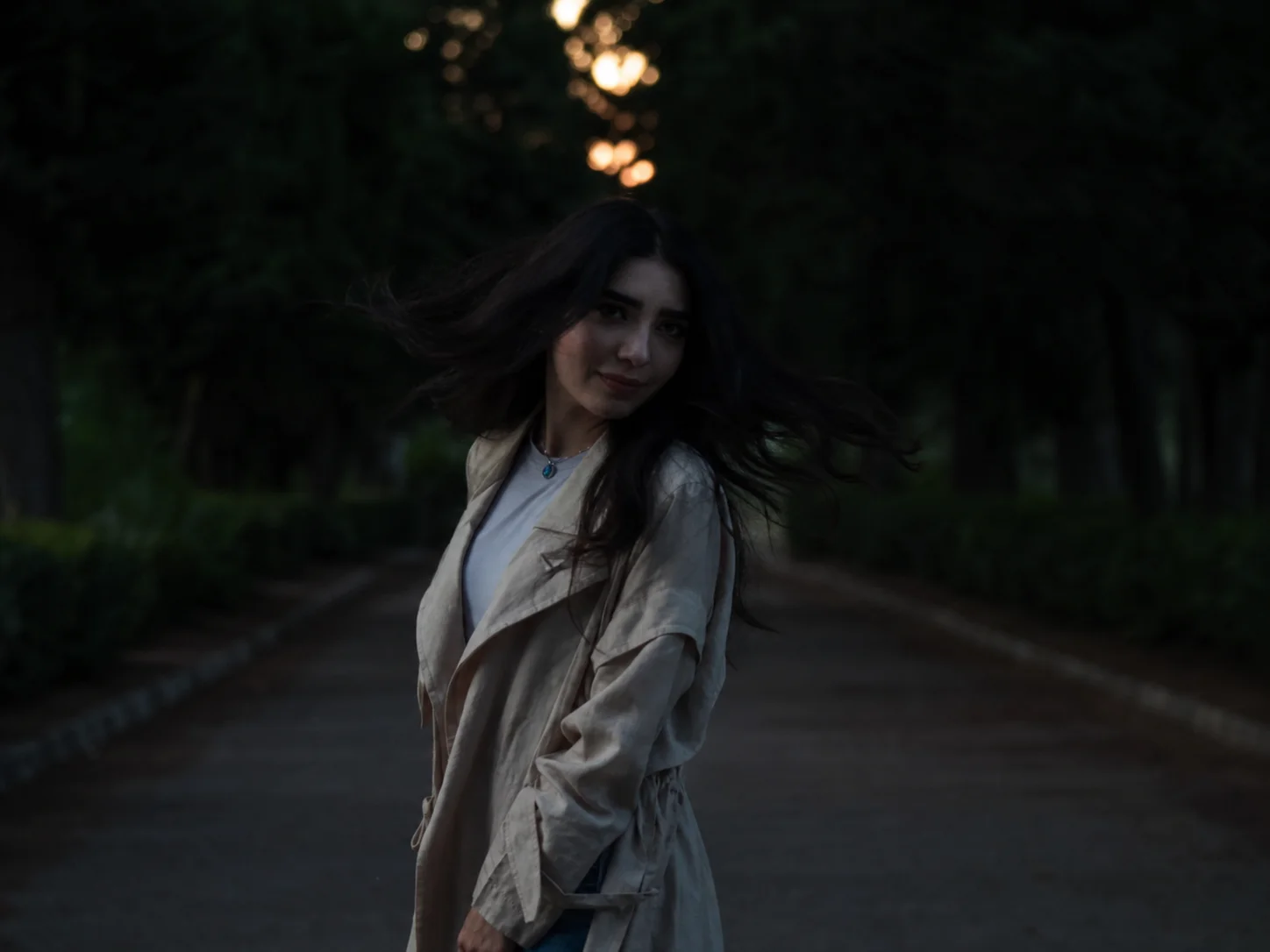
How to Relight a Photo
Upload
Upload a photo with dark areas, harsh flash, uneven lighting, flat contrast, or an exposure problem you want to correct.
Generate
Describe the desired direction, intensity, color temperature, and mood, then generate a naturally balanced lighting result.
Download
Preview the relighted image and download the result with improved clarity, balanced highlights, and restored shadow detail.
Why Choose AI Photo Relighting
Rebalance Dark and Uneven Lighting
Analyze light direction, shadows, and exposure to brighten underexposed areas and improve clarity without simply washing out the entire image.
Control Direction, Tone, and Mood
Describe warm sunset light, soft studio illumination, natural daylight, or cinematic shadows to reshape the atmosphere with text instructions.
Preserve Subjects and Image Detail
Relighting focuses on exposure, highlights, shadows, and color balance while maintaining recognizable subjects, surface textures, and the original composition.
Who Use Qimg AI
Creators
Correct dim portraits, travel shots, product photos, and social visuals without manually rebuilding every highlight and shadow.
Designers
Test lighting directions, color temperatures, and moods quickly while preserving the subject and composition as a visual reference.
Marketers
Improve lighting consistency across campaign images, product visuals, and promotional content for a cleaner presentation.
FAQs about Relight Photo
Relighting adjusts the lighting of an existing image by correcting dark areas, balancing exposure, rebuilding highlights and shadows, and changing the apparent light direction.
AI analyzes light distribution, exposure, shadows, highlights, and scene depth, then generates a new lighting balance based on the requested direction, tone, and mood.
Yes. It can improve underexposed, overexposed, unevenly lit, or flat-looking photos while preserving facial details, textures, and background consistency.
Brightening mainly raises overall brightness. Relighting also considers light direction, depth, shadows, highlights, contrast, and color temperature for a more natural result.
Yes. Describe natural daylight, golden-hour warmth, soft studio light, dramatic side lighting, or another mood in the prompt before generating.
Discover More on Qimg AI
Qimg AI is your go-to AI image toolkit for generating, editing, and enhancing photos and artwork.
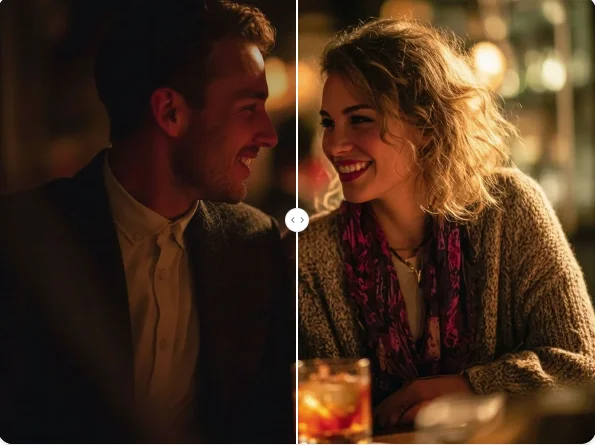
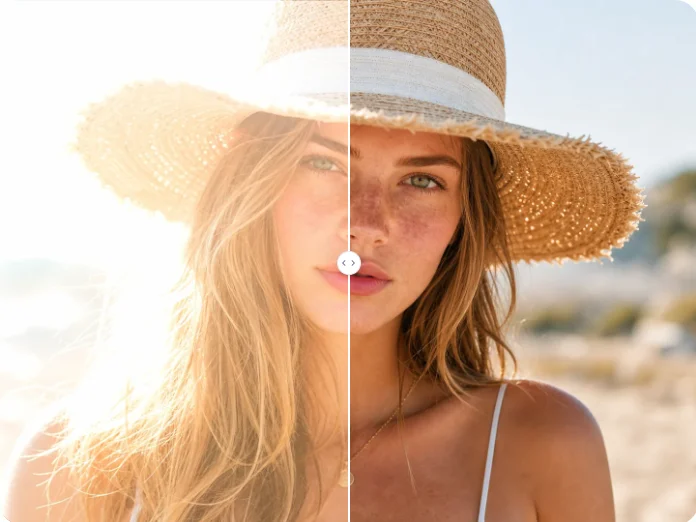
Relight Your Photo with AI
Upload a photo, describe the lighting you want, and create a naturally balanced result with clearer shadows, controlled highlights, and consistent color.