
Note: Auto only supports 1K. 1:1 does not support 4K.
Catfish Filter
Upload a selfie and describe the transformation you want. Control the glow-up intensity, makeup, lighting, facial styling, and split-screen layout to create a recognizable but dramatically polished social image.
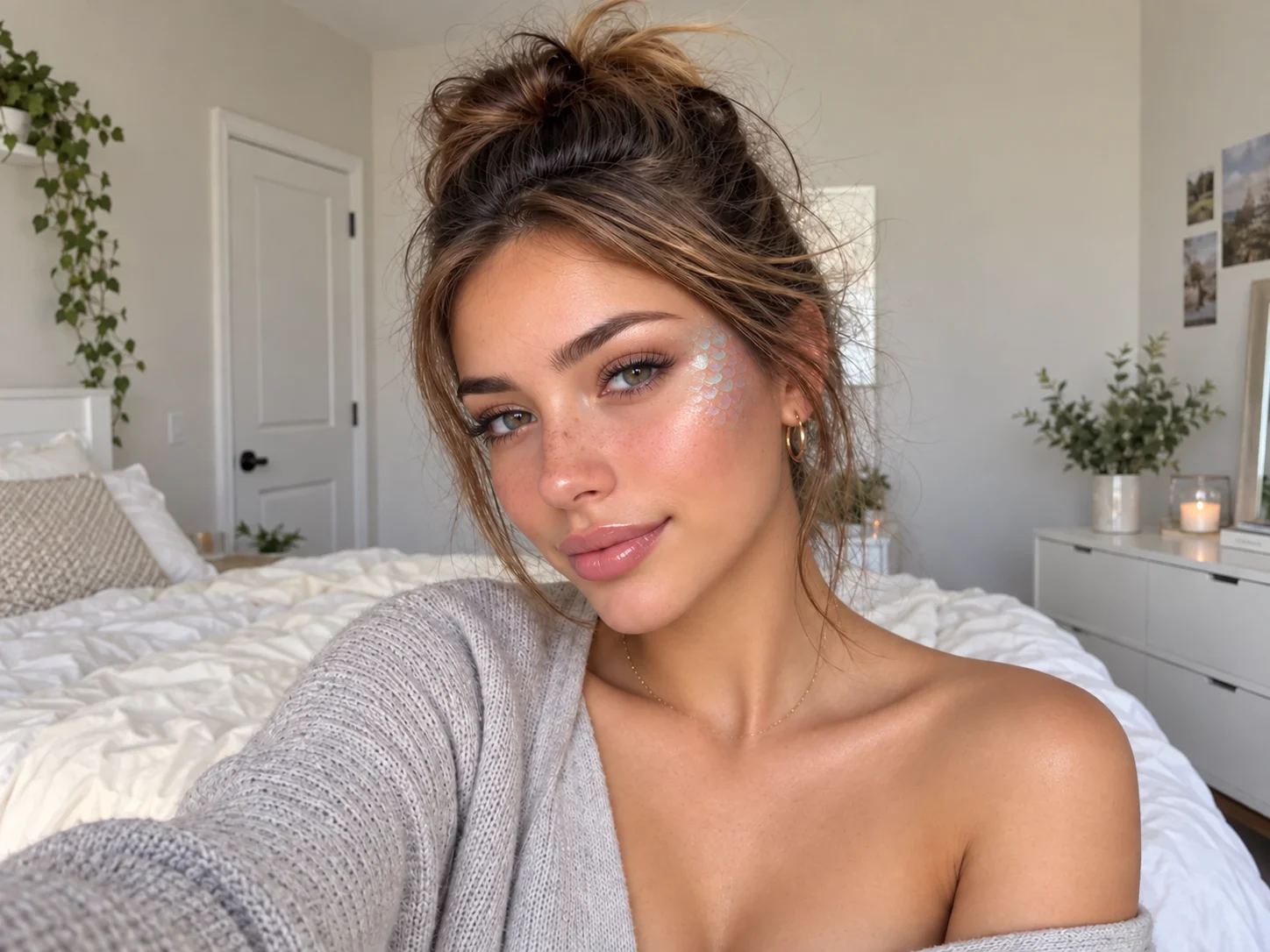
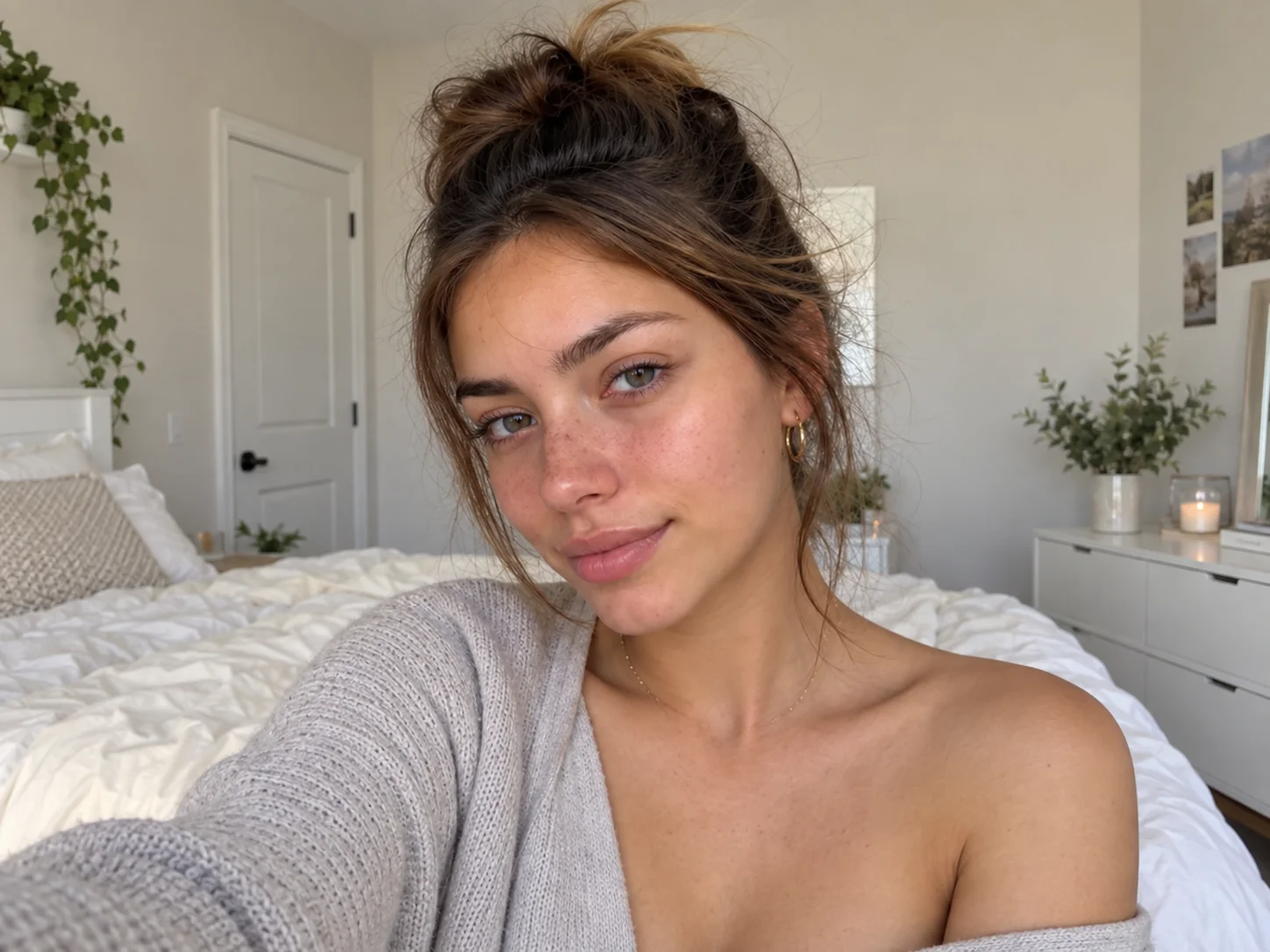
How to Use the Catfish Filter
Upload Your Selfie
Choose a clear portrait or casual selfie with the face visible. A simple starting image makes the transformation and before-and-after contrast easier to recognize.
Describe the Transformation
Adjust the editable instruction to set the makeup, skin finish, lighting, facial styling, humor level, and split-screen presentation you want.
Generate and Download
Create the result, review whether the identity and contrast are clear, then download it for TikTok, Instagram, memes, thumbnails, or social posts.
Why Choose Our Catfish Filter
Shape a Clear Before-and-After Reveal
Turn a casual selfie into an intentionally over-polished reveal with controllable contrast, from a believable glow-up to a playful social-media parody.
Keep the Person Recognizable
Use the uploaded portrait as the visual base so the result can retain recognizable facial structure, pose, and selfie composition while changing the finish.
Create Social-Ready Visual Styles
Explore glossy beauty looks, dramatic lighting, humorous face styling, and split-screen concepts for TikTok posts, Instagram edits, thumbnails, and memes.
Who Use Qimg AI
Creators
Produce attention-grabbing before-and-after images, trend reactions, thumbnails, and meme concepts for short-form social content.
Designers
Explore polished portrait treatments, exaggerated visual directions, and social-ready compositions before refining a selected concept.
Marketers
Create playful transformation visuals for beauty campaigns, creator collaborations, social engagement posts, and trend-led promotions.
Catfish Filter FAQs
A catfish filter exaggerates the difference between a casual photo and a highly polished online look. It is commonly used for glow-up jokes, before-and-after reveals, parody edits, and memes.
No. A beauty filter usually enhances a portrait in a consistent way, while a catfish filter emphasizes a deliberate and often humorous contrast between the original and polished result.
Yes. Upload a clear selfie and use the editable instruction to guide the makeup, lighting, facial styling, transformation intensity, and layout.
Yes. You can create images for TikTok thumbnails, Instagram posts, Reels covers, memes, and before-and-after social content. Review each platform's size requirements before publishing.
Keep the result playful and make the transformation clear when context matters. Avoid using edited images to impersonate someone, deceive viewers, or reinforce harmful beauty expectations.
Discover More on Qimg AI
Qimg AI is your go-to AI image toolkit for generating, editing, and enhancing photos and artwork.
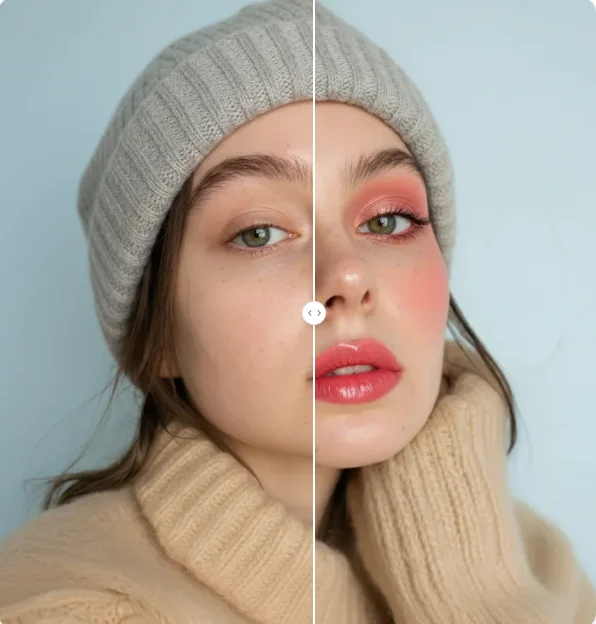
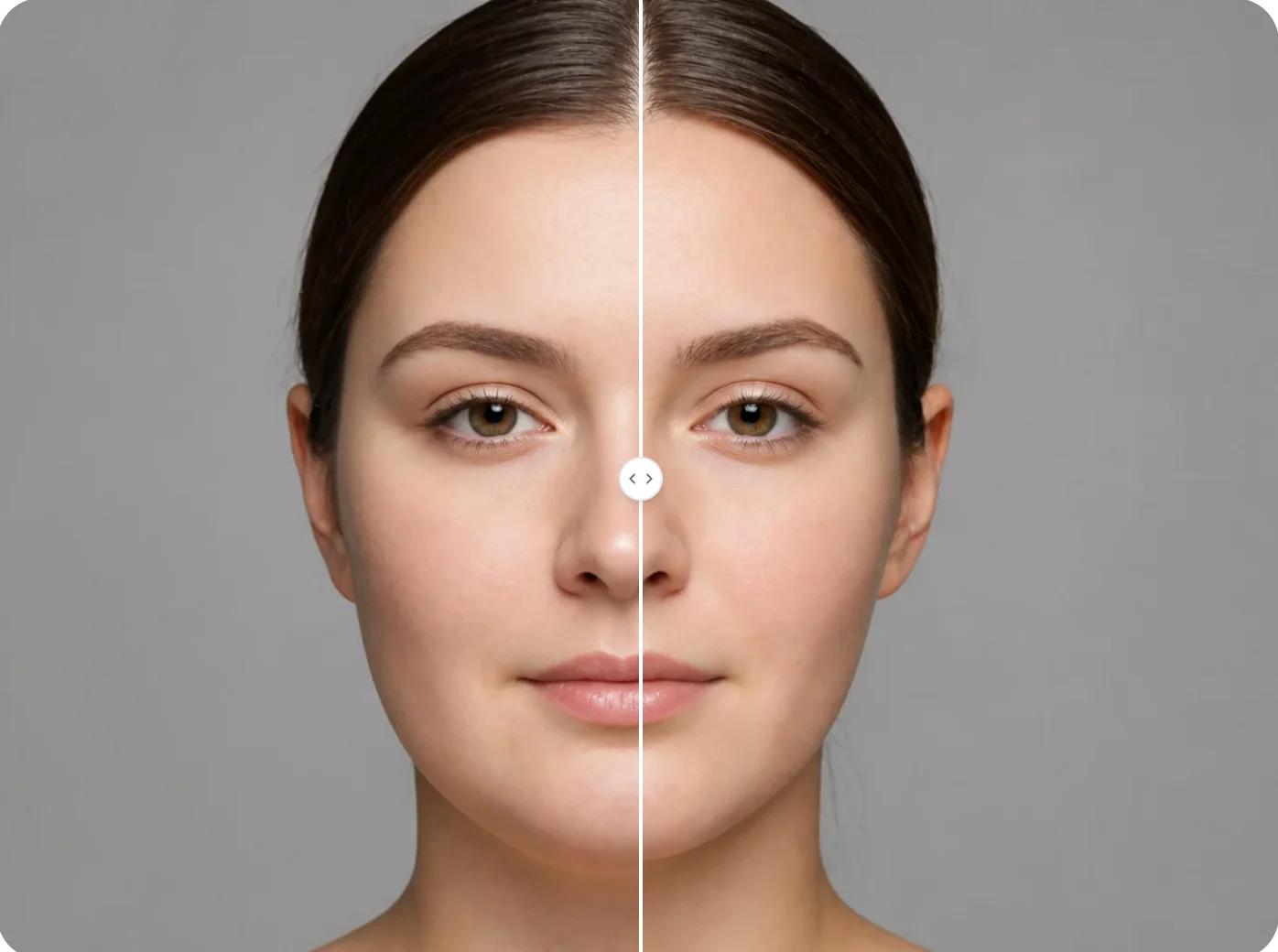
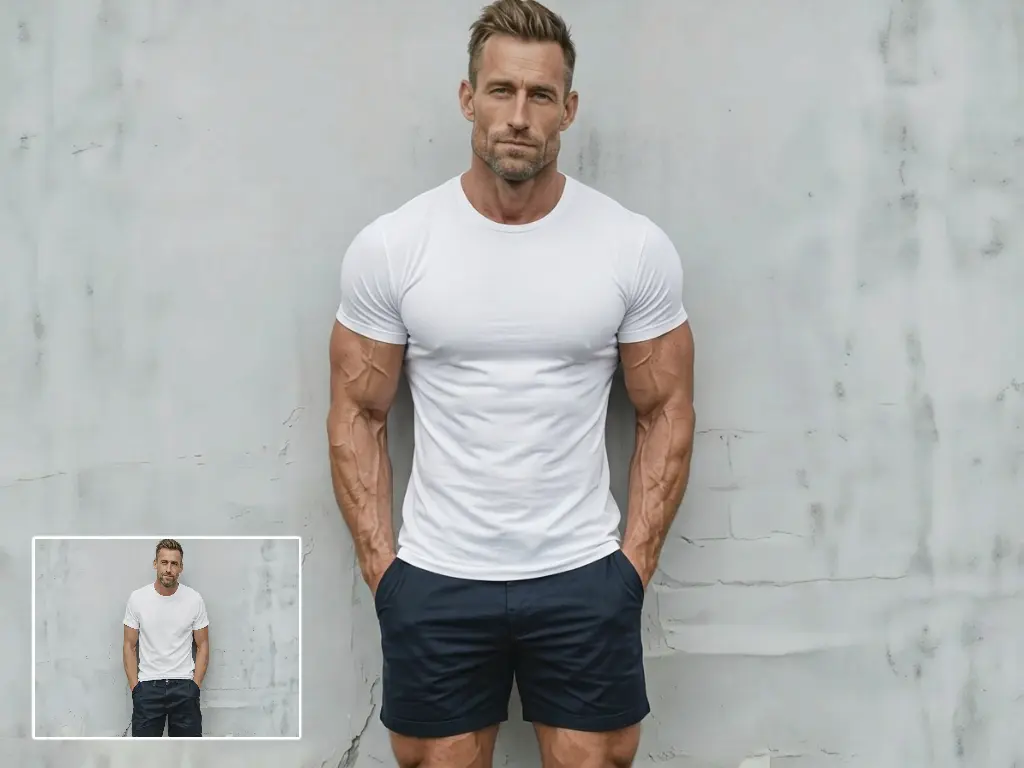
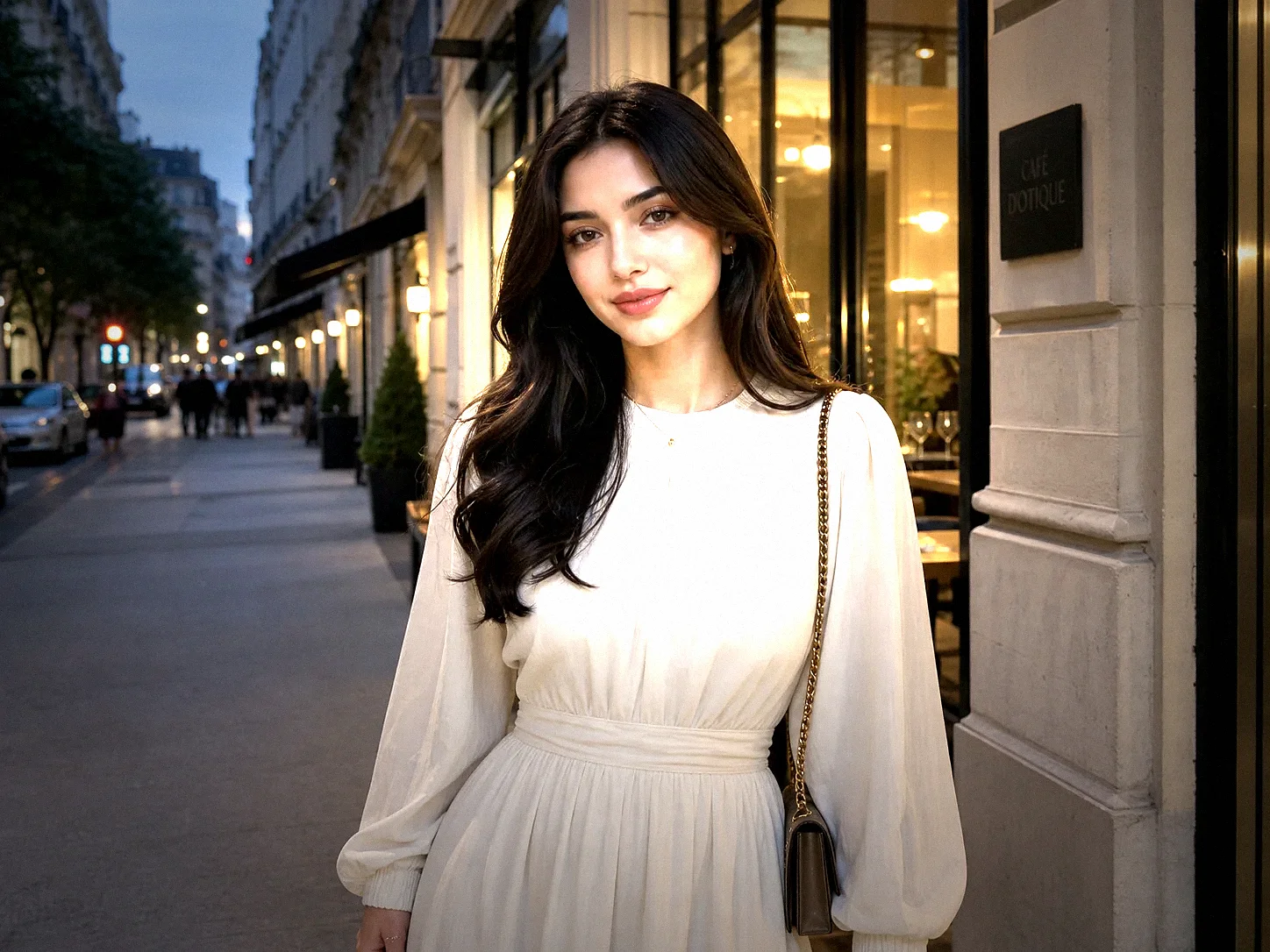
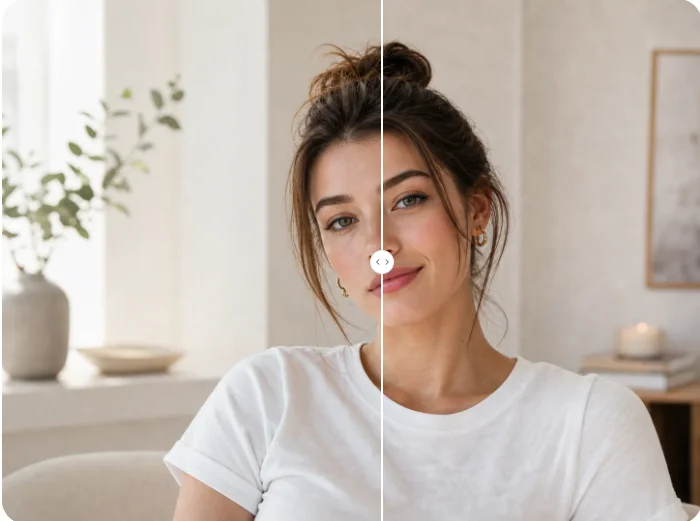
Create a Catfish Filter Look from Your Selfie
Turn a casual portrait into a dramatic glow-up, split-screen reveal, or playful social edit for your next post, thumbnail, or meme.