
Note: Auto only supports 1K. 1:1 does not support 4K.
AI Cyberpunk Filter for Futuristic Photo Effects
Upload a portrait, landscape, or city photo and describe the cyberpunk atmosphere you want. Add neon colors, sci-fi lighting, futuristic environments, and technological details while keeping the main subject recognizable.
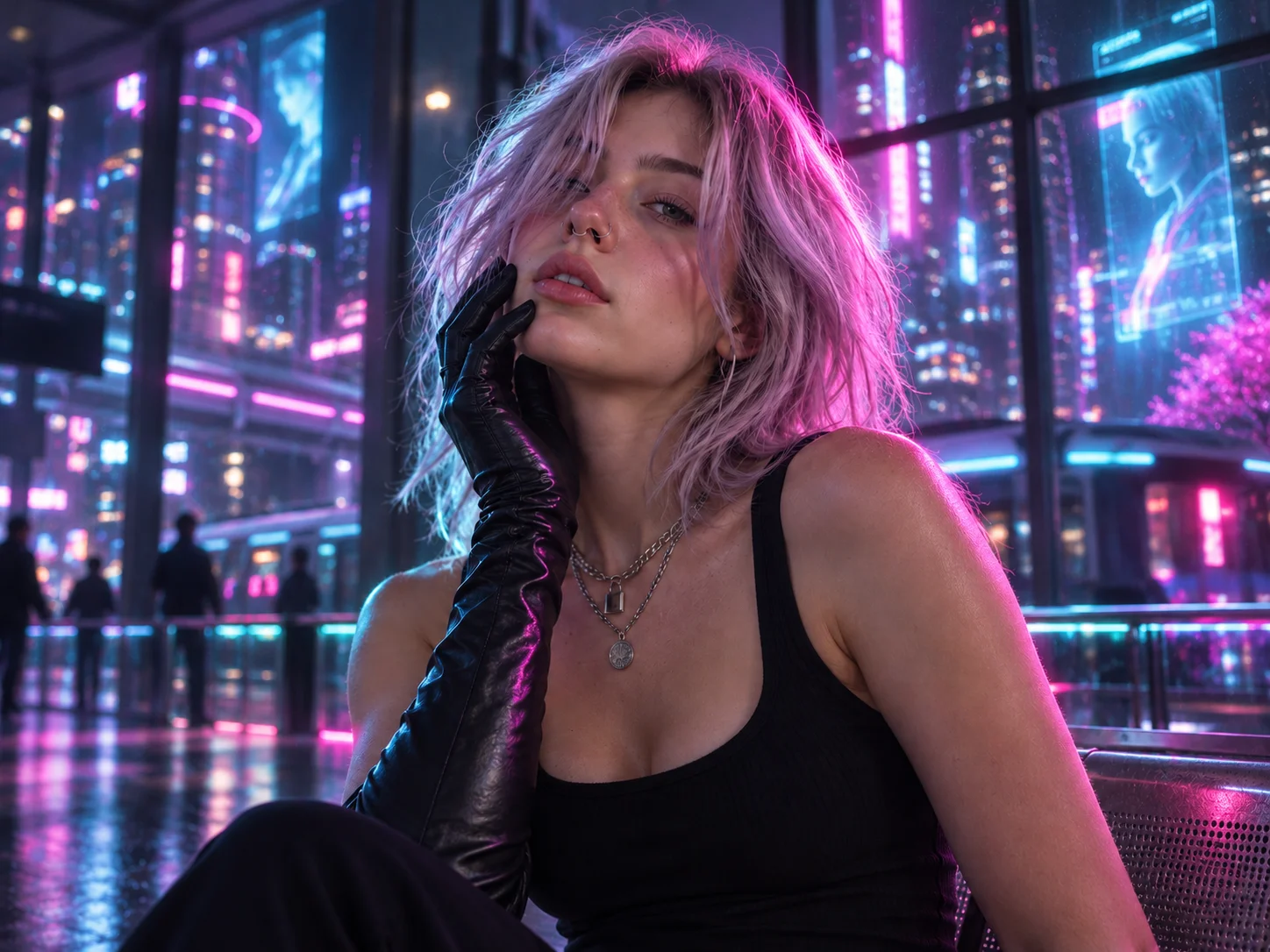
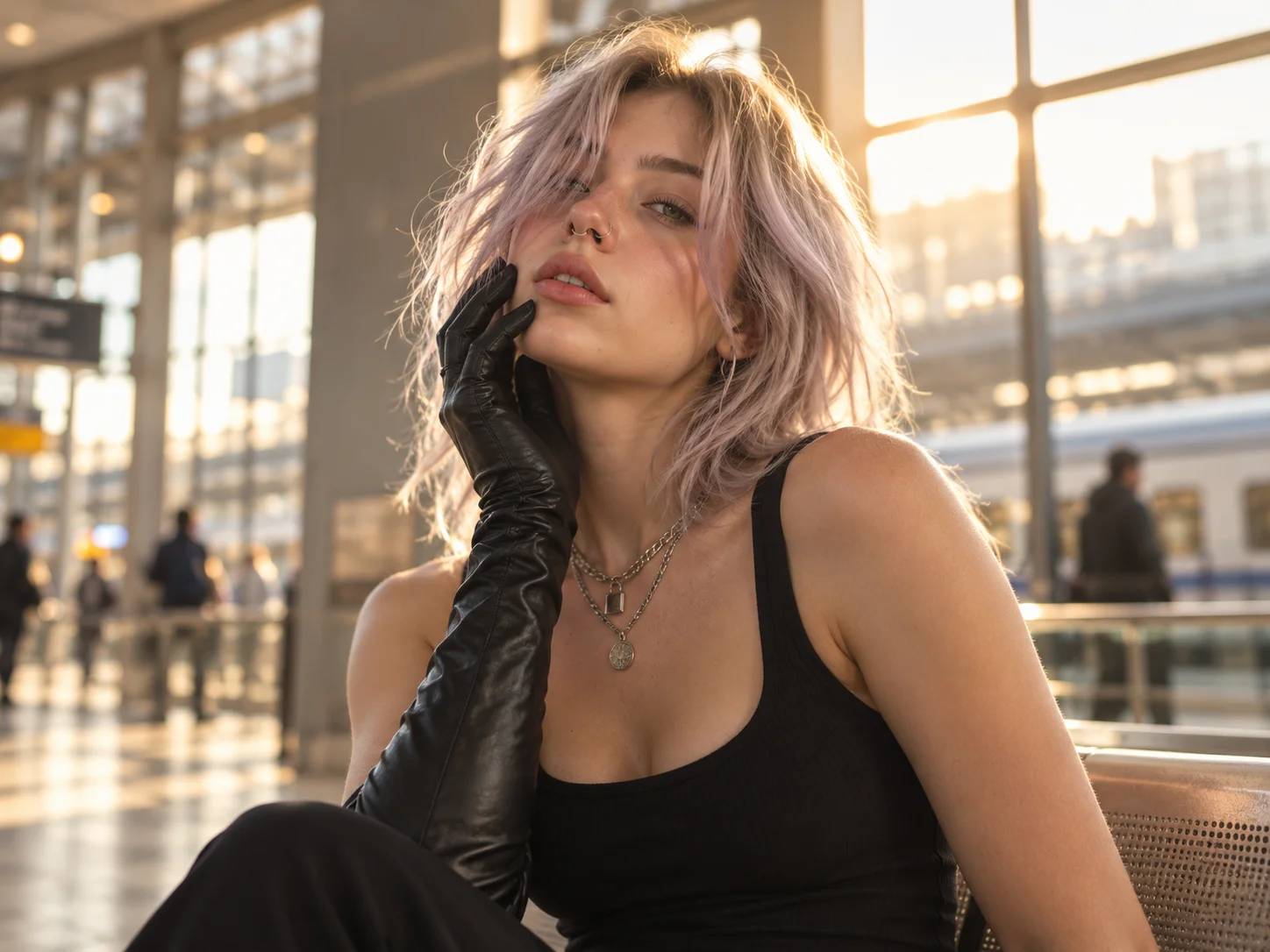
How to Apply an AI Cyberpunk Filter
Upload Your Photo
Choose a clear portrait, landscape, vehicle, or city image with a visible subject and enough detail for the transformation.
Generate the Cyberpunk Effect
Describe the neon palette, futuristic setting, lighting, clothing, or technological details you want, then generate the transformed image.
Download Your Image
Review the subject consistency and visual details, then download the cyberpunk artwork for profiles, posts, concepts, or creative projects.
Why Choose Our AI Cyberpunk Filter
Transform the Full Scene
Restyle more than a single face or object. The filter can coordinate the subject, lighting, background, clothing, and environmental details so the entire image belongs to the same futuristic cyberpunk world.
Preserve Recognizable Subject Details
Add a bold cyberpunk direction while keeping the original person, pet, vehicle, or landscape recognizable. Clear references help balance neon effects and sci-fi styling with the identity of the source image.
Explore Different Futuristic Aesthetics
Create neon city portraits, cybernetic characters, retro-futuristic scenes, dystopian streets, high-tech vehicles, or anime-inspired cyberpunk art by changing the visual direction in your prompt.
Who Use Qimg AI
Creators
Turn portraits and everyday scenes into distinctive cyberpunk visuals for profiles, thumbnails, social posts, stories, and personal creative projects.
Designers
Explore neon palettes, sci-fi environments, character directions, lighting treatments, and visual concepts before refining them into finished designs.
Marketers
Produce futuristic campaign concepts, gaming visuals, technology-themed posts, and attention-grabbing branded imagery for digital channels.
FAQs About AI Cyberpunk Filter Effects
A cyberpunk filter restyles a photo with futuristic and dystopian visual elements such as neon lighting, holographic details, high-tech clothing, cybernetic features, and sci-fi city environments.
Yes. It can work with portraits, pets, vehicles, buildings, landscapes, and city scenes. Choose a clear source image and describe which parts of the subject and environment should receive the cyberpunk treatment.
The tool aims to preserve recognizable identity and important source details, but strong style changes may affect clothing, lighting, hair details, or the surrounding scene. A clear portrait and precise prompt improve consistency.
You can explore neon cyberpunk, retro-futurism, dystopian city scenes, cybernetic portraits, sci-fi street photography, anime cyberpunk, and other high-tech visual directions by changing your prompt.
Use a sharp image with a clearly visible subject, balanced exposure, and enough background detail. Portraits with defined facial features and city scenes with visible architecture give the generator useful structure to transform.
Discover More on Qimg AI
Qimg AI is your go-to AI image toolkit for generating, editing, and enhancing photos and artwork.
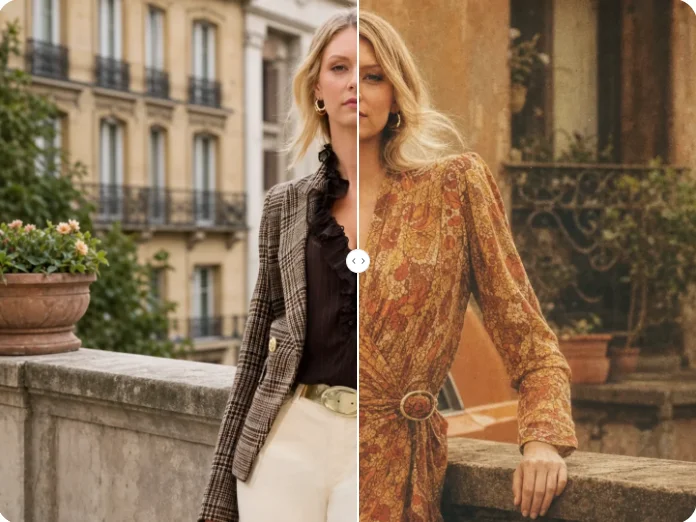
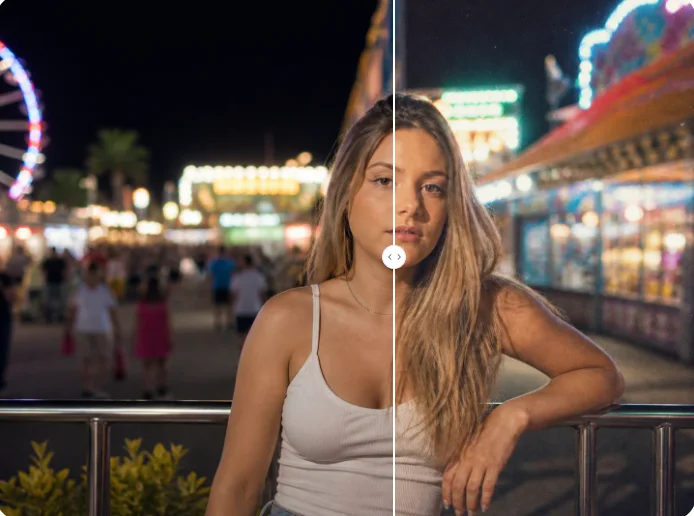
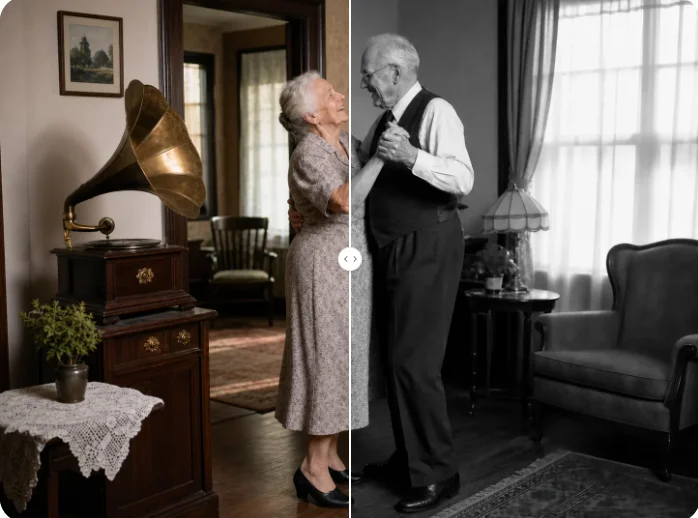
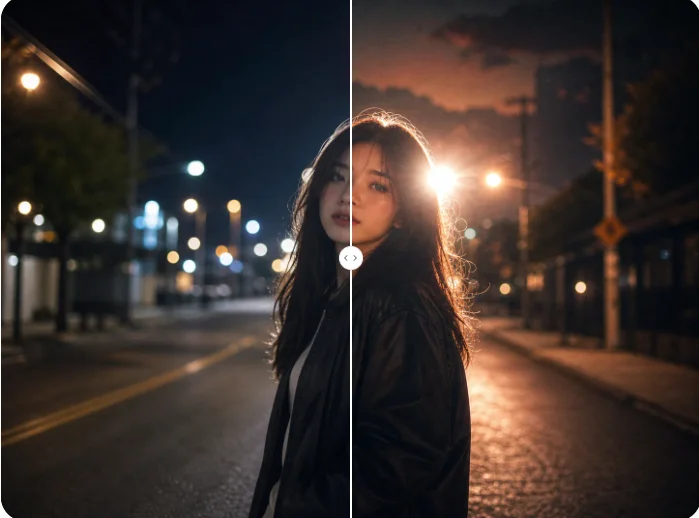
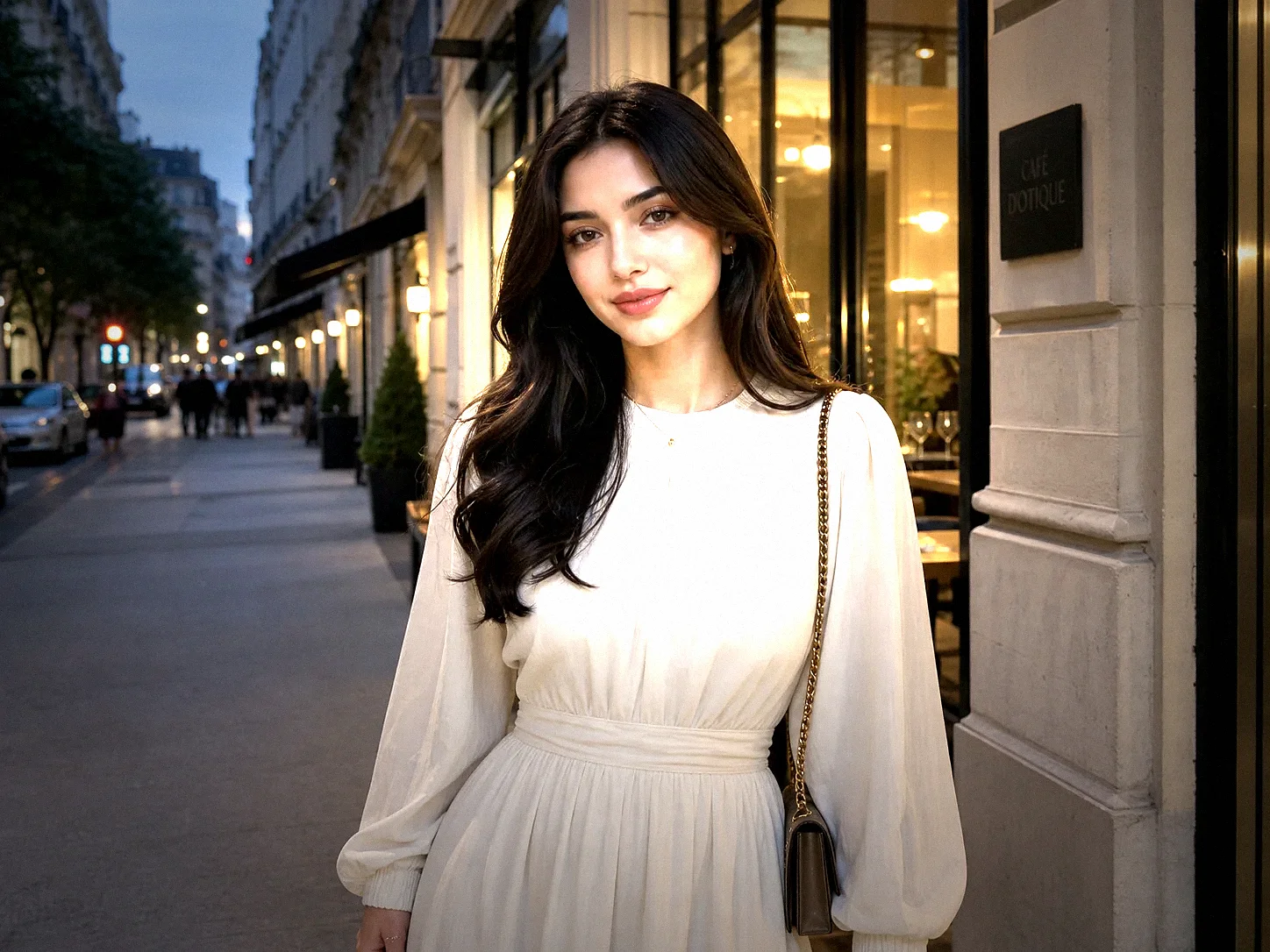
Turn Your Photo Into Cyberpunk Art
Add neon light, futuristic environments, and high-tech details to portraits or scenes while keeping the original subject recognizable.