
Note: Auto only supports 1K. 1:1 does not support 4K.
Facebook Post Generator for Social-Ready Images
Describe your topic, product, offer, audience, and visual style, then turn the prompt into a polished Facebook post image. No upload is required; a reference image is only an optional way to guide the look.
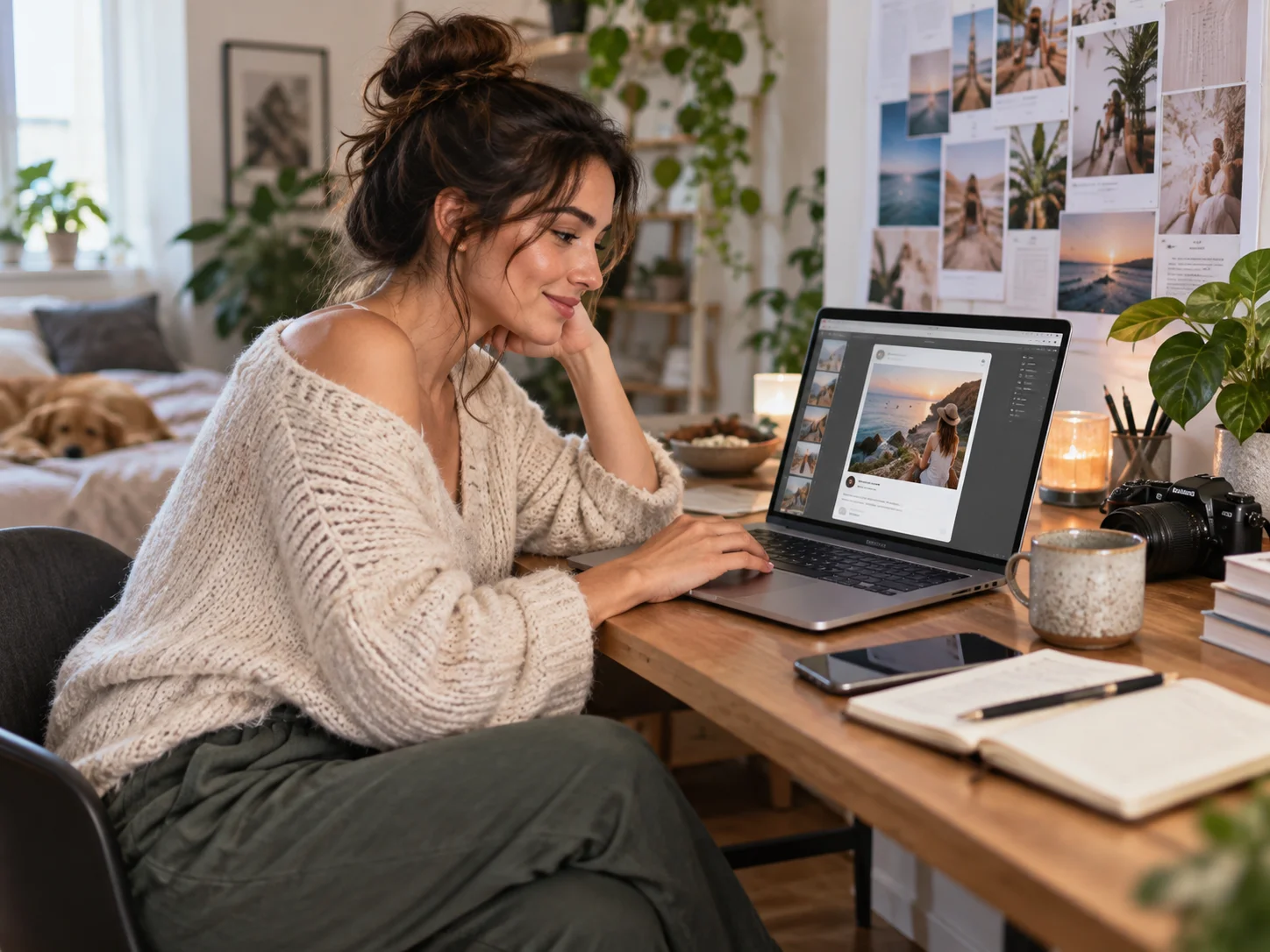
How to Use the Facebook Post Generator
Describe Your Post
Enter the topic, offer, audience, mood, colors, and any short message you want the visual to communicate. A clear prompt is enough to begin.
Generate Facebook Post Images
Choose an image ratio and generate several social-ready directions based on your prompt, without uploading a source photo.
Review and Download
Compare the results, check important visual details and any visible wording, then download the strongest image for your Facebook post.
Why Choose Our Facebook Post Generator
Create from a Text Prompt
Turn a campaign idea, product update, event, announcement, or everyday topic into a complete Facebook post visual without starting from a blank canvas.
Guide the Visual Direction
Define the subject, composition, mood, palette, and campaign style so each generated image better matches the message you want to share.
Explore More Post Variations
Generate alternative backgrounds, color treatments, and layouts from one brief, then select the direction that best fits your audience and campaign.
Who Uses the Facebook Post Generator
Creators
Create distinctive images for page updates, community posts, announcements, personal projects, and recurring content without advanced design skills.
Designers
Explore social graphic concepts, layouts, palettes, and campaign directions quickly before refining the most promising result.
Marketers
Produce Facebook post visuals for launches, promotions, seasonal campaigns, events, and brand updates from a focused creative brief.
Facebook Post Generator FAQs
A Facebook post generator turns a written description into a social-ready image for announcements, promotions, campaigns, launches, and regular Facebook updates.
No. The main workflow starts from a text prompt, so you can generate a Facebook post image without a source photo. A reference image is optional when available.
No. This tool focuses on creating the visual image for a Facebook post. Add your final caption, link, hashtags, and publishing details separately on Facebook.
Include the subject, offer or message, audience, visual style, colors, mood, composition, and any important object you want the generated image to feature.
Square images are a practical starting point for feed posts, while portrait or landscape layouts may suit different placements. Choose the ratio for your publishing goal.
Discover More on Qimg AI
Qimg AI is your go-to AI image toolkit for generating, editing, and enhancing photos and artwork.
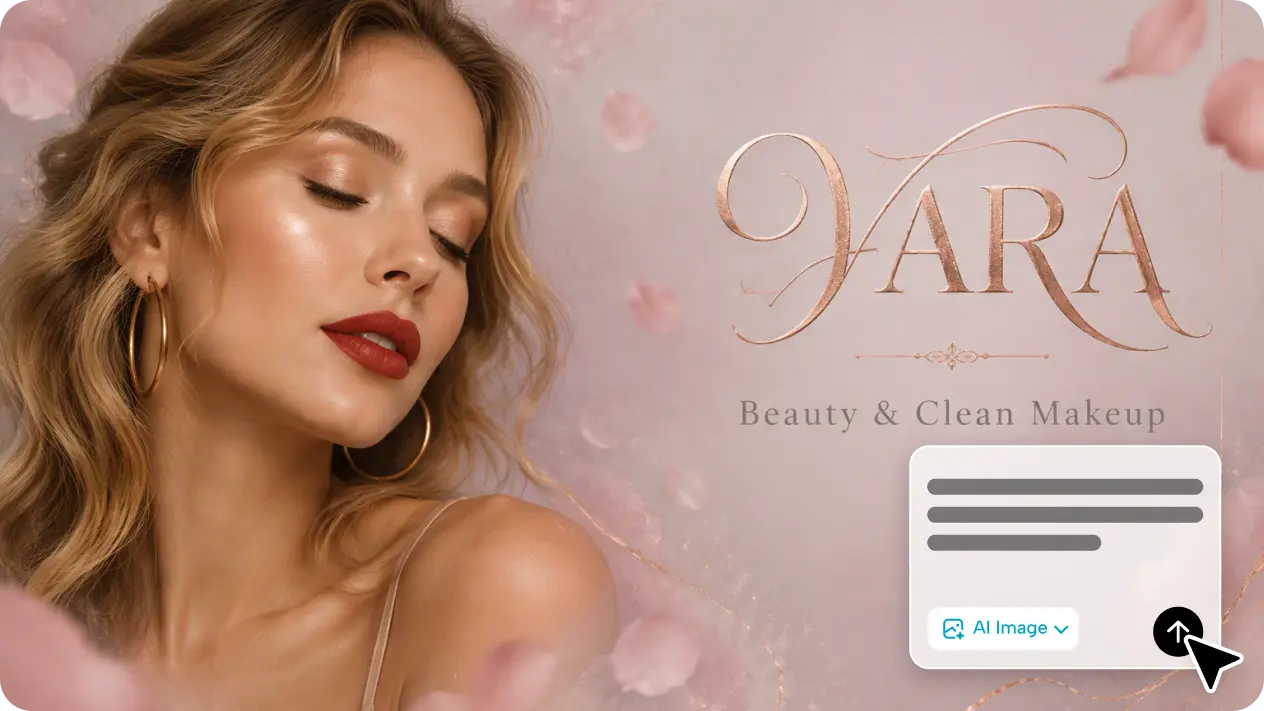
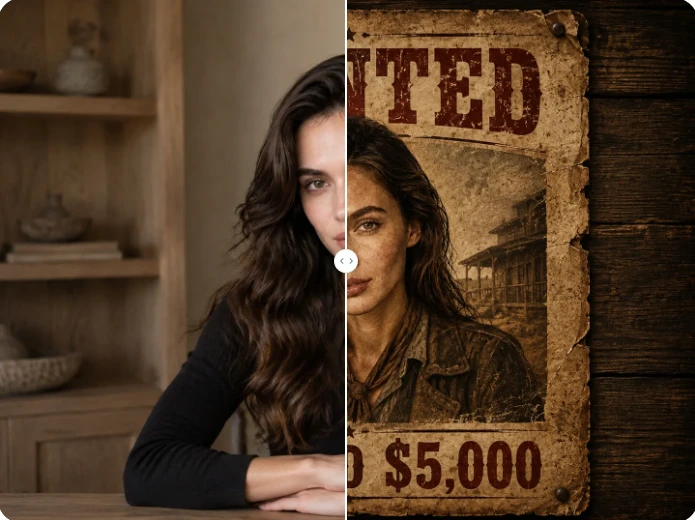
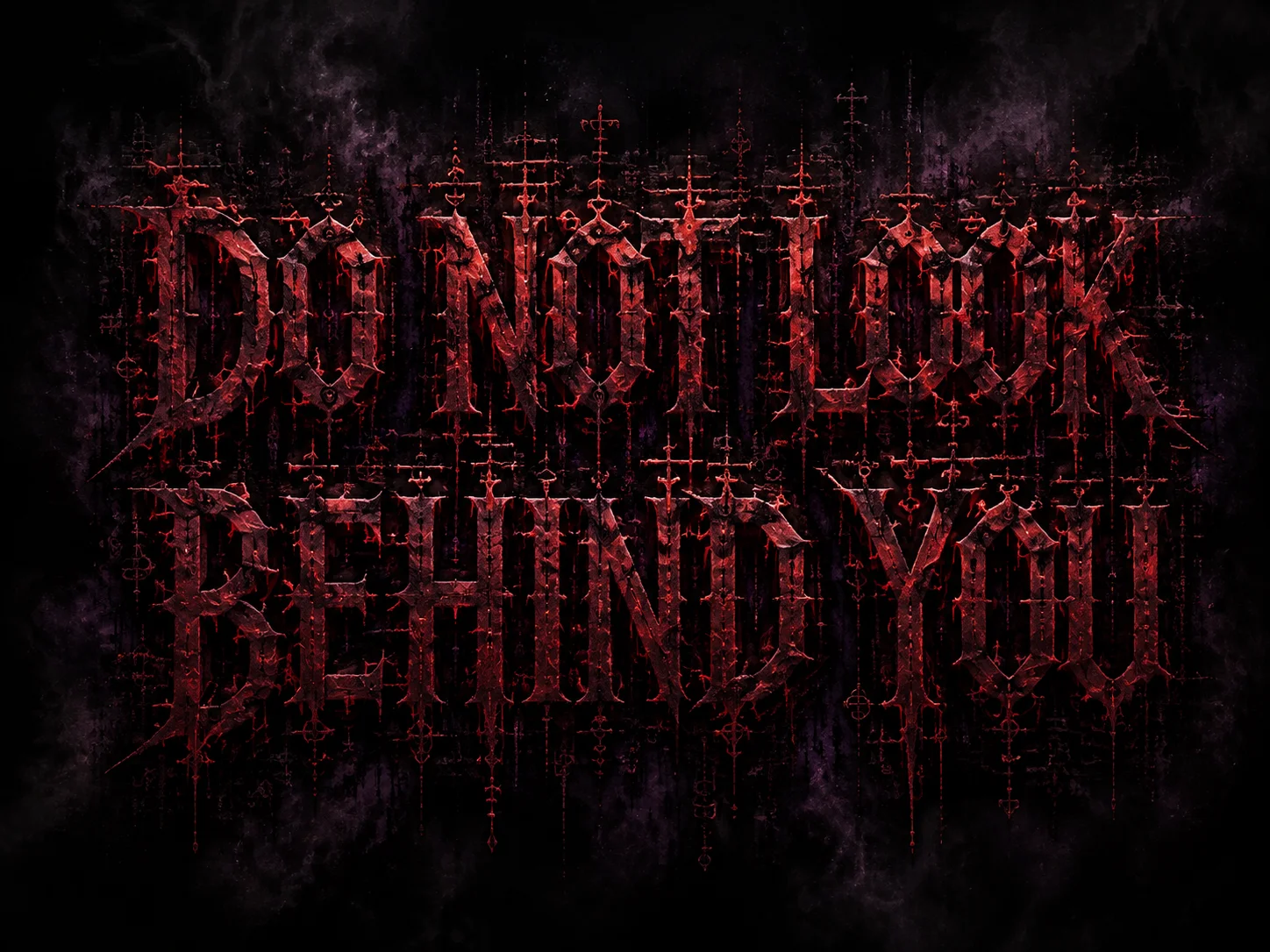
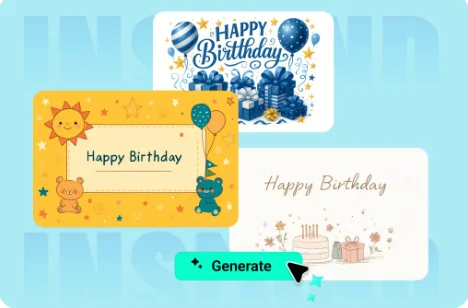
Create Your Facebook Post Image from a Prompt
Turn your topic, offer, or campaign idea into a polished Facebook post visual with clear creative direction and no required image upload.