
Note: Auto only supports 1K. 1:1 does not support 4K.
Creepy Text Generator for Custom Horror Art
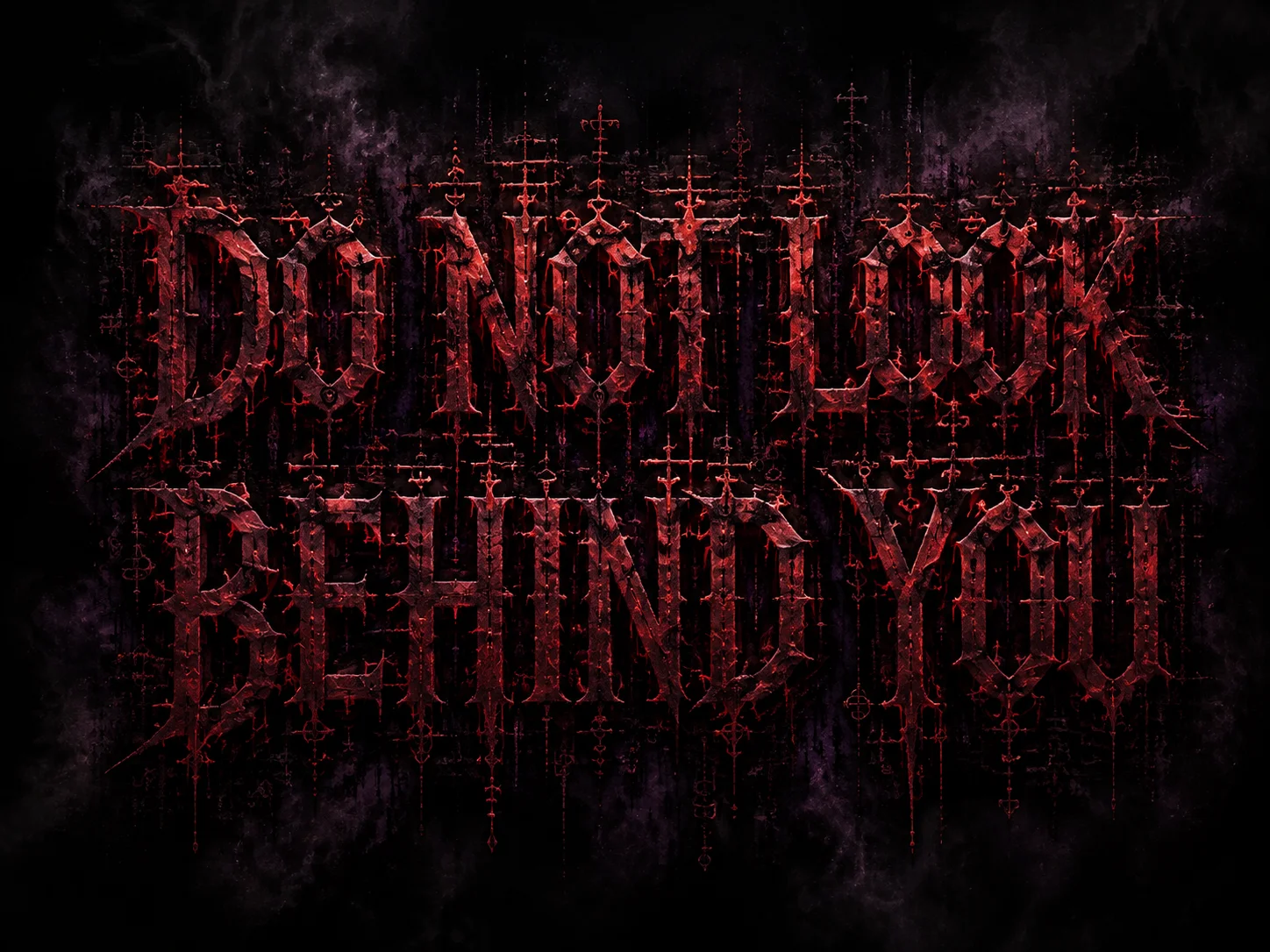
Enter the exact words you want to show, describe a gothic, glitch, bloody, or Halloween-inspired look, and choose an aspect ratio. This scary text generator and creepy font generator turns your prompt into downloadable text artwork.
How to Use the Creepy Text Generator in 3 Steps
Enter Your Text and Prompt
Put the exact phrase in quotation marks, then describe the lettering, colors, texture, background, and mood you want.
Choose a Format and Generate
Select an aspect ratio for a post, poster, thumbnail, or title card, then generate the creepy text artwork.
Refine and Download
Review the wording and visual style, refine the prompt if needed, and download the result for your project.
Why Choose Qimg AI's Creepy Text Generator
Create More Than a Standard Font
Use a creepy font generator workflow to combine custom lettering with smoke, scratches, digital noise, shadows, and cinematic backgrounds in one image.
Control the Horror Style with a Prompt
Shape a scary text generator result with detailed directions for gothic blackletter, cursed Zalgo effects, red glitch accents, distressed texture, or Halloween atmosphere.
Design for Different Creative Formats
Choose a suitable aspect ratio and create text artwork for social posts, horror posters, thumbnails, invitations, title cards, or visual concepts.
Who Use Qimg AI
Creators
Make eerie captions, channel art, thumbnails, and Halloween posts with distinctive lettering and atmosphere.
Designers
Explore horror title treatments, gothic lettering, glitch typography, and dark visual directions from detailed prompts.
Marketers
Create themed typography for seasonal campaigns, event promotions, posters, and attention-grabbing social content.
FAQs About the Creepy Text Generator
It turns your words and style prompt into a designed image with eerie lettering, textures, colors, and backgrounds rather than returning a standard installed font file.
Put the exact words in quotation marks, then describe the font style, color, texture, background, mood, and preferred aspect ratio as clearly as possible.
Yes. Your prompt can request gothic blackletter, corrupted Zalgo lettering, digital glitch effects, distressed textures, or other horror-inspired visual directions.
No. A Unicode converter changes characters for copying and pasting, while this generator creates a complete visual artwork that can include styled letters, effects, and a designed background.
You can design Halloween posts, horror posters, video thumbnails, event invitations, title cards, album concepts, and dark-themed social graphics.
Discover More on Qimg AI
Qimg AI is your go-to AI image toolkit for generating, editing, and enhancing photos and artwork.
Create Horror Art with the Creepy Text Generator
Enter your words, describe the unsettling style you want, and generate a custom typography image for your next dark-themed project.